
Materials and finishes
Woods, veneers, laminates, fabrics and metals as PBR materials applied to the real geometry.
Furniture configurator software
Handles, legs, fabrics, finishes, drawers and dimensions — configured by the customer, rendered in real time, and priced as they go.
No credit card required
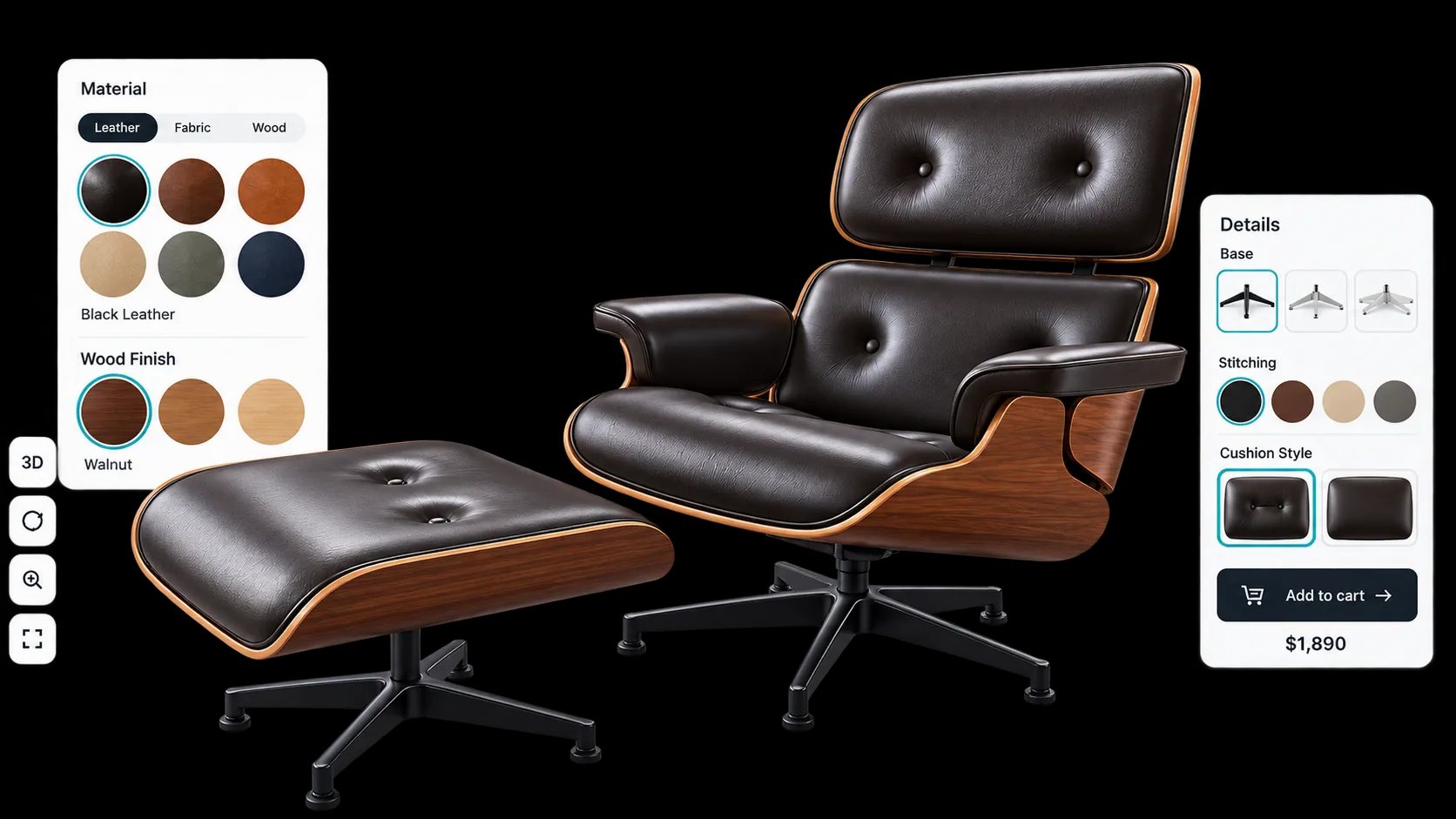
Woods, veneers, laminates, fabrics and metals as PBR materials applied to the real geometry.
Handles, legs, feet, drawers and doors swapped individually rather than sold as fixed variants.
Width, depth and height entered directly for ranges made to size, with the price following.
Options restricted by earlier choices so the customer cannot specify something you do not build.
Base prices, price tables and formulas produce a total that matches the configuration, not a starting SKU.
True-scale placement through the phone camera, so buyers can check the size in their own room.
See how users score Simplio3D across the major software review platforms.

4.6/5

4.3/5

9.5/10
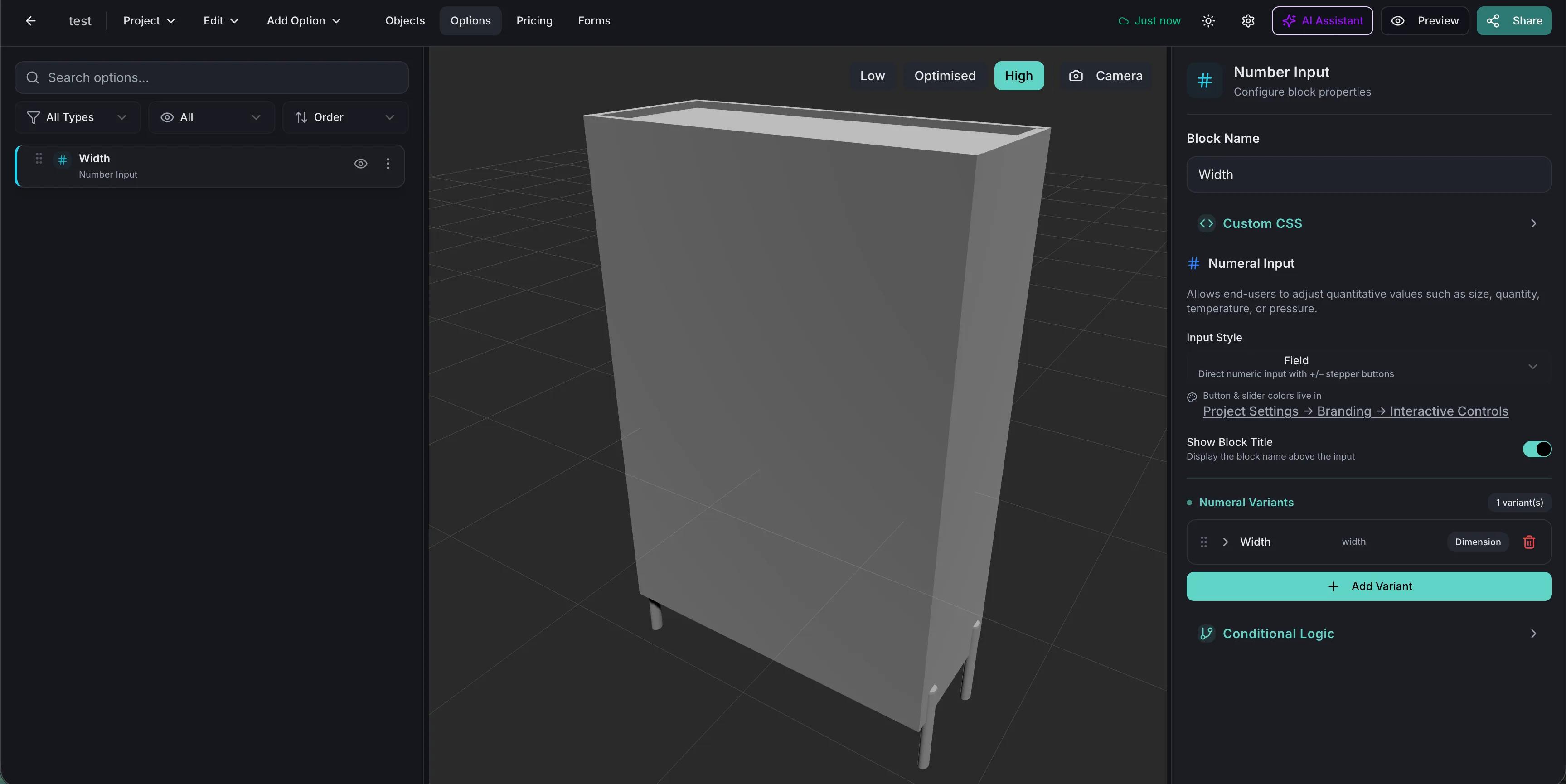
Most furniture sites model customisation as product variants, which collapses under its own weight somewhere around the third option. A cabinet in six finishes, four handle styles and two heights is forty-eight products to photograph, list and maintain. A configurator treats those as options against one model. Adding a finish next season is a material, not forty-eight new listings.
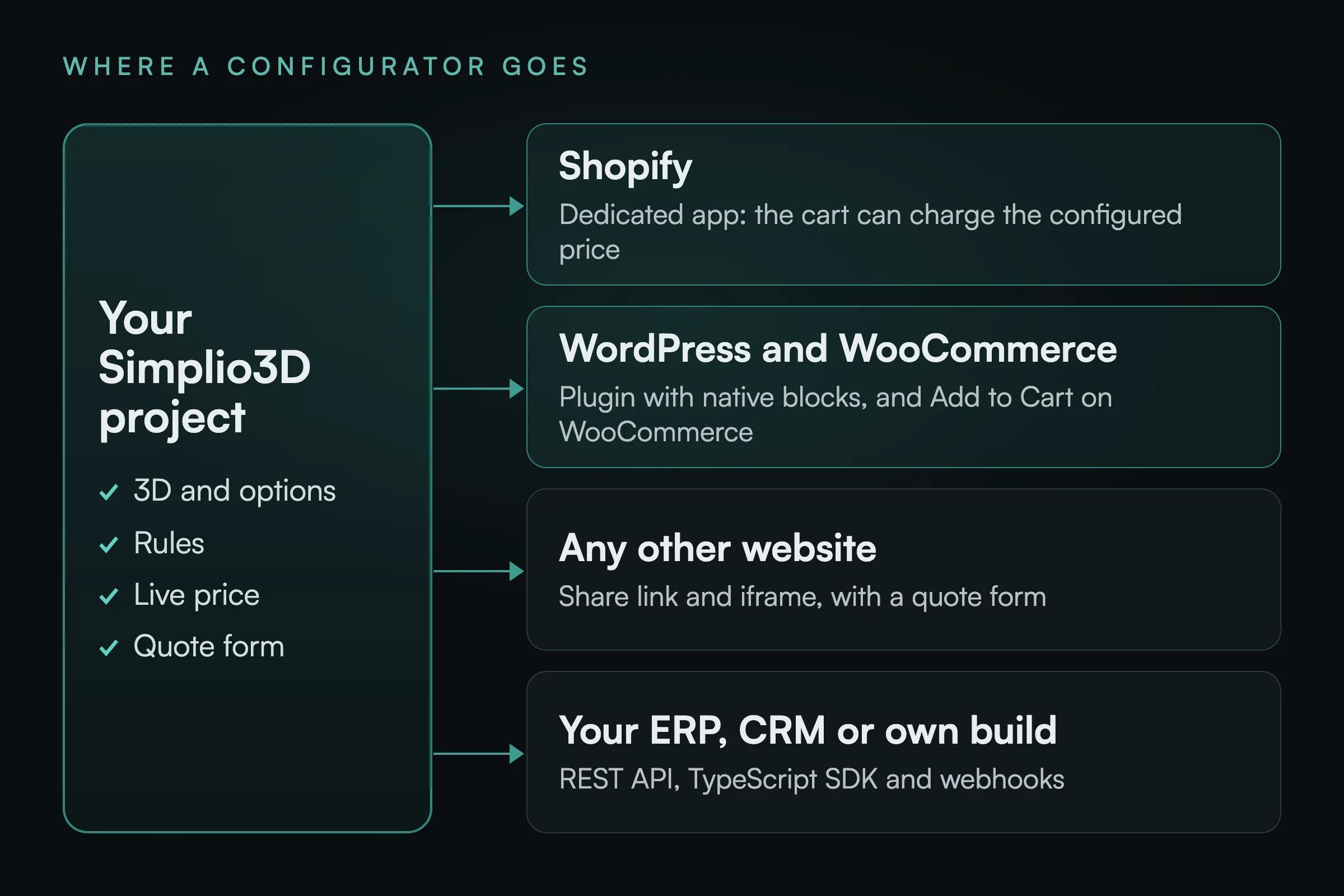
Some furniture sells straight from the product page; some needs a quote because of lead times, delivery or contract pricing. Simplio3D supports both from the same project. A configured item can be pushed into a WooCommerce or Shopify cart at the calculated price, or captured through a quote form that lands under Requests with the full specification attached.
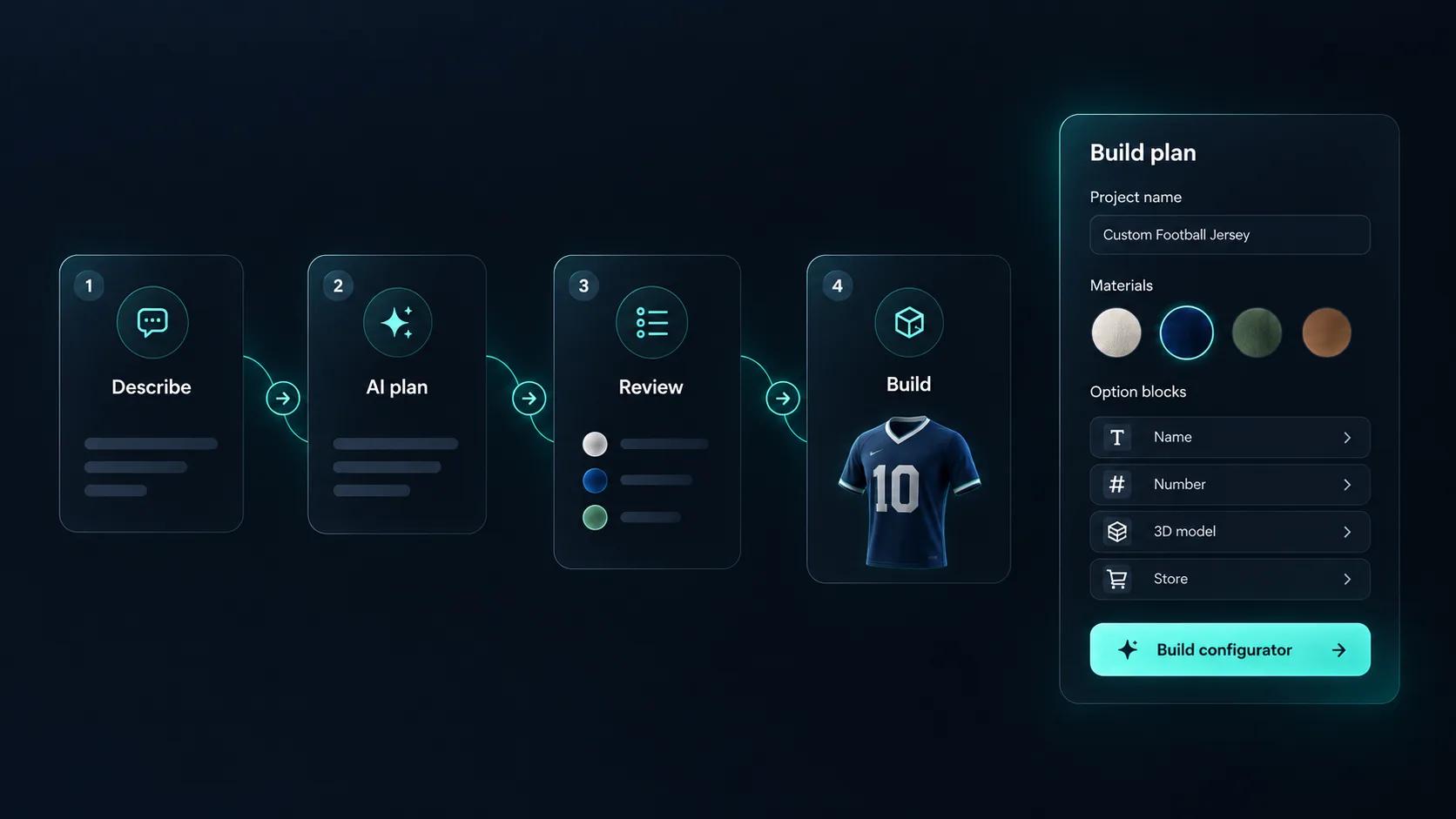
Describe the piece, for example “a sideboard in oak, walnut or white with two handle styles and a choice of legs”, and Generate with AI plans a first draft around a model in your library. You review the plan and approve the base price, and it does not create the 3D model. The template catalogue also has a Cabinet Configurator to adapt, and the AI assistant can audit a finished project for gaps in its options and rules.
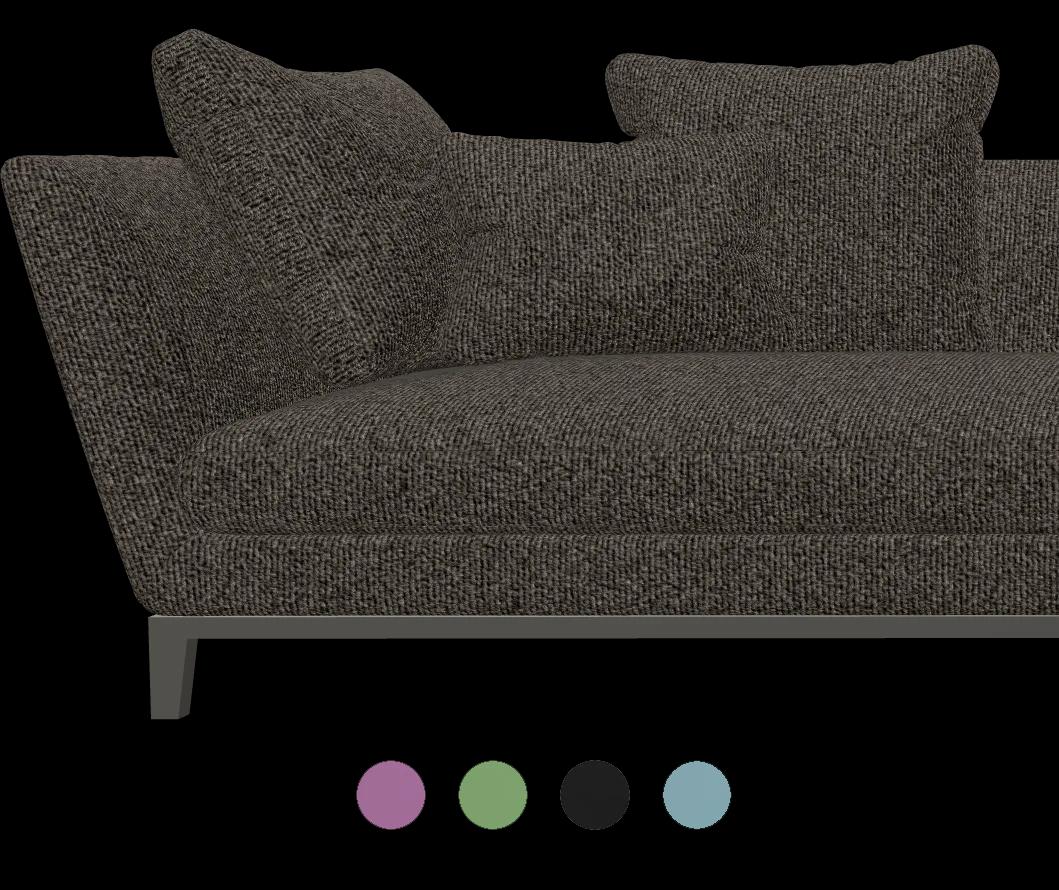
Sofas, storage walls and office systems are sold as layouts rather than single items. A Modular project lets buyers drag 3D modules into place with snap points, rotation and mirroring, and the price follows the layout as it grows. Modular projects are not on the Starter plan, and the advanced modular system is an Enterprise capability.
The first piece takes the longest; the rest of the range reuses the materials.
Import the piece with carcass, doors, drawers, handles and legs as separate parts so each can be driven by an option.
Build the finish range once as PBR materials: veneers, laminates, paints, fabrics and metals. The library is shared across projects, so the next piece in the range reuses all of it.
Restrict handles, legs and finishes by carcass size and model, so the configurator only ever produces something your factory can build.
Price the piece from its dimensions where it is made to size, then add finishes, handles and internal fittings as priced options.
Publish and embed it on each product page, sending the configured item to your cart, or capture it as a quote where lead times require one.
One way to set up a made-to-size cabinet, from the blocks Simplio3D provides.
| What the customer chooses | How it is built | Rule or price example |
|---|---|---|
| Finish | Select Material, with the range built once in the shared library | A Price Group sets the upcharge for each finish |
| Width and height | Number Input with a minimum, maximum and step | A Price Group multiplies a rate by the size entered |
| Doors or drawers | Thumbnail Selector showing each front | Drawers are hidden below the minimum height |
| Handles | Carousel of handle styles | Hidden when a push-to-open front is chosen |
| Legs or plinth | Toggle Switch that shows the chosen base | Adds a fixed price |
A cabinet you can change by type, width and height. Launch it and resize it.
















Dining chairs, office storage and stone tables: furniture makers whose buyers configure the product in 3D.
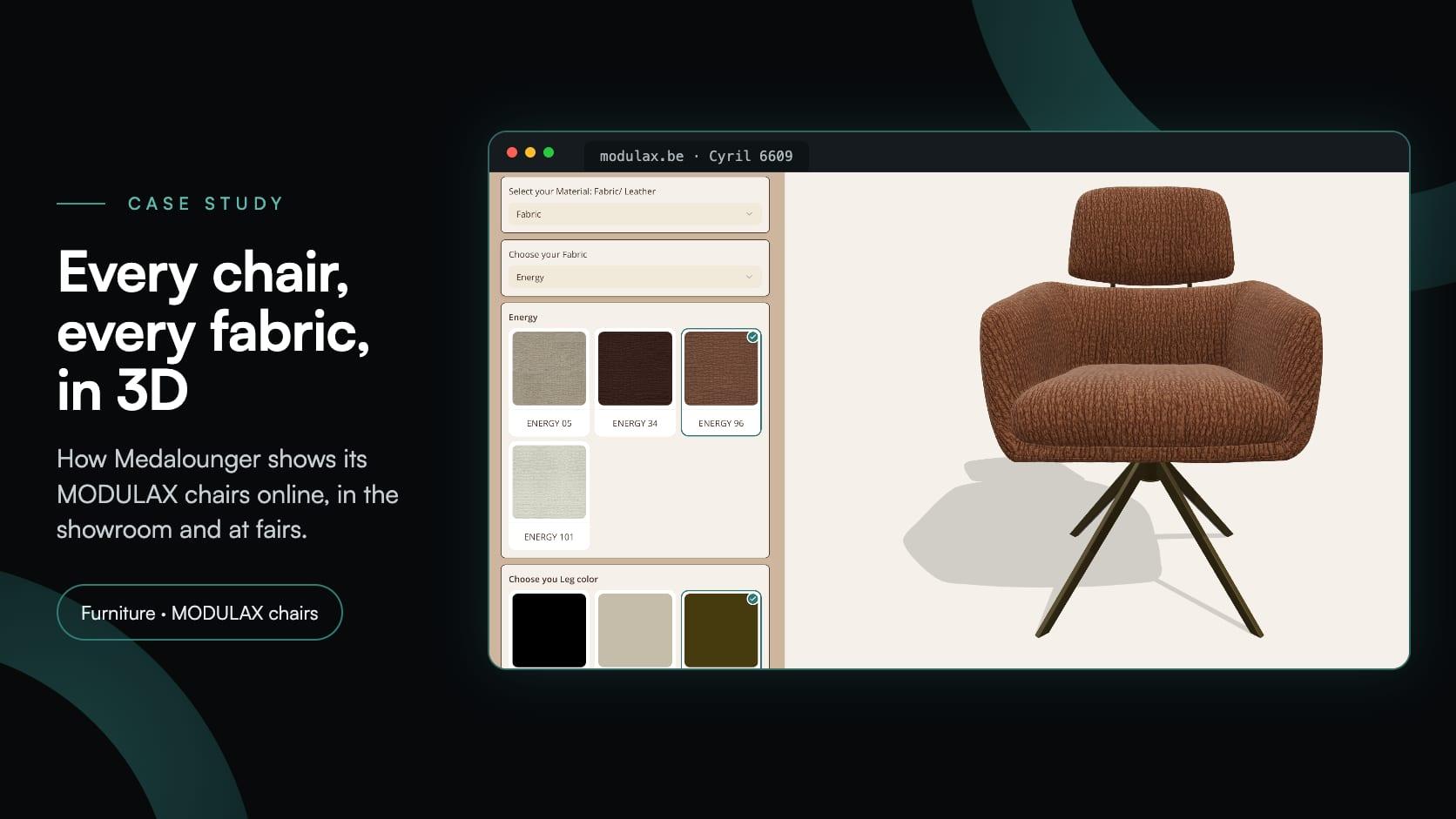
Medalounger
Medalounger, the Belgian maker of MODULAX furniture, built 51 chair configurators around one library of 161 materials, for its website, its showroom and its stand at furniture fairs.
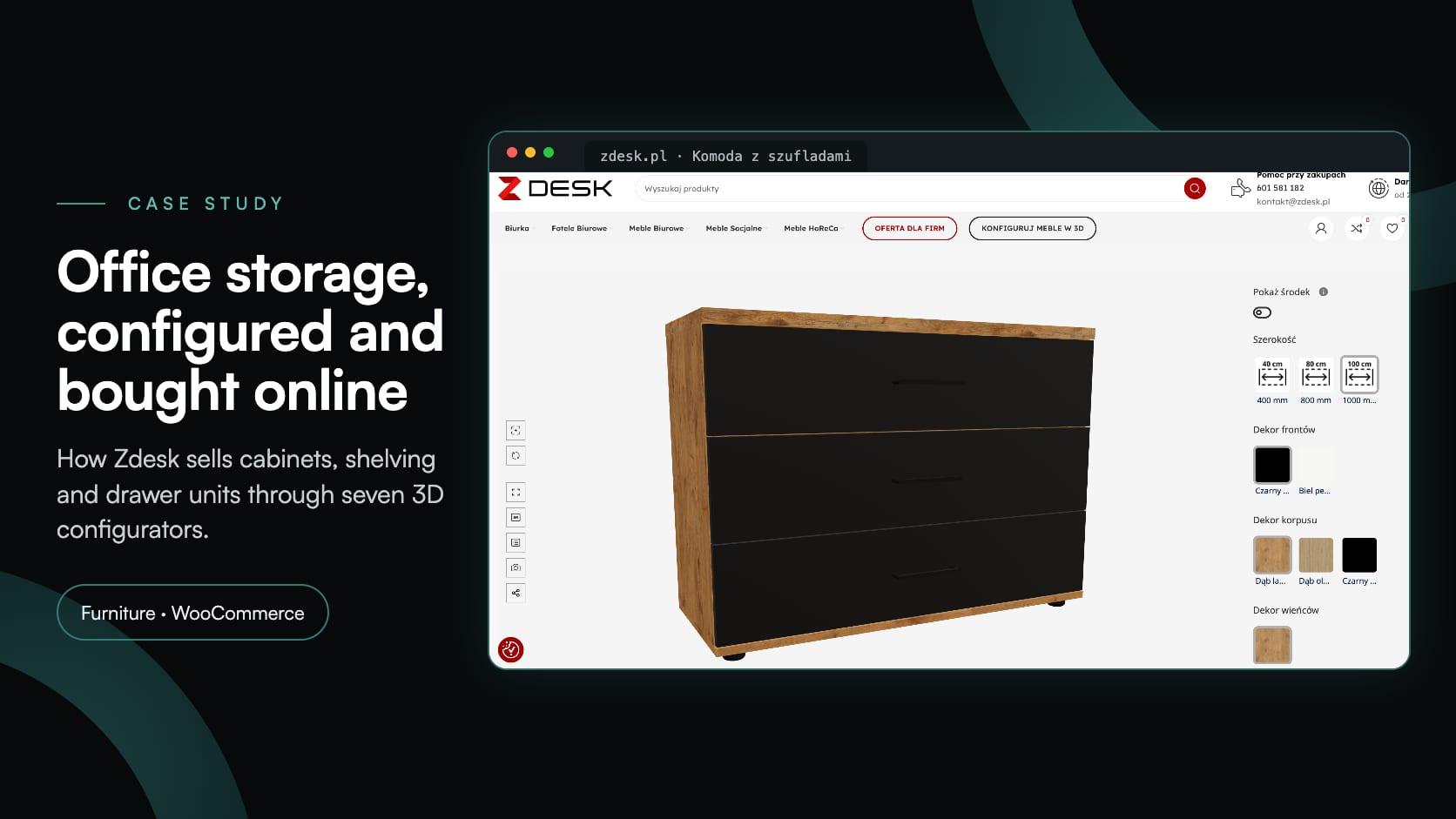
Zdesk
Zdesk, a Wrocław office furniture maker, put seven 3D configurators into its WooCommerce store with the Simplio3D plugin. Buyers set size, décor and fittings, see the price and add to cart.
Iberica Stone
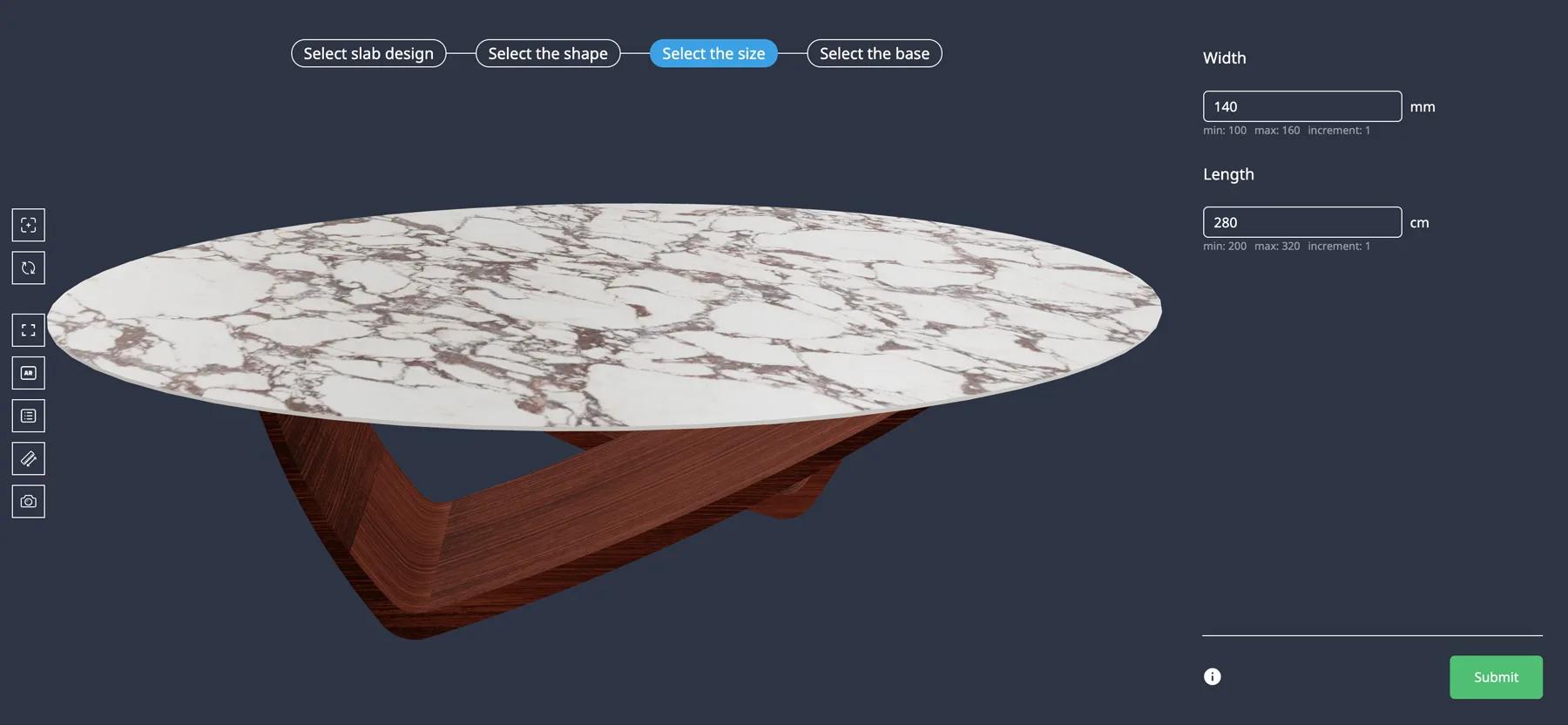
Iberica Stone wanted customers to explore every customisation option on a premium stone table before buying. On the Starter plan they launched a 3D table builder with AR and quote requests.
Yes. The material library is shared across projects, so a finish range built once applies to every piece in the collection.
Yes, within the limits you set. Dimension inputs take minimum, maximum and step values and can drive the price through a formula.
The REST API and @simplio3d/sdk TypeScript client let your systems read and write project data headlessly, and webhooks can fire when a quote is submitted.
PBR materials render grain, sheen and colour under the scene lighting, which is considerably closer to reality than a swatch image.
Yes. Model versioning replaces the 3D file while keeping the options and configuration built on top of it.
Either a configured item in your cart at the calculated price, or a quote request containing the full specification.
Yes, with a Modular project: buyers drag modules together with snap points, rotation and mirroring. Modular projects are not on the Starter plan, and the advanced modular system is an Enterprise capability.
Chairs and sofas, with upholstery ranges, leg options and modular layouts.
Tops, bases, edge profiles and made-to-size dimensions with pricing that follows the surface area.
Fabric grades, leg finishes and modular layouts, with AR to check the footprint.
Fitted storage sized to the customer’s own wall, with the internal layout arranged module by module.
Guides, tutorials and news from the Simplio3D team.
Preparing 3D Models for Simplio3D: A Practical Guide
Structure, UV mapping, optimisation and pivots — the four things that decide whether a 3D model becomes a working configurator or a troubleshooting exercise.
The Simplio3D Plugin for ChatGPT: a Step-by-Step Tutorial
Simplio3D now has an official plugin in ChatGPT’s Plugins directory. Install it, connect your workspace and ask ChatGPT to audit, price, build and manage your 3D configurators.
Top 10 Best Product Configurator Software in 2026 (Pros & Cons Comparison)
A practical comparison of ten product configurator platforms — what each is genuinely built for, how they differ on visualisation, pricing logic and integration, and how to shortlist without wasting a quarter.
Product Configurator MCP: Connect Claude, Cursor and VS Code to Simplio3D
MCP connectors let Claude, Cursor or VS Code work with your real Simplio3D projects. What a connected agent can read and change, how approval works, and how to connect one.
Simplio3D Product Configurator Plugin for WordPress
Embed a 3D product configurator on WordPress and let customers add their configured product straight to the WooCommerce basket — with the price your own rules calculated.
Own a 3D product configurator to drive sales and generate proposals directly from your website