

Back to case studies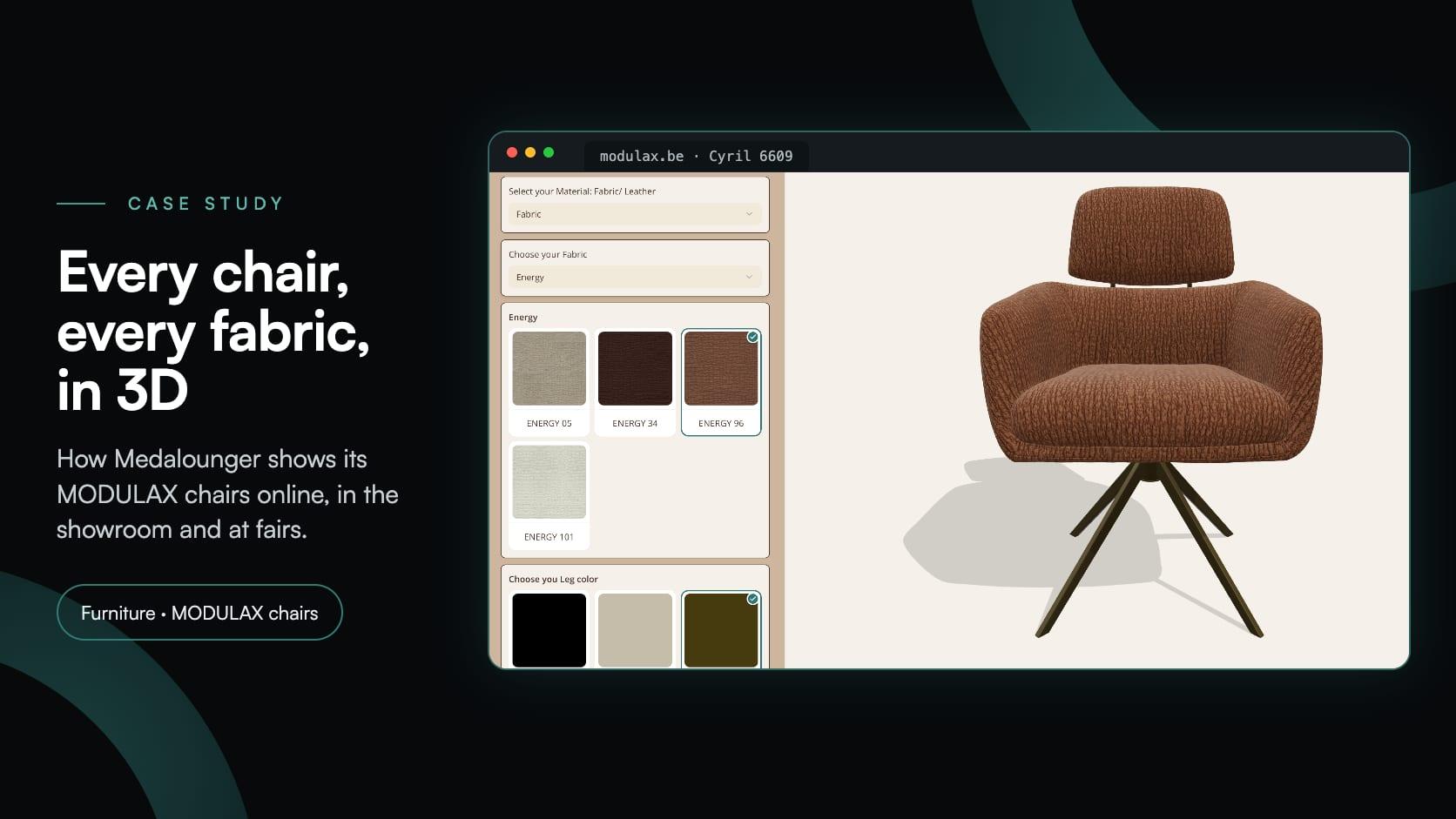
Furniturefurniturechairsupholsterytrade fairs
Medalounger: a dining chair configurator for the website, showroom and fairs
Medalounger·
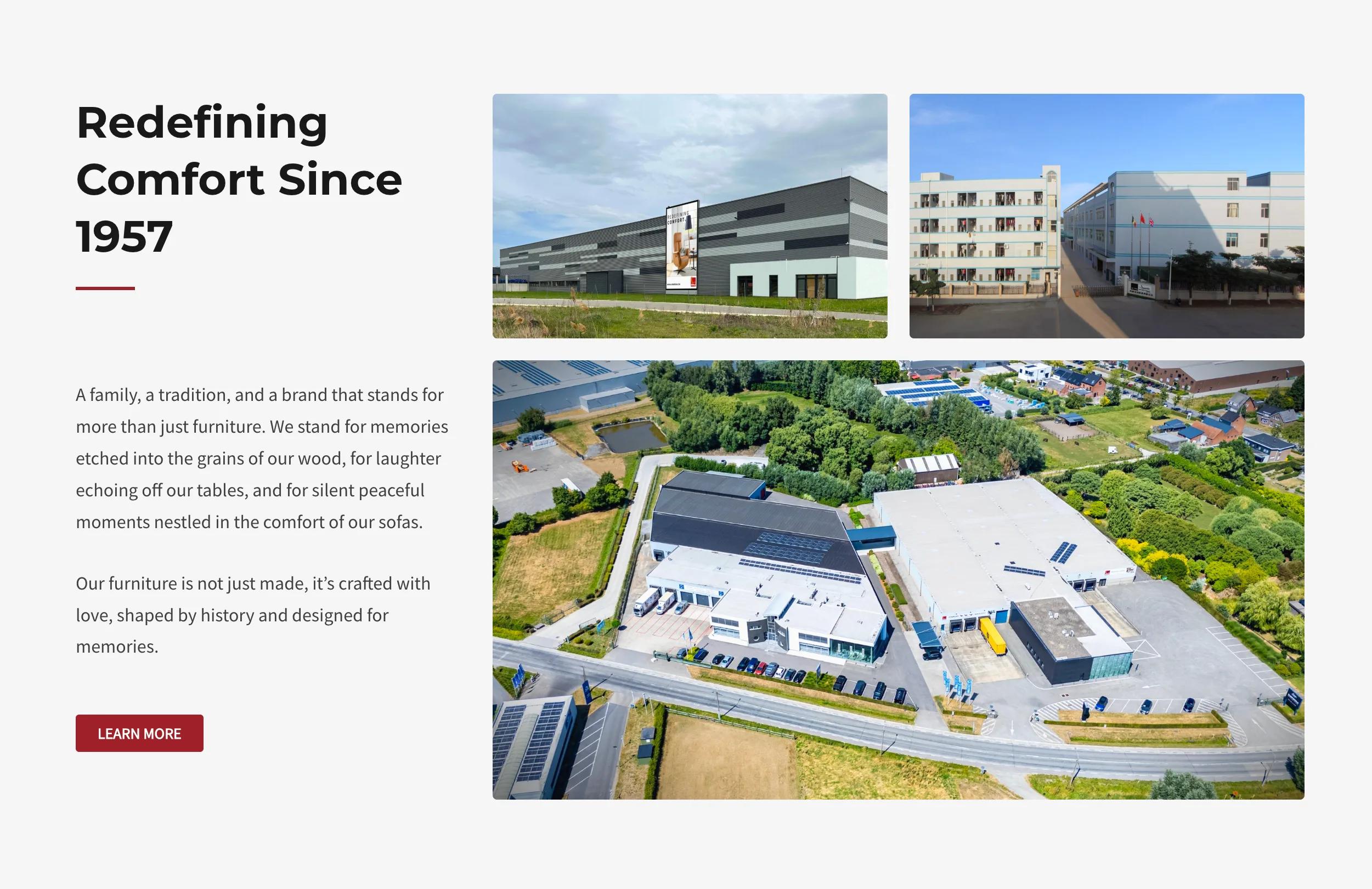
Medalounger is a family furniture company in Bornem, Belgium, and the maker of MODULAX furniture. The family has worked in furniture since 1957, and MODULAX by Medalounger began in the late 1980s with a single piece, the recliner. Under the third generation it now furnishes the whole home: dining tables and chairs, bar chairs, cabinets, sofas, coffee tables and TV stands, recliners, accent chairs, beds, night stands and benches. Its website, modulax.be, presents the range as a catalogue without prices, with separate enquiry forms for consumers and for professionals and a web portal for trade customers.
The chairs are where the range branches out most, so that is where Medalounger began. It has built 51 configurators in Simplio3D for its dining chairs, bar chairs and recliners, one per model, all drawing on one library of 161 materials, and since July 2026 they have been on modulax.be. Each dining chair configurator lets the chair be upholstered in fabric or leather, from twenty fabric collections and four leather ones, with its leg finish, and the bar chairs add five leg models in two seat heights. The configurators were made for three audiences at once: visitors to the website, the sales staff in the showroom, and the people who stop at the MODULAX stand at furniture fairs.
| Item | Details |
|---|---|
| Client | Medalounger of Bornem, Belgium, a family furniture company since 1957 and the maker of MODULAX furniture |
| Website | modulax.be, a WordPress catalogue of the whole MODULAX range without prices, with enquiry forms for consumers and professionals and a B2B web portal |
| Configurators | 51, for dining chairs, bar chairs and recliners, each on its own page and opened from the product page’s Configure this product button |
| Materials | 161 in one shared library: 114 fabrics in 20 collections, 36 leathers in four, metal and wood finishes, and fixed materials for parts such as the swivel |
| Choices | Fabric or leather, then the collection and the colour; a separate seat and cover on eight chairs; five leg models on the bar chairs; the leg colour |
| Used by | Visitors to modulax.be, the sales staff in the showroom, and visitors to the MODULAX stand at furniture fairs |
| Left out | Prices, a cart and a form: modulax.be takes enquiries through its own forms |
| Live since | July 2026: the dining chairs on 9 and 10 July, the bar chairs and recliners on 15 July |
| Platform | The current version of Simplio3D, with each configurator’s share link in an iframe on its page |
Twenty fabric collections and four leather ones, across dozens of chairs, are more combinations than a showroom, a photo shoot or a fair stand can hold.
Visitors had to pick fabric or leather first, then a collection, then a colour, the way a sales adviser opens a sample book, rather than face 150 swatches at once.
The bar chairs come with five leg models in two seat heights, and each leg model has its own seat. The upholstery had to land on the right one.
The same configurators had to work for a visitor at home, for a salesperson in the showroom and for a conversation on a fair stand.
modulax.be shows the range without prices and takes enquiries through its own forms, so the configurators only had to show the chairs.
The same fabrics and leathers cover every chair, so they had to be set up once and reused, not entered again for each model.
On modulax.be each chair has a product page with its description, its features and materials, and schematics to download. On the chairs with a configurator, a Configure this product button leads to the chair’s own configurator page, and on the dining chairs the description already points the way: “Find out the materials and color options in the configurator below.”
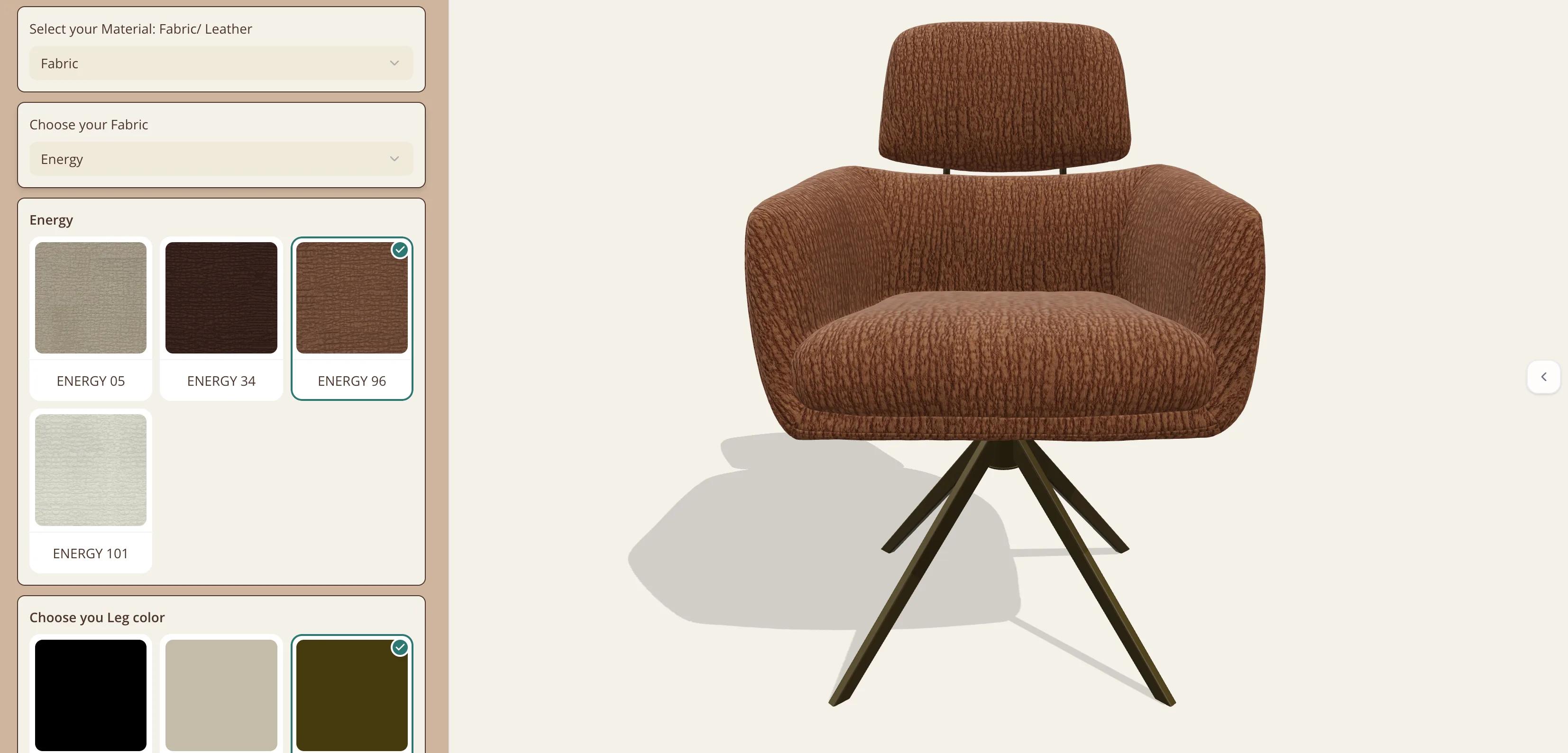
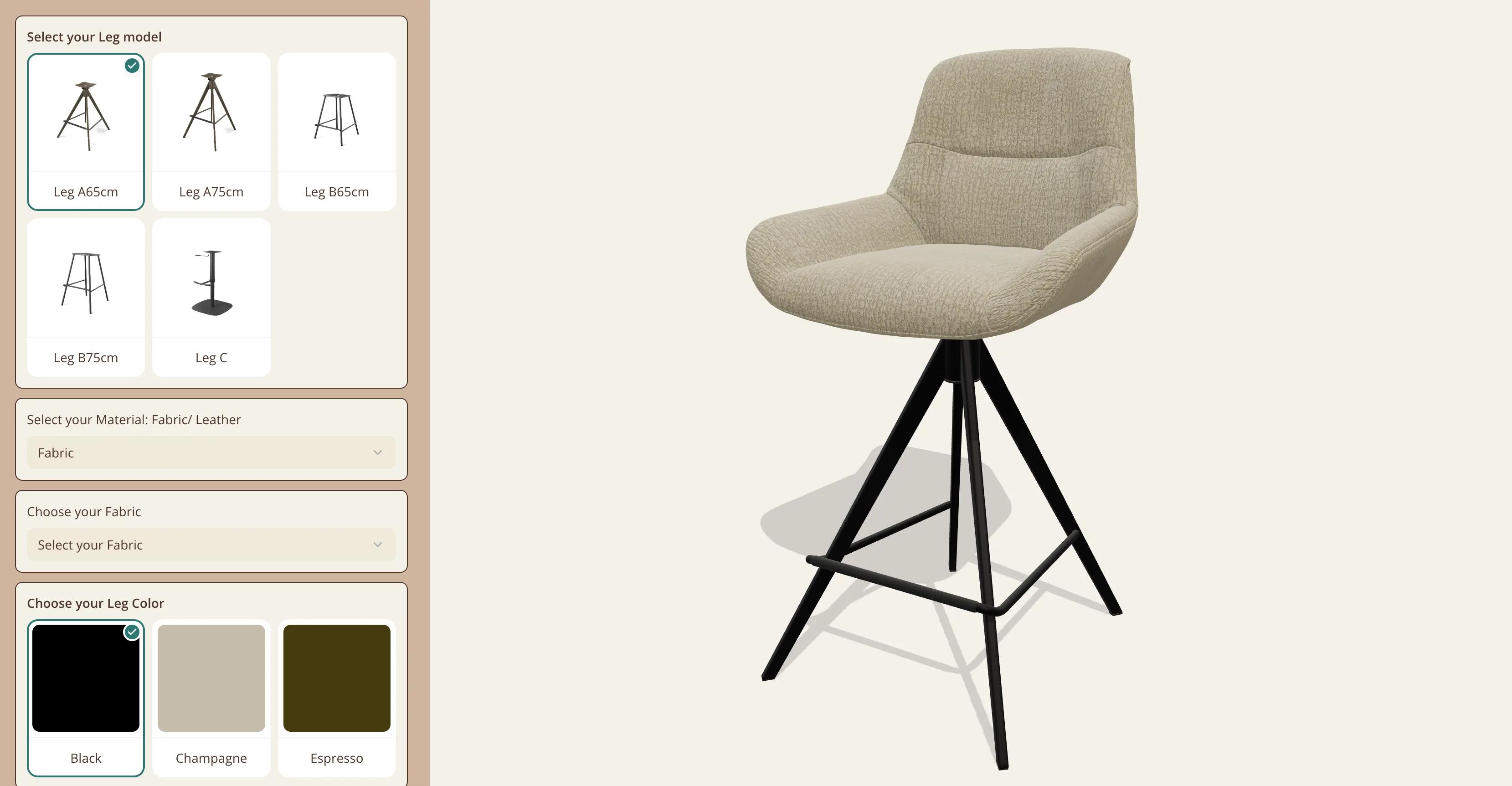
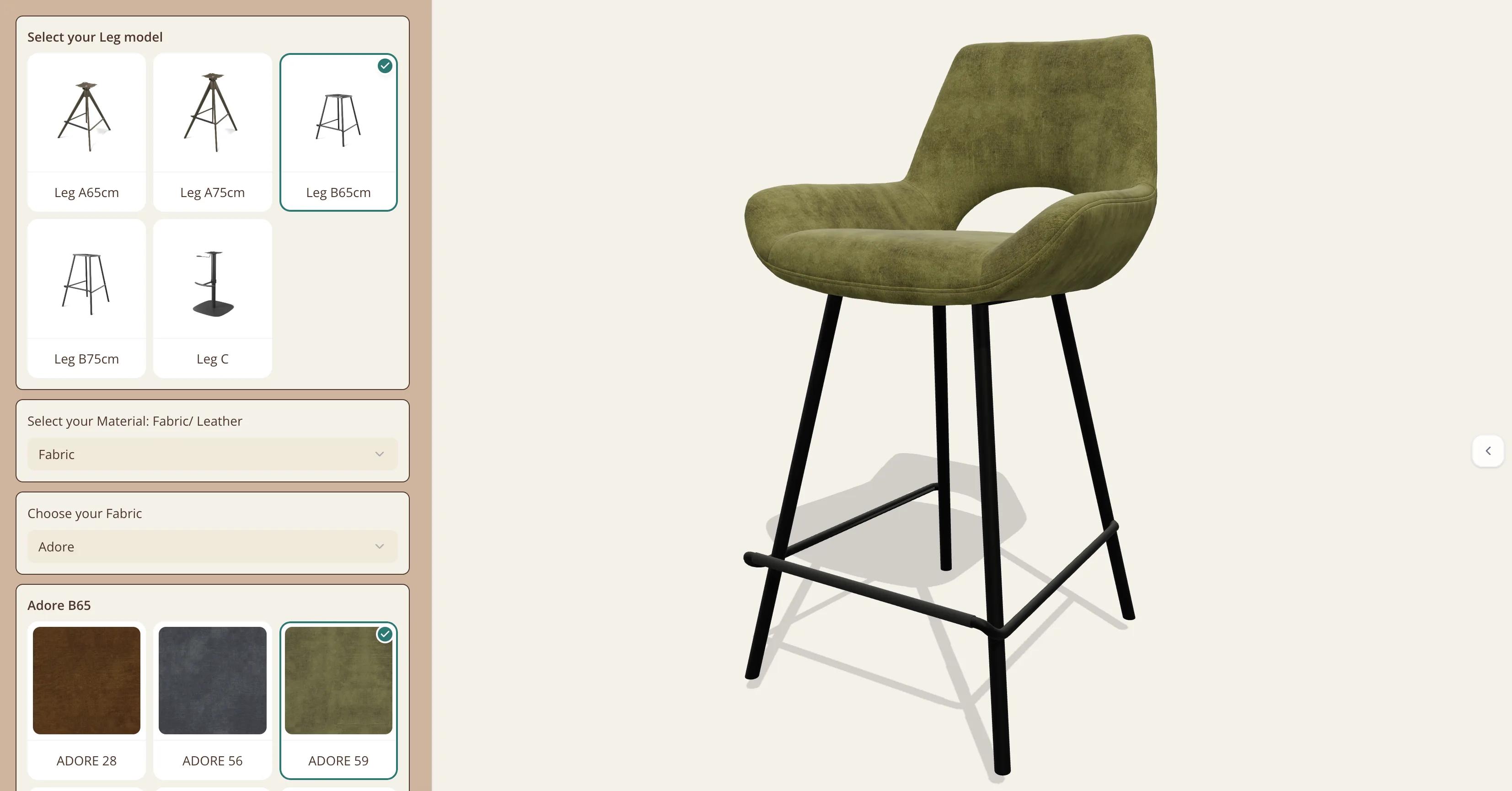
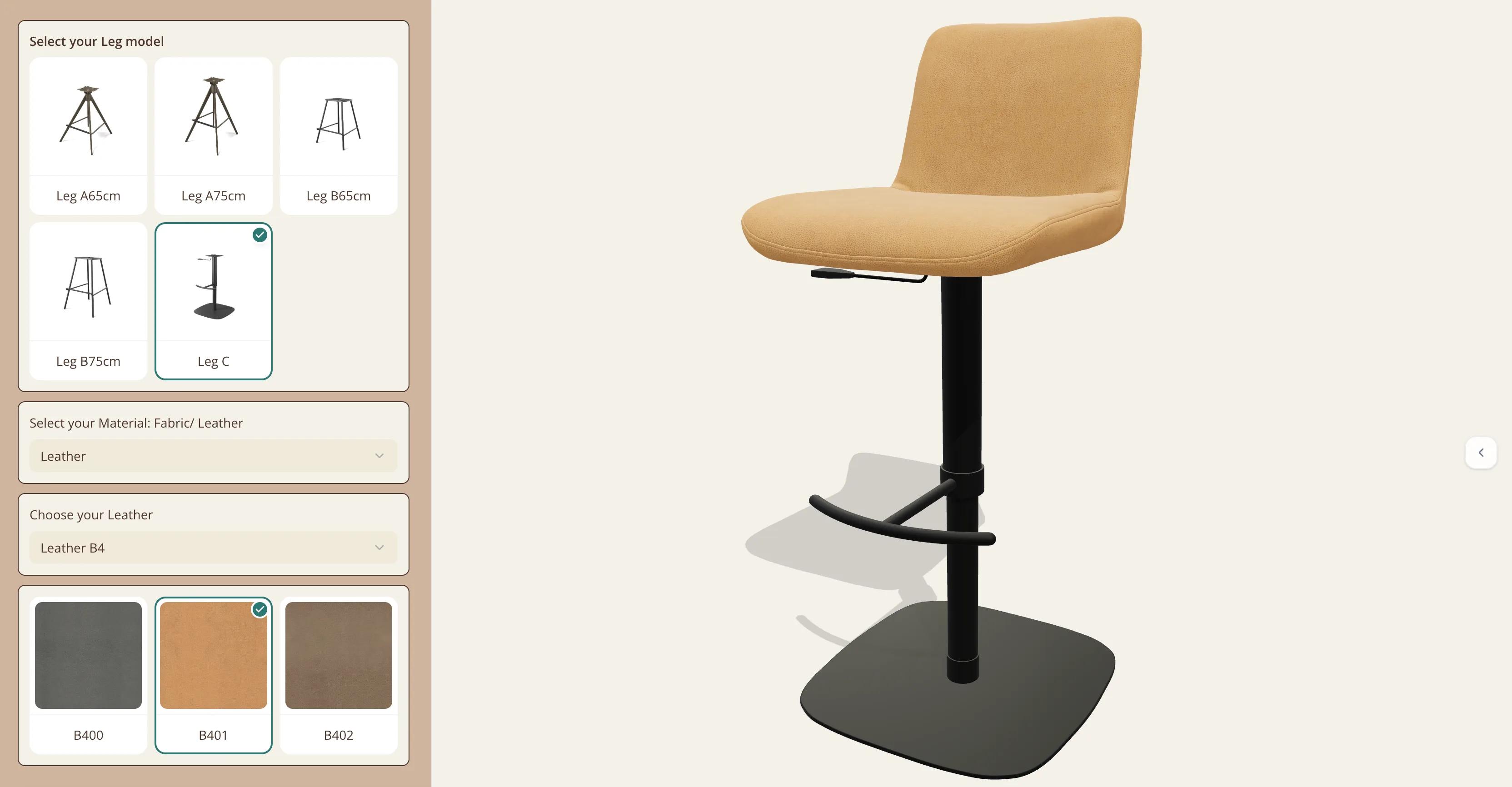
The configurator fills that page. The chair turns and zooms in 3D on a cream background beside a beige panel, both styled with the project’s branding settings. For the Cyril dining chair, with its separate headrest, conical legs and 360-degree swivel, the panel asks for the material, then the collection, then the colour, then the colour of the legs. The bar chairs begin with one more question, the leg model. A toolbar folded away at the right edge holds Reset Camera and Take Snapshot, which downloads a high-resolution PNG of the chair as configured, with a transparent background.
The same collections on every chair, and extra steps where a chair needs them.
| Choice | What it offers | Where |
|---|---|---|
| Material | Fabric or Leather | Every configurator |
| Fabric collection | Adore, Ascot, Be Fine, Boogie, Bull, Cayenne, Energy, Glory, Guard, Horta, Lodge, Mito, Niagara, Oasis, Rhythm, San Remo, Sneak, Stella, Taurus and Venga | Every configurator |
| Fabric colour | The colours of the chosen collection, from three to eleven each, 114 in all | Every configurator |
| Leather | Leather A, B4, B5 and B9, with 36 colours between them | Every configurator |
| Seat and cover | A separate fabric or leather for the seat and for the cover | Eight chairs: Ferrara (dining with and without armrests, and bar), Matera (dining and bar), Milan, Sandrine and Zenith |
| Leg model | Leg A or Leg B at a 65 or 75 cm seat height, or Leg C | The nine bar chairs |
| Leg colour | Black, Champagne or Espresso metal; Natural or Tobacco wood on Harmony | Most chairs; a few have a single leg finish |
| Side panels | Black, Natural or Walnut wood | The Atlas recliner |
| Toolbar | Reset Camera and Take Snapshot | Every configurator |
Laid out at once, 150 fabrics and leathers would be a wall of swatches. Each configurator reveals them in steps instead. The first dropdown asks for fabric or leather. Pick fabric, and a second dropdown lists the twenty collections; pick a collection, and only its colours appear, as swatches named after the fabric’s code: ENERGY 05, ENERGY 34, ENERGY 96 and ENERGY 101 for Energy. Leather works the same way, with its four collections. Conditional rules decide what is shown: a collection’s swatches appear only when that collection is chosen, and the fabric swatches give way to the leather ones when leather is picked.
The bar chairs start one step earlier, with the leg model: Leg A or Leg B at a 65 or 75 cm seat height, or Leg C. Each leg model has its own seat in the 3D model, so every collection is set up once per leg model, and the rules show the swatches for the legs that were chosen. Eight chairs, among them Zenith and the Ferrara dining and bar chairs, also take a separate seat and cover material, each with its own choice of fabric or leather. That keeps the panel to the choices that go with the ones already made.
The swatches come from Simplio3D’s shared material library. Each collection is a material category, and each swatch set is a Select Material block in its From Category mode, which creates one swatch per material in the category. A colour added to a collection in the library therefore appears in every configurator that offers that collection the next time it loads, without editing a single project. Every fabric and leather is a textured material, nearly all of them with a normal map, so the weave and the grain show on the chair.
Six steps, repeated for each chair around one shared material library.
One material category per collection, such as Adore, Energy or Leather B9, with each colour as a textured material. The leg finishes get categories of their own.
Add the 3D model to a Configurator project, with the seat, the cover and the legs as separate parts. Simplio3D takes GLB, GLTF, FBX, OBJ, STL and DAE files.
A dropdown with Fabric and Leather, then a dropdown of collections for each of them.
One Select Material block per collection, in From Category mode, aimed at the upholstered parts and shown by a rule when its collection is picked.
A swatch set for the leg colour. A bar chair starts with a Thumbnail Selector for the leg model, and its swatch sets are repeated for the seat of each leg model.
Set the panel’s colours and fonts in the project settings, then place the share link in an iframe on the chair’s page.
The configurators were made for more than the website. Medalounger’s sales staff use the same ones in the showroom, and the company wants them on its stand at furniture fairs too, so that visitors can explore the many variations of its chairs more easily. MODULAX exhibits at furniture fairs in Europe and in China: its news pages list M.O.W. 2025 in Bad Salzuflen (Hall 20), the Brussels Furniture Fair 2025 (stand 5-104), Messe C. Fredericia in Denmark, INDX and Furniture China 2023 in Shanghai.
A showroom floor or a fair stand holds a handful of chairs in a handful of fabrics. With a configurator, a salesperson can show the chairs and fabrics that are not on show: the chair in front of them in any of the twenty fabric collections or four leathers, a bar chair moved from a 65 to a 75 cm seat, and a snapshot of the result to keep. A visitor who later opens modulax.be finds the same chairs with the same choices. Many come as a dining chair and a matching bar chair, among them Bari, Messina and Padua, with the same collections on both, so a dining room and its bar can be planned in one fabric.
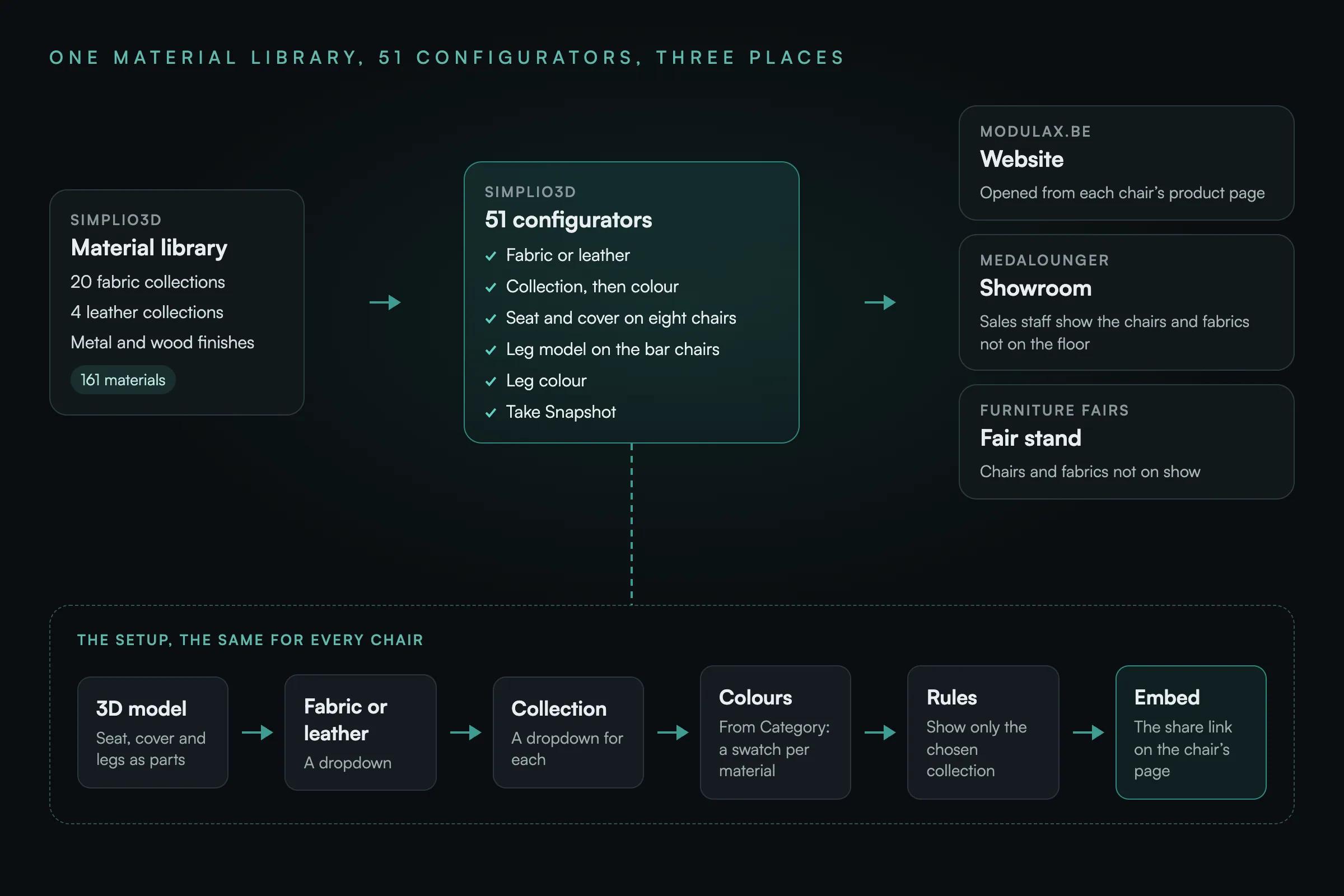
Medalounger’s setup follows a pattern that suits most upholstered furniture, where every model multiplies by its fabrics, its leathers and its frames:
The 3D furniture configurator and 3D chair configurator pages cover the other options, from dimensions to pricing.
Each of the 51 chairs can be seen in any of the twenty fabric collections and four leather collections, with its legs, before an enquiry is sent.
Website visitors, the sales staff in the showroom and visitors to the fair stand use the same configurators and see the same choices.
The fabrics and leathers live in one material library, so a colour added to a collection appears on every chair that offers it.
Our chairs come in more fabrics, leathers and leg options than any showroom or fair stand could ever display. With Simplio3D, visitors on modulax.be, our sales team in the showroom and the people who come to our stand at fairs can all explore the same chairs in every combination, in 3D. And because all 51 configurators share one material library, a new fabric colour only has to be added once.
A tool that shows a chair in 3D and lets the buyer change its upholstery, its legs and its other options, and see the result before ordering. Medalounger’s show each chair in fabric or leather, from 24 collections, with its leg options.
As many as its material categories hold: a From Category swatch set shows every material in its category. Each MODULAX configurator offers 20 fabric collections and four leather collections, 150 fabrics and leathers in all, shown one collection at a time so the panel stays short.
Yes. Medalounger’s configurators serve website visitors, the sales staff in the showroom and the fair stand alike. Each one opens from its page on modulax.be or from its share link, and Take Snapshot saves an image of the configured chair.
No. The MODULAX configurators show no price, because modulax.be is a catalogue and takes enquiries through its own forms. A range that is sold directly can add pricing: Simplio3D has price blocks, a visual formula editor and quote forms.
Through the material library. Each collection is a material category, and the swatch sets read it in From Category mode, so a colour added to the category appears in every configurator that offers the collection the next time it loads.
Each MODULAX bar chair comes with five leg models: Leg A and Leg B, each at a 65 or 75 cm seat height, and Leg C. Each leg model has its own seat in the 3D model, so the configurator needs the legs before it can show the upholstery on the right seat.
None of this section is part of the MODULAX configurators described above. They already run on the current version of Simplio3D, so each of these features could be added to them:
How Zdesk sells cabinets, shelving and drawer units through 3D configurators with a live price and add to cart.
How Iberica Stone lets buyers choose the slab, shape and size of a stone table and place it in their room with AR.
Frames, upholstery, legs and finishes, combined in real time for any chair collection.
Own a 3D product configurator to drive sales and generate proposals directly from your website
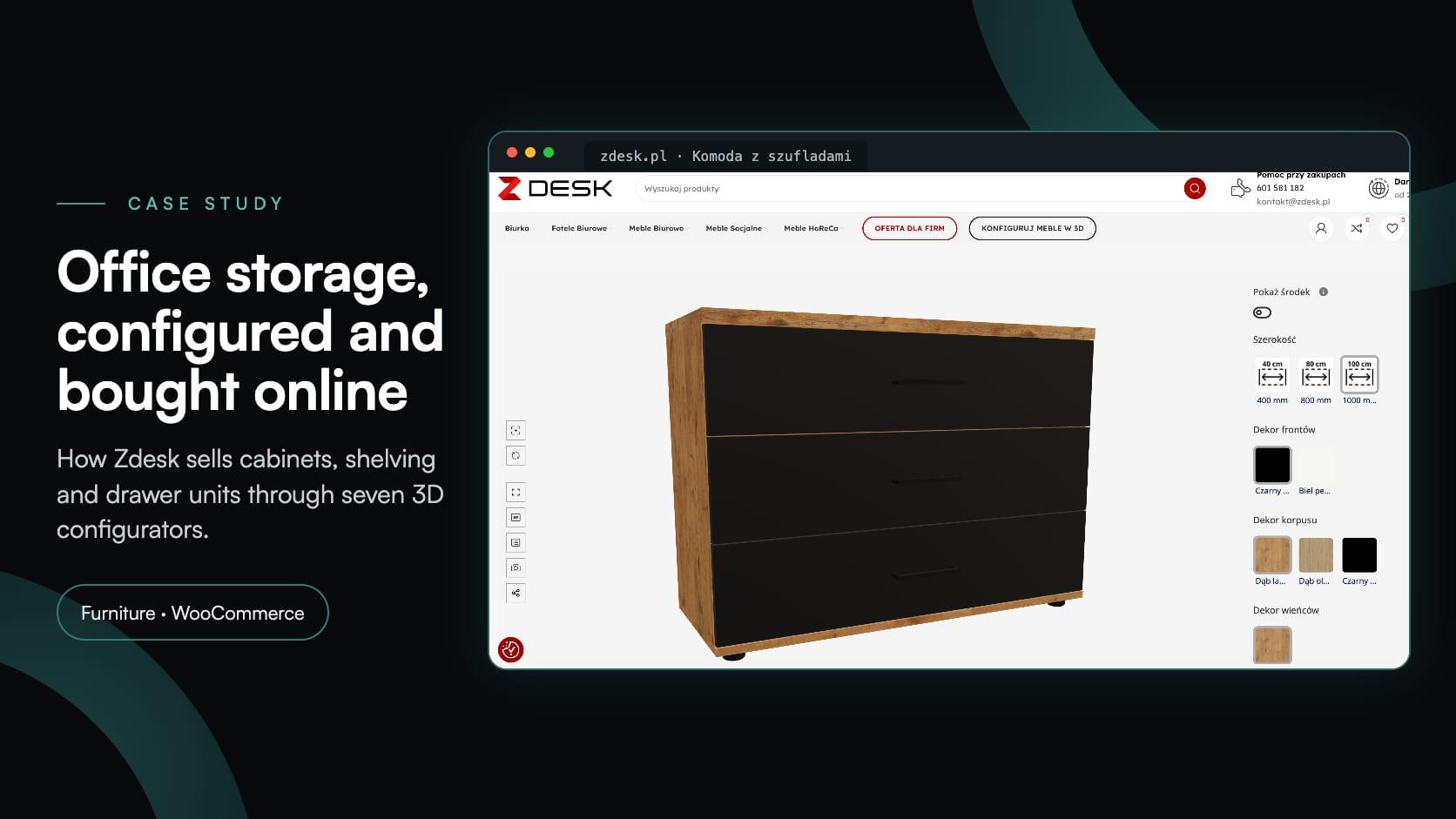
Zdesk, a Wrocław office furniture maker, put seven 3D configurators into its WooCommerce store with the Simplio3D plugin. Buyers set size, décor and fittings, see the price and add to cart.
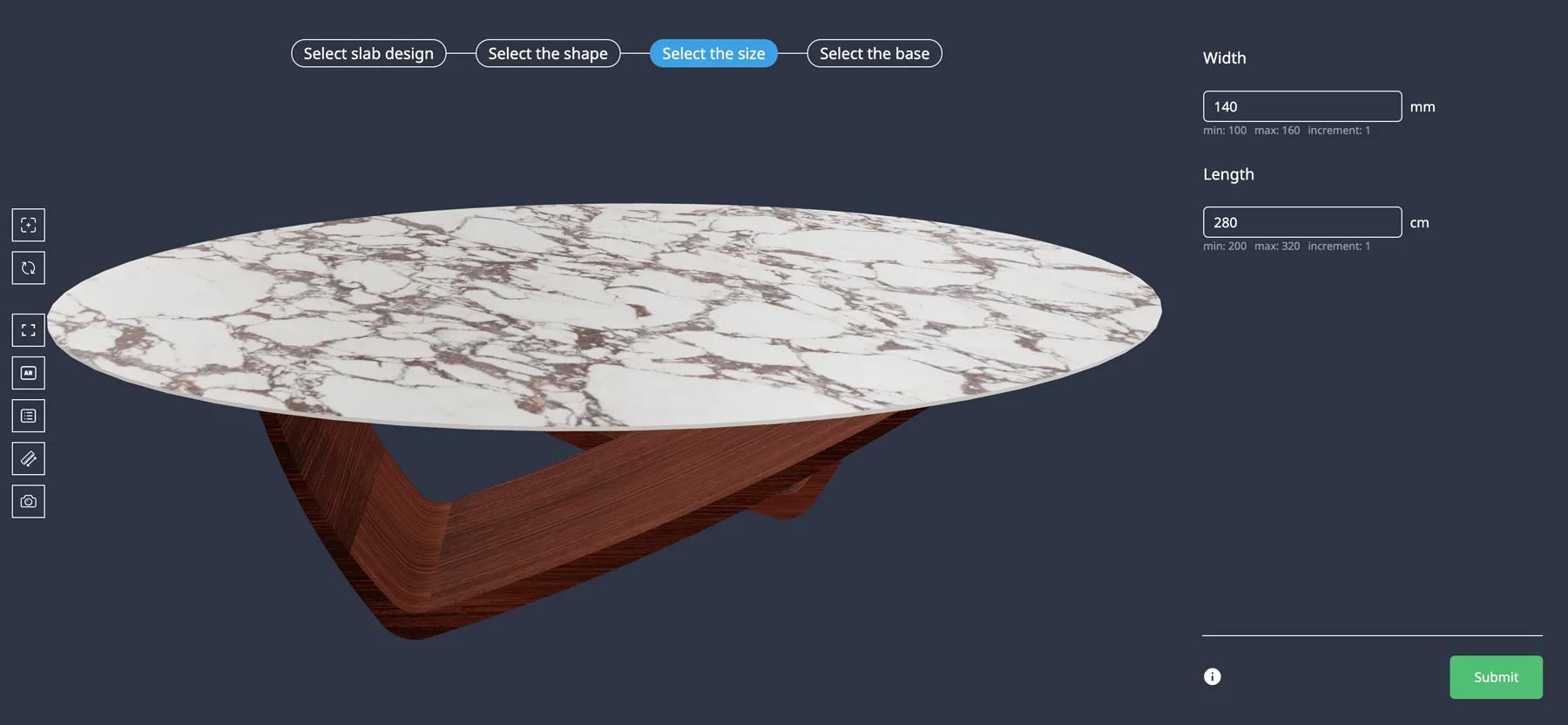
Iberica Stone wanted customers to explore every customisation option on a premium stone table before buying. On the Starter plan they launched a 3D table builder with AR and quote requests.
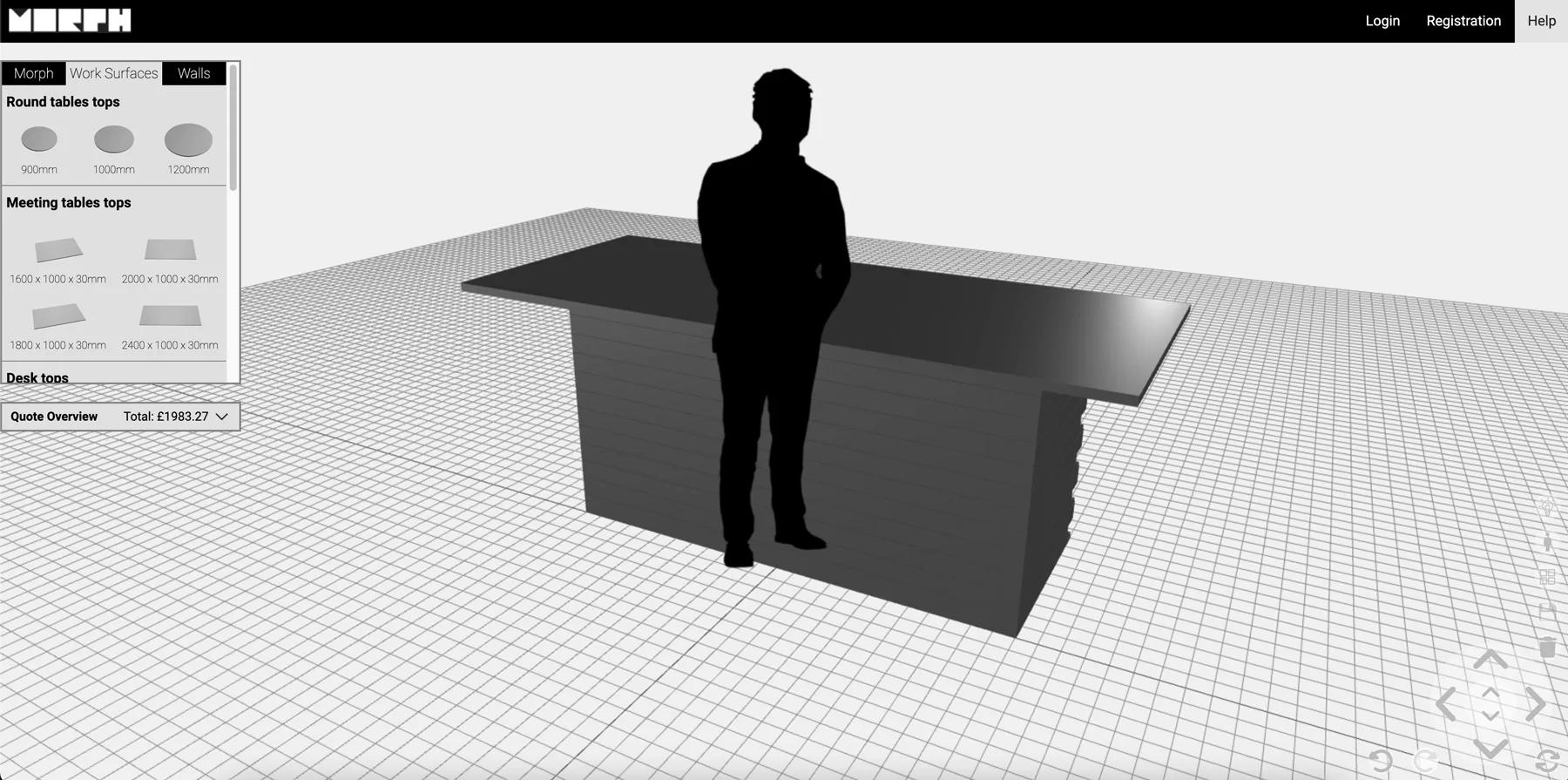
Morph Bricks needed a configurator where customers could build walls, meeting rooms and tiered seating from eight brick types — and get a PDF instruction manual for the design they submitted.