

Panel colours
Upper, overlays, swoosh panels, laces, sole and stitching each coloured independently.
3D Shoe Configurator
Let customers colour each panel, choose materials, add artwork and personalise the pair — and see the finished shoe from every angle.
No credit card required
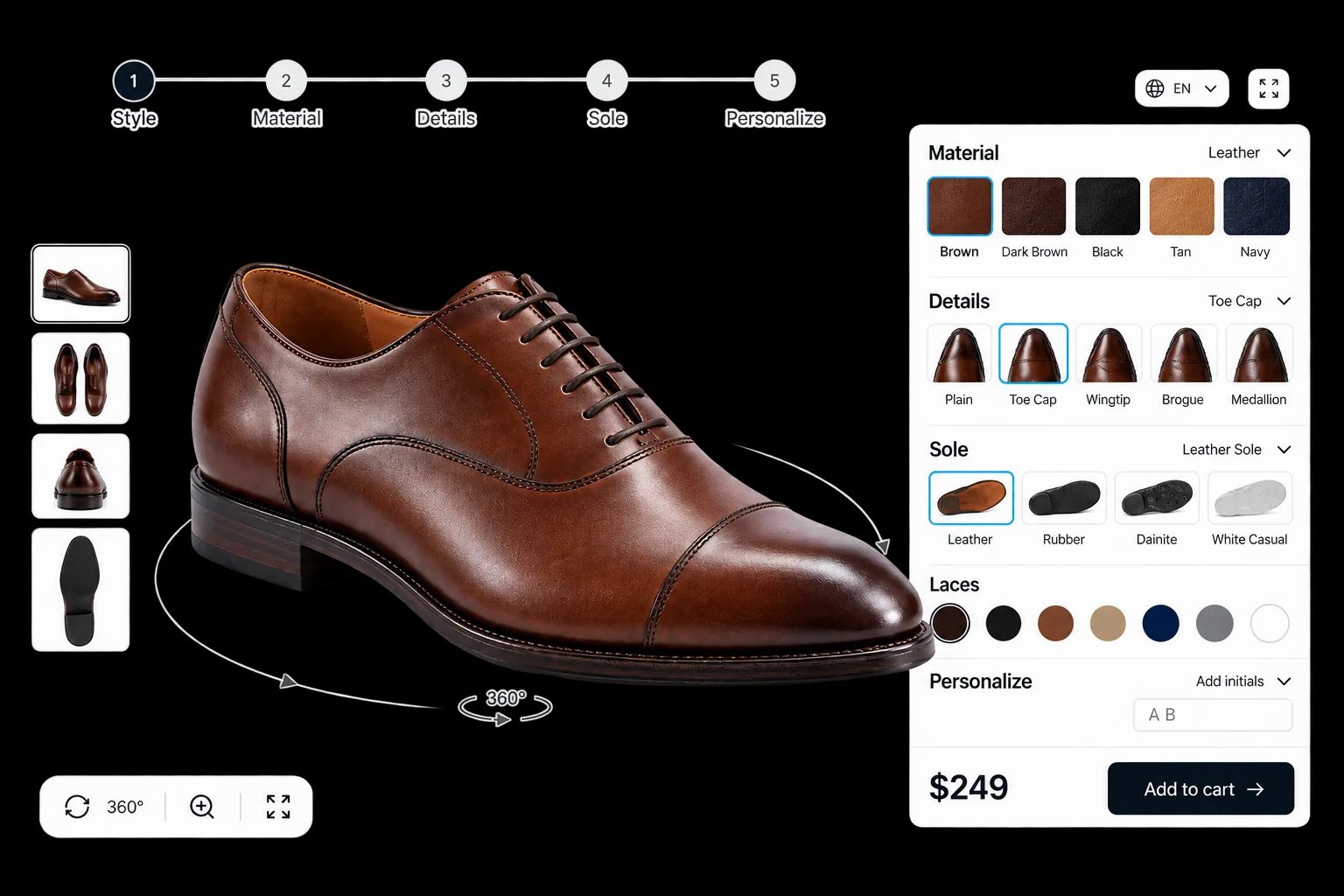
Upper, overlays, swoosh panels, laces, sole and stitching each coloured independently.
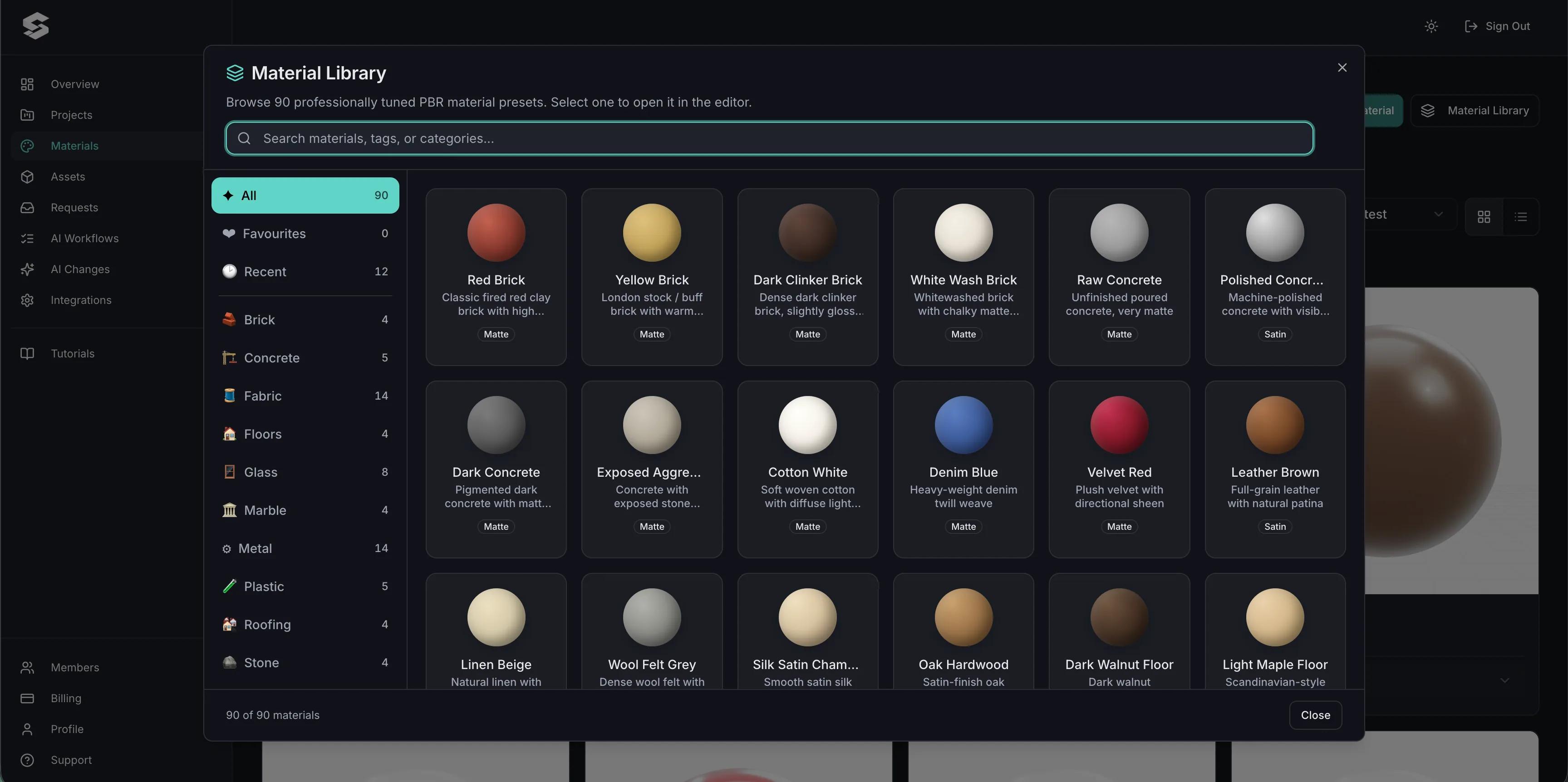
Leather, suede, mesh and synthetics as PBR materials so texture is judged properly, not guessed.
Sole units and midsole colours selected separately from the upper.
The Design Canvas places graphics on the shoe where your production allows it.
Text Input adds initials or a name with font selection, rendered onto the shoe.
Premium materials and extra personalisation move the total as the customer selects them.
See how users score Simplio3D across the major software review platforms.

4.6/5

4.3/5

9.5/10
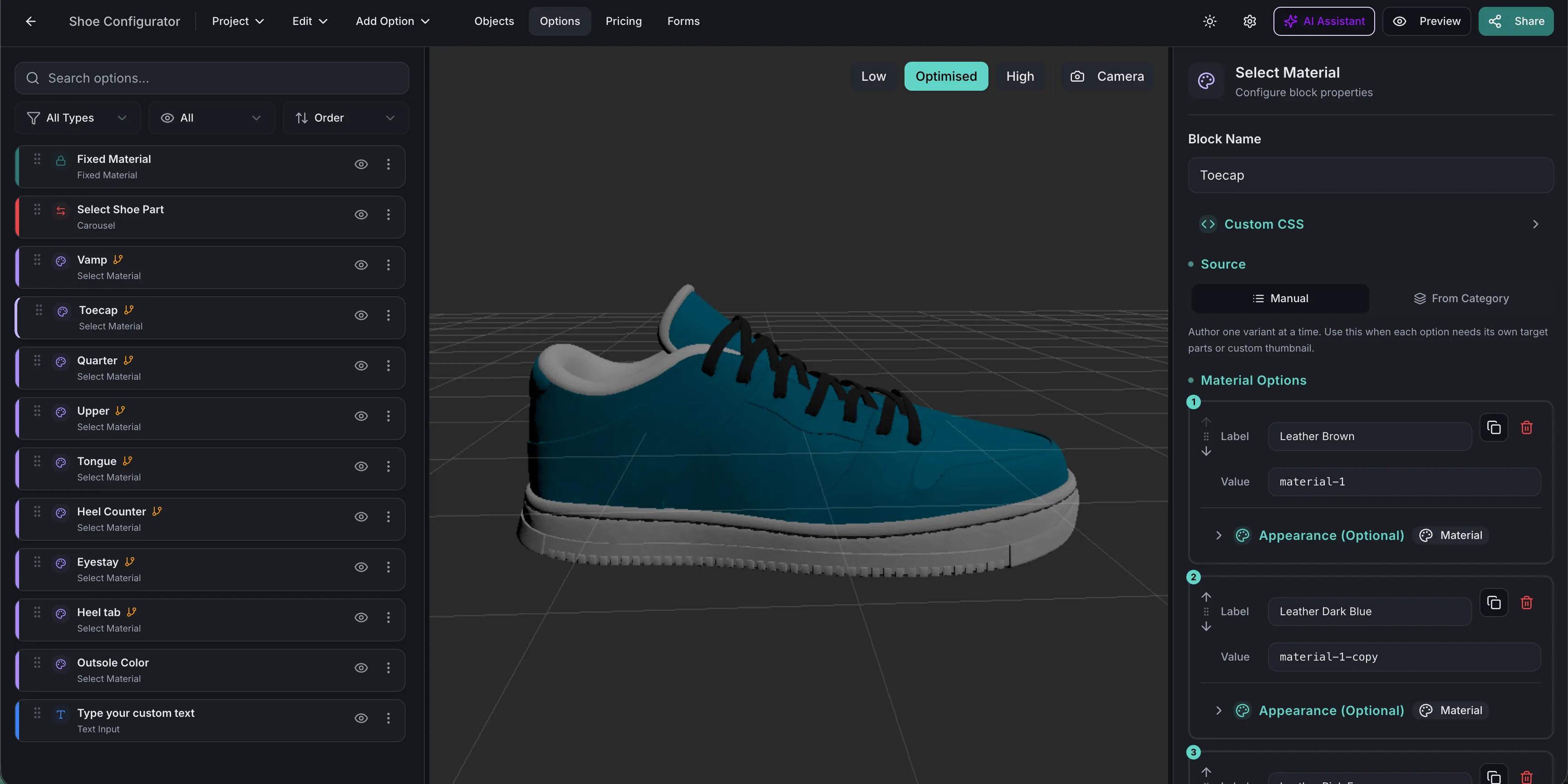
Panel-level shoe customisation has been mainstream for years, and shoppers arrive expecting it. What they do not tolerate is a flat 2D mock-up that fails to show how a material actually looks on a curved upper. Real-time 3D with PBR materials handles that: suede reads as suede, mesh reads as mesh, and the customer can turn the shoe over to check the sole before ordering.
Decoration is what makes footwear custom, and it is the part that is hardest to show in a mock-up. Simplio3D handles it with dedicated option blocks: the Design Canvas places decals, logos and artwork freely on the surface; the Pattern Designer applies repeating patterns with adjustable scale, rotation and offset; Image Upload lets the customer bring their own artwork; and Text Input adds names or numbers with a choice of font. SVG artwork goes further — when a file contains distinct fill colours, Simplio3D detects those colour channels automatically and makes each one recolourable at runtime, so a single logo file becomes every colourway you offer.
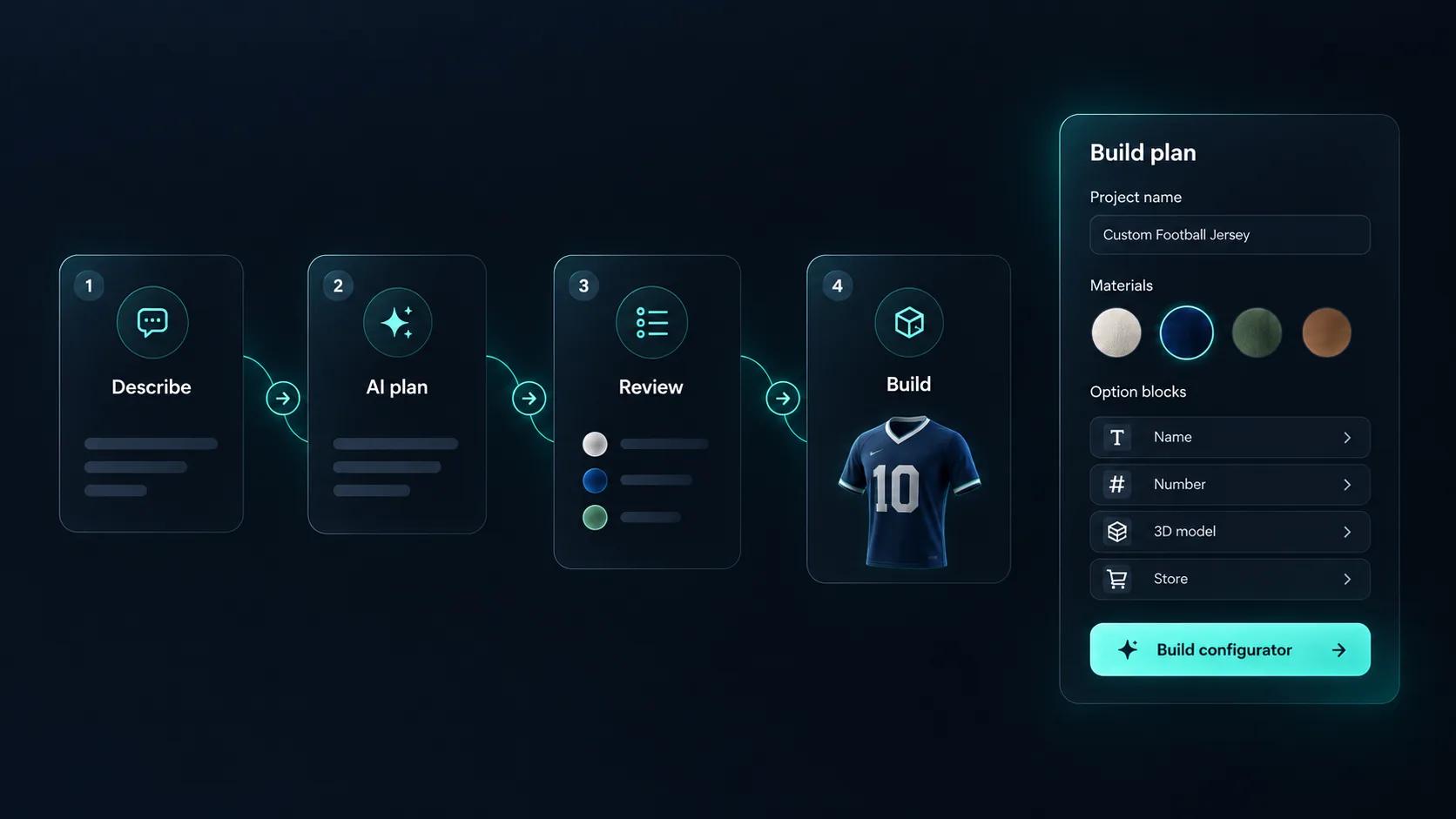
Setting up a shoe configurator means building every option, every rule that links them, and every price that depends on them. Simplio3D can generate a working configurator from a product description, which gives you a structure to refine rather than a blank project. Its AI assistant can then audit what you have built — reviewing option coverage and conditional logic instead of leaving you to click through every combination. If you run a large catalogue, the MCP server lets an assistant connect with a scoped token to evaluate logic and calculate prices directly, proposing changes before anything is applied.
The model does the heavy lifting; the options are quick once panels are separated.
Import the shoe with upper, overlays, laces, sole, midsole and stitching as separate parts so each can take its own colour or material.
Build leather, suede, mesh and synthetic materials from your own scans. Footwear lives or dies on material realism, because the customer is judging a texture on a curved upper.
Restrict materials by panel and by model, so a customer cannot pair a material with a panel your factory does not cut it for.
Price the base pair, then charge for premium materials and personalisation, so a customised pair prices above a stock one automatically.
Publish and embed it on the product page and push the configured pair into your cart with its screenshot attached.
The team at Simplio3D is very easy to work with, great problem solvers and very budget sensitive.

The execution of ideas on paper to a finished, functional application couldn't have been done any better.

Simplio3D have significantly enhanced our product presentations, providing a unique and interactive experience for our clients.

Versatile, easy to use and easy to deploy 3D Configurator. Super simple to use and create configurations on.

I have used other similar platforms and find Simplio3D the most intuitive way to build a configurator. I'm not a CAD engineer so I wanted a solution without features I couldn't understand.

It was so simple to get started, and the results have been very impressive. We now have it live on four different platforms.

As many as the model separates. Uppers, overlays, laces, soles, midsoles and stitching are commonly exposed as individual options.
Yes. PBR materials carry the texture maps that make leather, suede and mesh read correctly under the scene lighting.
Yes, using Image Upload and the Design Canvas, within the placement areas and file limits you allow.
Yes. Conditional logic restricts material or colour options based on earlier choices so an unmakeable pair cannot be ordered.
Yes, through the WooCommerce or Shopify integration, which passes the configuration, the price and a screenshot of the result.
Yes, with touch controls, and AR can place the configured product at true scale where that is useful.
Clothing, socks and jerseys share the same decoration blocks and fabric material approach.
Own a 3D product configurator to drive sales and generate proposals directly from your website


