

Configure visually
The customer or the salesperson builds the product in 3D, seeing exactly what is being specified.
3D CPQ Software
Configure, price and quote complex products in one place — with the 3D model, the rules and the pricing engine working from the same configuration.
No credit card required
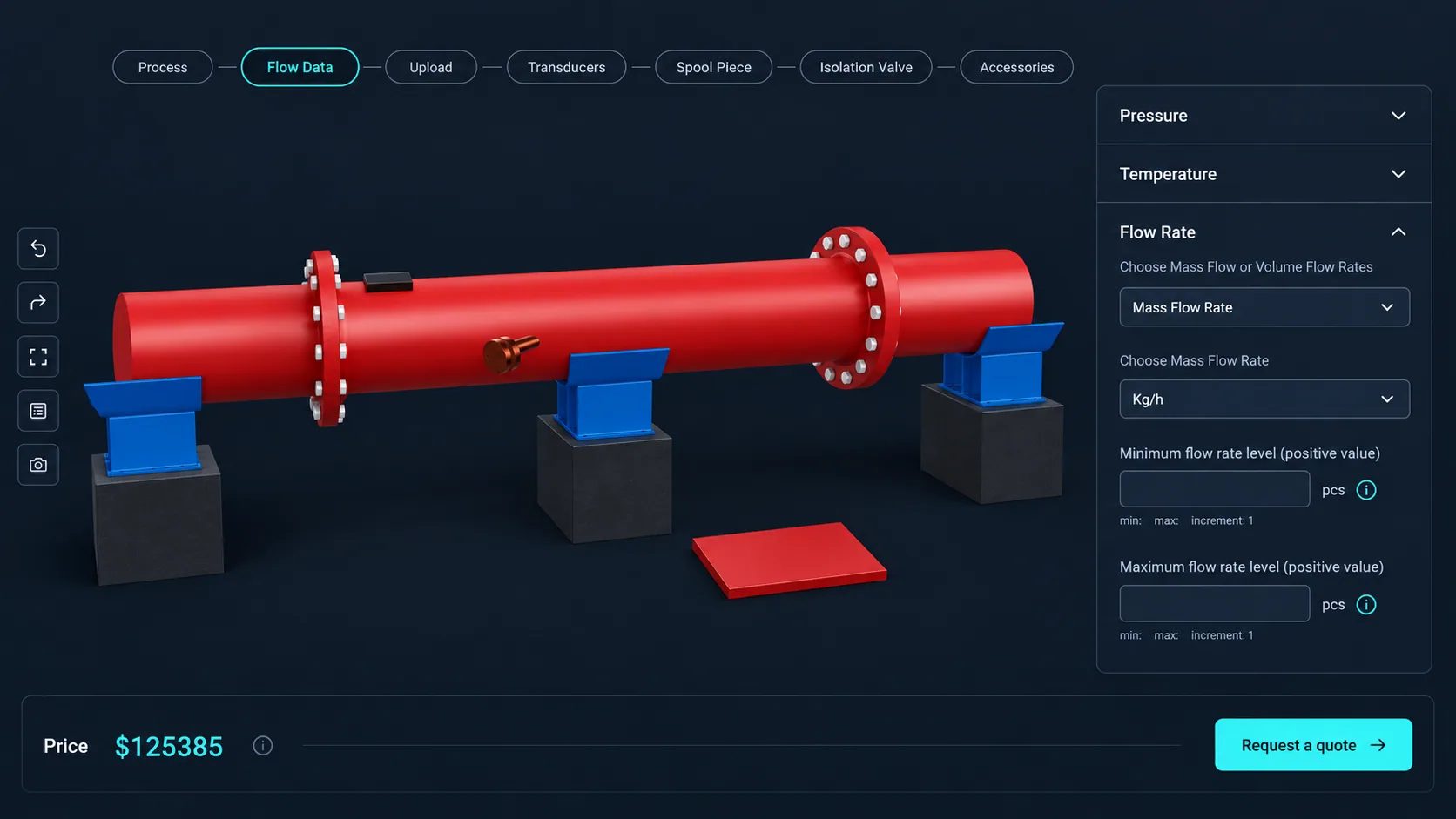
The customer or the salesperson builds the product in 3D, seeing exactly what is being specified.
Conditional logic keeps every configuration manufacturable, so a quote is never sent for something you cannot build.
Six price block types combine into a total that follows the configuration rather than a base SKU.
A visual token-based formula editor combines block references, operators and numbers into the calculation you actually use.
A form collects the configuration and the customer details together; submissions land under Requests.
Symbol, position, decimals, separators, tax rate and tax label are all configurable for a clear quote breakdown.
See how users score Simplio3D across the major software review platforms.

4.6/5

4.3/5

9.5/10
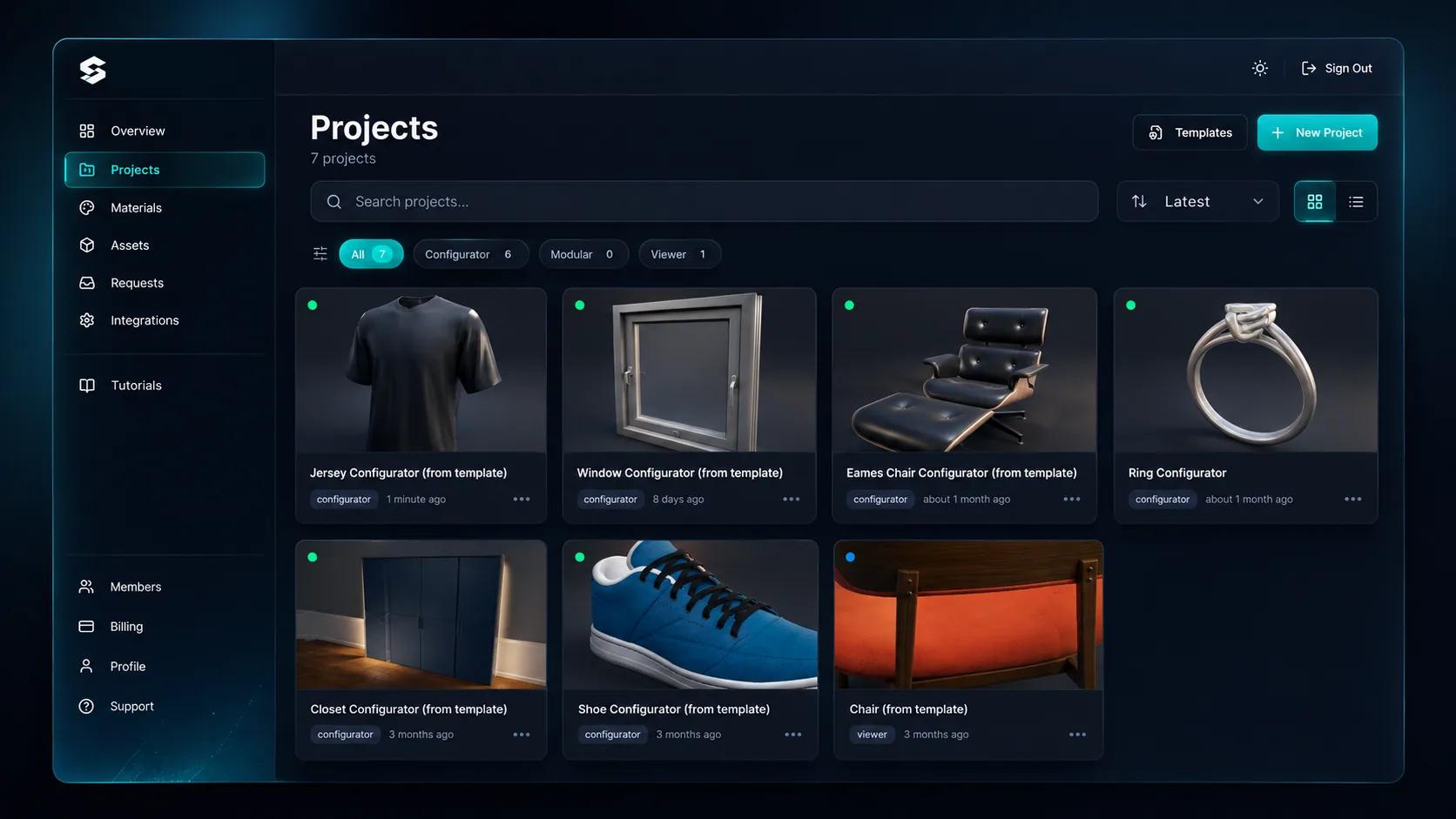
In most CPQ setups the visual is a rendering made separately from the quote, which means the two drift. The customer approves an image, the quote describes something slightly different, and the discrepancy surfaces in production. When the configuration drives both, that gap closes. The price is calculated from the same option selections that produced the model, and the quote carries the configuration that generated it.
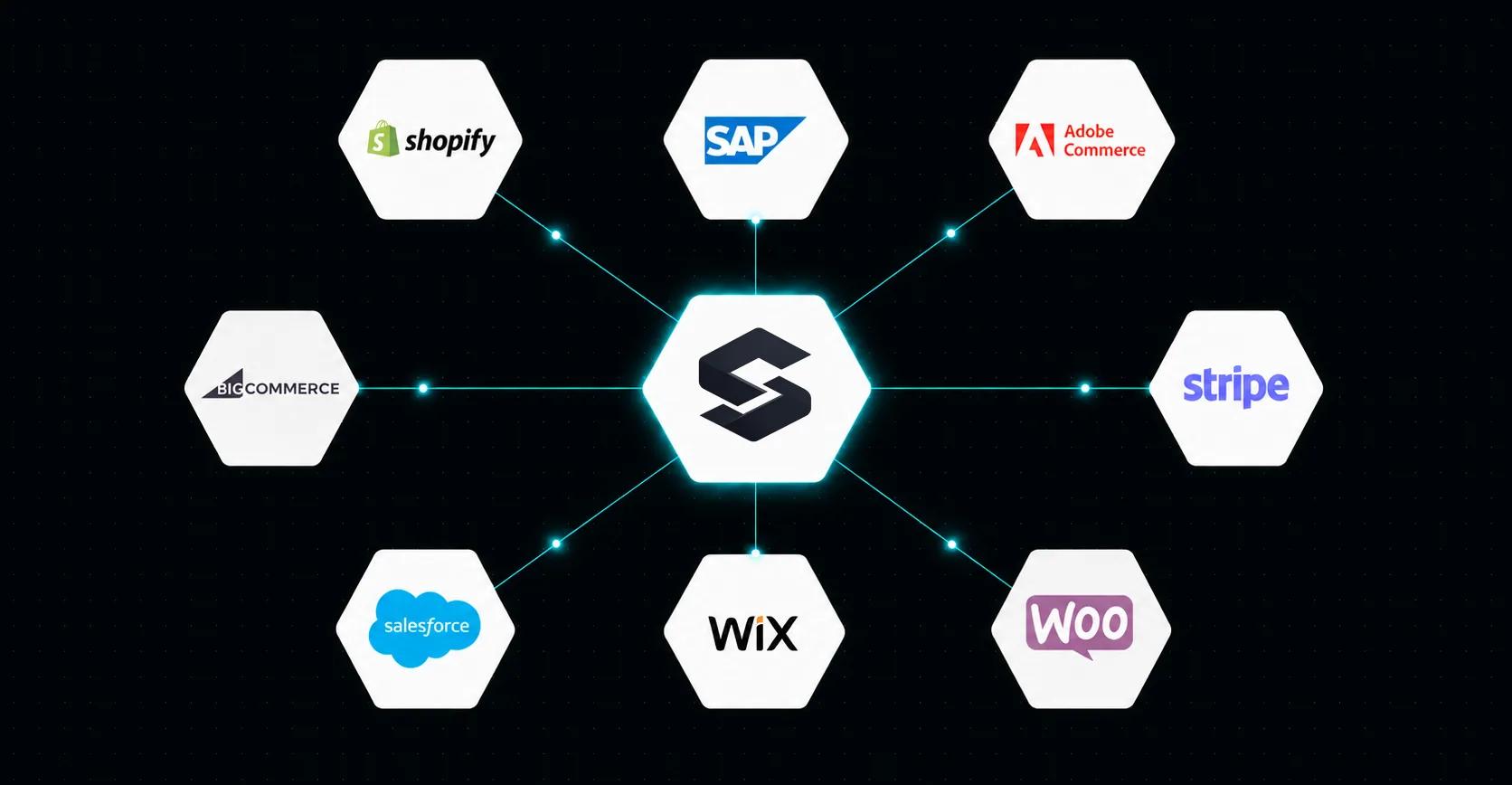
CPQ rarely lives alone. The REST API and the @simplio3d/sdk TypeScript client let your ERP, CRM or quoting platform author option blocks, manage pricing blocks, calculate a price for a given selection, and read quote submissions headlessly. Webhooks can notify your systems when a quote arrives. That is how Evergreen Shutters integrated it — their internal quoting platform posts a configuration and receives a 3D view back, without building a viewer of their own.
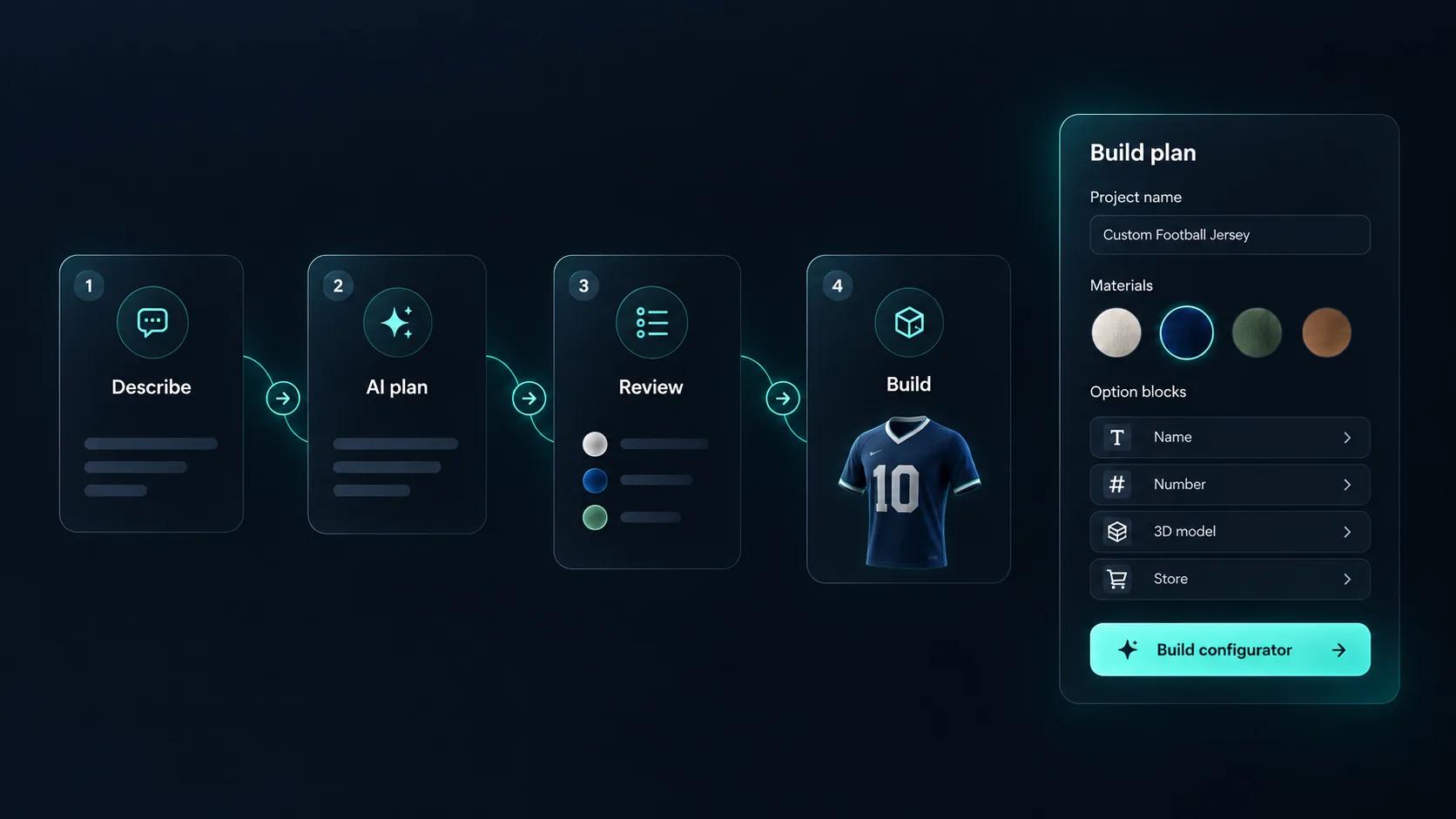
A serious CPQ configuration has hundreds of options and rules, and checking that every combination prices correctly is not something anyone does exhaustively. The MCP server lets an AI assistant connect with a scoped token and work against real projects — auditing a configurator, evaluating conditional logic, calculating pricing for given selections and generating quote summaries. Writes follow a propose, confirm and snapshot model, with rate limits and per-reply tool budgets, so an agent cannot quietly change live pricing.
Model, options, rules, pricing, quote.
Import the 3D model with the parts that vary separated, so each can be driven by an option block.
Sixteen block types cover material and colour selection, part visibility, dimension inputs, toggles, dropdowns, text and image upload.
Conditional logic shows, hides and restricts options based on earlier choices, so every configuration that reaches a quote is manufacturable.
Combine a base price with price groups, price tables and variables, then bring them together in the formula editor.
Add a form so the configuration and the customer details arrive together, and review submissions under Requests.
Price blocks are combined in a visual formula editor — for example [Base Price] + [Material Upgrade] × [Quantity].
| Price block | What it does | Availability |
|---|---|---|
| Base Price | A single fixed starting value for the project | One per project |
| Price Group | Links to an option block and prices each variant individually | All plans with pricing |
| Price Table | A two-dimensional matrix cross-referencing two option blocks | All plans with pricing |
| Variable | A custom numeric value, standalone or linked to an option | All plans with pricing |
| Unique Price | Non-linear quantity breakpoints with fallback pricing | Enterprise, modular projects |
| SKUs | Maps variants to inventory codes for SKU-based checkout | Enterprise, modular projects |
The team at Simplio3D is very easy to work with, great problem solvers and very budget sensitive.

The execution of ideas on paper to a finished, functional application couldn't have been done any better.

Simplio3D have significantly enhanced our product presentations, providing a unique and interactive experience for our clients.

Versatile, easy to use and easy to deploy 3D Configurator. Super simple to use and create configurations on.

I have used other similar platforms and find Simplio3D the most intuitive way to build a configurator. I'm not a CAD engineer so I wanted a solution without features I couldn't understand.

It was so simple to get started, and the results have been very impressive. We now have it live on four different platforms.

Configure, price, quote: the customer or salesperson configures the product visually, the pricing rules produce a total from that configuration, and a quote request captures both.
Six price block types combine in a visual token-based formula editor, so a calculation like a base price plus a material upgrade multiplied by quantity is built without writing code.
Yes. Number Input blocks feed the formula, and price tables handle two-dimensional combinations, which covers most area and size-based pricing.
Yes. Currency symbol, position, decimal places and separators are configurable, along with tax rates and tax labels for a transparent breakdown.
Yes, through the REST API and the @simplio3d/sdk TypeScript client, with webhooks to notify your systems when a quote is submitted.
The 3D product viewer, the configurator, conditional logic and the pricing structure are all included from the Starter plan. Augmented reality, the pattern and canvas modules and API/SDK access start on Pro, and the advanced modular system is an Enterprise capability. Every account begins with a 30-day Pro trial.
Buildings, joinery, furniture and equipment all use the same configure-price-quote pattern with different option sets.
Own a 3D product configurator to drive sales and generate proposals directly from your website


