

Back to blog
woocommercewordpressintegrationsproduct
Simplio3D Product Configurator Plugin for WordPress
Simplio3D·
If you sell configurable products on WooCommerce — furniture, jewellery, signage, bespoke or made-to-order goods — you have probably hit the same wall. Shoppers can specify exactly what they want, but the store cannot take the order without a custom development project sitting between the configurator and the cart.
The Simplio3D Product Configurator plugin for WordPress closes that gap. It embeds a configurator you built in Simplio3D into a WordPress page, and lets the configured result — options, price and all — land in the WooCommerce basket like any other product.
Pick the one that matches how much of the buying flow you want to keep inside your own store.
| Redirect to checkout | Add to basket | |
|---|---|---|
| Plugin required | No | Yes |
| What happens after configuring | The shopper is sent to WooCommerce checkout with the configuration in the URL | The configured item is added to the cart in place, with no page change |
| Shopper can keep browsing | No — they go straight to checkout | Yes |
| Price source | Calculated by Simplio3D | Calculated by Simplio3D and sent to WooCommerce as the product price |
| Best for | A single configurable product, or a quick first launch | Stores selling configurable and standard products side by side |
The plugin publishes a configurator — or a plain 3D product viewer — that you built inside the Simplio3D platform onto your WordPress site. The 3D work, the option logic and the pricing rules all live in Simplio3D; WordPress is where the result is displayed and where the sale completes.
In Add to Basket mode it also handles the traffic between the configurator and WooCommerce: the customer’s selections, the calculated price and a screenshot of the configured product are passed across, so the cart line reflects what they actually built.
It is listed on the WordPress.org plugin directory as Simplio3D Product Configurator, by Digital Artflow, and needs WordPress 5.0 or later and PHP 7.4 or later.
The full flow, from a fresh WordPress install to a configured product sitting in the cart.
Install Simplio3D Product Configurator on your WordPress site and activate it. The plugin for Add to Basket mode is available from your Simplio3D dashboard under Integrations → WooCommerce.
Add a WooCommerce product to represent the configurable item — usually hidden from the catalogue — with an SKU and a placeholder price. Simplio3D will override that price with the configured total.
In the Simplio3D editor, link the project to that WooCommerce product and switch the integration to Add to Basket mode. You will confirm the product by name, SKU and price when linking.
Place the configurator on the product page with the plugin shortcode, passing the share URL and the WooCommerce product ID: [simplio3d_configurator url="..." product_id="123" height="850px" width="100%"].
Make sure a cart page exists using the standard [woocommerce_cart] shortcode, so a shopper who adds a configured item can review and check out as normal.
Customers configure and buy without leaving your store, using the WooCommerce cart and payment flow they already trust.
The configurator calculates the price from your own option and pricing logic, then passes that total to WooCommerce.
Standard WooCommerce products and fully configurable 3D products can sit side by side in the same store.
The connection between configurator and cart is handled by the plugin, so there is no bespoke integration to commission or maintain.
The plugin only handles the WordPress half. The configurator itself is built in Simplio3D: upload a 3D model, apply PBR materials, define option blocks, add conditional logic so incompatible combinations cannot be chosen, and set pricing with tables or formulas.
You do not have to start from a blank project. Simplio3D can generate a working configurator from a product description, and its AI assistant can audit an existing one — checking option coverage and conditional logic rather than leaving you to click through every combination by hand.
If you run a large catalogue, the platform also exposes an MCP server, so an AI assistant such as Claude can connect with a scoped token and inspect real projects: introspect a model, evaluate the logic, or calculate a price for a given set of options. Writes follow a propose-then-confirm model, so an agent cannot quietly change a live configurator.
Only for Add to Basket mode. Redirect to Checkout works without any plugin — after configuring, the shopper is sent to WooCommerce checkout with the product data in the URL.
The total Simplio3D calculates from your option and pricing rules. It is sent to WooCommerce and overrides the placeholder price on the linked product.
Yes. Configurable 3D products and standard WooCommerce products coexist; only the products you link to a Simplio3D project behave differently.
WordPress 5.0 or higher and PHP 7.4 or higher. The plugin is published on the WordPress.org plugin directory by Digital Artflow.
Yes. The configuration details and a screenshot of the configured product are passed to WooCommerce along with the price.
Yes. The plugin can publish a plain 3D product viewer as well as a full configurator, if you only need customers to inspect the product rather than change it.
Simplio3D also integrates with Shopify for SKU-matched carts, and offers a REST API and TypeScript SDK for custom storefronts and headless builds.
A short tutorial on placing the Simplio3D viewer, options, price and Add to Cart with Elementor’s Shortcode widget.
Own a 3D product configurator to drive sales and generate proposals directly from your website
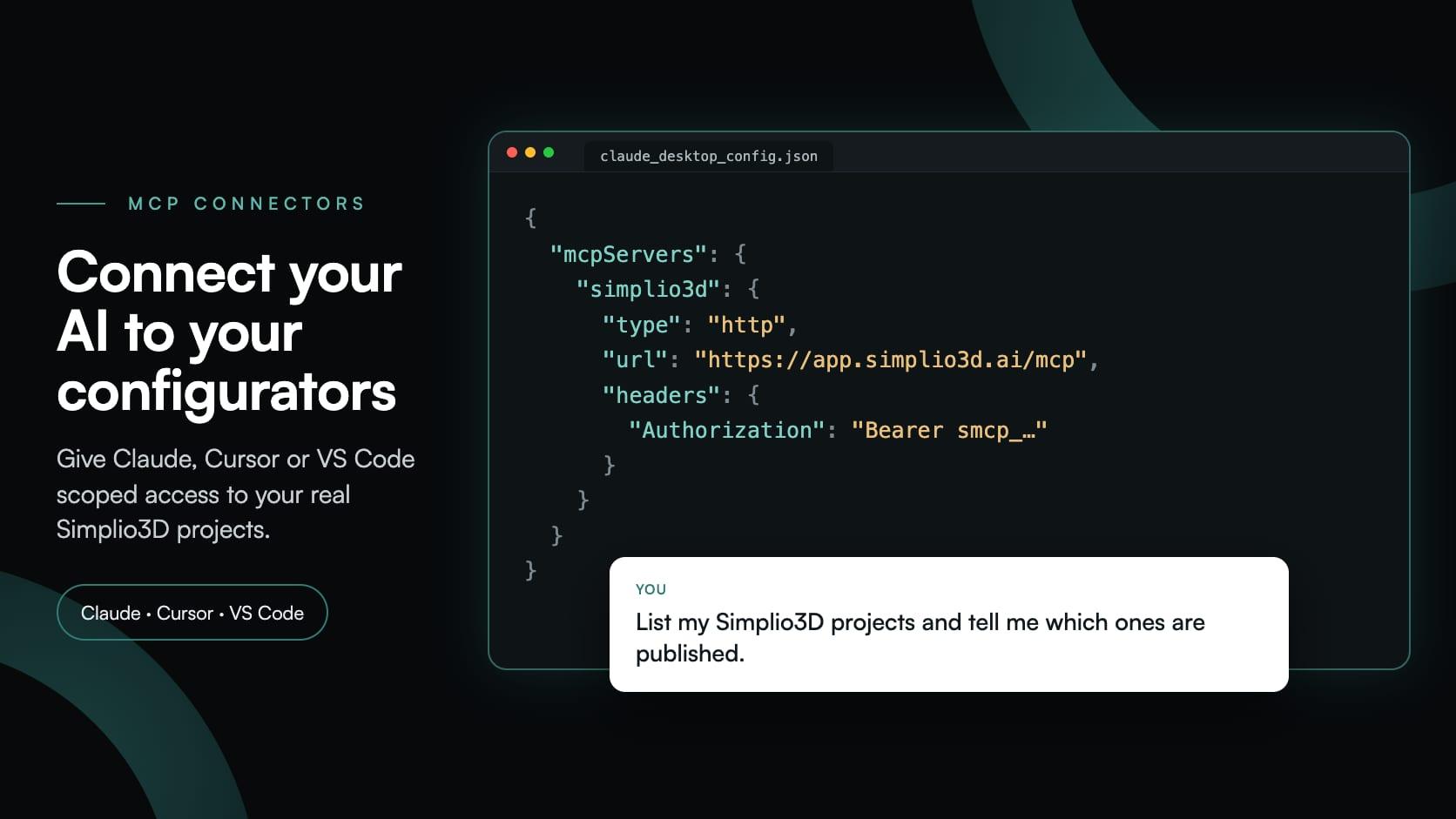
MCP connectors let Claude, Cursor or VS Code work with your real Simplio3D projects. What a connected agent can read and change, how approval works, and how to connect one.
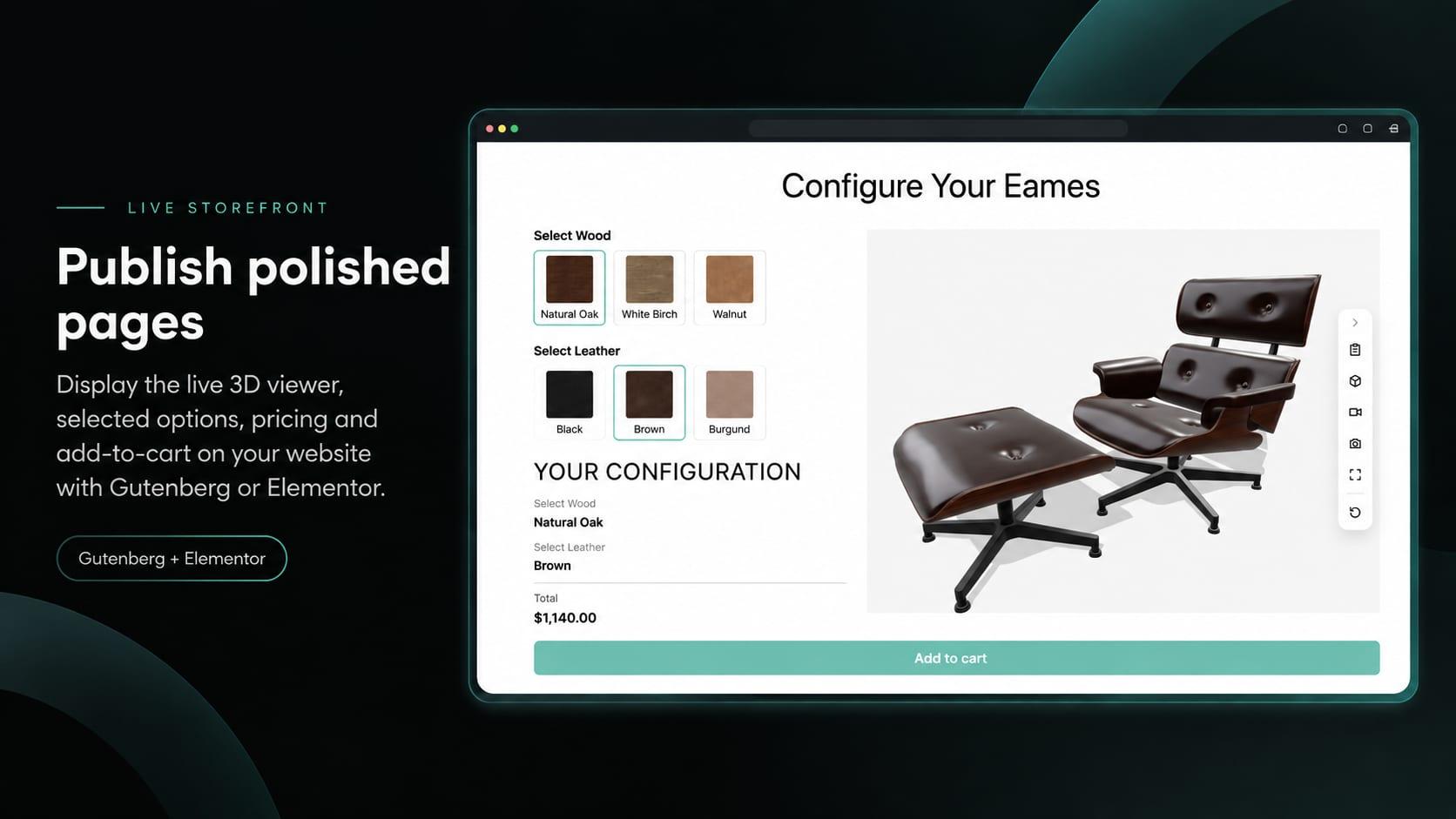
Place the Simplio3D viewer, options, price, summary and Add to Cart in Elementor with the free Shortcode widget: find your ids, build the layout and connect WooCommerce.

A practical comparison of ten product configurator platforms — what each is genuinely built for, how they differ on visualisation, pricing logic and integration, and how to shortlist without wasting a quarter.