

Top material
Solid wood, veneer, stone, laminate or glass rendered as real materials on the surface.
3D Table Configurator
Let customers choose a top material, edge profile and base, set their own dimensions, and see the price move with the size.
No credit card required
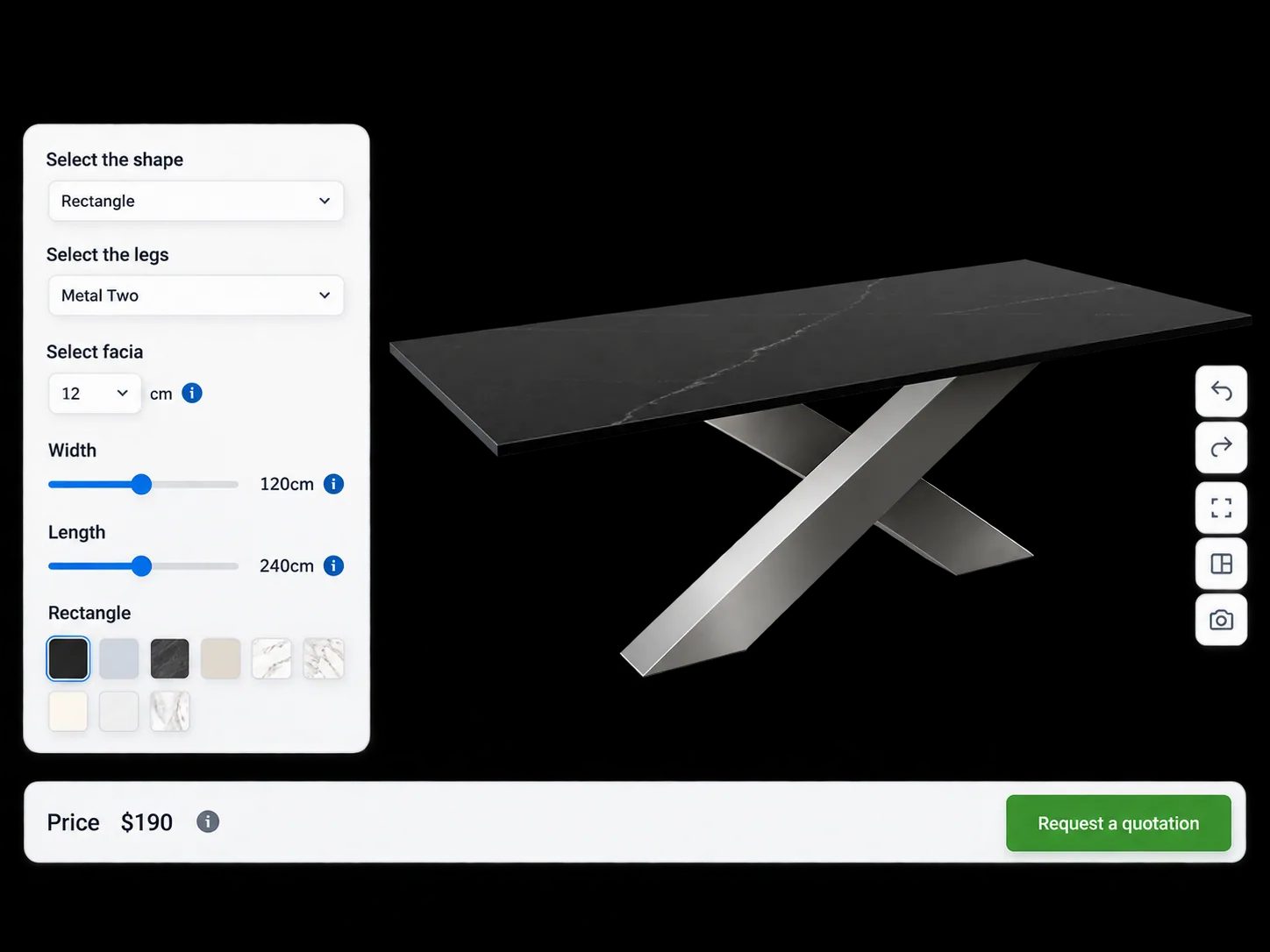
Solid wood, veneer, stone, laminate or glass rendered as real materials on the surface.
Length, width and thickness entered by the customer, with the model and the price both responding.
Rectangular, round or oval tops and the edge detail, shown rather than described.
Leg style, base type, material and finish selected independently of the top.
Oils, lacquers and stains applied as materials so the customer sees the difference between them.
A price per square metre or a size-banded price table applies automatically as dimensions change.
See how users score Simplio3D across the major software review platforms.

4.6/5

4.3/5

9.5/10
Made-to-measure tables usually mean a phone call: the customer describes a size, someone works out a price, and the conversation goes back and forth until it lands. A pricing formula tied to the configured dimensions does that instantly. The customer sets the length and width they need and sees the real figure — which either closes the sale or ends it early, both of which are better than three days of emails.

Scale and colour are the two things people get wrong when buying tables online, and they are the two most common reasons for a return. Augmented reality places the configured product at true scale on the floor through the camera, using AR Quick Look on iOS and Scene Viewer on Android — no app to install. On desktop, a QR code hands the current configuration to the phone as a GLB snapshot and a configured USDZ, so the customer sees exactly what they built.

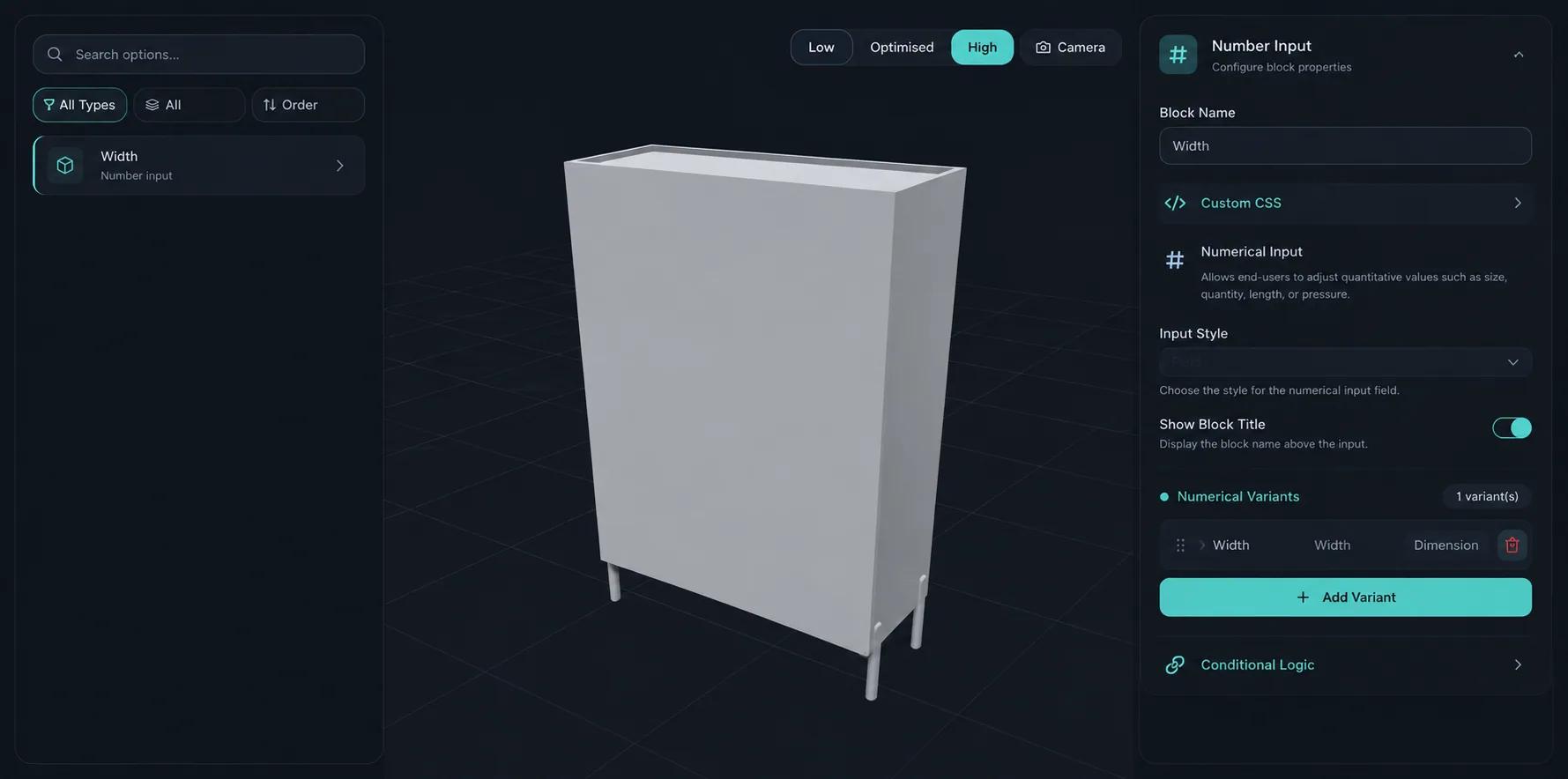
Setting up a table configurator means building every option, every rule that links them, and every price that depends on them. Simplio3D can generate a working configurator from a product description, which gives you a structure to refine rather than a blank project. Its AI assistant can then audit what you have built — reviewing option coverage and conditional logic instead of leaving you to click through every combination. If you run a large catalogue, the MCP server lets an assistant connect with a scoped token to evaluate logic and calculate prices directly, proposing changes before anything is applied.
Model, materials, options, pricing formula, embed.
Import the table with the top, edge and base as separate parts so each can be swapped and resized independently.
Build the top materials from your own scans — stone veining and timber grain are the whole product here — plus the base finishes in metal and painted timber.
Restrict bases by top size and material — a heavy stone top that needs a specific base should not be pairable with a lighter one.
Price the top by area with a formula and the base as a fixed option, which is how made-to-size tables are quoted in practice.
Publish and embed it on the product page, then either add the configured table to the cart or collect it as a quote request.
The team at Simplio3D is very easy to work with, great problem solvers and very budget sensitive.

The execution of ideas on paper to a finished, functional application couldn't have been done any better.

Simplio3D have significantly enhanced our product presentations, providing a unique and interactive experience for our clients.

Versatile, easy to use and easy to deploy 3D Configurator. Super simple to use and create configurations on.

I have used other similar platforms and find Simplio3D the most intuitive way to build a configurator. I'm not a CAD engineer so I wanted a solution without features I couldn't understand.

It was so simple to get started, and the results have been very impressive. We now have it live on four different platforms.

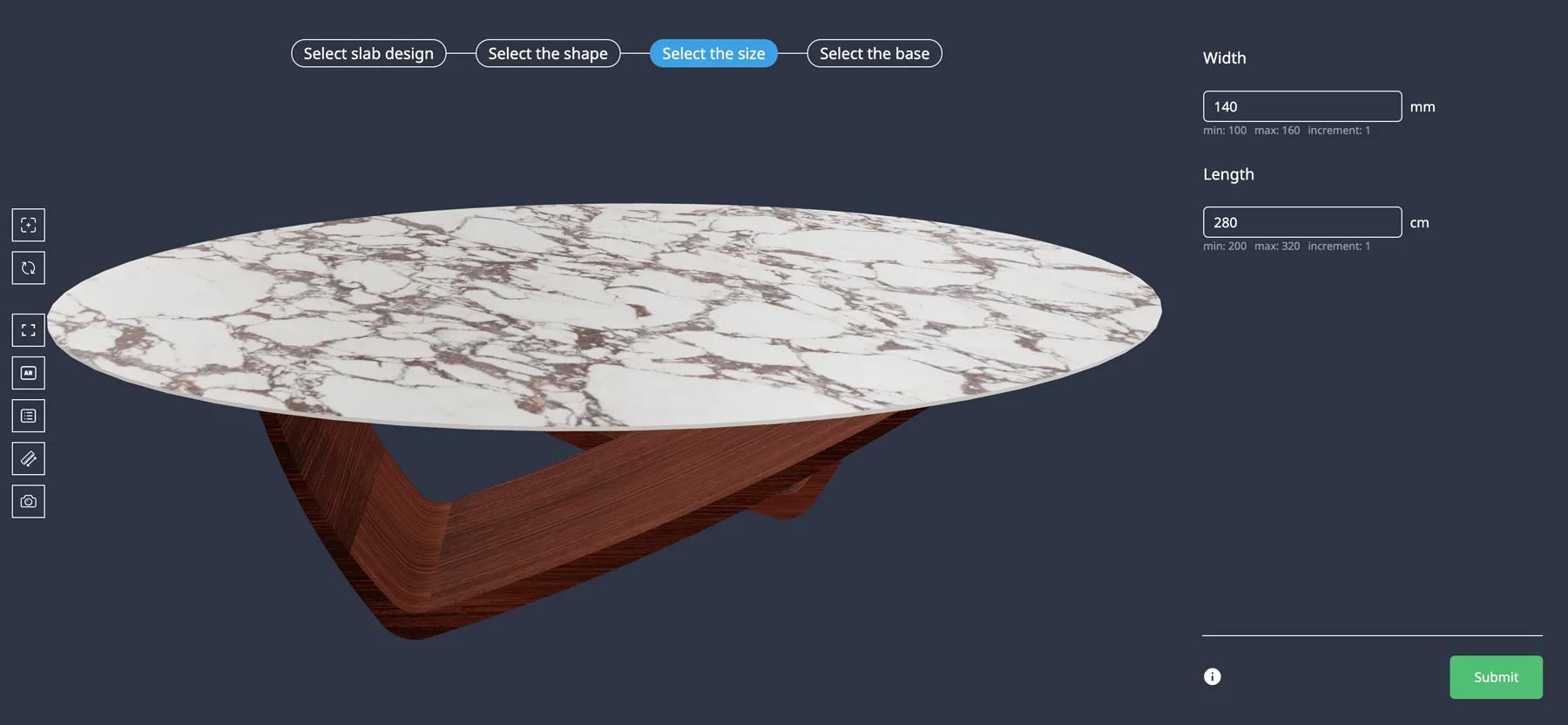
Iberica Stone’s customers choose the slab, shape, dimensions and legs in 3D, see the table in AR and request a quote.
Iberica Stone
Iberica Stone wanted customers to explore every customisation option on a premium stone table before buying. On the Starter plan they launched a 3D table builder with AR and quote requests.
Yes. Pricing formulas can reference the configured dimensions, so a rate per square metre or a size-banded price table applies automatically.
Within the range you allow. Dimension inputs take minimum, maximum and step values so requests stay manufacturable.
Yes. PBR materials carry the texture maps that make stone veining and timber grain read correctly under the scene lighting.
If that is what you manufacture. Where it is not, conditional logic restricts base options by top size or material.
Yes — the Iberica Stone case study covers a stone table configurator with slab design, top shape, dimensions and leg colour, plus AR and quote requests.
Yes, through the WooCommerce or Shopify integration, or as a quote request if the piece is genuinely made to order.
Cabinets, seating and storage reuse the same materials, options and pricing approach.
Guides, tutorials and news from the Simplio3D team.
Place the Simplio3D viewer, options, price, summary and Add to Cart in Elementor with the free Shortcode widget: find your ids, build the layout and connect WooCommerce.
We’re proud to announce that Simplio3D has been recognized by G2, the leading software review platform, earning both the High Performer badge and the Easiest Admin badge in the G2 Grid.
Structure, UV mapping, optimisation and pivots — the four things that decide whether a 3D model becomes a working configurator or a troubleshooting exercise.
Embed a 3D product configurator on WordPress and let customers add their configured product straight to the WooCommerce basket — with the price your own rules calculated.
MCP connectors let Claude, Cursor or VS Code work with your real Simplio3D projects. What a connected agent can read and change, how approval works, and how to connect one.
Own a 3D product configurator to drive sales and generate proposals directly from your website


