

Fabric and leather
The full upholstery range as PBR materials, so texture and colour are judged properly before ordering.
3D Couch Configurator
Let customers assemble a sofa — modules, fabric, legs and dimensions — see it photorealistically, and check it fits the room with AR.
No credit card required
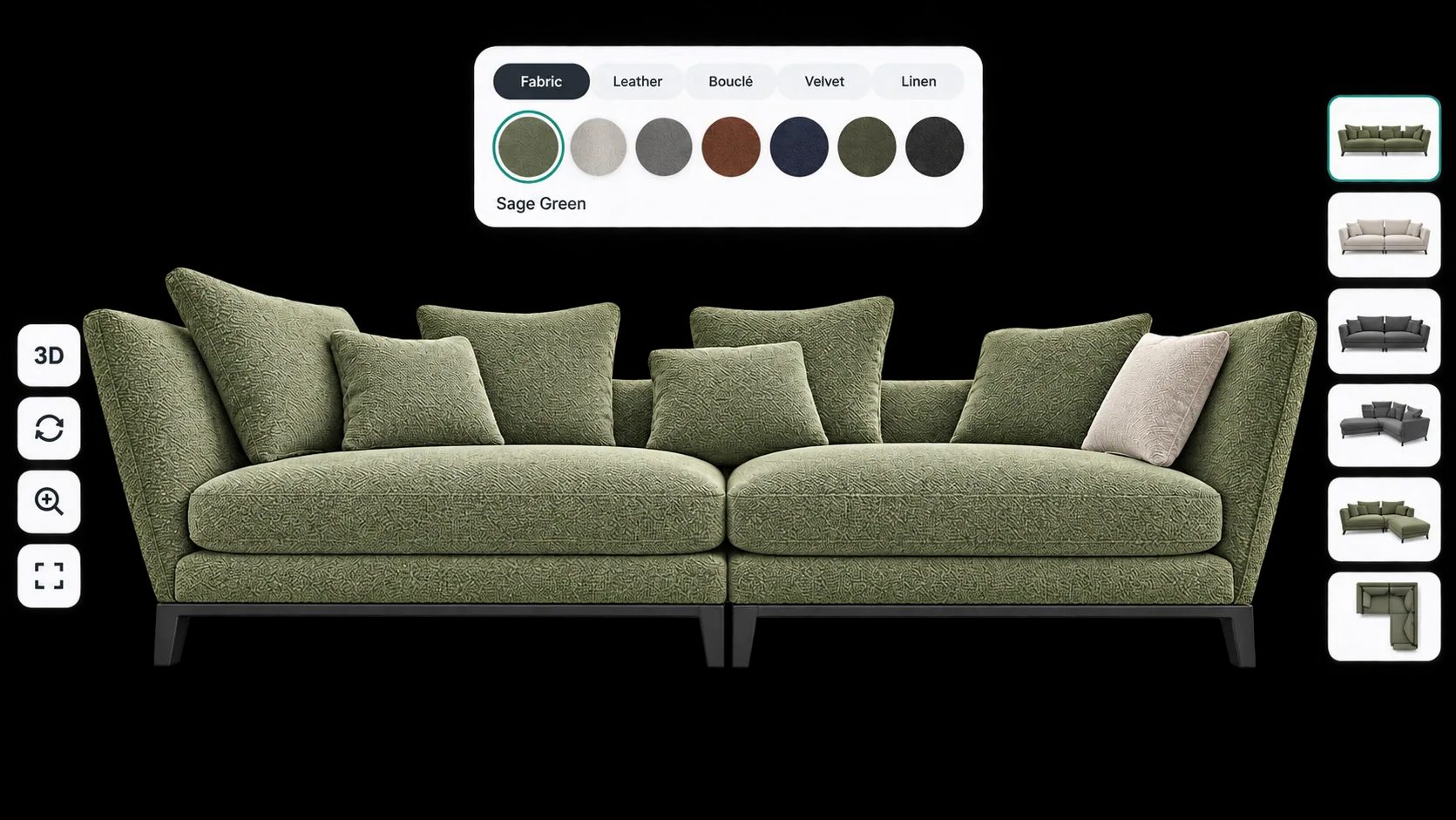
The full upholstery range as PBR materials, so texture and colour are judged properly before ordering.
Two, three or four seats, corner units and chaises combined into the layout the customer needs.
Leg style, height and finish changed on the model rather than described in a specification line.
Back cushion style, filling grade and scatter options offered as priced choices.
Overall width and depth shown clearly, so the customer knows whether it fits before it ships.
Fabric grade and module count both move the price, and the customer sees that as they build.
See how users score Simplio3D across the major software review platforms.

4.6/5

4.3/5

9.5/10
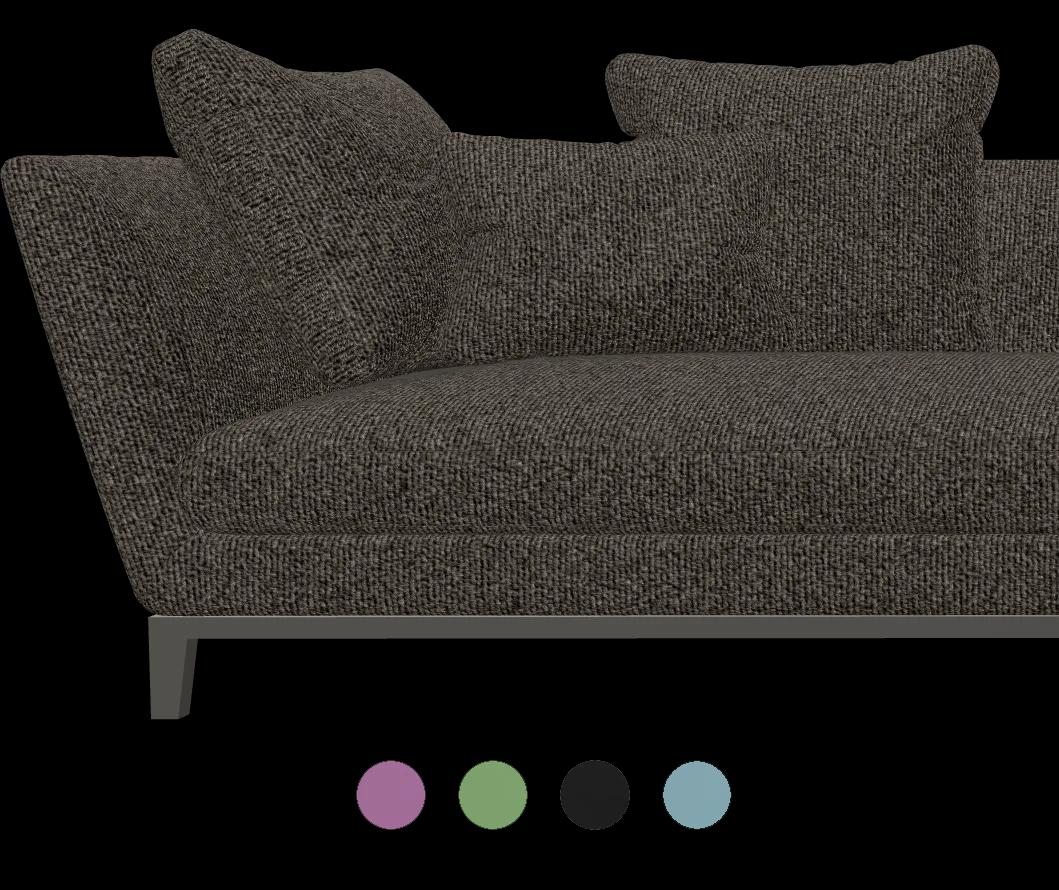
A modular seating range has more valid layouts than a website can list. Customers want to know whether a corner unit on the left with a chaise on the right will work in their room, and no product photo answers that. Simplio3D’s modular project type lets customers combine 3D modules with drag-and-drop, snap-point alignment, rotation and mirroring, building the arrangement they actually want. The advanced modular system is an Enterprise capability.
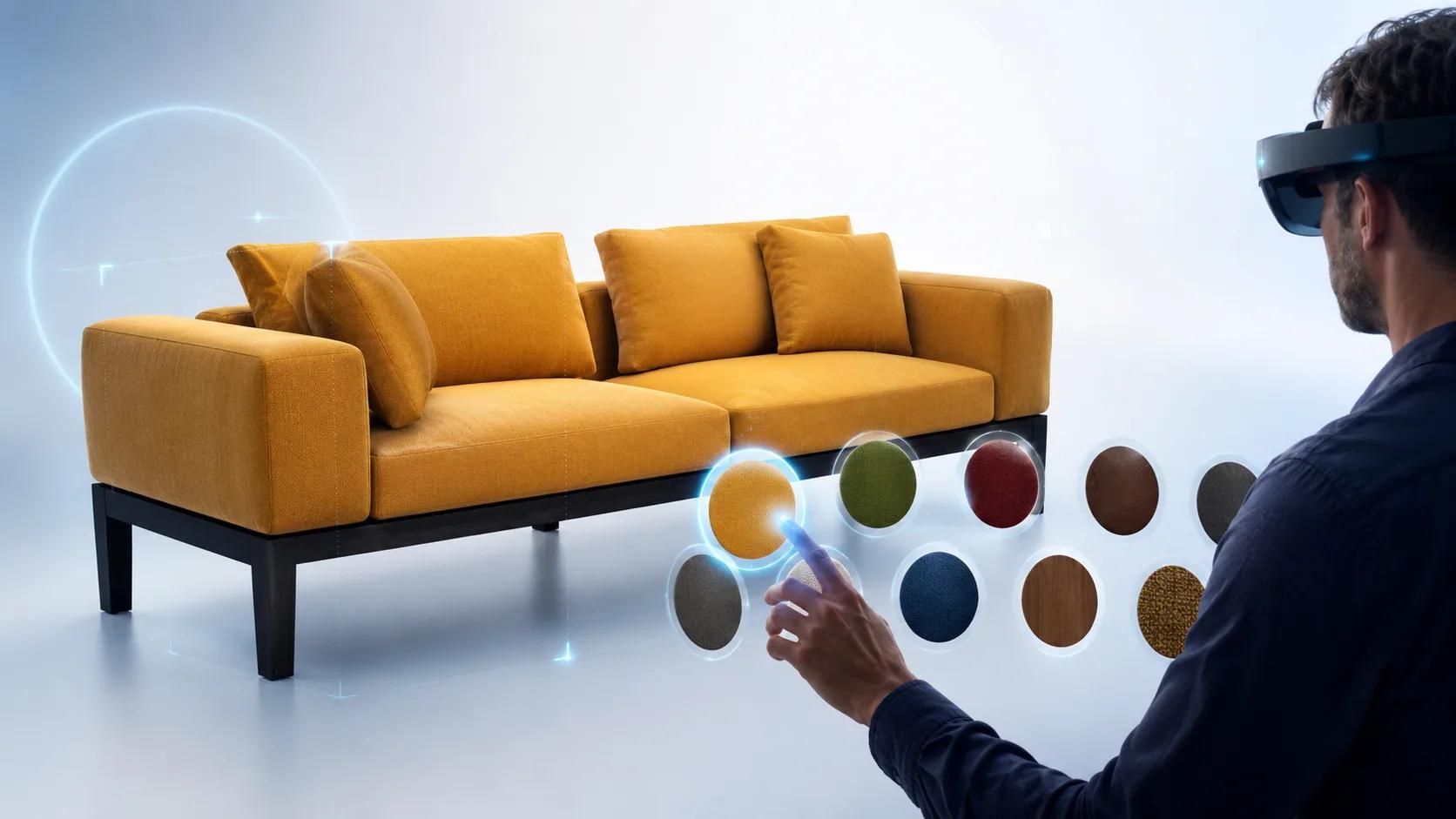
Scale and colour are the two things people get wrong when buying sofas online, and they are the two most common reasons for a return. Augmented reality places the configured product at true scale on the floor through the camera, using AR Quick Look on iOS and Scene Viewer on Android — no app to install. On desktop, a QR code hands the current configuration to the phone as a GLB snapshot and a configured USDZ, so the customer sees exactly what they built.
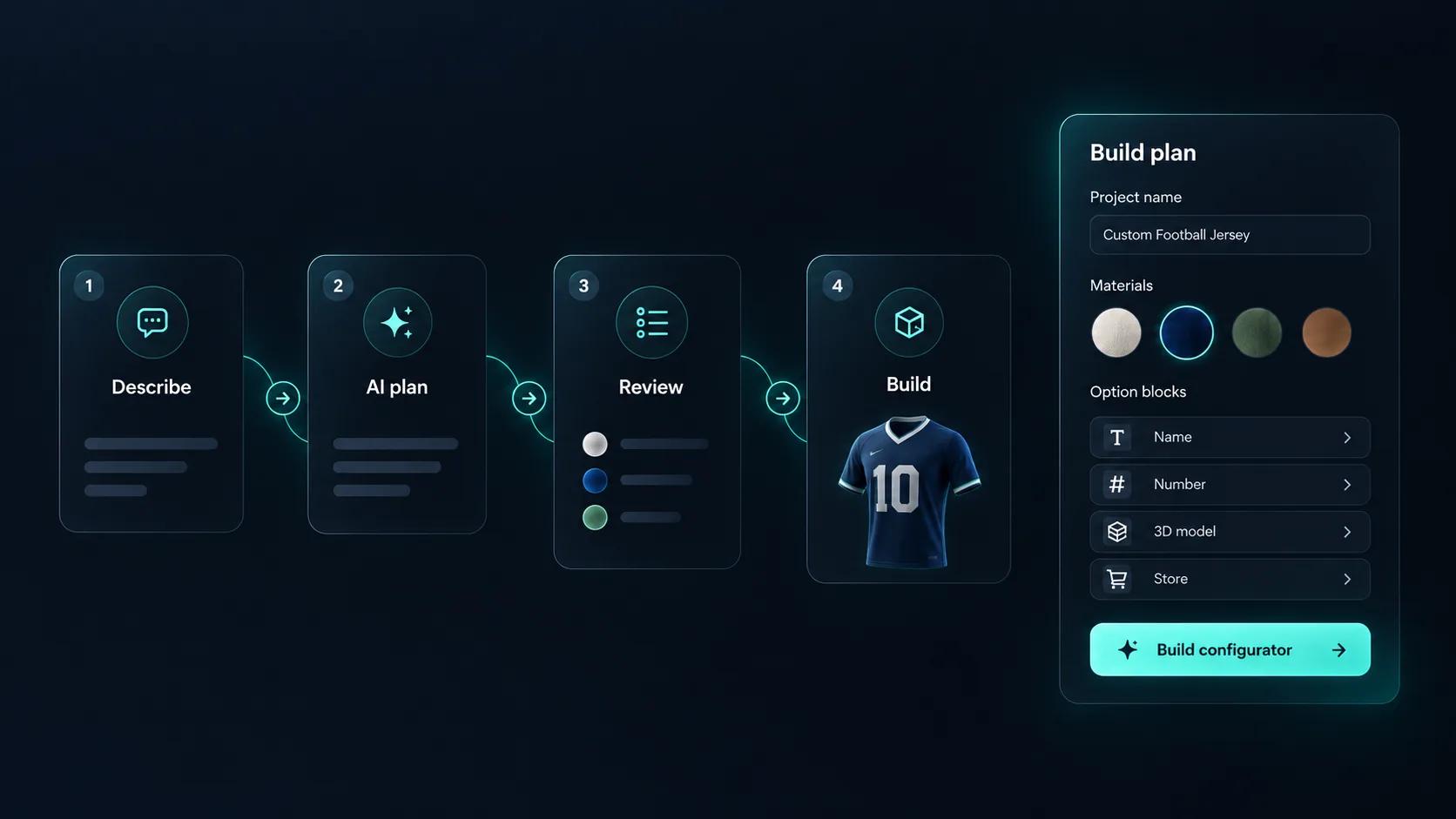
Setting up a sofa configurator means building every option, every rule that links them, and every price that depends on them. Simplio3D can generate a working configurator from a product description, which gives you a structure to refine rather than a blank project. Its AI assistant can then audit what you have built — reviewing option coverage and conditional logic instead of leaving you to click through every combination. If you run a large catalogue, the MCP server lets an assistant connect with a scoped token to evaluate logic and calculate prices directly, proposing changes before anything is applied.
Whether you sell fixed models or a full modular system.
Import the sofa with frame, cushions, upholstery and legs separated — or import each seating module individually if you want customers to assemble a layout.
Build the upholstery range as PBR materials — weave and sheen matter more on a large surface than on a small one — plus leg finishes in timber and metal.
Restrict which modules can join which, and which fabrics apply to which frame, so a layout that cannot be assembled cannot be ordered.
Price per module and per fabric grade, so a four-seat corner in a premium fabric prices correctly without maintaining a variant for every layout.
Publish and embed it on the product page. Enable AR so buyers can check the footprint against the room before committing.
The team at Simplio3D is very easy to work with, great problem solvers and very budget sensitive.

The execution of ideas on paper to a finished, functional application couldn't have been done any better.

Simplio3D have significantly enhanced our product presentations, providing a unique and interactive experience for our clients.

Versatile, easy to use and easy to deploy 3D Configurator. Super simple to use and create configurations on.

I have used other similar platforms and find Simplio3D the most intuitive way to build a configurator. I'm not a CAD engineer so I wanted a solution without features I couldn't understand.

It was so simple to get started, and the results have been very impressive. We now have it live on four different platforms.

Yes, using a modular project. Customers drag modules together with snap-point alignment, rotation, mirroring and undo. The advanced modular system is an Enterprise capability.
As many as you supply materials for. Bulk-adding materials by category turns a fabric book into a swatch set without building each option manually.
AR places the configured sofa at true scale through the phone camera, which is the most reliable way to answer that question before the order is placed.
Yes. Fabric grades, module counts and extras all feed the pricing rules, so the total reflects the exact configuration.
Yes, through the WooCommerce or Shopify integration, which passes the configuration, the calculated price and a screenshot of the result.
Model versioning lets you replace the 3D file while keeping the configuration built around it, so a refreshed range does not mean rebuilding the project.
Seating, tables and storage all reuse the same materials and pricing setup once the first configurator is built.
Own a 3D product configurator to drive sales and generate proposals directly from your website


