

Size to the space
Width, height and depth adjusted to the customer’s room, with the carcass rebuilding around the numbers.
Online Closet Design Software
A closet configurator that lets customers fit a wardrobe to their own space: dimensions, internal layout, doors and finishes, with the design and the price in real time.
No credit card required
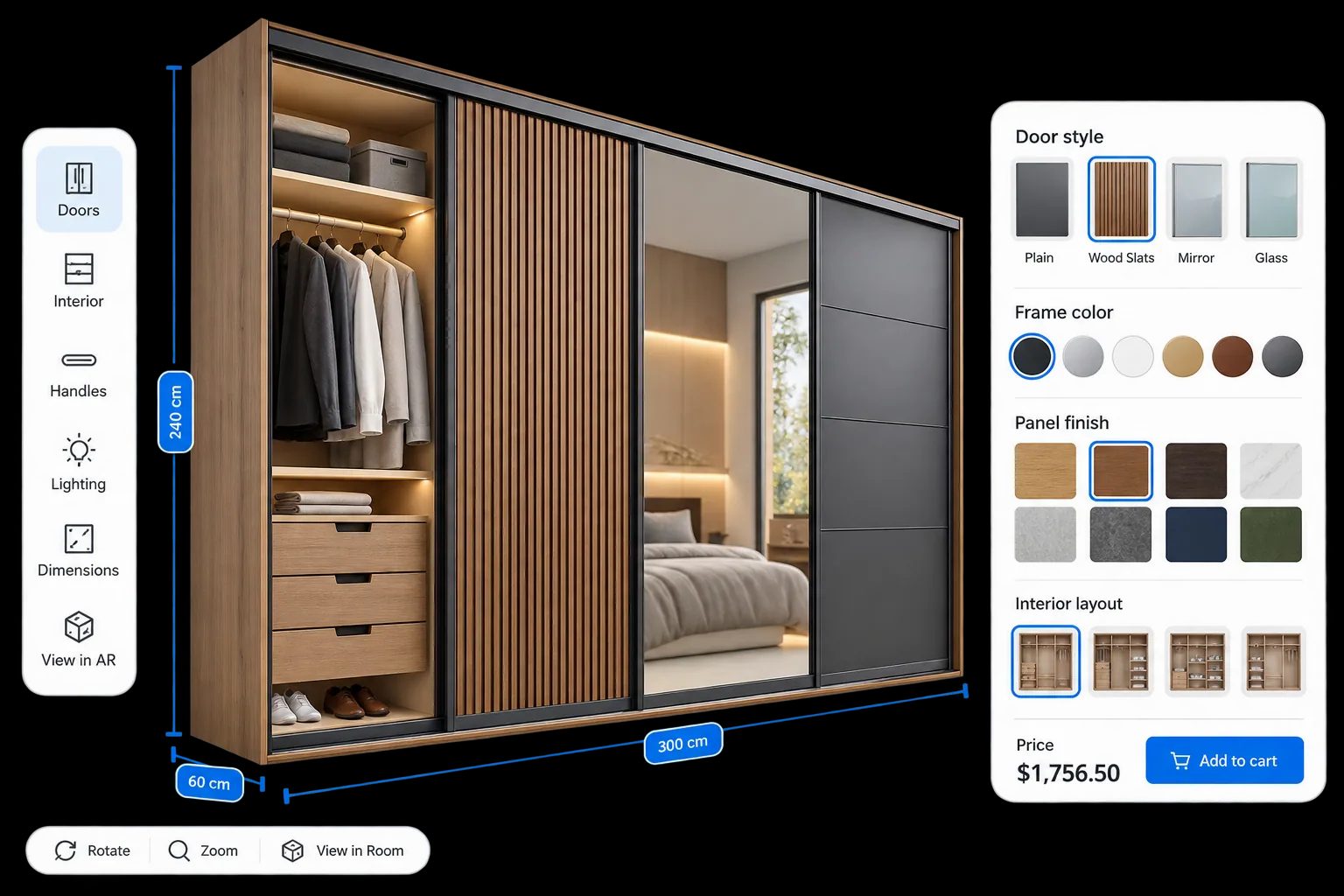
Width, height and depth adjusted to the customer’s room, with the carcass rebuilding around the numbers.
Shelves, drawers, hanging rails and dividers arranged into the combination the customer needs.
Hinged, sliding or open-front, shown on the model so the difference is obvious.
Board finishes, woodgrains and colours applied as real materials to carcass and doors.
Handle styles and finishes selected and rendered in position rather than listed separately.
Every module and finish feeds the total, so the customer sees the cost of each decision as they make it.
See how users score Simplio3D across the major software review platforms.

4.6/5

4.3/5

9.5/10
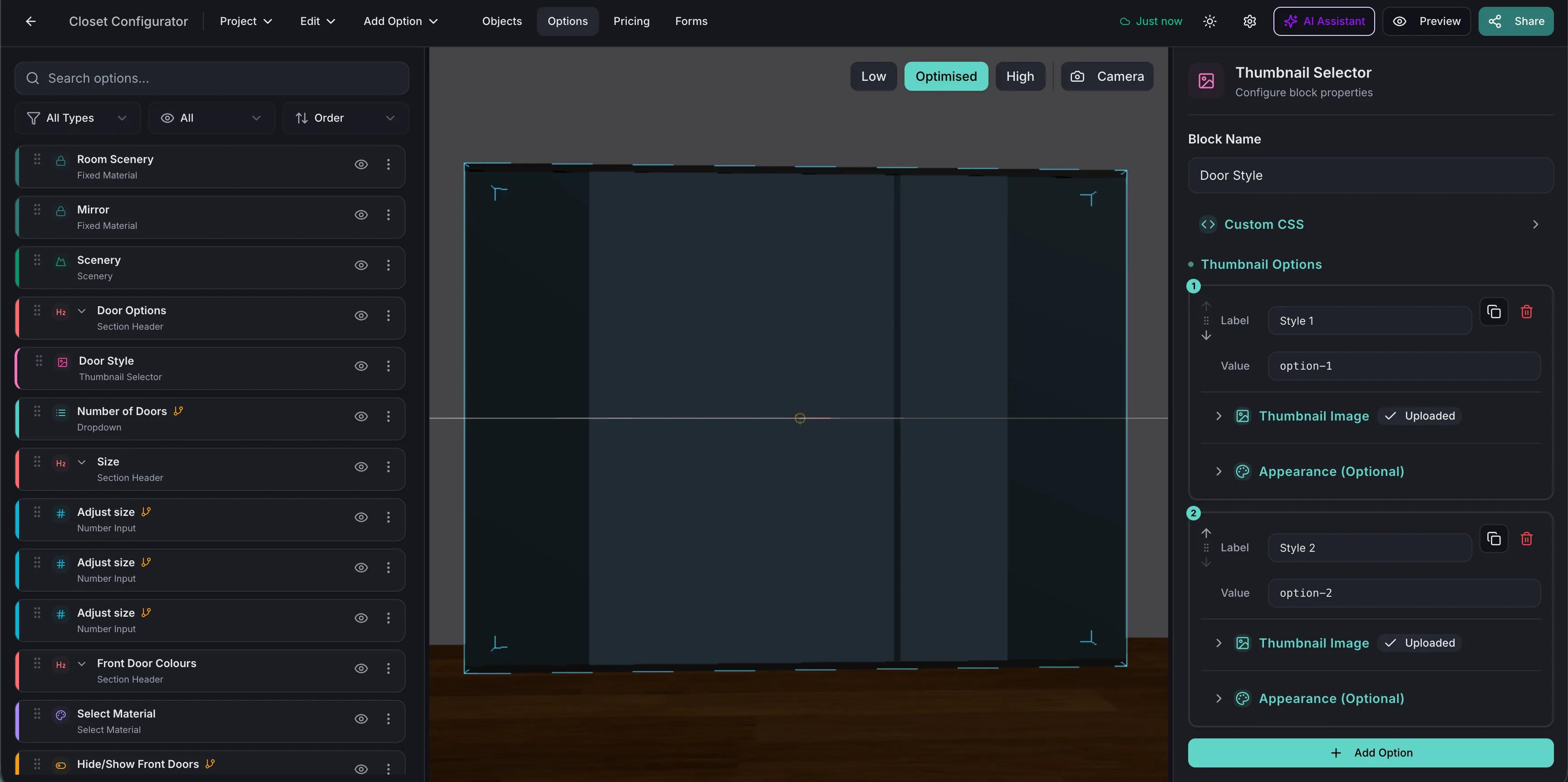
Nobody buys a fitted wardrobe from a photograph, because the photograph is of somebody else’s room. What matters is whether this configuration fits that space and holds what they own. Letting customers set the dimensions and arrange the internals themselves answers both questions in one session, and produces a specification your team can quote from directly.
Fitted storage is modular by nature. Simplio3D’s modular project type lets customers combine 3D modules with drag-and-drop, snap-point alignment, rotation, mirroring and undo — building a run of units rather than picking one from a list. That suits closets, wardrobes and storage walls better than a fixed configurator, and the advanced modular system is an Enterprise capability.
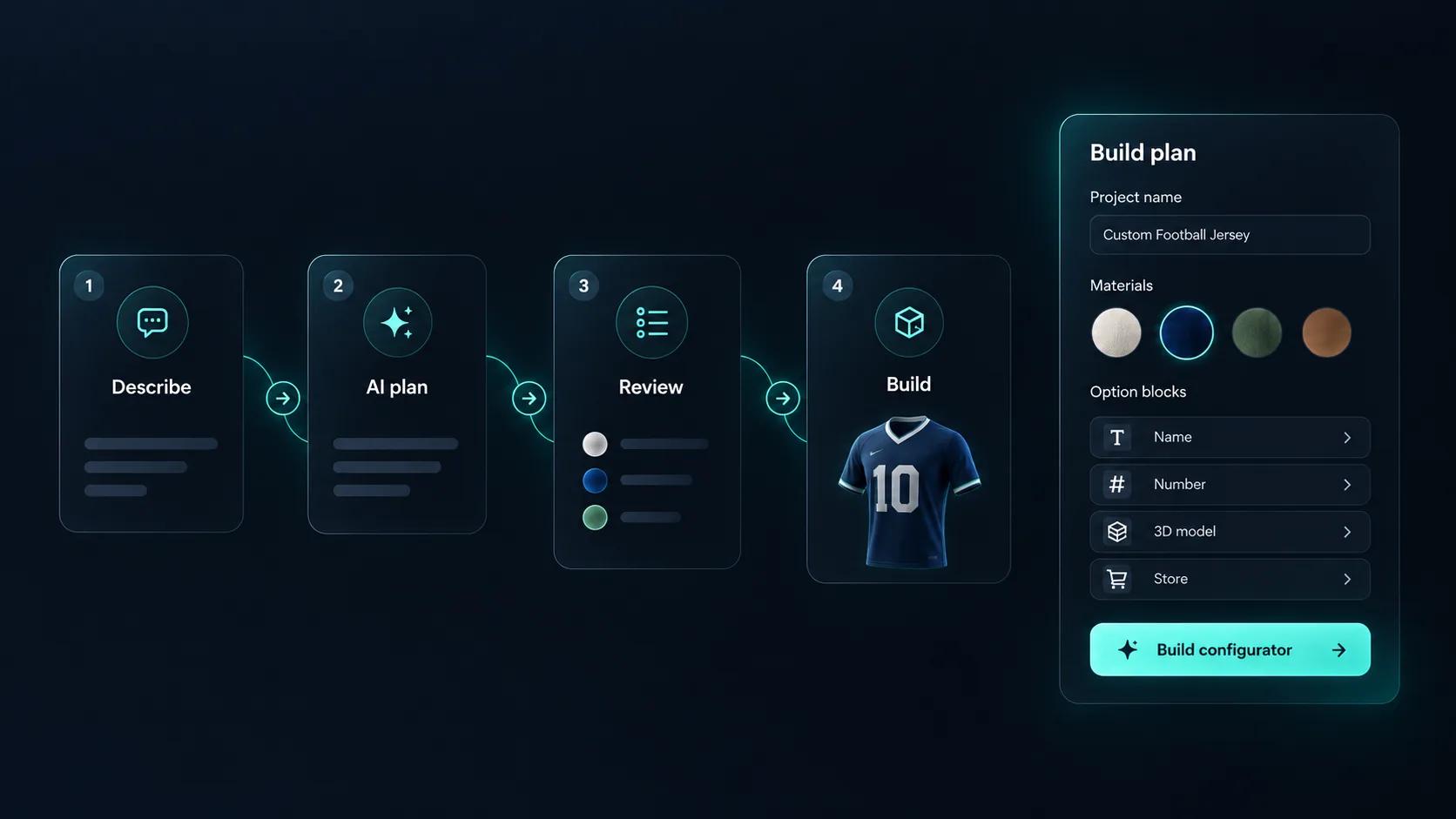
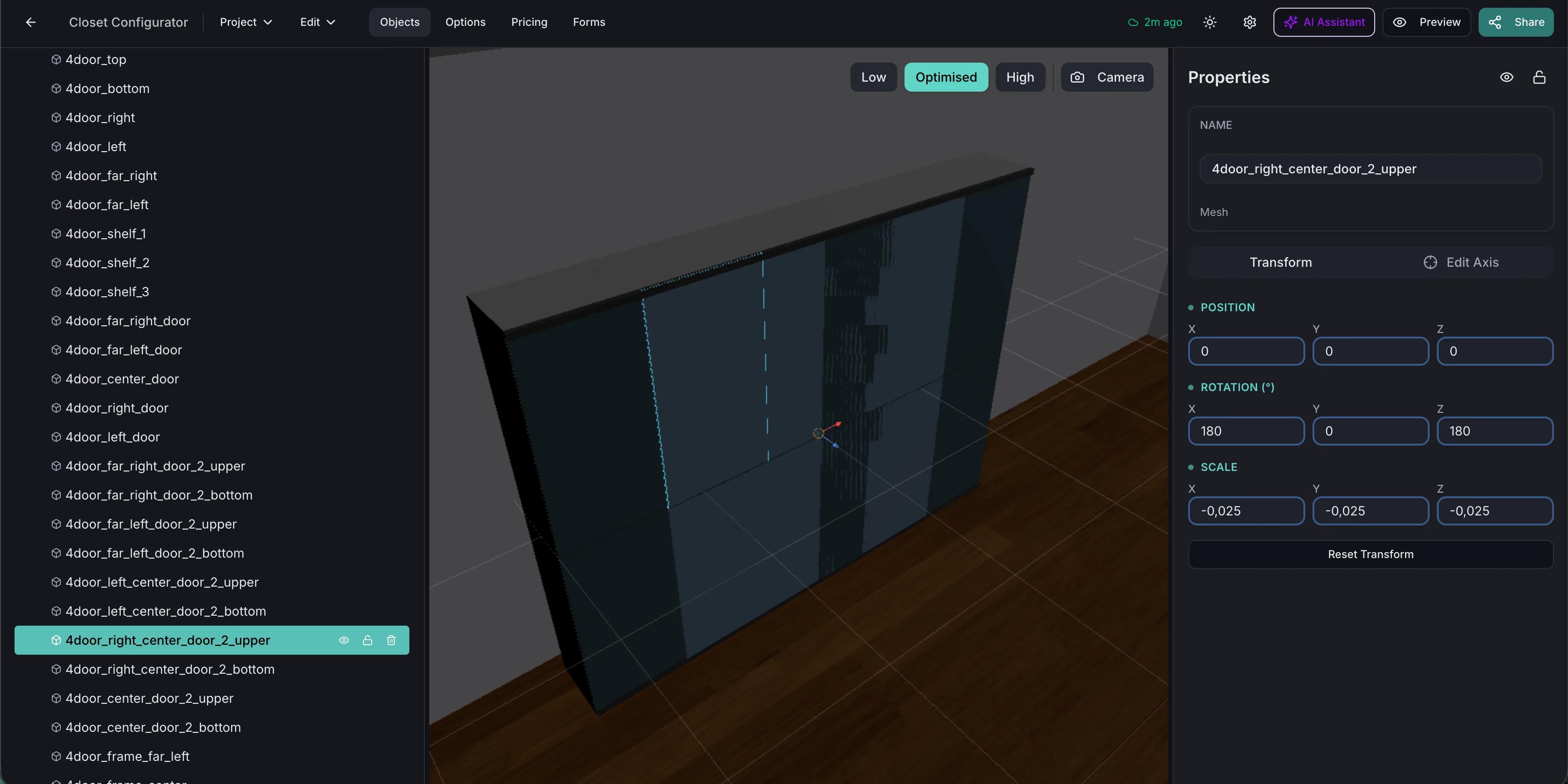
A closet carries a lot of logic: layouts that only fit above a certain width, doors that rule out certain handles, prices that move with every shelf. Describe it, for example “a fitted wardrobe with hinged or sliding doors, three board finishes and a choice of handles”, and Generate with AI plans a first draft around your model. The template catalogue also has a Closet Configurator to adapt. The AI assistant can then audit the rules, and a change to prices always waits for your approval.
Set the opening and change the doors. Launch it and try the options.
From carcass model to a design tool embedded on your website.
Import the carcass, doors, shelves, drawers and rails as separate parts, or as modules if you want customers to assemble a run themselves.
Add dimension inputs for the opening, dropdowns for door type and internal layout, and swatches for board finish, colour and handles.
Restrict internal layouts by the carcass size and door type, so a customer cannot specify a drawer stack that will not fit the opening they entered.
Price by carcass size, then add each shelf, drawer, rail and finish upgrade as a priced module so the total tracks the design as it grows.
Publish and embed it on your fitted storage page, or use it in the showroom on a tablet while designing with the customer.
One way to set up a made-to-measure fitted wardrobe.
| What the customer chooses | How it is built | Rule or price example |
|---|---|---|
| Opening size | Number Input for width, height and depth | A formula prices the carcass from the size |
| Door type | Dropdown Select for hinged, sliding or open | Sliding doors hide the handle option |
| Internal layout | Show/Hide Objects for shelves, drawers and rails | A drawer stack only appears above a set width |
| Board finish | Select Material in From Category mode | A Price Group charges for premium boards |
| Interior lighting | Toggle Switch | Adds a fixed price |
The team at Simplio3D is very easy to work with, great problem solvers and very budget sensitive.

The execution of ideas on paper to a finished, functional application couldn't have been done any better.

Simplio3D have significantly enhanced our product presentations, providing a unique and interactive experience for our clients.

Versatile, easy to use and easy to deploy 3D Configurator. Super simple to use and create configurations on.

I have used other similar platforms and find Simplio3D the most intuitive way to build a configurator. I'm not a CAD engineer so I wanted a solution without features I couldn't understand.

It was so simple to get started, and the results have been very impressive. We now have it live on four different platforms.

Office storage from drawer pedestals to cabinets and open shelving, configured with a live price in WooCommerce, and a modular builder that produces a PDF instruction manual for every design.
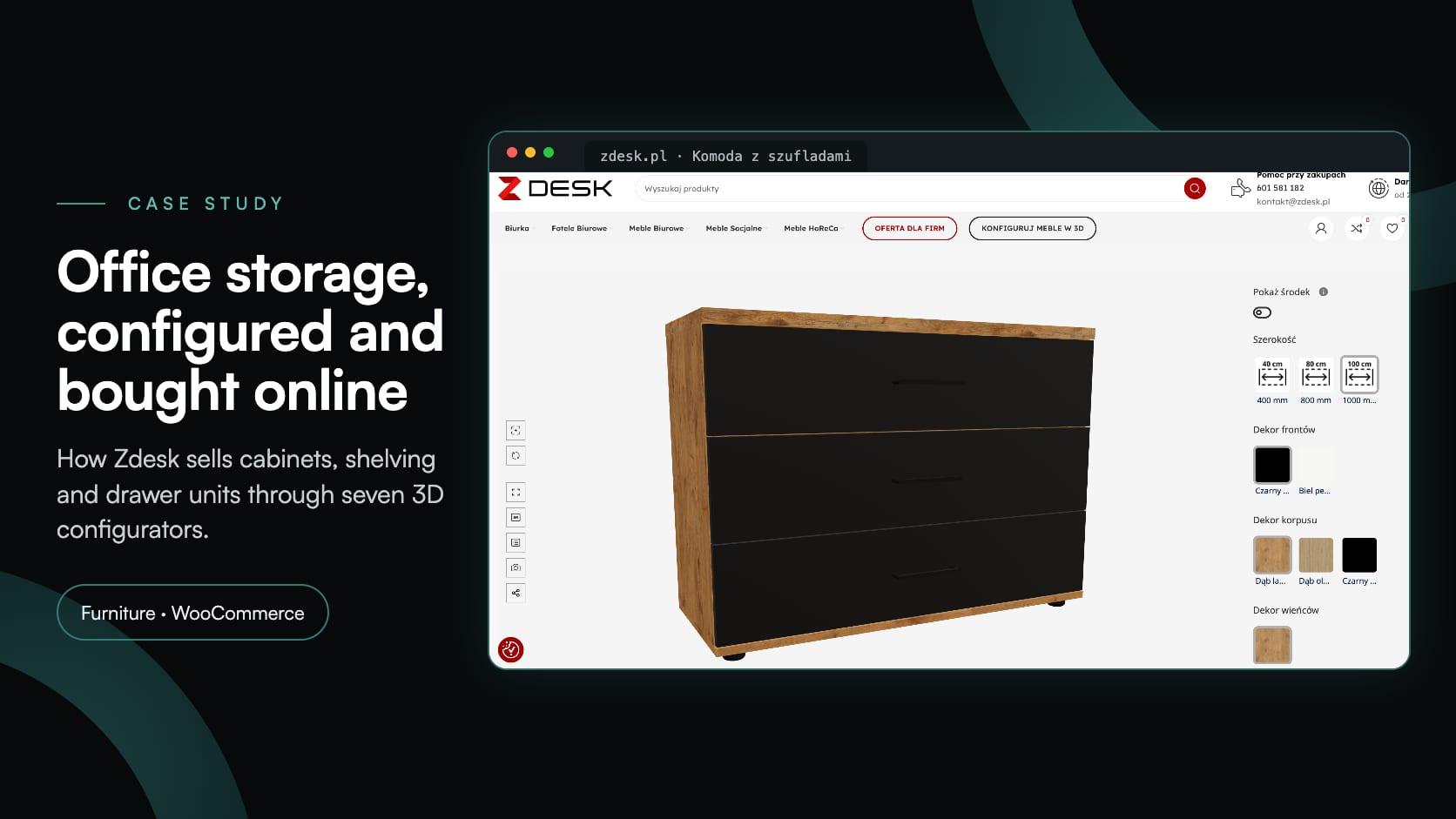
Zdesk
Zdesk, a Wrocław office furniture maker, put seven 3D configurators into its WooCommerce store with the Simplio3D plugin. Buyers set size, décor and fittings, see the price and add to cart.
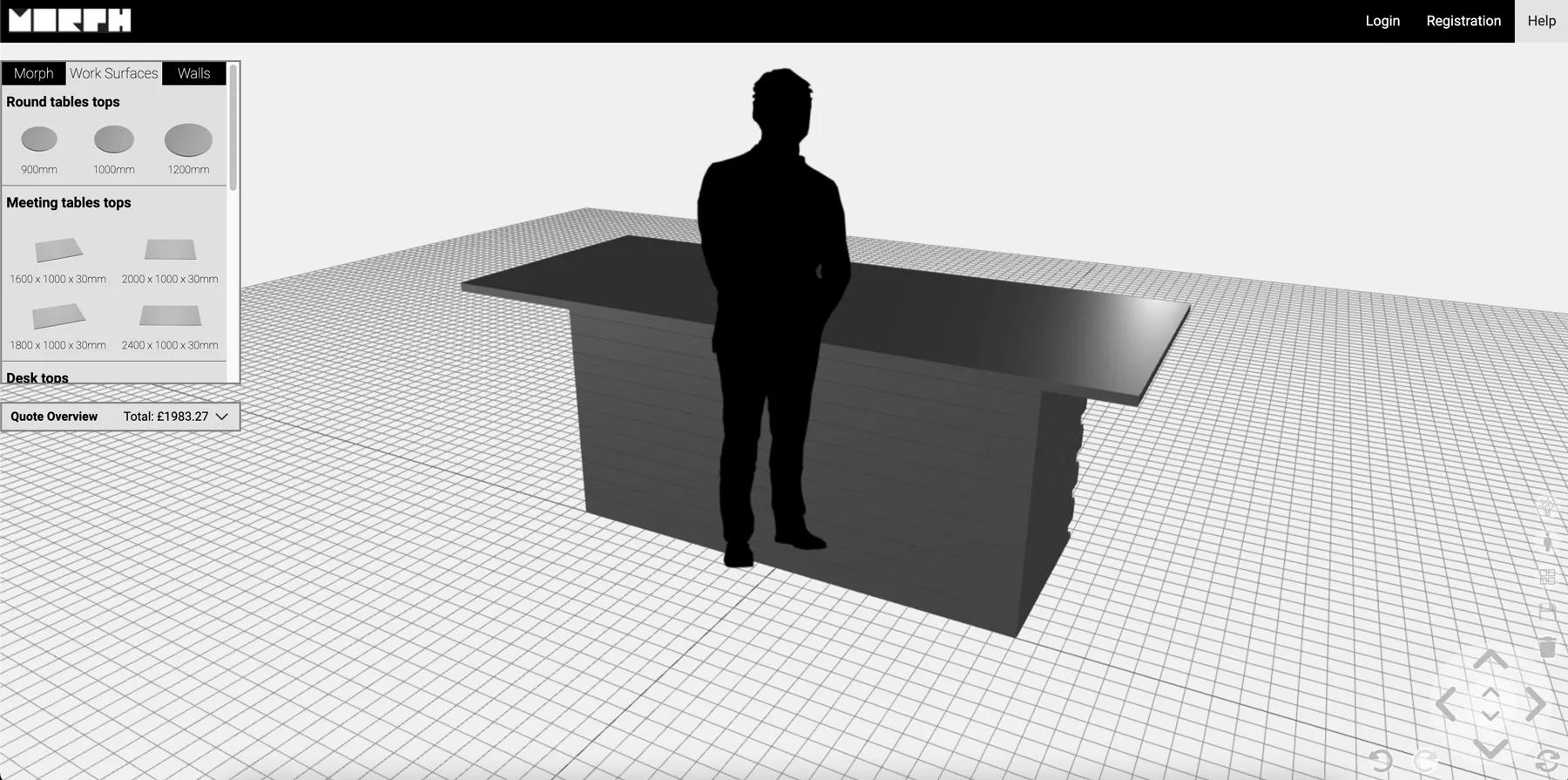
Morph Bricks Ltd.
Morph Bricks needed a configurator where customers could build walls, meeting rooms and tiered seating from eight brick types — and get a PDF instruction manual for the design they submitted.
Yes. Width, height and depth are dimension inputs bounded by the sizes you manufacture, and the model and price respond as they change.
Yes. Shelves, drawers and rails can be exposed as options, or as drag-and-drop modules if you use a modular project.
A drag-and-drop assembly system where customers combine 3D modules with snap-point alignment, rotation, mirroring and undo. The advanced modular system is an Enterprise capability.
Yes. Materials use PBR texture maps, so woodgrains, matt and gloss finishes render as they will look rather than as flat colour.
Either. Pricing rules produce a live total, and a quote form captures the design and the customer details for your team to follow up.
AR places the configured product at true scale using the AR frameworks built into iOS and Android, which is useful for checking a run against a real wall.
Cabinets, tables and seating use the same option, material and pricing model as fitted storage.
Formulas and price tables that follow the design as it grows.
Guides, tutorials and news from the Simplio3D team.
The Simplio3D Shopify App Is Now on the Shopify App Store
Simplio3D is now on the Shopify App Store. Install the app, add a 3D configurator to your theme with blocks, and let the cart charge the price your configurator calculates.
Simplio3D is Included in the Gartner Innovation Insight for Visual Configuration Report
In the 2020 Innovation Insight for Visual Configuration report, Simplio3D is included for the first time in the list of visual configuration vendors as a software solution provider for product configuration.
Top 10 Best Product Configurator Software in 2026 (Pros & Cons Comparison)
A practical comparison of ten product configurator platforms — what each is genuinely built for, how they differ on visualisation, pricing logic and integration, and how to shortlist without wasting a quarter.
How a Product Configurator Gets Built (2026 Workflow)
The decisions that determine whether a configurator project succeeds — defining the requirement, choosing the project type, building options, logic and pricing, and where AI now does the work.
How to Use the Simplio3D WordPress Plugin in Elementor
Place the Simplio3D viewer, options, price, summary and Add to Cart in Elementor with the free Shortcode widget: find your ids, build the layout and connect WooCommerce.
Own a 3D product configurator to drive sales and generate proposals directly from your website


