

Orbit, zoom and pan
Customers turn the product over, move in on a seam or a finish, and look at it from the angle that matters to them.
3D Product Viewer
Turn one 3D model into an interactive product experience: published once, embedded anywhere, and ready for augmented reality on the phone your customer already owns.
No credit card required
Customers turn the product over, move in on a seam or a finish, and look at it from the angle that matters to them.
Play an opening mechanism or a folding motion, and pin callouts to the parts worth explaining.
Place the product on a floor or a table at true scale through iOS AR Quick Look and Android Scene Viewer.
Import GLB, GLTF, FBX, OBJ, STL, DAE or a ZIP archive, then swap in a new model version without rebuilding the project.
A share link and an iframe snippet work on Shopify, WooCommerce, a custom storefront, a landing page or a native app.
Password-protect a share link, restrict which domains may embed it, or hand a client a QR code straight to the model.
See how users score Simplio3D across the major software review platforms.

4.6/5

4.3/5

9.5/10
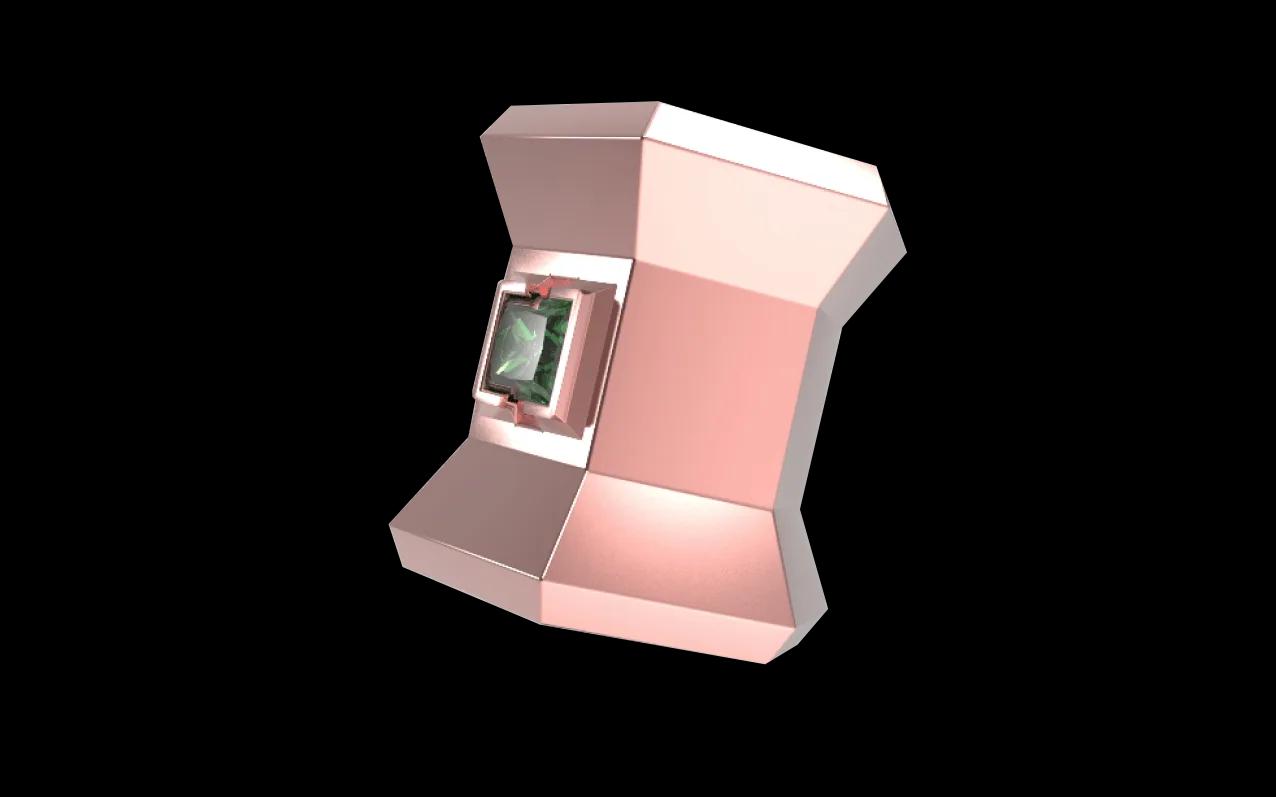
Turn on the share link and Simplio3D generates a unique URL plus a copy-paste iframe snippet. Drop it into a product page, a CMS block, a landing page or a mobile app — the same published project serves all of them. Wrap the iframe in a padding-bottom container and it scales to any breakpoint. Use the Allowed Embed Domains setting to decide exactly which sites are permitted to host it.

Augmented reality runs on the frameworks already built into your customer’s phone — AR Quick Look on iOS and Scene Viewer on Android — so there is no app to install. On desktop, Simplio3D bakes the current view into a GLB snapshot and a configured USDZ, then hands it to the phone through a QR code. Default mode places the product on a floor or table; wearable mode tracks the face, wrist or body for accessories.
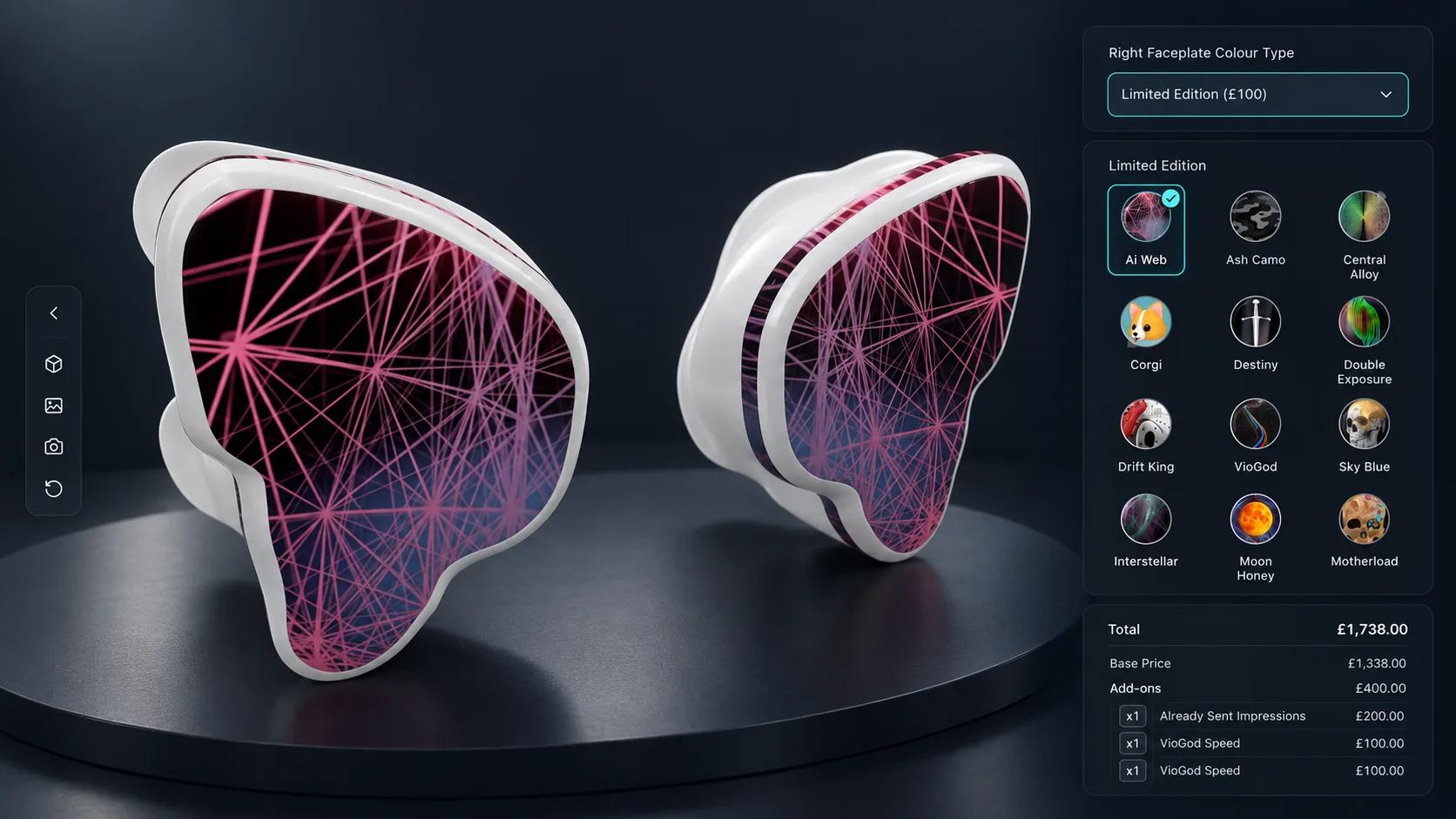
A viewer shows one finished product. The moment customers need to choose a material, a size or a component — and see a price move as they do — the project becomes a configurator. Simplio3D keeps both in the same platform, so you can start by publishing a viewer and move up to option blocks, conditional logic and CPQ pricing without changing tools.
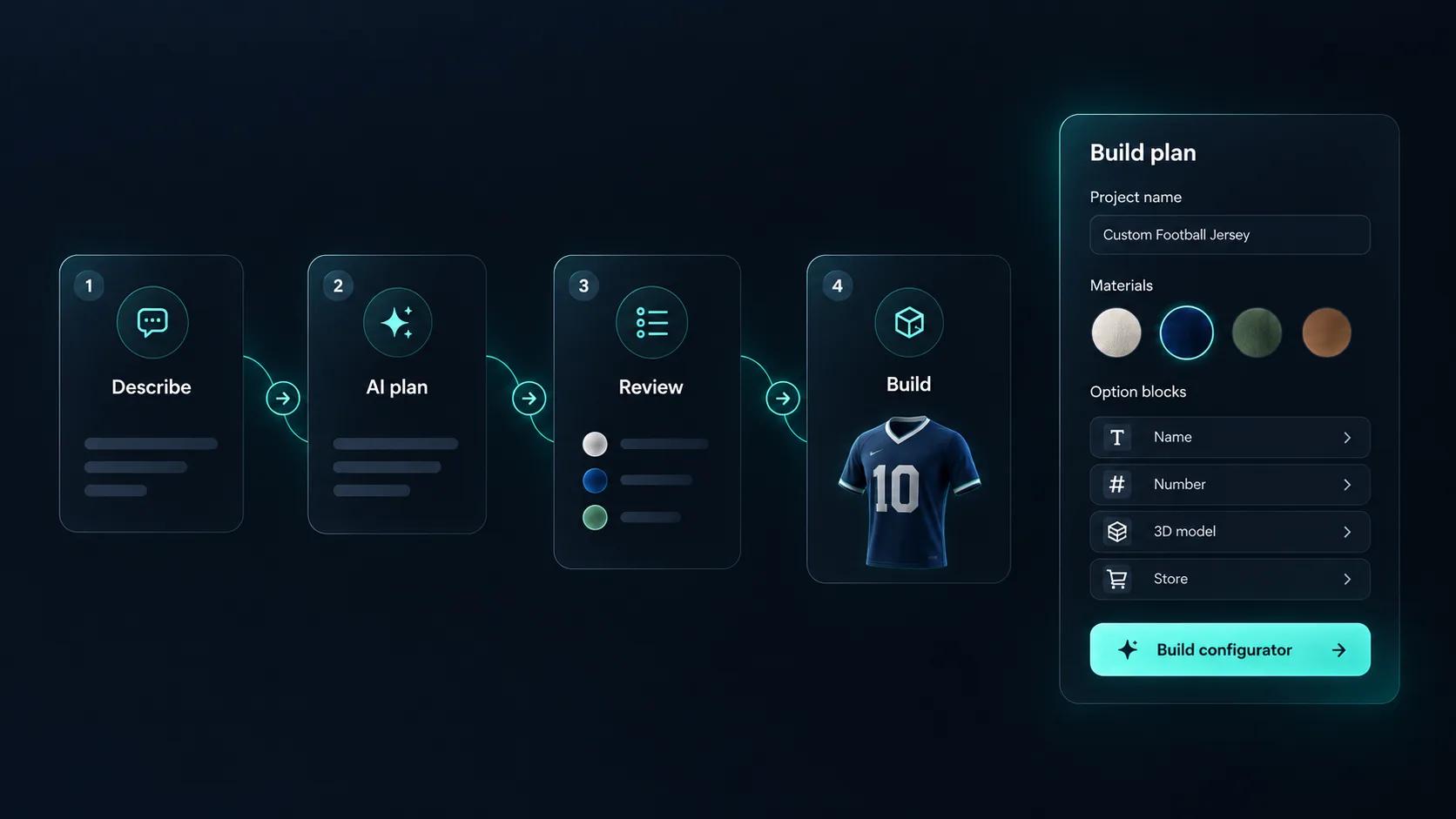
The @simplio3d/sdk TypeScript client and REST API let your own systems read and write project data headlessly: option blocks, pricing, quote submissions and webhooks. An MCP connection also lets an assistant such as Claude inspect a real project, audit a configurator or calculate a price. High-risk changes only ever become proposals you apply yourself.
Four steps from a model file to a live embed. No code, and no 3D background required.
Import GLB, GLTF, FBX, OBJ, STL, DAE or a ZIP archive and organise the scene hierarchy. Model versioning lets you replace the file later without losing the work built on top of it.
Build PBR materials from your texture maps, or pull ready-made recipes for metal, wood, fabric, glass and plastic from the material library.
Choose the Viewer project type, tune the display and branding settings, then enable AR in the Advanced tab and pick surface or wearable placement.
Enable the share link to get a public URL and an iframe snippet, then paste it into your storefront. Add a password or restrict embed domains if the model is not ready to be public.
All three are built in the same editor. The project type is fixed once a project is created, so it is worth choosing deliberately.
| Capability | Viewer | Configurator | Modular |
|---|---|---|---|
| Orbit, zoom, pan | Yes | Yes | Yes |
| Animations and annotations | Yes | Yes | Yes |
| Customer-facing options (colour, material, parts, dimensions) | No | Yes | Yes |
| Conditional logic | No | Yes | Yes |
| CPQ pricing and quote forms | No | Yes | Yes |
| Drag-and-drop assembly with snap points | No | No | Yes |
| Augmented reality | From the Pro plan | From the Pro plan | From the Pro plan |
| Share link and iframe embed | Yes | Yes | Yes |
| Available on | All plans | Starter and above | From the Pro plan (advanced modular system on Enterprise) |
















Dero embedded a 3D viewer on seven bike rack pages without writing code, and Evergreen Shutters returns a generated 3D view with every quote through the API.
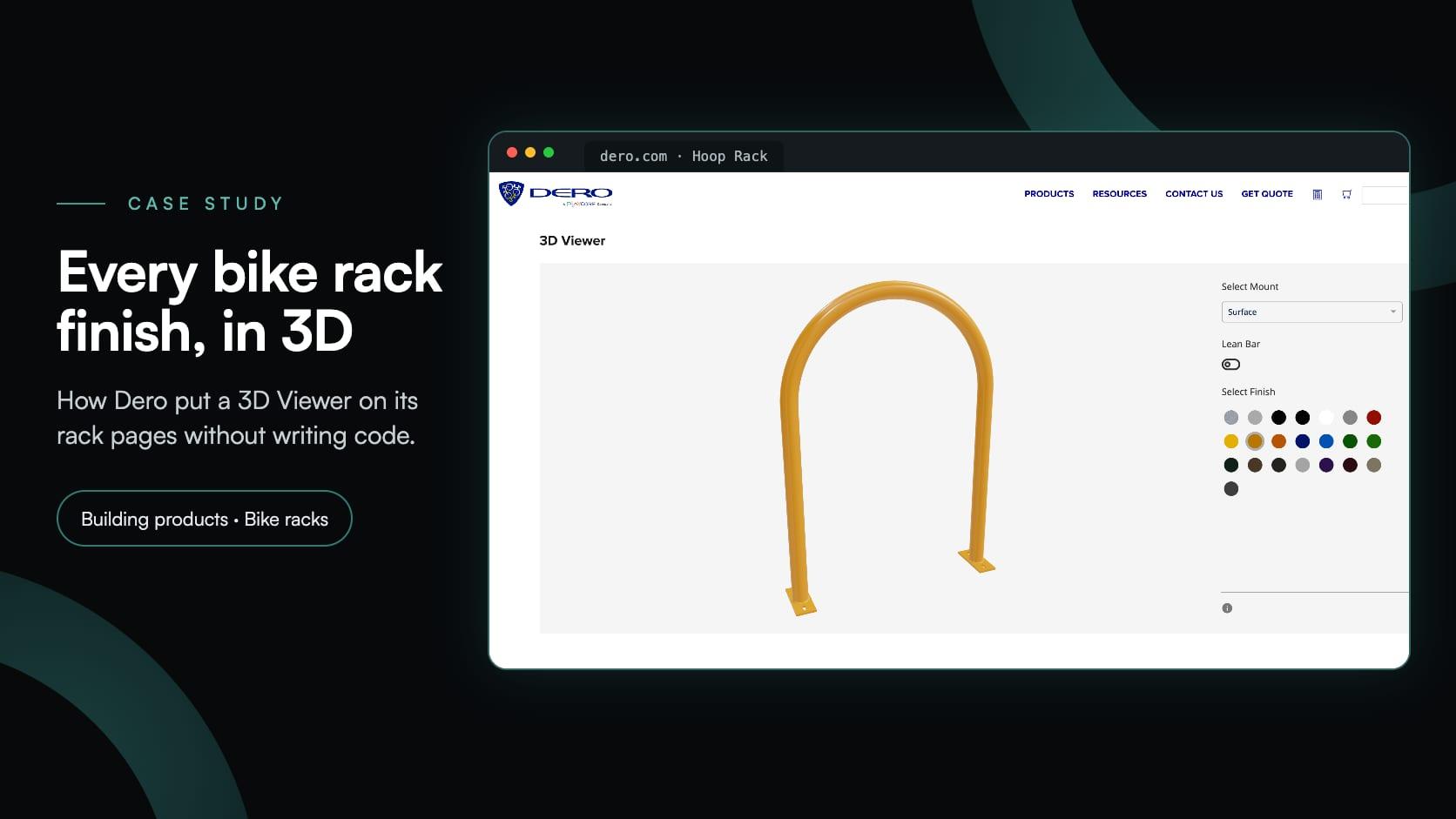
Dero
Dero, a PlayCore company, added a 3D Viewer to seven bike rack pages: visitors pick a mount, add a lean bar and try 22 finishes in 3D. No cart, no form and no code to embed it.
Evergreen Shutters Ltd
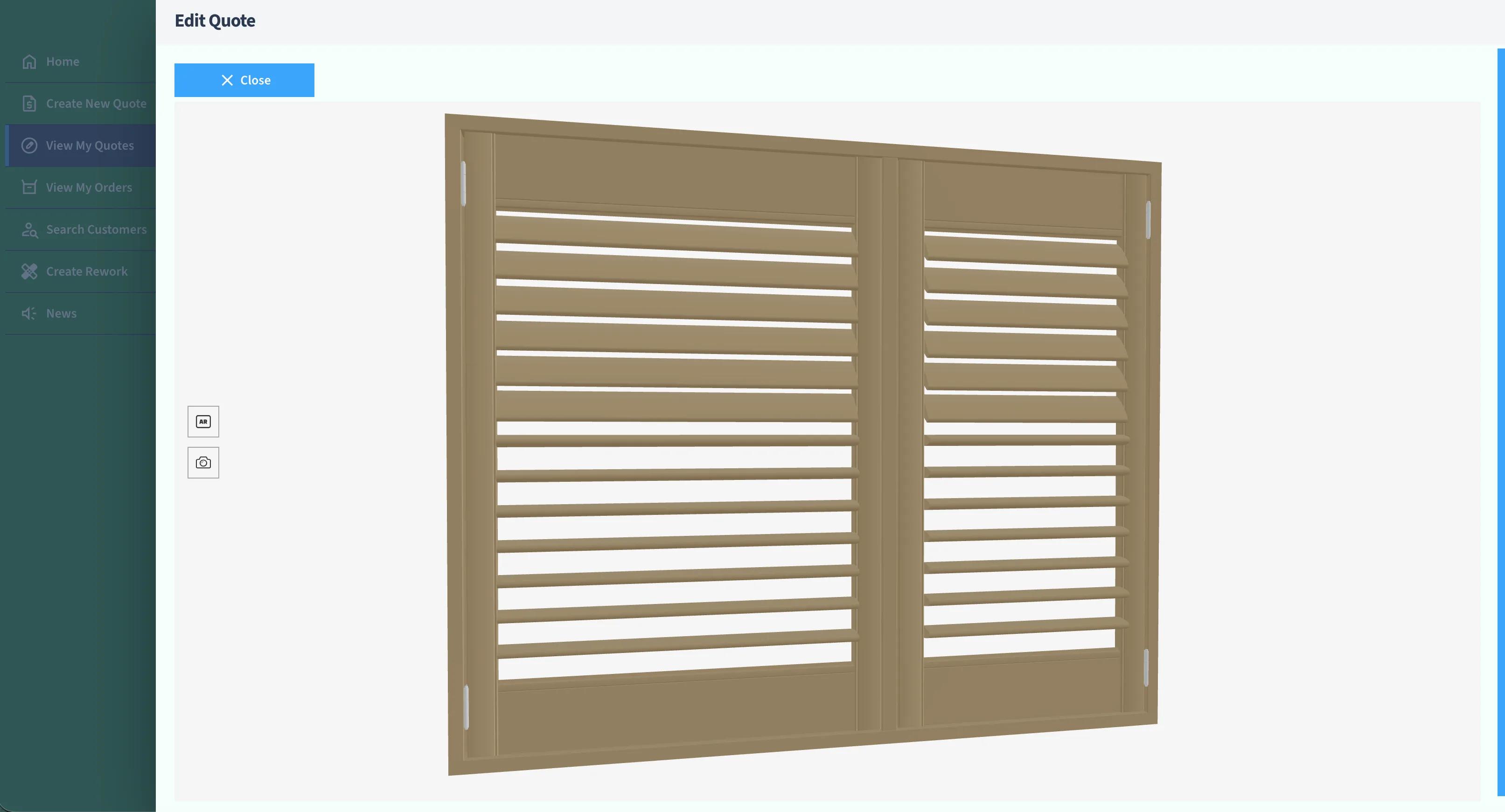
Evergreen Shutters Ltd needed accurate visuals for thousands of shutter variations inside their own quoting platform. Instead of building a 3D engine, they integrated the Simplio3D API and returned a generated 3D view with every quote.
A 3D product viewer is an interactive window on your product page that replaces a static photo with the real 3D model. Customers can rotate it, zoom in on details, play animations and — on a phone — place it in their own space with augmented reality.
No. If you already have a model file, Simplio3D handles the rest in a visual editor: upload the file, apply materials, adjust the display settings and publish. The tutorials walk through each step, and no code is involved.
GLB, GLTF, FBX, OBJ, STL and DAE, plus ZIP archives that bundle a model with its textures. You can also replace a model with a new version later while keeping the configuration built around it.
AR uses the frameworks native to each device, AR Quick Look on iOS and Google Scene Viewer on Android, so nothing has to be installed. On desktop, a QR code hands the current view to the phone as a GLB snapshot and a configured USDZ. AR needs a share link on the project, and it is included from the Pro plan and in the 30-day trial.
Anywhere you can paste an iframe: a WooCommerce product page, a custom storefront, a CMS or landing page, or a native iOS, Android, React Native or Flutter app. On Shopify, the Simplio3D app from the Shopify App Store adds a 3D viewer block to your theme, and on WordPress the optional Simplio3D plugin has a native Viewer block. You can restrict which domains are allowed to embed it.
Yes. An embedded project broadcasts browser events — simplio3d:option.changed, simplio3d:form.submitted and simplio3d:quote.submitted — that your page can listen for and forward to your analytics, with origin verification.
A viewer presents one finished product. A configurator lets shoppers change options — colours, materials, parts, dimensions — with conditional logic and live pricing behind them. Both are built in the same editor, and the configurator is included from the Starter plan. The advanced modular system is an Enterprise capability.
Yes. An MCP connection lets an assistant such as Claude inspect real projects: auditing a configurator, reading a model’s parts, evaluating conditional logic or calculating a price. High-risk changes become proposals you apply yourself rather than changing a project silently.
Guides, tutorials and news from the Simplio3D team.
Top 10 Best Product Configurator Software in 2026 (Pros & Cons Comparison)
A practical comparison of ten product configurator platforms — what each is genuinely built for, how they differ on visualisation, pricing logic and integration, and how to shortlist without wasting a quarter.
Simplio3D Product Configurator Plugin for WordPress
Embed a 3D product configurator on WordPress and let customers add their configured product straight to the WooCommerce basket — with the price your own rules calculated.
The Simplio3D Plugin for ChatGPT: a Step-by-Step Tutorial
Simplio3D now has an official plugin in ChatGPT’s Plugins directory. Install it, connect your workspace and ask ChatGPT to audit, price, build and manage your 3D configurators.
Simplio3D is Included in the Gartner Innovation Insight for Visual Configuration Report
In the 2020 Innovation Insight for Visual Configuration report, Simplio3D is included for the first time in the list of visual configuration vendors as a software solution provider for product configuration.
Product Configurator MCP: Connect Claude, Cursor and VS Code to Simplio3D
MCP connectors let Claude, Cursor or VS Code work with your real Simplio3D projects. What a connected agent can read and change, how approval works, and how to connect one.
Own a 3D product configurator to drive sales and generate proposals directly from your website