Span, length and height
The three numbers every hall enquiry starts with, entered directly and reflected in the model and the price.
3D Hall Configurator
Let customers set the span, length and height of a hall, choose cladding and openings, and get a price for the building they actually need.
No credit card required
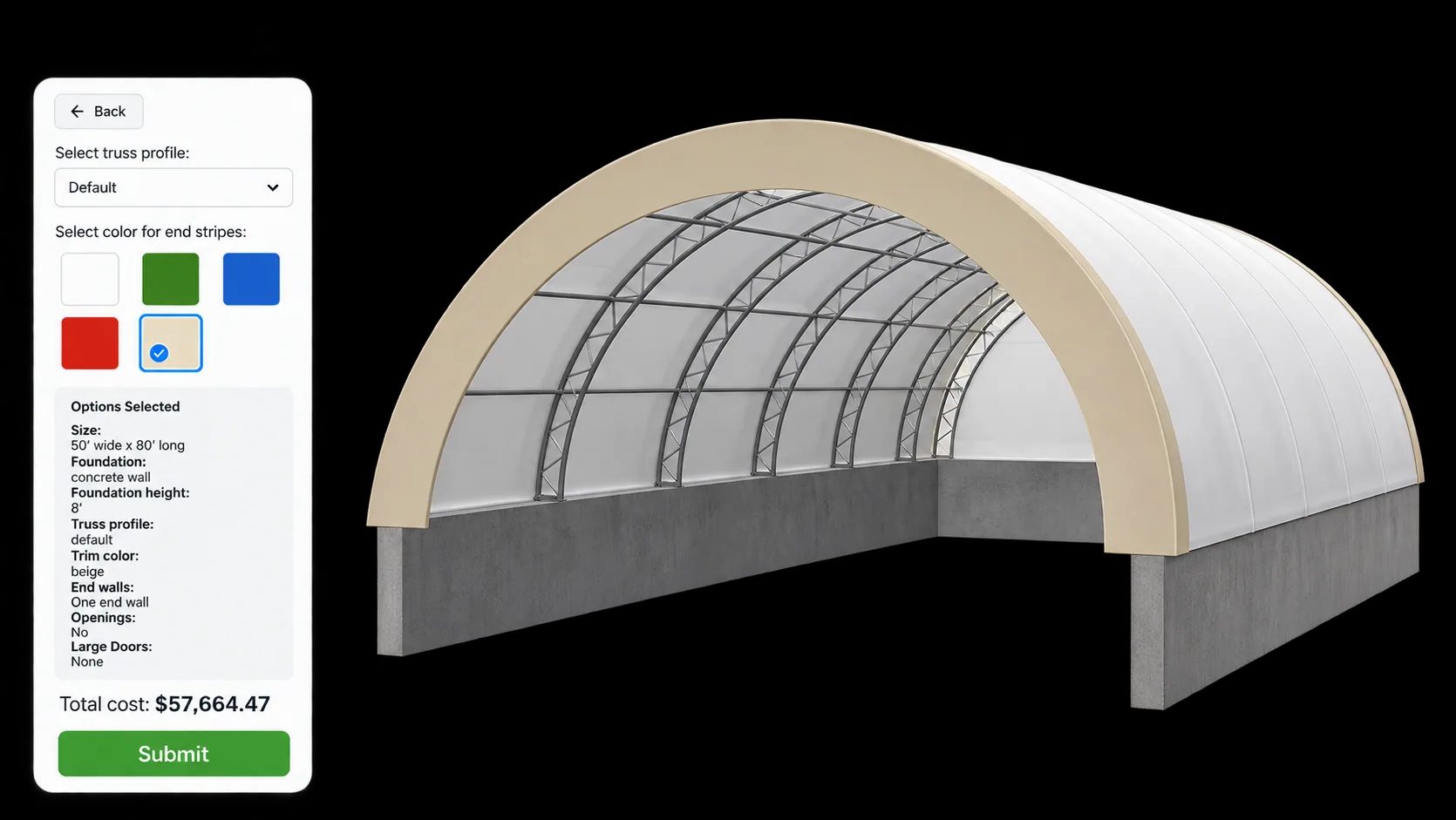
The three numbers every hall enquiry starts with, entered directly and reflected in the model and the price.
Frame type and wall or roof cladding, shown on the building rather than described in a specification sheet.
Roller shutters, sliding doors and personnel doors, positioned where the customer needs them.
Roof lights, ridge ventilation and other openings, added as priced options.
Insulated or single-skin build-ups and the exterior colour, applied to the model in real time.
Pricing formulas can key off floor area or perimeter, so a bigger hall prices correctly without a manual recalculation.
See how users score Simplio3D across the major software review platforms.

4.6/5

4.3/5

9.5/10
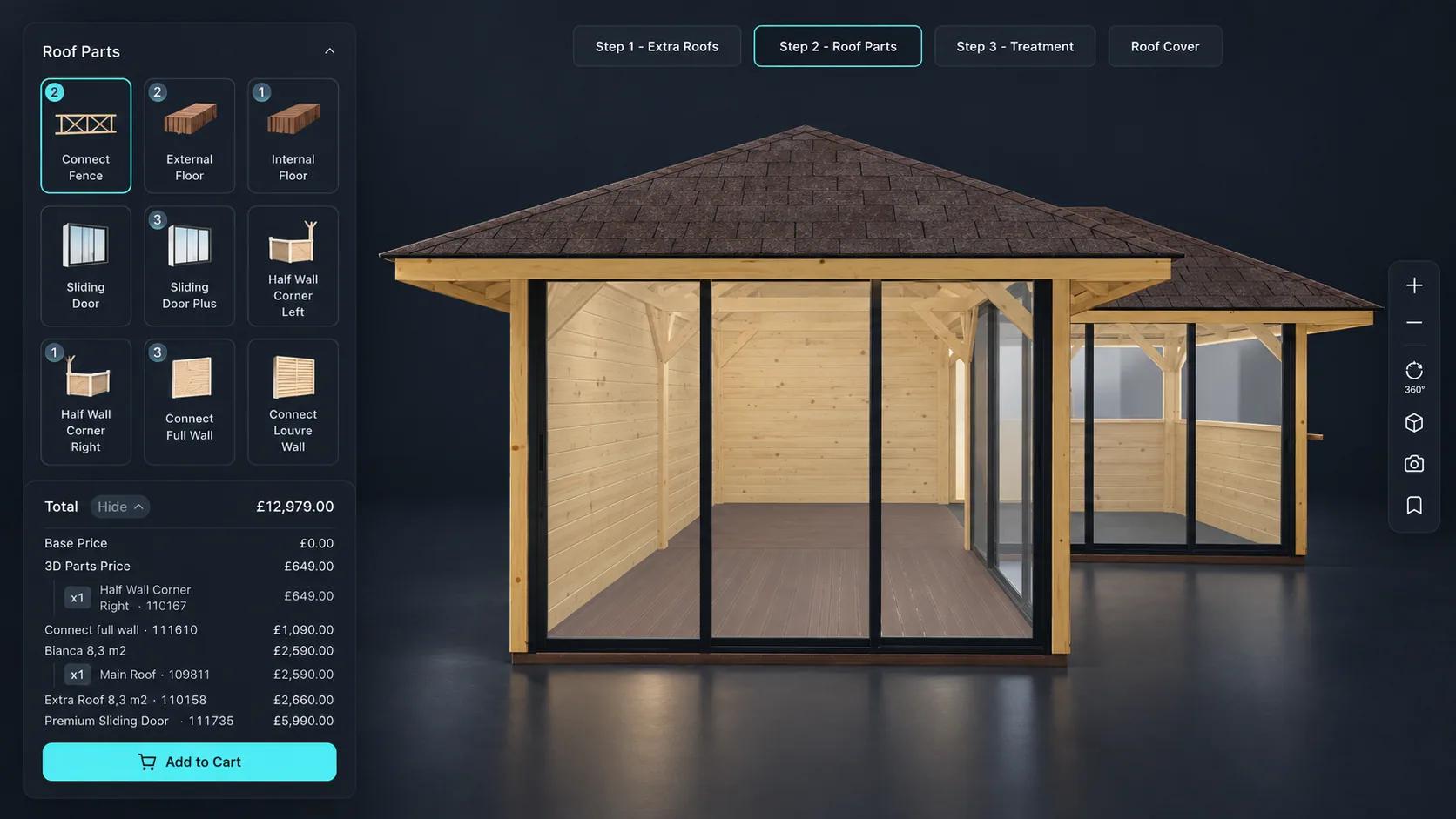
Most hall enquiries begin with a customer who knows roughly what they need but not what it costs. That turns into several rounds of drawings and revised quotes before anyone knows whether the project is viable. A configurator moves that to the front. The customer explores sizes and specifications, sees the effect on price immediately, and arrives at your sales team with a realistic building and a realistic budget.
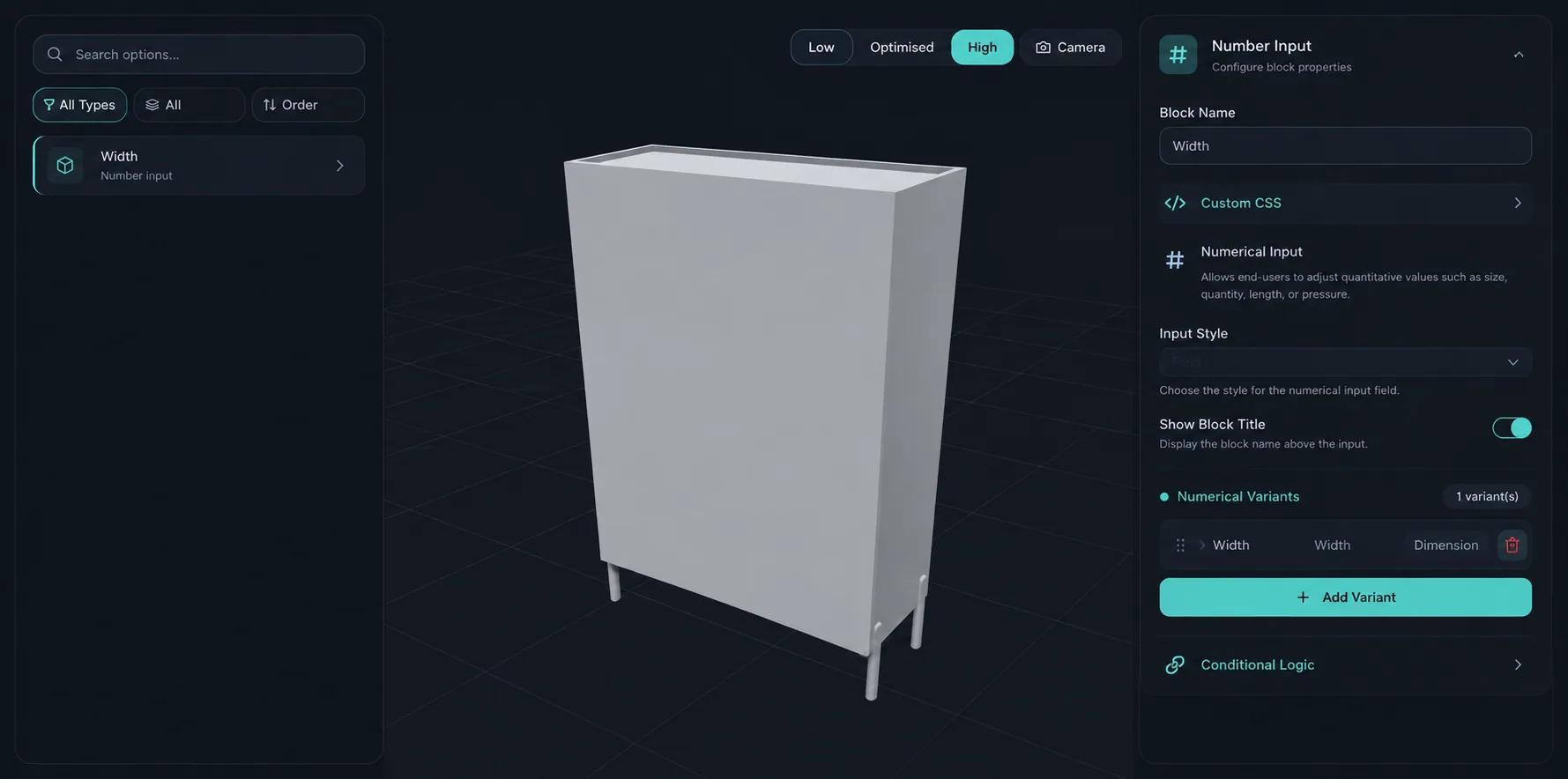
A hall configurator is only useful if it refuses to produce a building you cannot manufacture. Conditional logic ties options to the choices before them — a shutter size that is not available on a given span simply does not appear, and cladding options can be limited by frame type. That keeps the resulting specification manufacturable, which is what makes the quote worth sending.

A hall configurator carries a lot of logic: options that only apply above a certain size, combinations that cannot be manufactured, prices that move with dimensions. Getting that right by hand is slow, and checking it is slower. Simplio3D can generate a working configurator from a product description to give you a starting point, and its AI assistant can audit an existing project — reviewing option coverage and conditional logic instead of leaving you to click every combination. For larger catalogues, the MCP server lets an assistant connect with a scoped token and evaluate logic or calculate prices directly, proposing changes rather than applying them silently.
From a model of your standard building to a live configurator on your site.
Import the building model and separate the parts that need to vary — frame, wall cladding, roof, doors and openings.
Add dimension inputs for span, length and eaves height, dropdowns for frame and cladding, and toggles for roof lights, ventilation and insulation.
Restrict shutters, roof lights and cladding by the frame and span the customer has chosen, so a specification that cannot be engineered never reaches your inbox.
Price from floor area or perimeter with a formula, then add openings, insulation and ventilation as line items. A 30m hall prices correctly without anyone rebuilding the quote.
Publish and embed it on your buildings page. Sales teams often keep a second link for use on a laptop during a site visit.
















Pop-up event tents in six sizes with a design canvas on every panel, and walls, meeting rooms and tiered seating built from eight brick types.
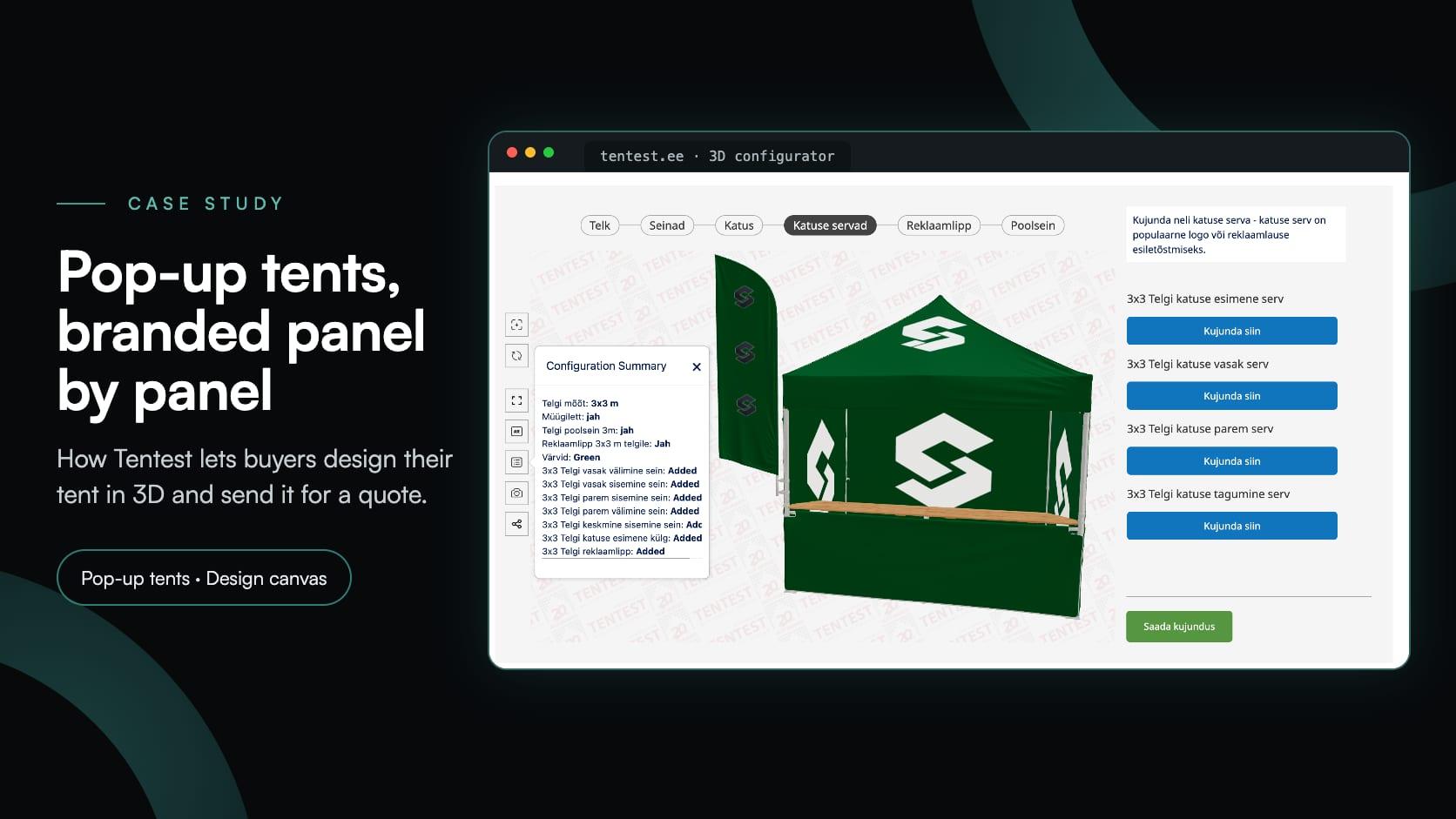
Tentest
Tentest, an Estonian pop-up tent maker in Scandipro Group, built its own 3D configurator: six tent sizes, a design canvas with logo upload on every panel, AR and a quote request.
Morph Bricks Ltd.
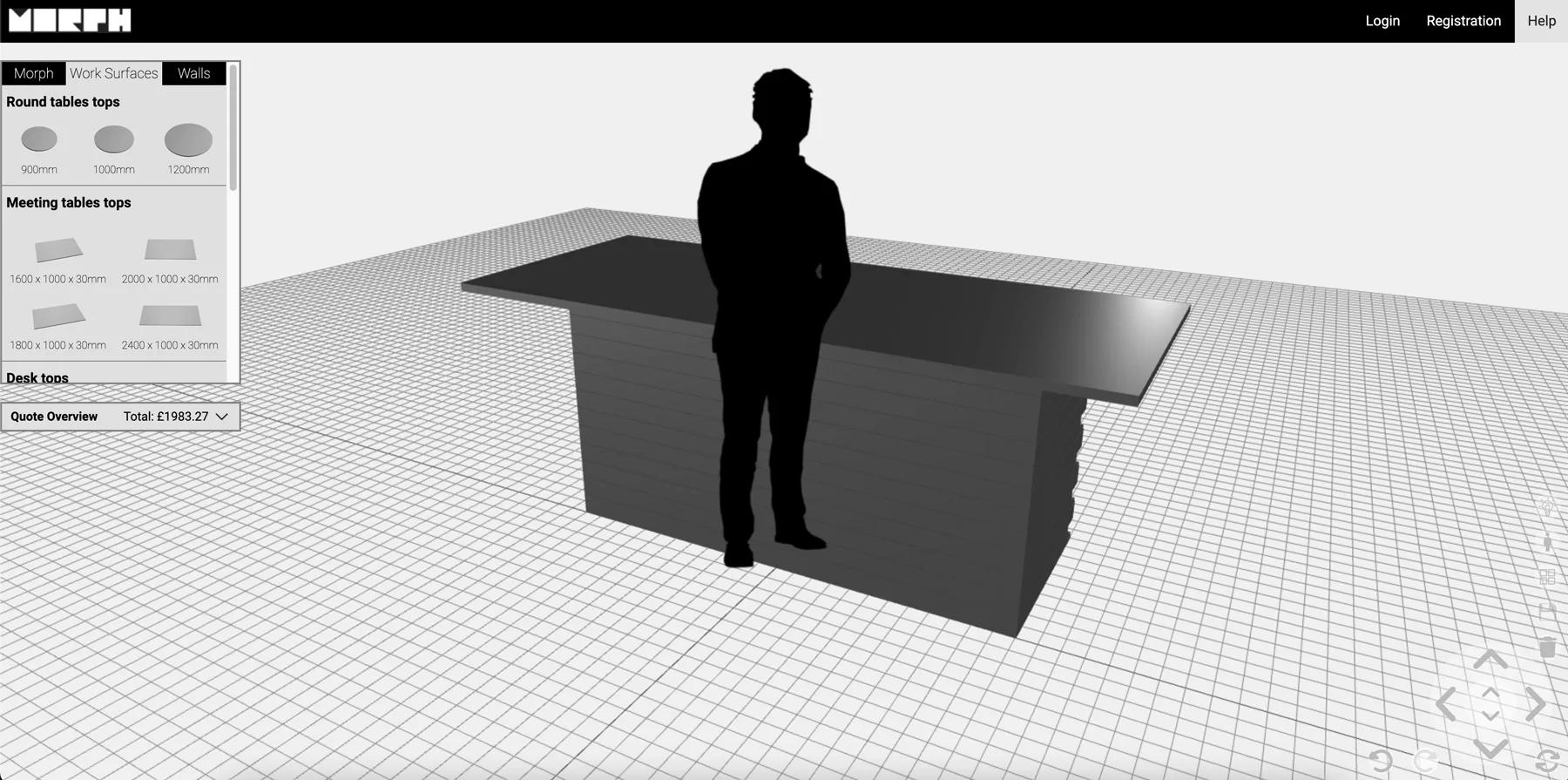
Morph Bricks needed a configurator where customers could build walls, meeting rooms and tiered seating from eight brick types — and get a PDF instruction manual for the design they submitted.
Within the ranges you allow. Dimension inputs can be bounded with minimums, maximums and steps, so customers stay inside what you actually manufacture.
Yes. Pricing supports formulas as well as fixed prices and price tables, so a rate per square metre or per linear metre of perimeter can be modelled directly.
Yes — that is a standard use of conditional logic. Options that do not apply to the chosen frame, span or height are hidden or disabled automatically.
A quote request containing the complete configuration and their contact details, which lands under Requests in your dashboard.
That depends on your model. If the interior is modelled, customers can orbit and zoom around it like any other part of the scene.
Yes. The published project runs in the browser with touch controls, and the embed scales to the container you place it in.
If your range extends beyond halls, the same dimension-driven approach covers sheds, garages, carports and roof structures.
Guides, tutorials and news from the Simplio3D team.
A practical comparison of ten product configurator platforms — what each is genuinely built for, how they differ on visualisation, pricing logic and integration, and how to shortlist without wasting a quarter.
In the 2020 Innovation Insight for Visual Configuration report, Simplio3D is included for the first time in the list of visual configuration vendors as a software solution provider for product configuration.
Structure, UV mapping, optimisation and pivots — the four things that decide whether a 3D model becomes a working configurator or a troubleshooting exercise.
Install the Simplio3D plugin in Claude, sign in once and build your first 3D product configurator from a prompt: setup, permissions, the first prompts, and what stays in your hands.
MCP connectors let Claude, Cursor or VS Code work with your real Simplio3D projects. What a connected agent can read and change, how approval works, and how to connect one.
Own a 3D product configurator to drive sales and generate proposals directly from your website