

Dimensions
Width and height entered directly, with the frame and glazing areas rebuilding and the price following.
Window Configurator Software
Let customers size a window, choose the frame material, glazing specification, colour and opening type, and see the price as they build it.
No credit card required
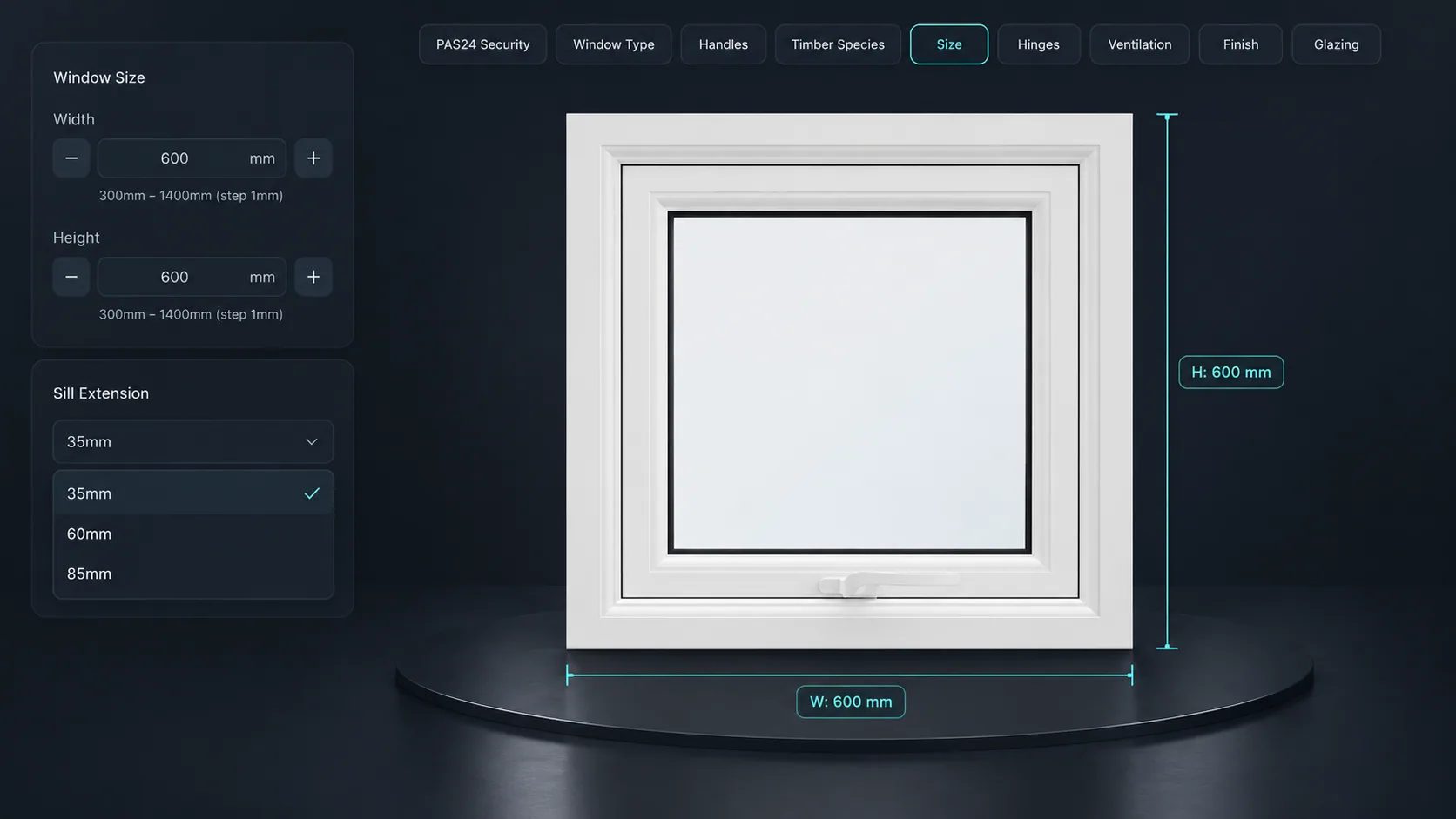
Width and height entered directly, with the frame and glazing areas rebuilding and the price following.
uPVC, aluminium or timber, each with its own profile, finish options and price behaviour.
Double or triple glazing and other glass specifications presented as clear, priced options.
Fixed, casement, tilt-and-turn or sliding, shown on the model rather than described in a table.
Different finishes on each face, applied as real materials so the customer sees both.
Handle style, finish and position selected and rendered in place.
See how users score Simplio3D across the major software review platforms.

4.6/5

4.3/5

9.5/10
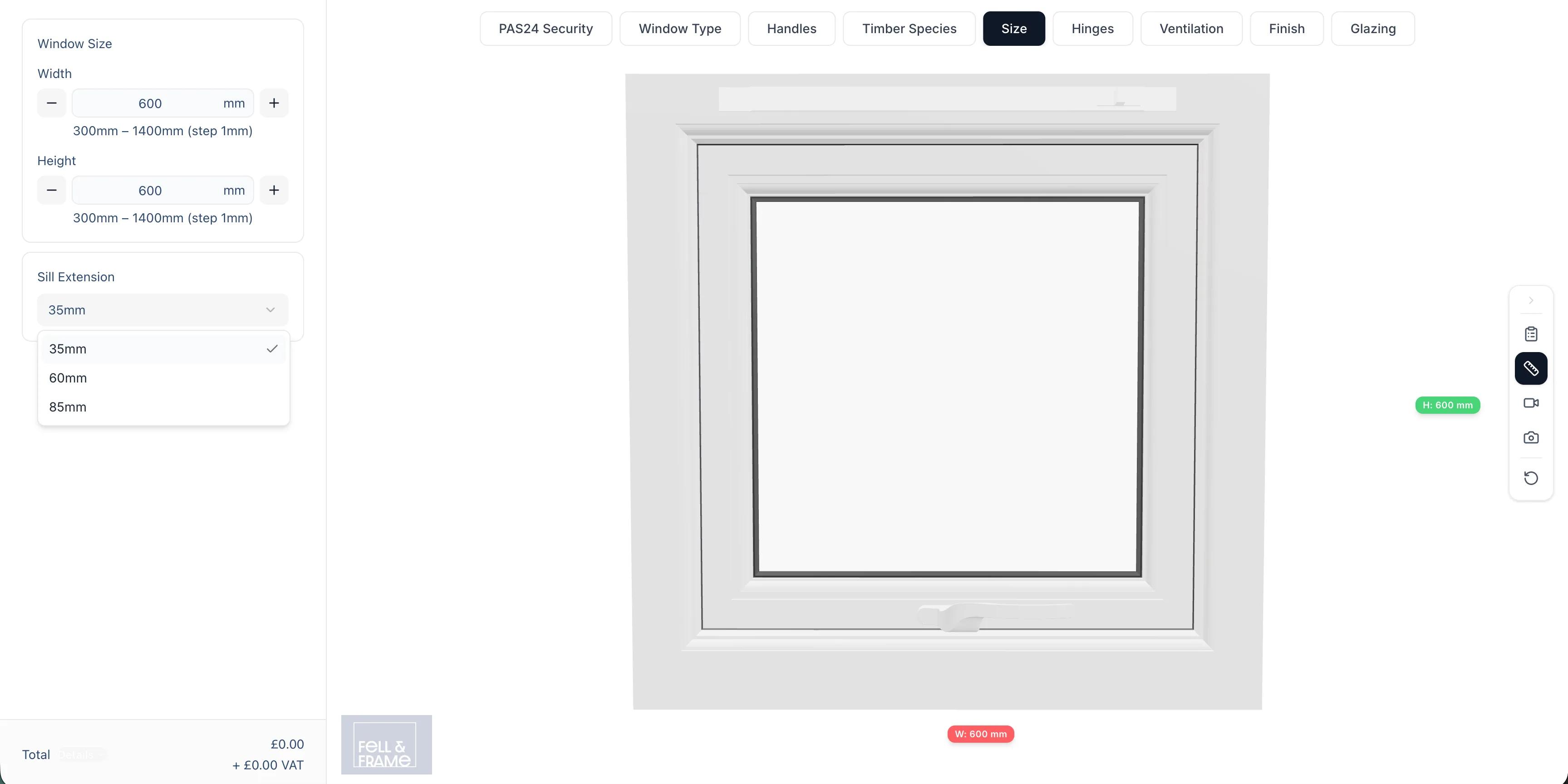
A window enquiry usually takes several exchanges: dimensions, then frame, then glazing, then a price that surprises the customer and starts the loop again. A configurator collapses that into one session the customer runs themselves. They see the window, they see the price, and the enquiry that arrives is already a specification you can act on.
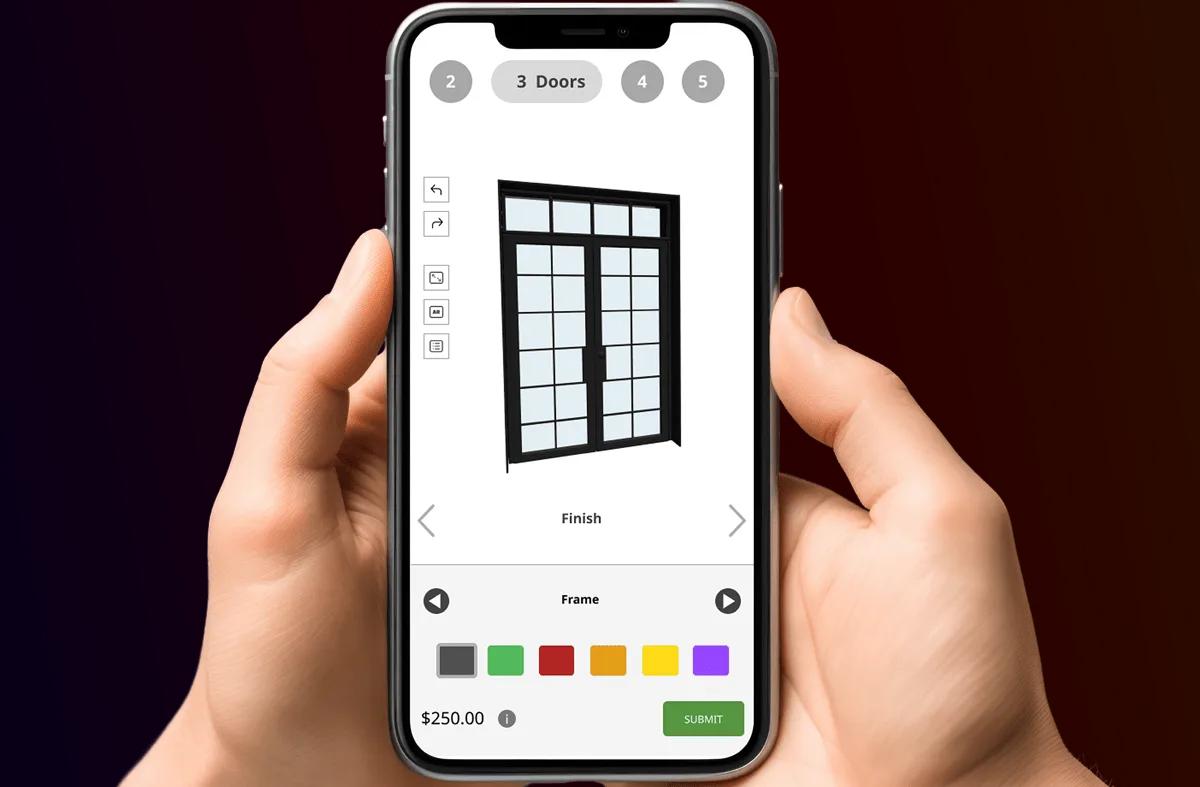
Glazing decisions are where margin and customer confusion both live. Presenting double and triple glazing as options with their real price difference — rather than as a line in a specification document — makes the upgrade a straightforward choice instead of a negotiation. Conditional logic keeps it accurate: glazing options that are not available in a chosen frame or size simply do not appear.
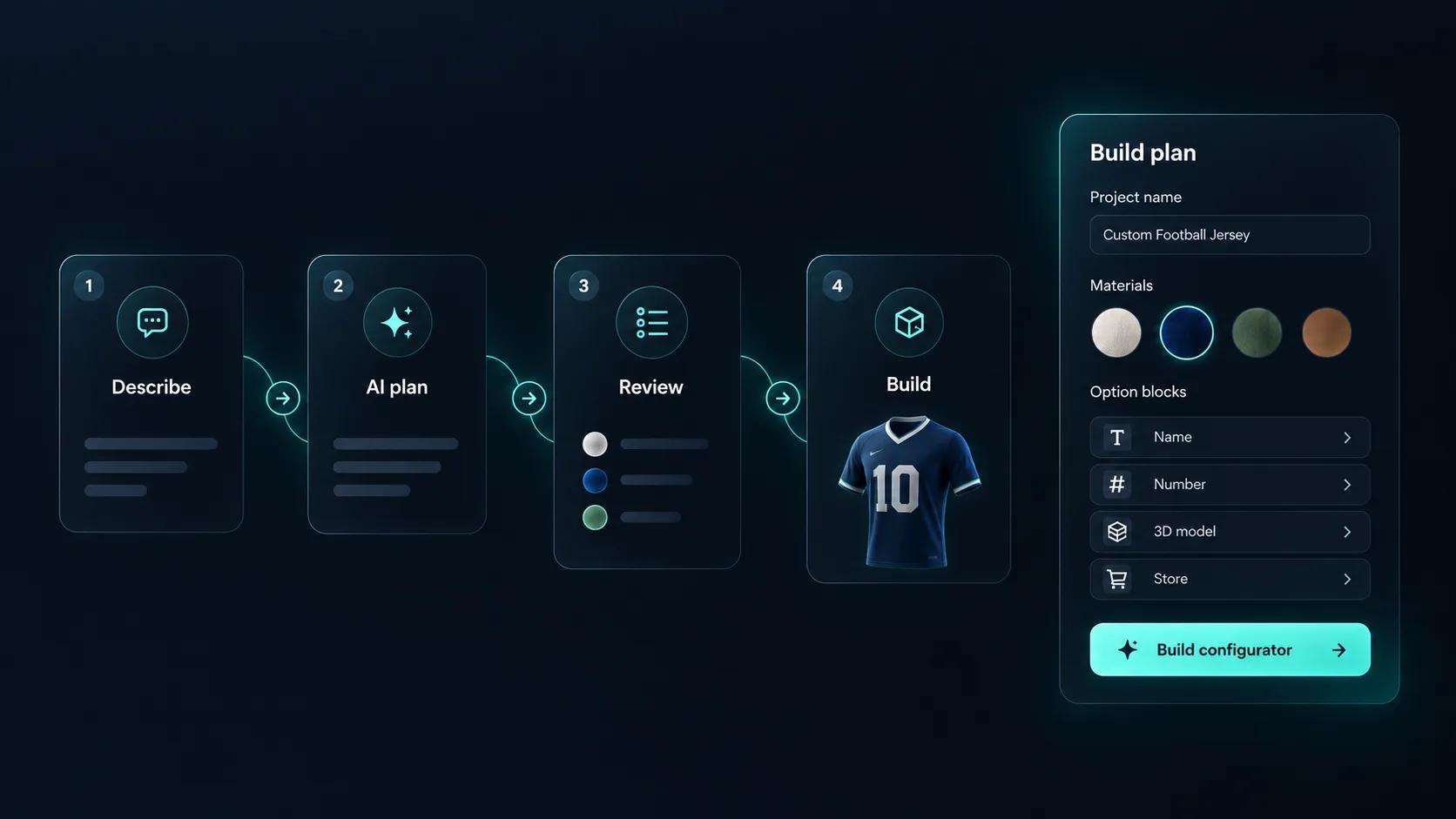
Windows are options, sizes and exceptions. Describe them, for example “a casement window in uPVC or timber with double or triple glazing and white or anthracite frames”, and Generate with AI plans a first draft around a model in your library. The template catalogue also includes a Window Configurator to adapt. You approve the base price, it does not create the 3D model, and the AI assistant can audit the project for rules that can never fire.
Set the size and the sill. Launch it and watch the frame change.
Model, options, rules, pricing, embed — no development work required.
Import the window system with frame, sash, glazing and hardware as separate parts so each can be driven by an option.
Add dimension inputs for width and height, dropdowns for frame material and opening type, glazing options, and swatches for internal and external finish.
Limit glazing specifications and hardware by the frame material and opening type, so an unavailable combination cannot be quoted.
Price by glazed area with a formula, then add the glazing upgrade, frame material and finish as options — the four things that actually move a window price.
Publish and embed it on your windows page, and give installers the share link for quoting in the customer’s home.
One way to set up a window range.
| What the customer chooses | How it is built | Rule or price example |
|---|---|---|
| Width and height | Number Input in millimetres, within what you make | A formula prices the unit from the glazed area |
| Frame | Dropdown Select for uPVC, aluminium or timber | A Price Group sets the upcharge for each |
| Glazing | Dropdown Select for double or triple | Triple glazing is hidden on frames that cannot take it |
| Opening type | Thumbnail Selector for fixed, casement or tilt and turn | Tilt and turn is hidden above its maximum width |
| Colour inside and out | Select Material, one block for each face | A Toggle Switch for a second colour adds a fixed price |
The team at Simplio3D is very easy to work with, great problem solvers and very budget sensitive.

The execution of ideas on paper to a finished, functional application couldn't have been done any better.

Simplio3D have significantly enhanced our product presentations, providing a unique and interactive experience for our clients.

Versatile, easy to use and easy to deploy 3D Configurator. Super simple to use and create configurations on.

I have used other similar platforms and find Simplio3D the most intuitive way to build a configurator. I'm not a CAD engineer so I wanted a solution without features I couldn't understand.

It was so simple to get started, and the results have been very impressive. We now have it live on four different platforms.

Timber casement windows sized to the millimetre in WooCommerce, a 3D view with every shutter quote, and glass roof terraces priced from an ERP.
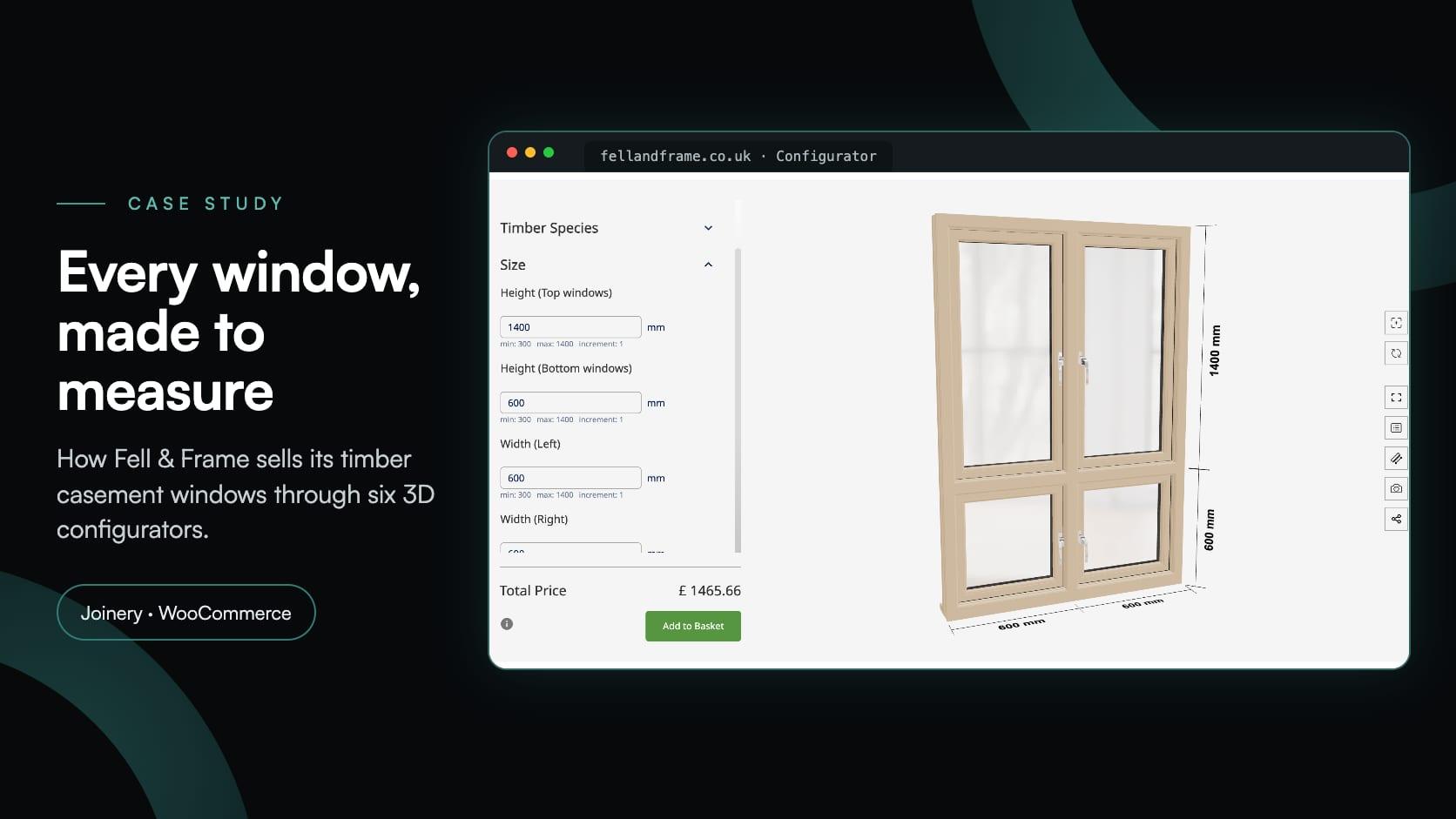
Fell & Frame
Fell & Frame, a Carlisle joinery, built its own timber window configurator in Simplio3D. Buyers size six casement types to the millimetre and add them to the WooCommerce basket.
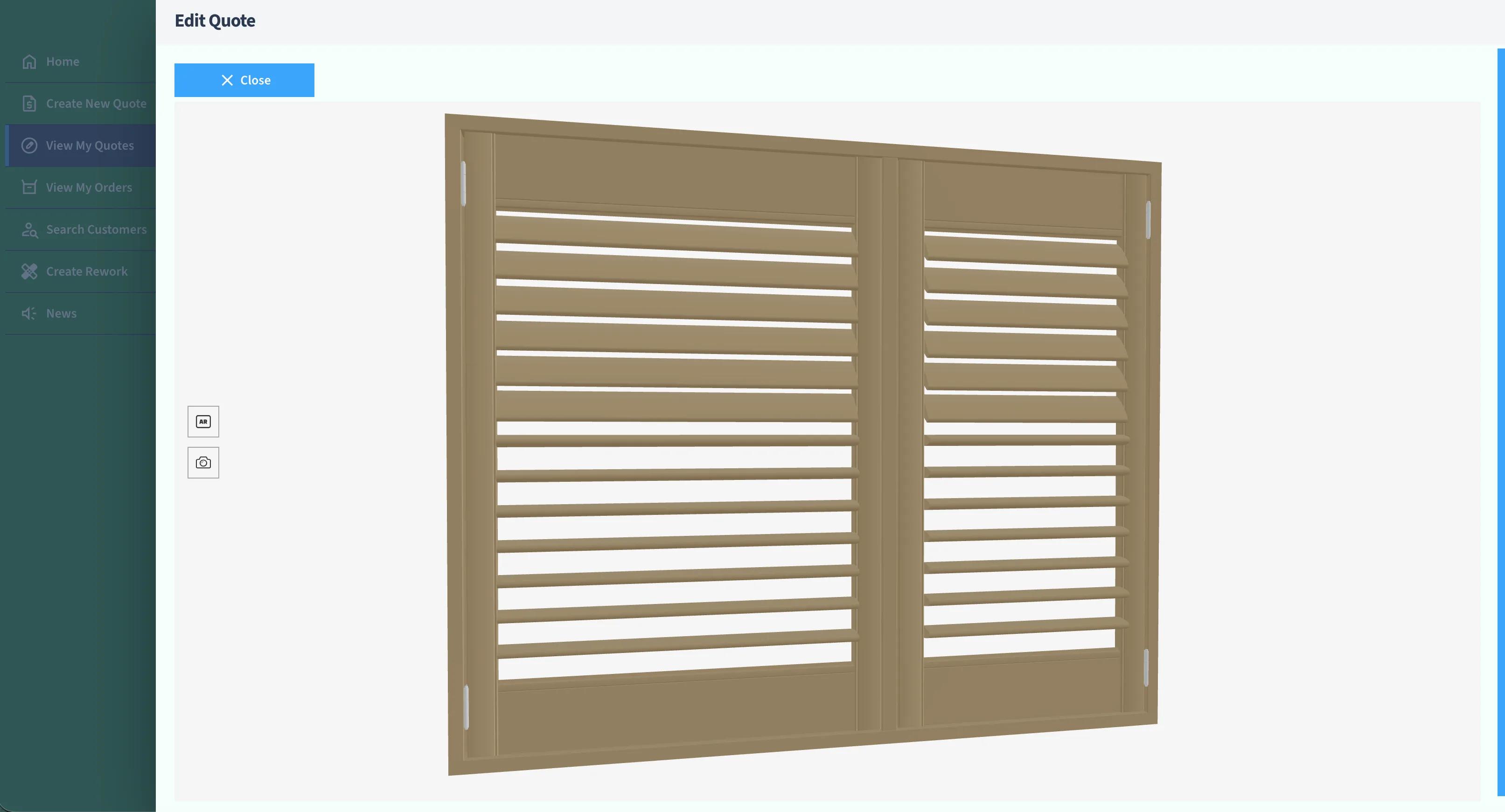
Evergreen Shutters Ltd
Evergreen Shutters Ltd needed accurate visuals for thousands of shutter variations inside their own quoting platform. Instead of building a 3D engine, they integrated the Simplio3D API and returned a generated 3D view with every quote.
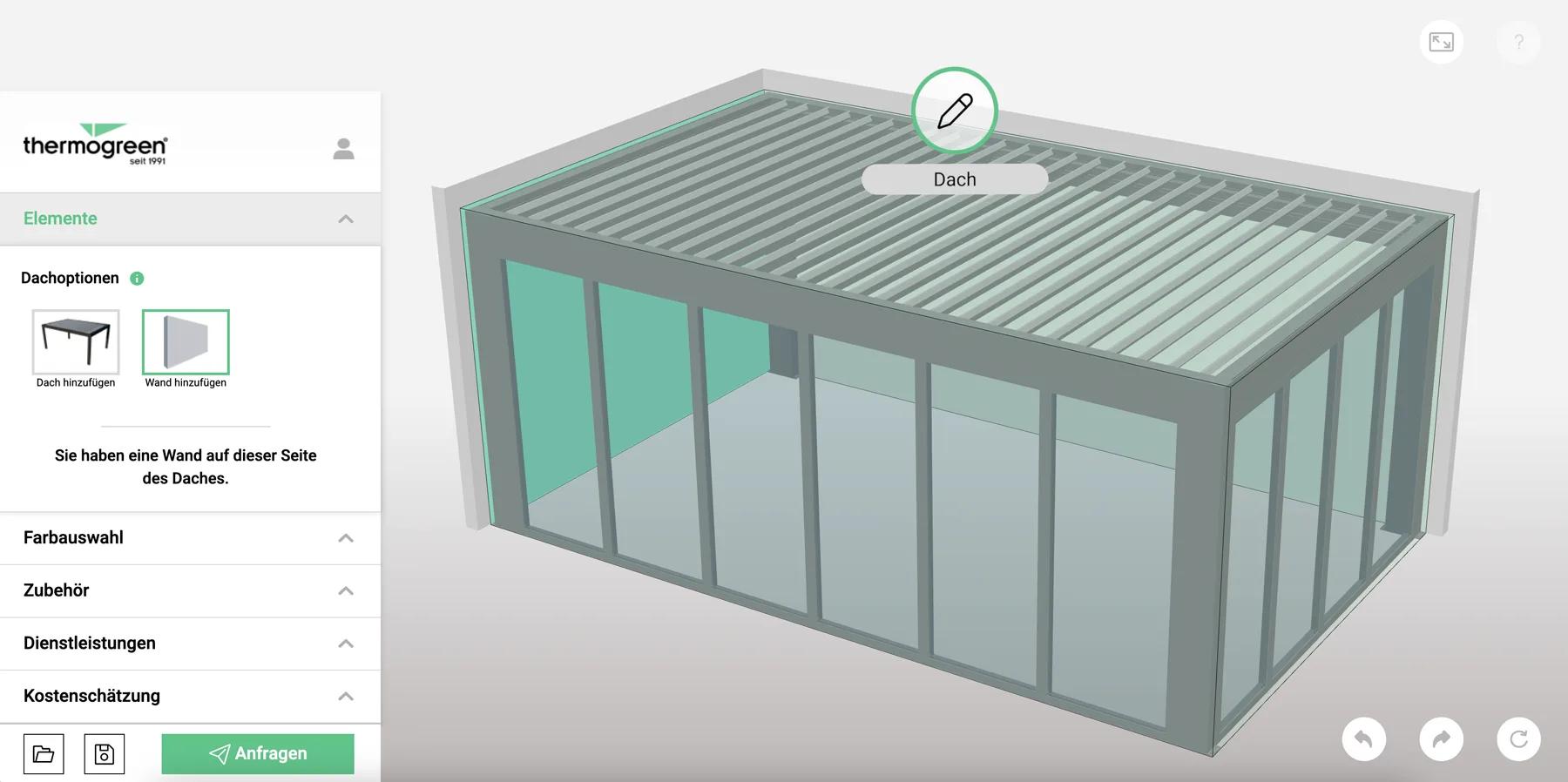
Thermogreen AG
Thermogreen AG needed a configurator that pulled real-time pricing from their Mendix ERP while the customer designed a glass roof terrace — plus a second interface for sales staff quoting on site.
Yes. Dimension inputs accept customer-entered values inside the limits you set, and the model and price both respond.
Yes. Pricing formulas can reference the configured dimensions, which is how glazing is normally costed.
Yes, if the model separates the internal and external faces. Each can take its own finish option.
Yes — conditional logic hides or disables options that are not valid for the chosen frame, size or opening type.
Through a quote form attached to the configurator. The full specification and the customer details arrive together under Requests.
It can feed it. The REST API and TypeScript SDK let an existing quoting system request a configured visual or exchange configuration data, which is how some customers integrate it.
Doors follow the same pattern — dimensions, style, frame, glazing and hardware, with pricing that moves as the customer configures.
Sheds, garages, halls and roofs with the same dimension-driven pricing.
Guides, tutorials and news from the Simplio3D team.
The Simplio3D Plugin for ChatGPT: a Step-by-Step Tutorial
Simplio3D now has an official plugin in ChatGPT’s Plugins directory. Install it, connect your workspace and ask ChatGPT to audit, price, build and manage your 3D configurators.
Product Configurator MCP: Connect Claude, Cursor and VS Code to Simplio3D
MCP connectors let Claude, Cursor or VS Code work with your real Simplio3D projects. What a connected agent can read and change, how approval works, and how to connect one.
Simplio3D Product Configurator Plugin for WordPress
Embed a 3D product configurator on WordPress and let customers add their configured product straight to the WooCommerce basket — with the price your own rules calculated.
Preparing 3D Models for Simplio3D: A Practical Guide
Structure, UV mapping, optimisation and pivots — the four things that decide whether a 3D model becomes a working configurator or a troubleshooting exercise.
Build a Configurator with Claude: the Simplio3D Plugin Tutorial
Install the Simplio3D plugin in Claude, sign in once and build your first 3D product configurator from a prompt: setup, permissions, the first prompts, and what stays in your hands.
Own a 3D product configurator to drive sales and generate proposals directly from your website


