


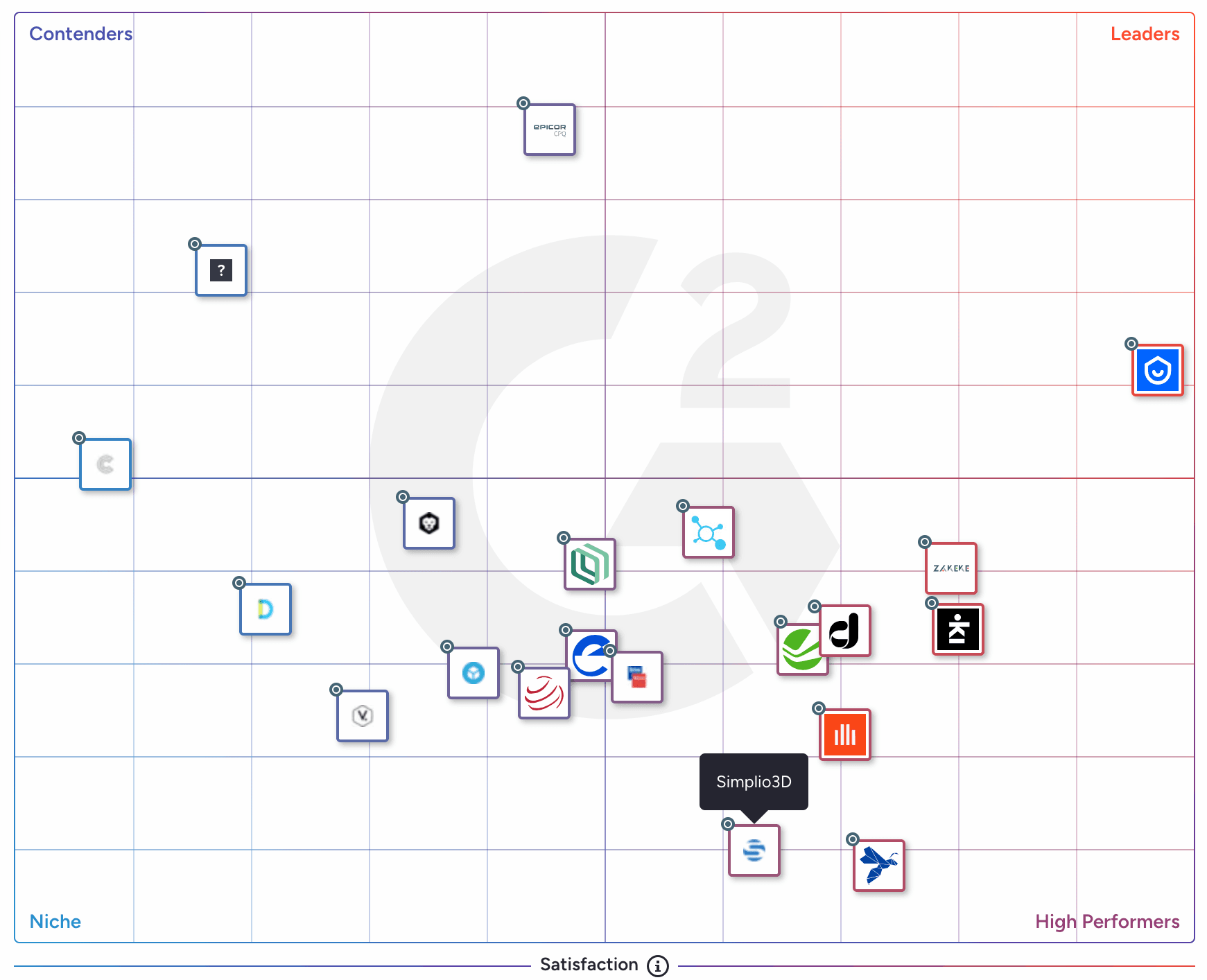
These recognitions are especially meaningful because they are based entirely on verified customer reviews. They reflect the real experiences of teams using Simplio3D to build and manage 3D product configurators across retail and manufacturing use cases.
The High Performer badge highlights Simplio3D’s strong customer satisfaction and competitive performance within its category, while the Easiest Admin badge recognizes how simple the platform is to configure, manage, and maintain—without heavy technical overhead.
This recognition reinforces our mission to make powerful 3D configurators accessible, flexible, and easy to use. We’re grateful to our users for their trust and feedback, which continue to shape how Simplio3D evolves.
From the blog
Guides, tutorials and news from the Simplio3D team.
Preparing 3D Models for Simplio3D: A Practical Guide
Structure, UV mapping, optimisation and pivots — the four things that decide whether a 3D model becomes a working configurator or a troubleshooting exercise.
Top 10 Best Product Configurator Software in 2026 (Pros & Cons Comparison)
A practical comparison of ten product configurator platforms — what each is genuinely built for, how they differ on visualisation, pricing logic and integration, and how to shortlist without wasting a quarter.
Product Configurator MCP: Connect Claude, Cursor and VS Code to Simplio3D
MCP connectors let Claude, Cursor or VS Code work with your real Simplio3D projects. What a connected agent can read and change, how approval works, and how to connect one.
How a Product Configurator Gets Built (2026 Workflow)
The decisions that determine whether a configurator project succeeds — defining the requirement, choosing the project type, building options, logic and pricing, and where AI now does the work.
How to Use the Simplio3D WordPress Plugin in Elementor
Place the Simplio3D viewer, options, price, summary and Add to Cart in Elementor with the free Shortcode widget: find your ids, build the layout and connect WooCommerce.
Related articles
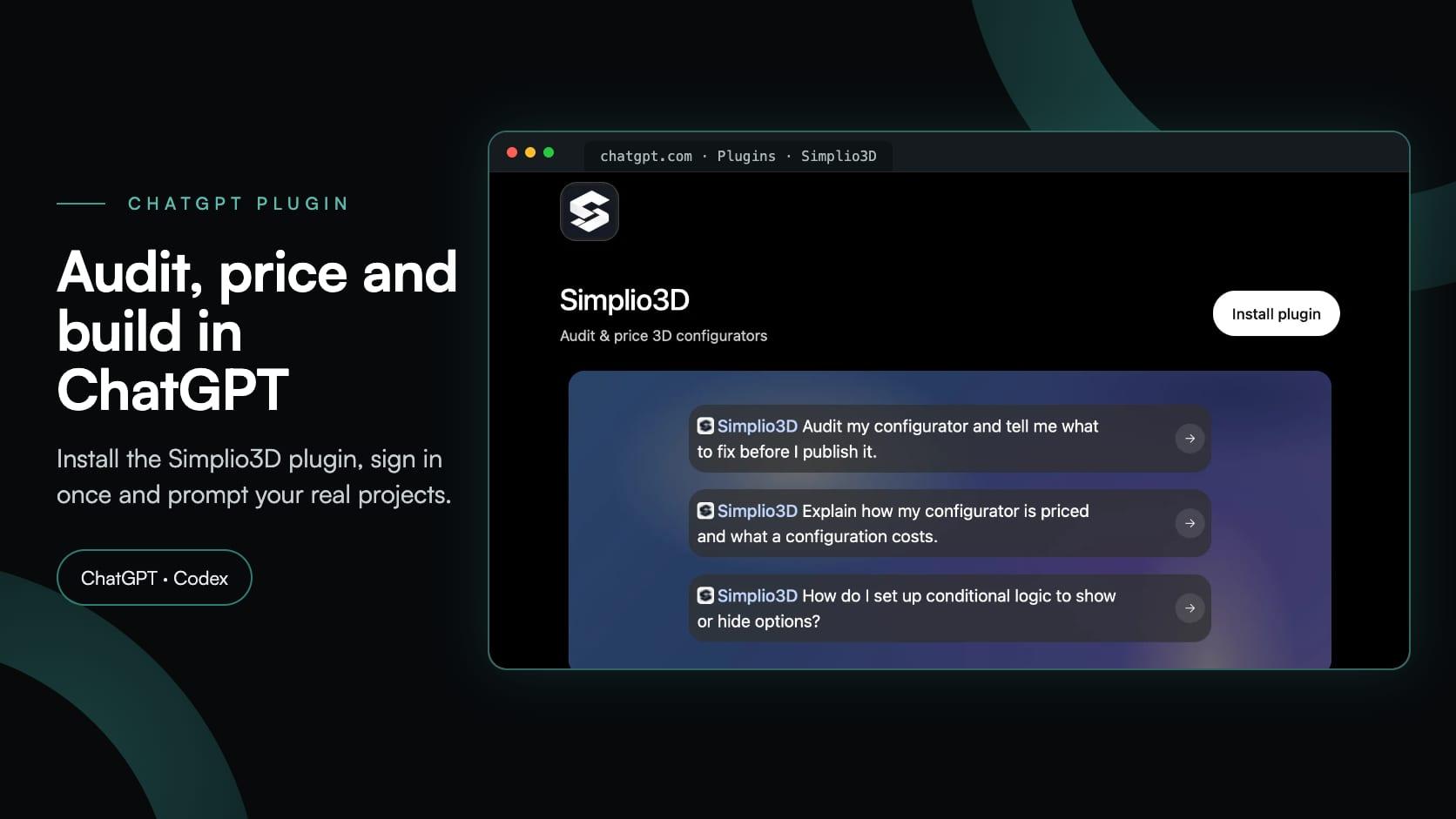
The Simplio3D Plugin for ChatGPT: a Step-by-Step Tutorial
Simplio3D now has an official plugin in ChatGPT’s Plugins directory. Install it, connect your workspace and ask ChatGPT to audit, price, build and manage your 3D configurators.
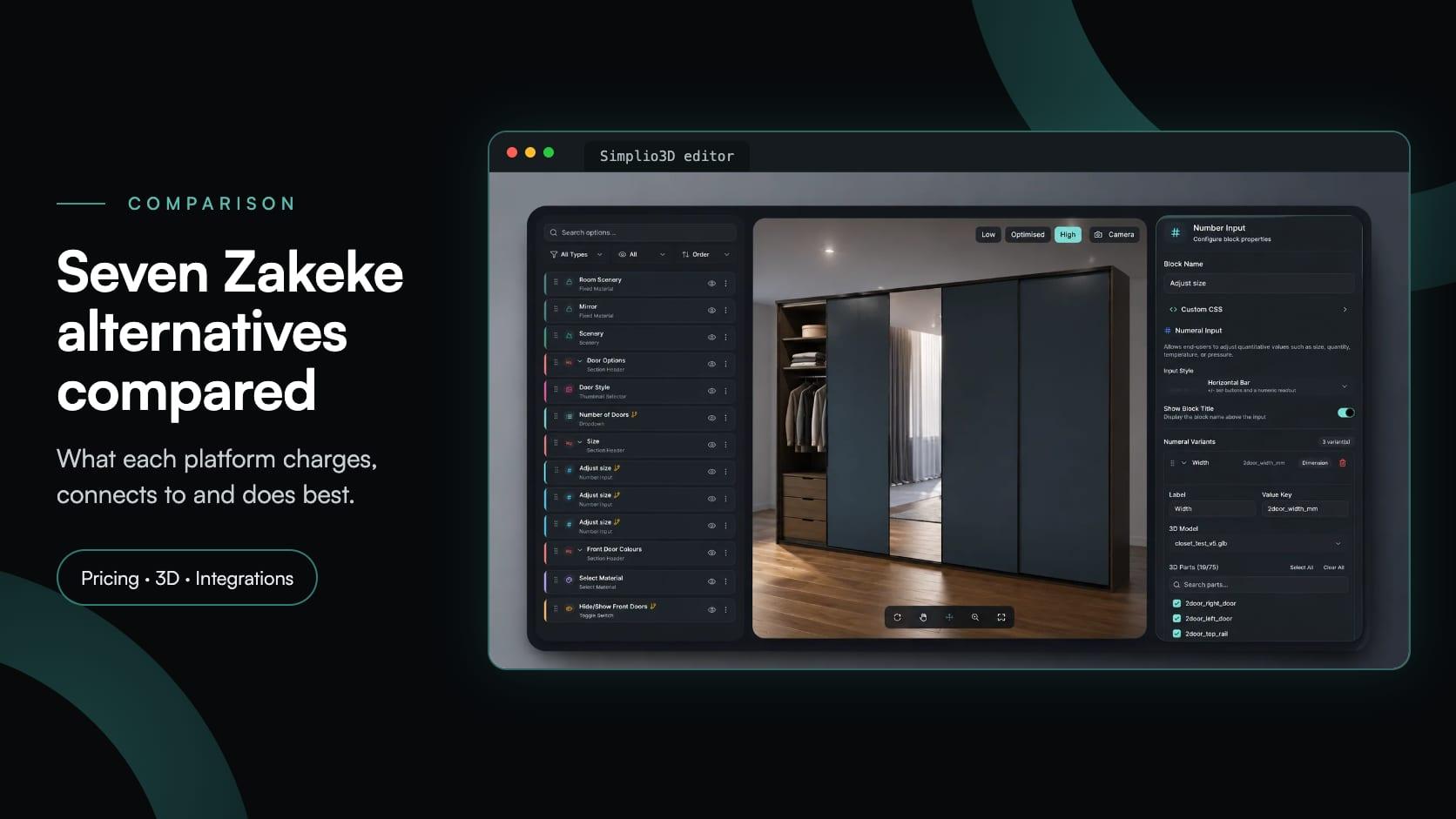
Zakeke Alternatives in 2026: 7 Product Configurators Compared
Looking for a Zakeke alternative? What Zakeke offers today, when it is worth staying, and seven alternatives compared on 3D, rules, stores and published prices.
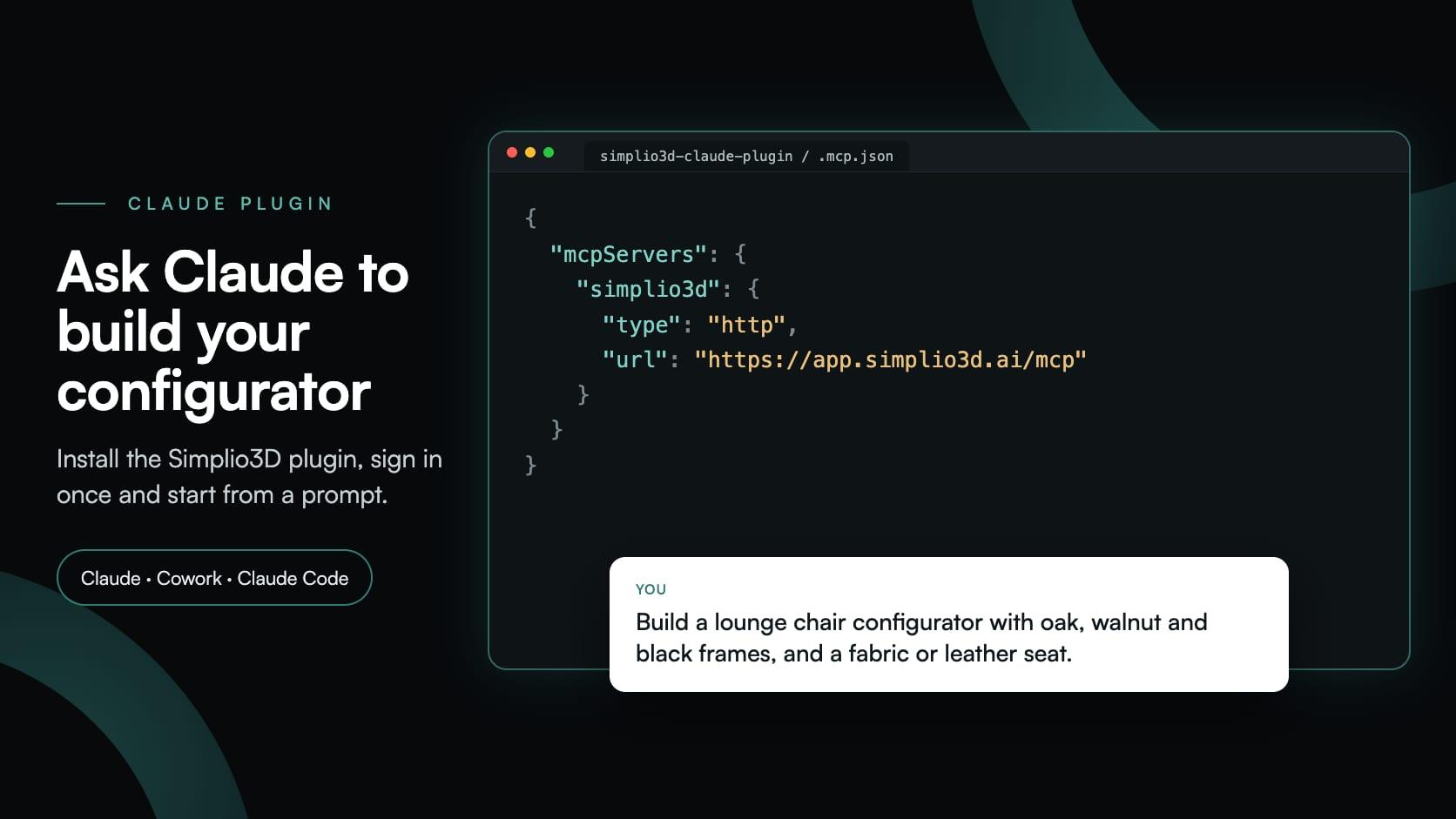
Build a Configurator with Claude: the Simplio3D Plugin Tutorial
Install the Simplio3D plugin in Claude, sign in once and build your first 3D product configurator from a prompt: setup, permissions, the first prompts, and what stays in your hands.