Colours by zone
Cuff, leg, heel, foot and toe coloured independently, the way sock designs are actually specified.
3D Socks Configurator
Let customers build a sock design — colours, patterns, artwork and text — and see it on a knitted 3D model before it reaches the factory.
No credit card required
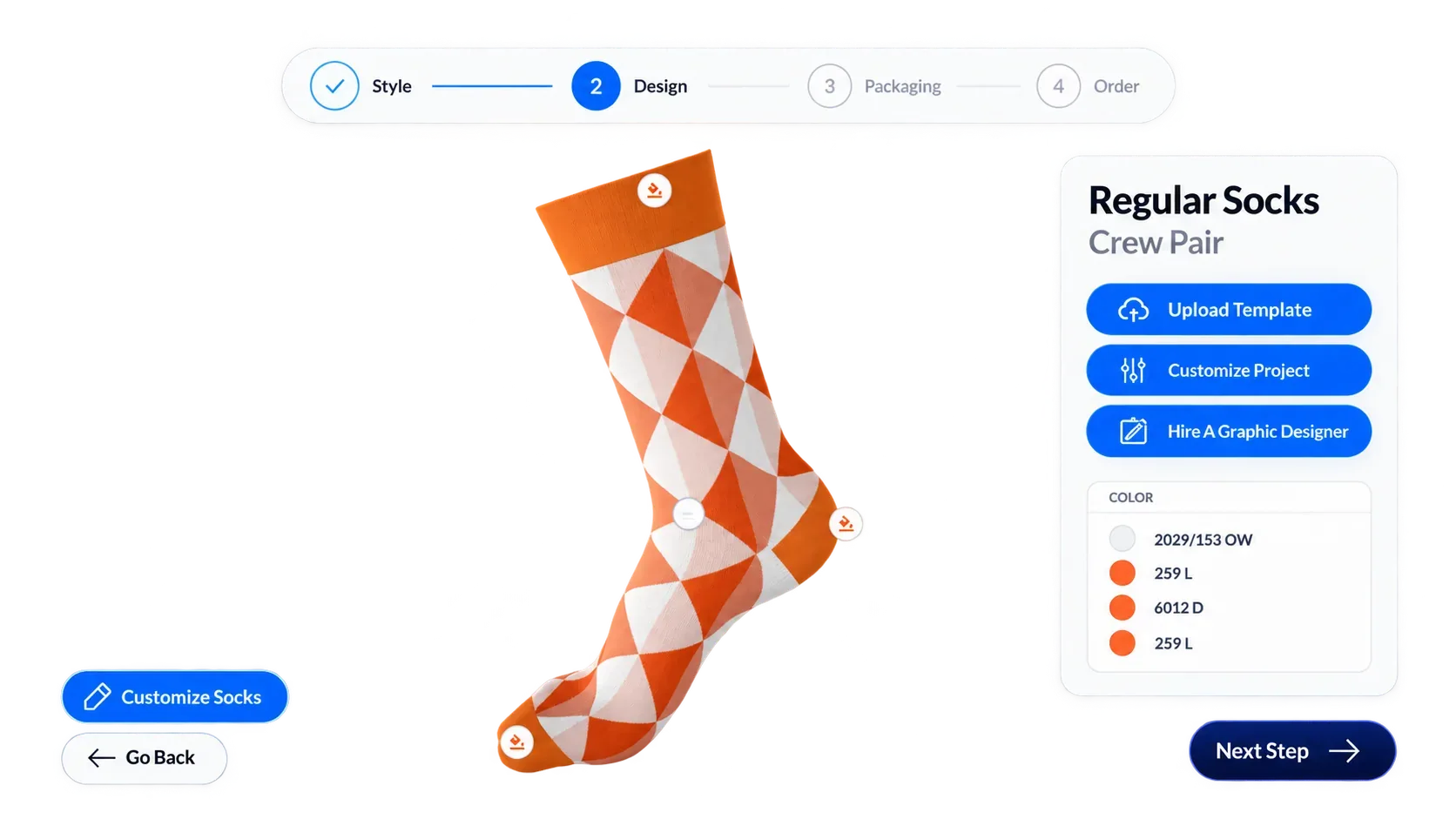
Cuff, leg, heel, foot and toe coloured independently, the way sock designs are actually specified.
The Pattern Designer applies stripes, argyle and all-over designs with scale, rotation and offset control.
The Design Canvas places artwork on the sock at the position and size the customer chooses.
Text Input adds names or messages with font selection, rendered onto the knit.
Image Upload accepts SVG, PNG, JPEG and WebP so customers can bring their own design.
PBR materials render the knitted texture, so the preview looks like a sock rather than a flat print.
See how users score Simplio3D across the major software review platforms.

4.6/5

4.3/5

9.5/10
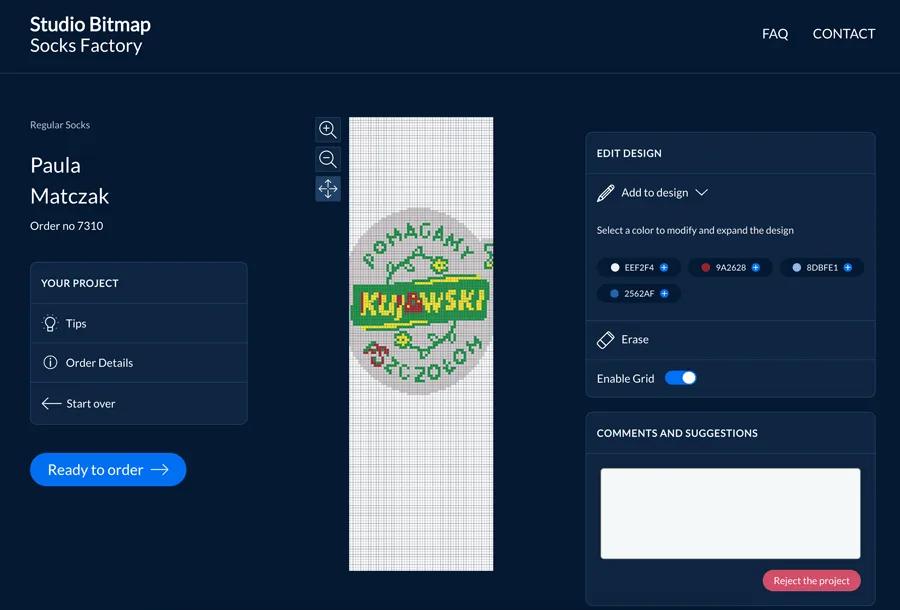
Custom sock orders are usually low value and high effort: a design brief, a mock-up, a revision, an approval. That process costs more than the order is worth unless the customer does it themselves. A configurator makes the design step self-service and produces a structured result — every colour, pattern and artwork placement recorded against the order rather than described in a thread.
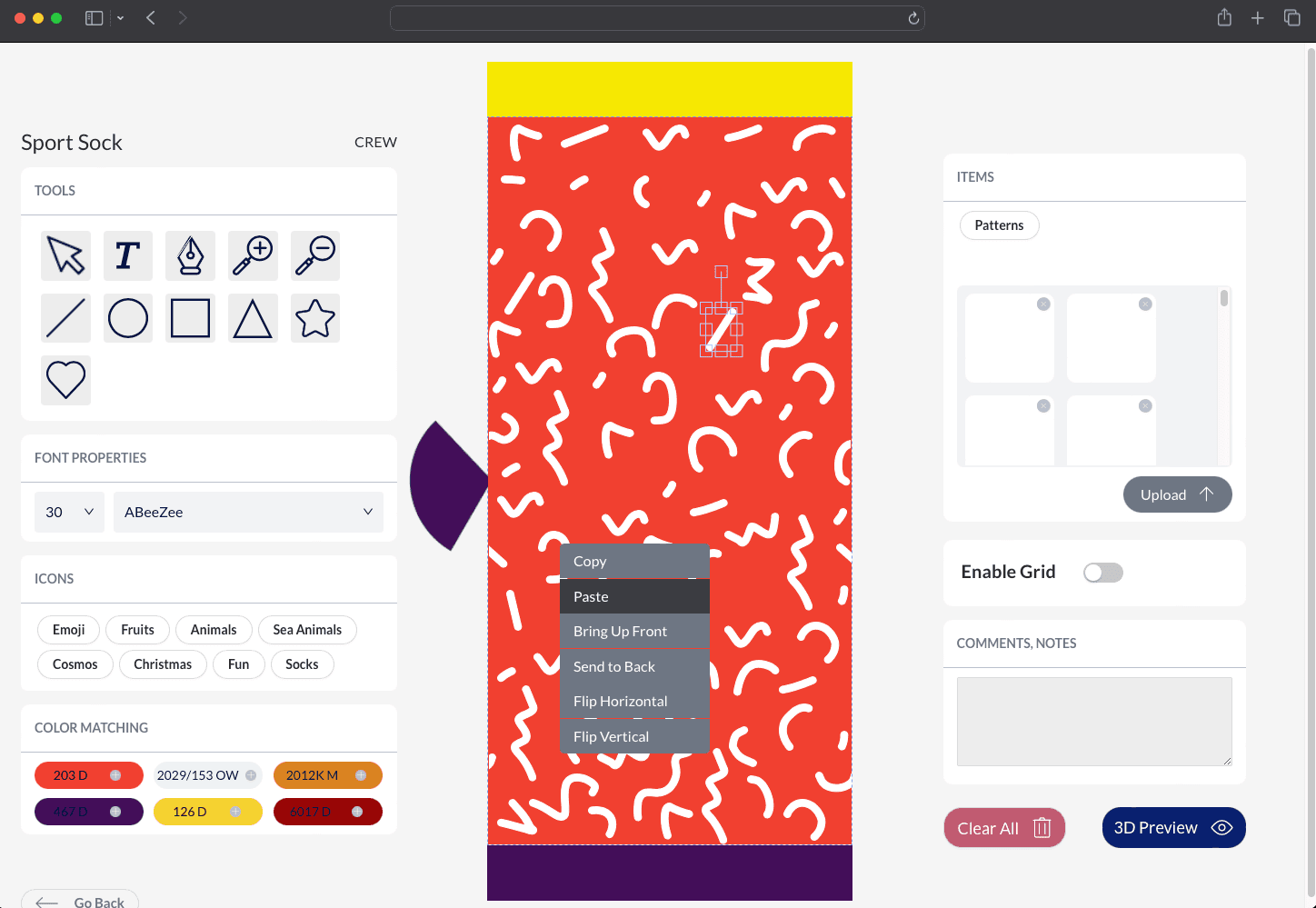
Decoration is what makes socks custom, and it is the part that is hardest to show in a mock-up. Simplio3D handles it with dedicated option blocks: the Design Canvas places decals, logos and artwork freely on the surface; the Pattern Designer applies repeating patterns with adjustable scale, rotation and offset; Image Upload lets the customer bring their own artwork; and Text Input adds names or numbers with a choice of font. SVG artwork goes further — when a file contains distinct fill colours, Simplio3D detects those colour channels automatically and makes each one recolourable at runtime, so a single logo file becomes every colourway you offer.
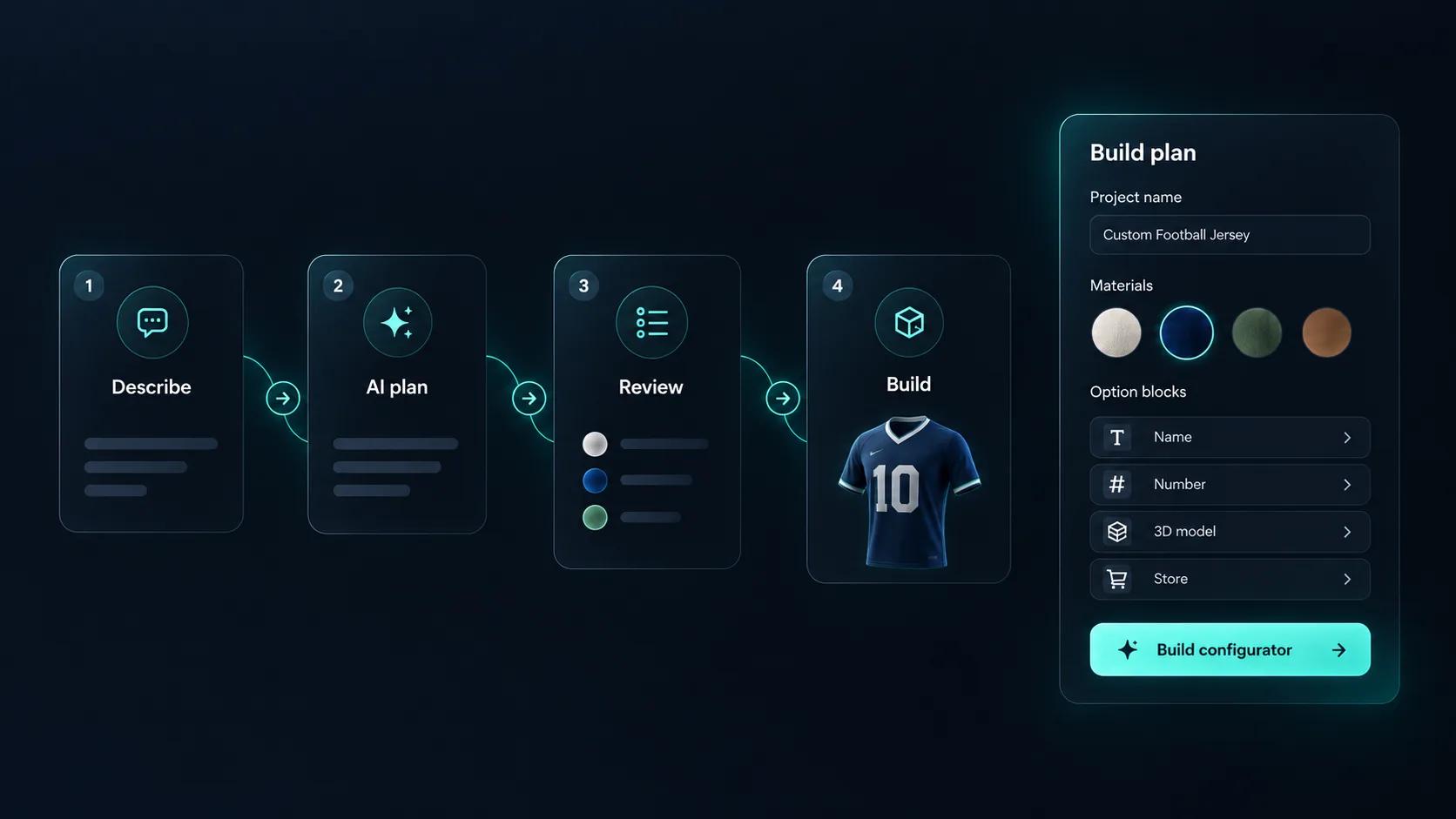
Setting up a sock configurator means building every option, every rule that links them, and every price that depends on them. Simplio3D can generate a working configurator from a product description, which gives you a structure to refine rather than a blank project. Its AI assistant can then audit what you have built — reviewing option coverage and conditional logic instead of leaving you to click through every combination. If you run a large catalogue, the MCP server lets an assistant connect with a scoped token to evaluate logic and calculate prices directly, proposing changes before anything is applied.
Model the sock once, then let the decoration options do the work.
Import the sock model with cuff, leg, heel, foot and toe as separate zones so each can carry its own colour or pattern.
Build the knit as a PBR material with the right texture maps, so the preview shows a knitted structure rather than a flat print — the difference customers notice immediately.
Restrict colour counts and pattern combinations to what your knitting machines support — the constraint that decides whether a sock design is producible.
Price by quantity band and colour count, with custom artwork and packaging as extras, which matches how custom sock runs are quoted.
Publish and embed it on the product page, or run separate links per market — the SocksFactory configurator runs in three languages.















Yes, if the model separates them. Cuff, leg, heel, foot and toe can each take their own colour option.
Yes. Image Upload accepts SVG, PNG, JPEG and WebP, within a 16 MB limit for raster files and 2 MB for SVG.
Yes, when the material is built with the right texture maps. PBR materials render the knit structure rather than a flat printed surface.
Yes. You control which options exist, and conditional logic can restrict pattern or colour combinations that your machines cannot produce.
Yes. The Socks Factory ran their sock configurator in English, German and Polish, which is covered in the case studies.
Yes, through the WooCommerce or Shopify integration, or as a quote request for bulk and club orders.
Clothing, jerseys and footwear use the same decoration blocks and fabric materials.
Own a 3D product configurator to drive sales and generate proposals directly from your website