

Back to case studies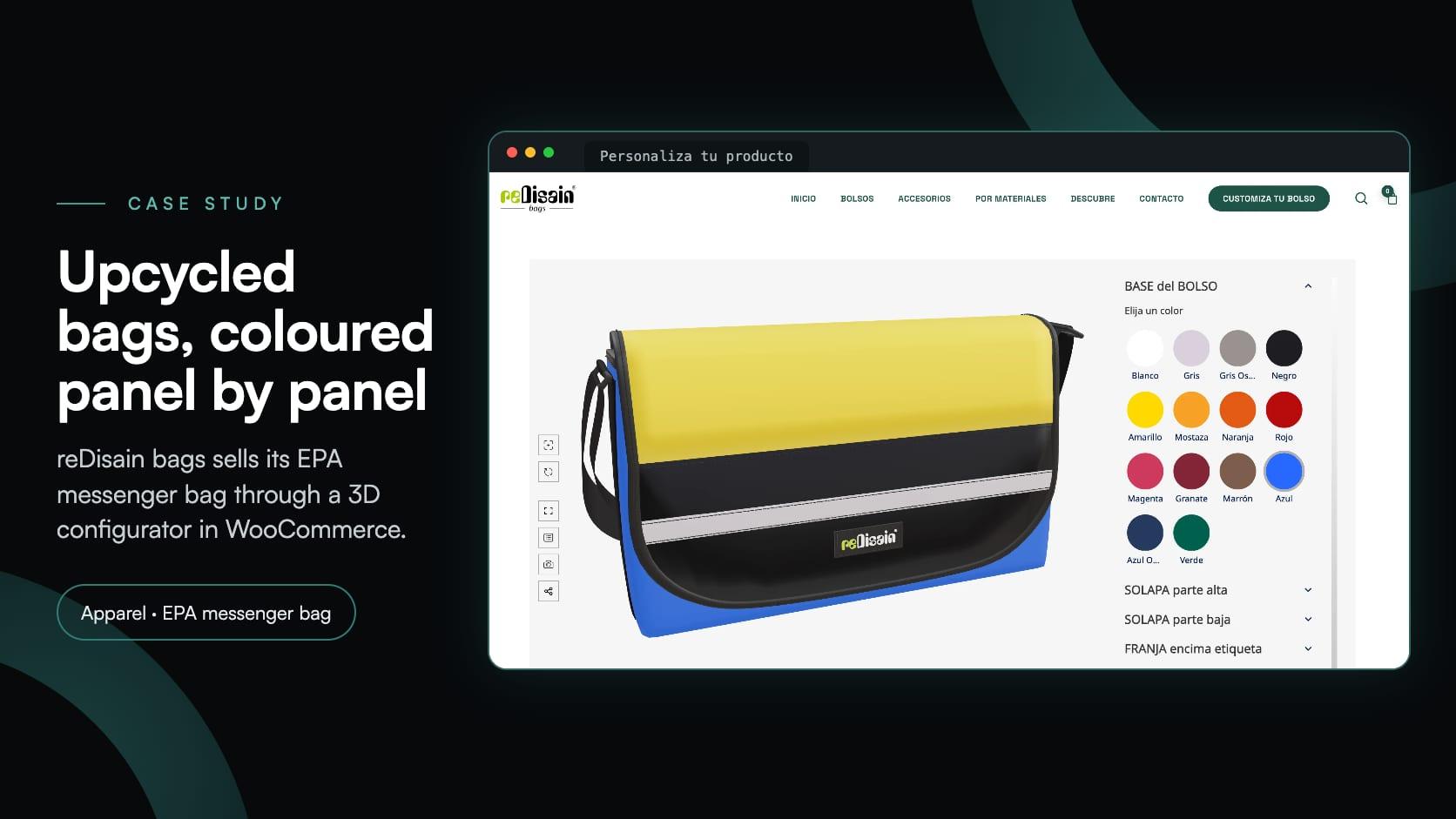
Apparelapparelbagswoocommerceupcycling
reDisain bags: a 3D bag configurator for upcycled messenger bags
reDisain bags·
reDisain bags makes bags and accessories from materials that have finished their first life. José Javier González founded the brand in 2012 in La Laguna, Tenerife, as a sustainable fashion label that works with the waste produced on the Canary Islands rather than with materials shipped in. The name is a play on words: re for recycling, and design as it sounds in English, spelled the Spanish way. The workshop collects advertising tarpaulins from festivals, concerts and events, truck tarpaulins, disused textile roof covers, bicycle inner tubes and carpet felt, washes them, cuts them to pattern and sews them into bags, wallets, cases and laptop sleeves. Its shop, redisainbags.com, runs on WordPress and WooCommerce and lists each finished piece on its own, under the model’s name and a number.
One of its models is EPA, a small messenger bag that the shop introduces as the little brother of its Blas bag: a zipped compartment for keys, a purse and a phone, a second one for everything else, a waterproof body of truck tarpaulin and textile roof cover, and a car seat belt for a strap. The homepage sums up its offer as “you design, we make”, and in May 2026 reDisain added a 3D bag configurator for EPA to redisainbags.com, built in Simplio3D. Shoppers colour four panels of the bag, see the result in 3D and add their EPA to the same WooCommerce cart as the rest of the shop.
| Item | Details |
|---|---|
| Client | reDisain bags of La Laguna, Tenerife, founded in 2012: bags and accessories made from recovered tarpaulins, textile roof covers, bicycle inner tubes and carpet felt |
| Store | redisainbags.com, a Spanish-language store built on WordPress and WooCommerce |
| Product | EPA, a small messenger bag of truck tarpaulin and textile roof cover, with a car seat belt for a strap |
| Configurator | One 3D model of the EPA, with four panels to colour and the same 14 colours for each |
| Where | Its own page, Personaliza tu producto, opened from the Customiza tu bolso button in the main menu |
| Price | One price for every colour combination, set in Simplio3D: 48 € in November 2026 |
| Integration | The Simplio3D Product Configurator plugin for WordPress, in Add to Basket mode, with the shortcode of its first version |
| Live since | May 2026 |
| Platform | The earlier version of Simplio3D |
Beyond the finished pieces in the shop, shoppers were to choose the colour of each part of an EPA themselves.
The body, the two parts of the flap and the stripe above the label each needed a colour of its own, while the strap and the label stay the same.
Colour combinations are hard to picture from swatches alone, so the bag had to change on screen with every choice, from every side.
A single price for the personalised bag, shown beside the 3D view, whatever colours the shopper picks.
The personalised EPA had to go into the same WooCommerce cart and checkout as the wallets, cases and bags sold the usual way.
The configurator had to sit in an ordinary page of the existing WordPress site and page builder, one click from the main menu.
The configurator has its own page on redisainbags.com, Personaliza tu producto (personalise your product), and a Customiza tu bolso (customise your bag) button in the main menu leads to it from every page. It is in Spanish. The 3D bag fills the left of the frame, and the options sit in a panel on the right, in four sections that follow the panels of the bag:
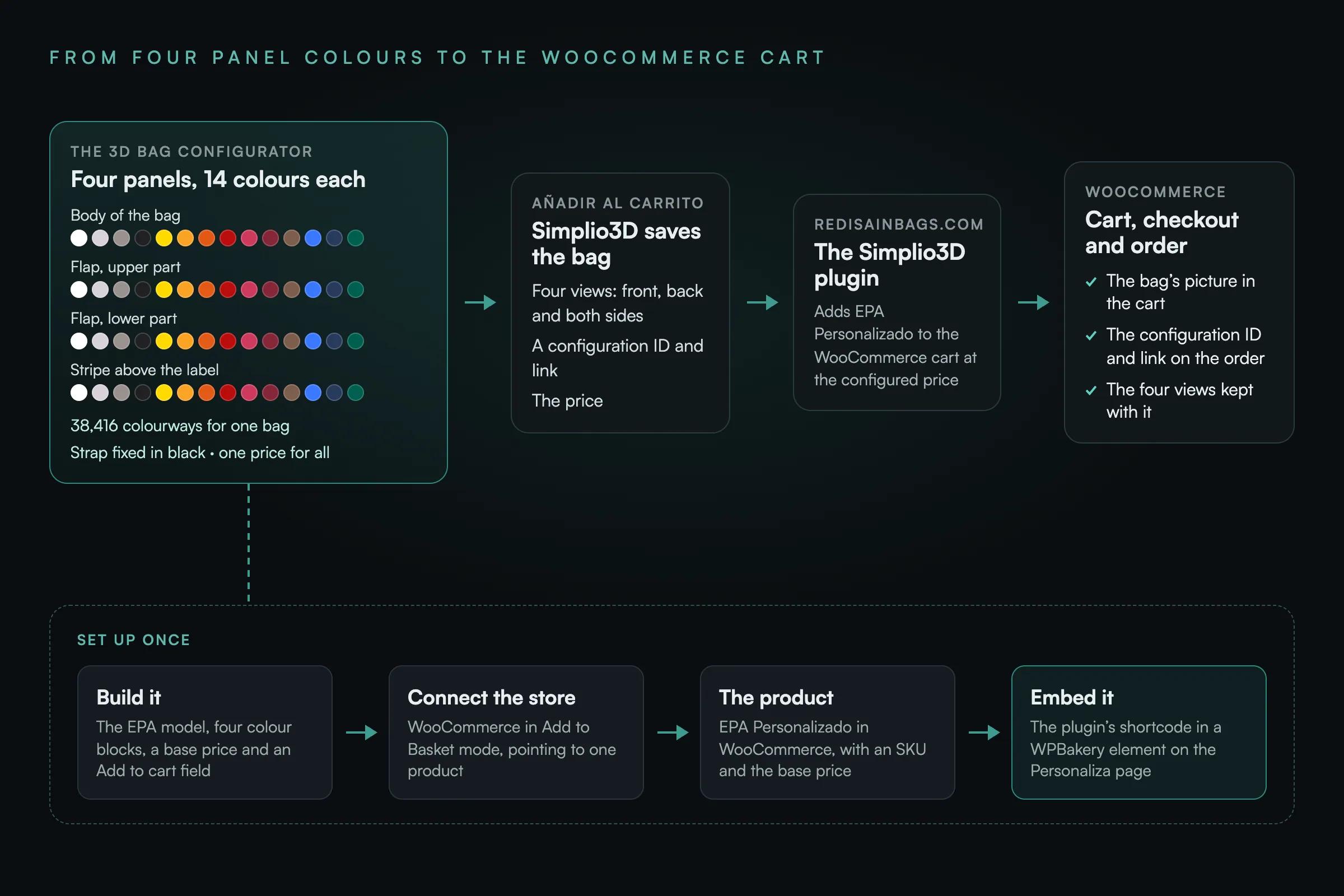
Each section opens on Elija un color (choose a colour) and offers the same 14 colours as round swatches: white, grey, dark grey, black, yellow, mustard, orange, red, magenta, garnet, brown, blue, dark blue and green. The 3D bag changes as soon as a swatch is picked, and the shopper can turn it to see the back and the sides. With 14 colours on four panels, one EPA comes in 38,416 colourways. The strap is black on every bag, and the label stays as it is.
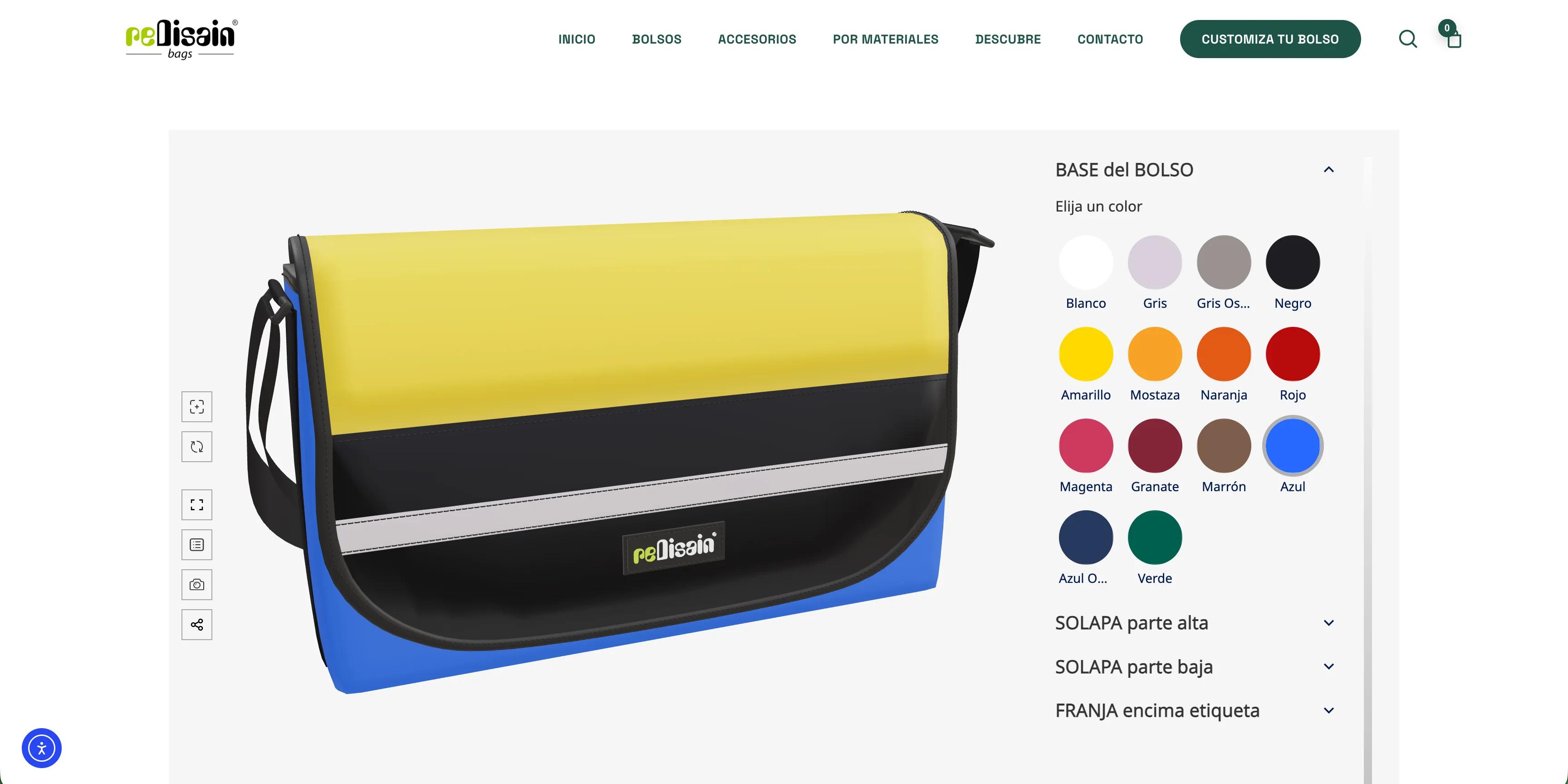
The four sections in the order the panel shows them, then the part that does not change.
| Section, as labelled | Part of the bag | Choices |
|---|---|---|
| BASE del BOLSO | The body of the bag | 14 colours, starting in blue |
| SOLAPA parte alta | The upper part of the flap | 14 colours, starting in yellow |
| SOLAPA parte baja | The lower part of the flap, with the reDisain label | 14 colours, starting in black |
| FRANJA encima etiqueta | The stripe across the flap, above the label | 14 colours, starting in grey |
| No section | The strap | Black on every bag |
Customiza tu bolso, in the main menu of every page, opens Personaliza tu producto with the bag in its starting colours.
Open BASE del BOLSO and pick one of the 14 swatches. The bag changes in 3D straight away.
SOLAPA parte alta and SOLAPA parte baja set the two parts of the flap, the lower one around the reDisain label.
FRANJA encima etiqueta sets the stripe that runs across the flap above the label.
Summary lists the four colours with the final price, and Añadir al carrito puts the bag in the WooCommerce cart, ready for checkout.
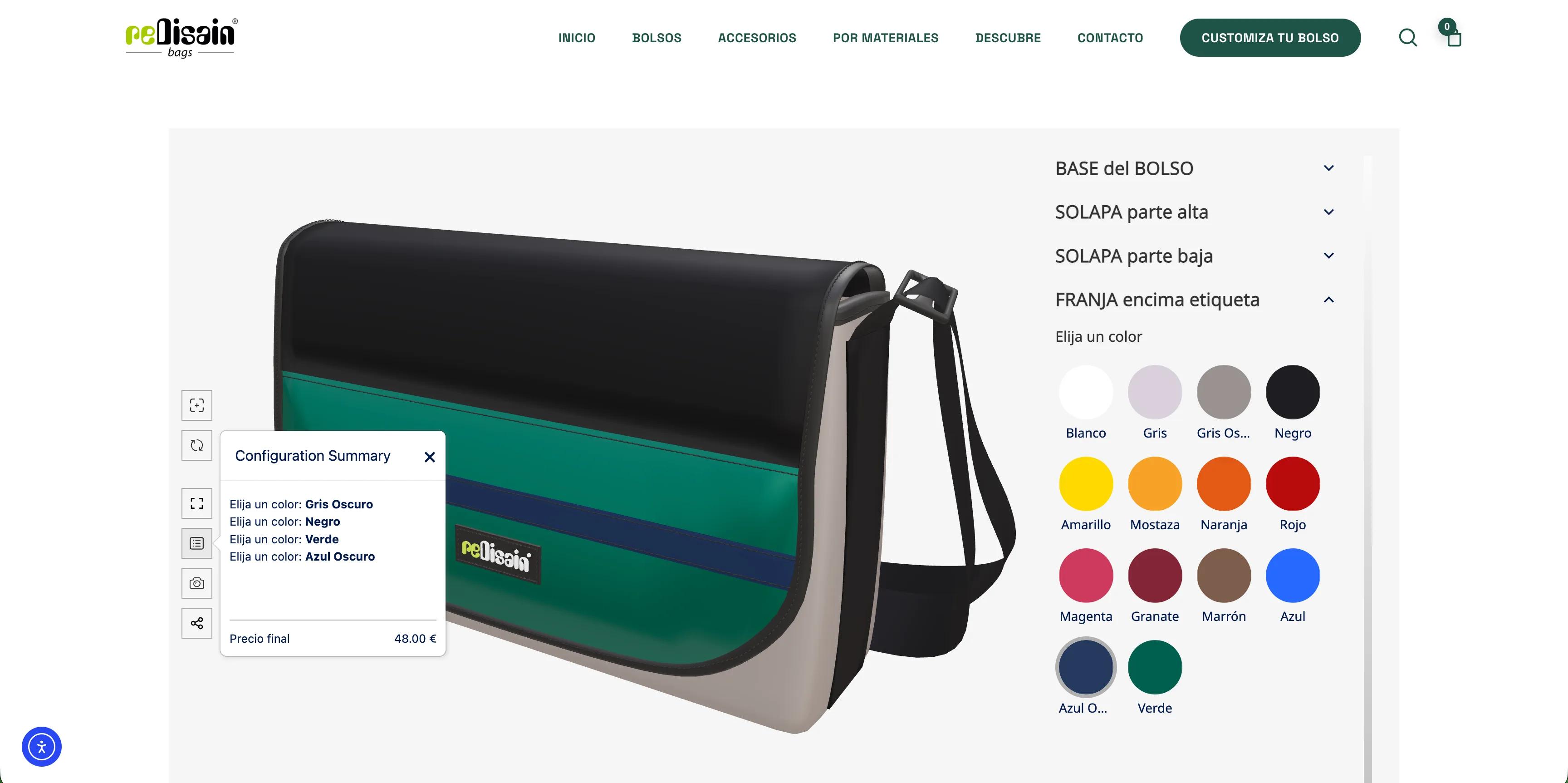
Six buttons run down the left of the 3D view: Reset Camera, Start over, Full screen, Summary, Screenshot and Share config. Summary opens a Configuration Summary over the scene. It lists the colour chosen for each panel, in the order of the sections, above the final price, so the shopper can check the whole bag at a glance. Screenshot and Share config let them keep a picture of the design or pass a link to it on before they decide.
Under the colour sections, the panel shows the price, labelled Precio final, and the Añadir al carrito (add to cart) button. The price is the same for every combination: the project has one base price for the personalised bag, so choosing colours never changes what the shopper pays. A note under the configurator explains that the colours on screen are a guide: every screen shows them a little differently, and the bag is made from recovered materials, so the finished piece can differ slightly, and reDisain counts those small differences as part of what makes each piece unique.
redisainbags.com runs on WordPress and WooCommerce, with the Salient theme and the WPBakery page builder. The configurator is connected with the Simplio3D Product Configurator plugin for WordPress, in its Add to Basket mode, and the connection was set up once:
When a shopper presses Añadir al carrito, Simplio3D saves the configuration with four views of the bag, from the front, the back and both sides. The plugin then adds EPA Personalizado to the WooCommerce cart at the configured price, with the bag’s picture in place of the product image, the configuration ID and a link to the saved configuration in Simplio3D. The bag goes through the shop’s own checkout, in one cart with any wallet, case or bag bought the usual way, and the order keeps the configuration ID, the link and the four views, so the workshop can see which colours to sew. The WooCommerce configurator page covers both ways of connecting a store today.
Shoppers colour the body, the flap and the stripe of the bag themselves, and see the whole bag in 3D before they buy it.
The personalised bag goes into the same WooCommerce cart and checkout as the rest of redisainbags.com, at one price whatever the colours.
Each order carries the configuration ID, a link to the saved configuration and four views of the bag, so the workshop sees what it is making.
A tool in which a shopper chooses a bag’s options, here the colour of each panel, and sees the result in 3D before buying it. reDisain’s runs on its own WooCommerce store and ends in add to cart.
The Simplio3D Product Configurator plugin for WordPress, from WordPress.org, in Add to Basket mode. The configurator is linked to one WooCommerce product, EPA Personalizado, and the plugin adds it to the cart at the configured price, with a picture of the bag and a link to its configuration.
No. The project has one base price for the personalised EPA, so every colour combination costs the same. Simplio3D can also price the choices of an option separately, with a price group, for a brand whose colours or materials cost different amounts.
38,416: 14 colours on each of four panels, the body, the upper and lower parts of the flap and the stripe above the label (14 × 14 × 14 × 14). The strap and the reDisain label are the same on every bag.
Because the bags are made from recovered materials. A note under the configurator explains that screens show colours slightly differently and that the finished piece can vary a little from the screen, which reDisain counts as part of each piece’s character.
No. The configurator sits in an ordinary page of the existing Salient theme, through the plugin’s shortcode in a raw HTML element of the WPBakery page builder, and the button that opens it is a normal item in the main menu.
None of this section is part of reDisain’s configurator, which runs on the earlier version of Simplio3D with the shortcode of the plugin’s first version. For a brand starting now, or one updating its setup:
How SocksFactory let its customers design socks in 3D, in several languages, with their own artwork and a checkout of its own.
Colours, materials, prints and personalisation for clothing and accessory collections, shown in 3D before anything is made.
Connect a 3D configurator to WooCommerce, with the configured product and its price in the cart, or use the WordPress plugin’s blocks.
Own a 3D product configurator to drive sales and generate proposals directly from your website
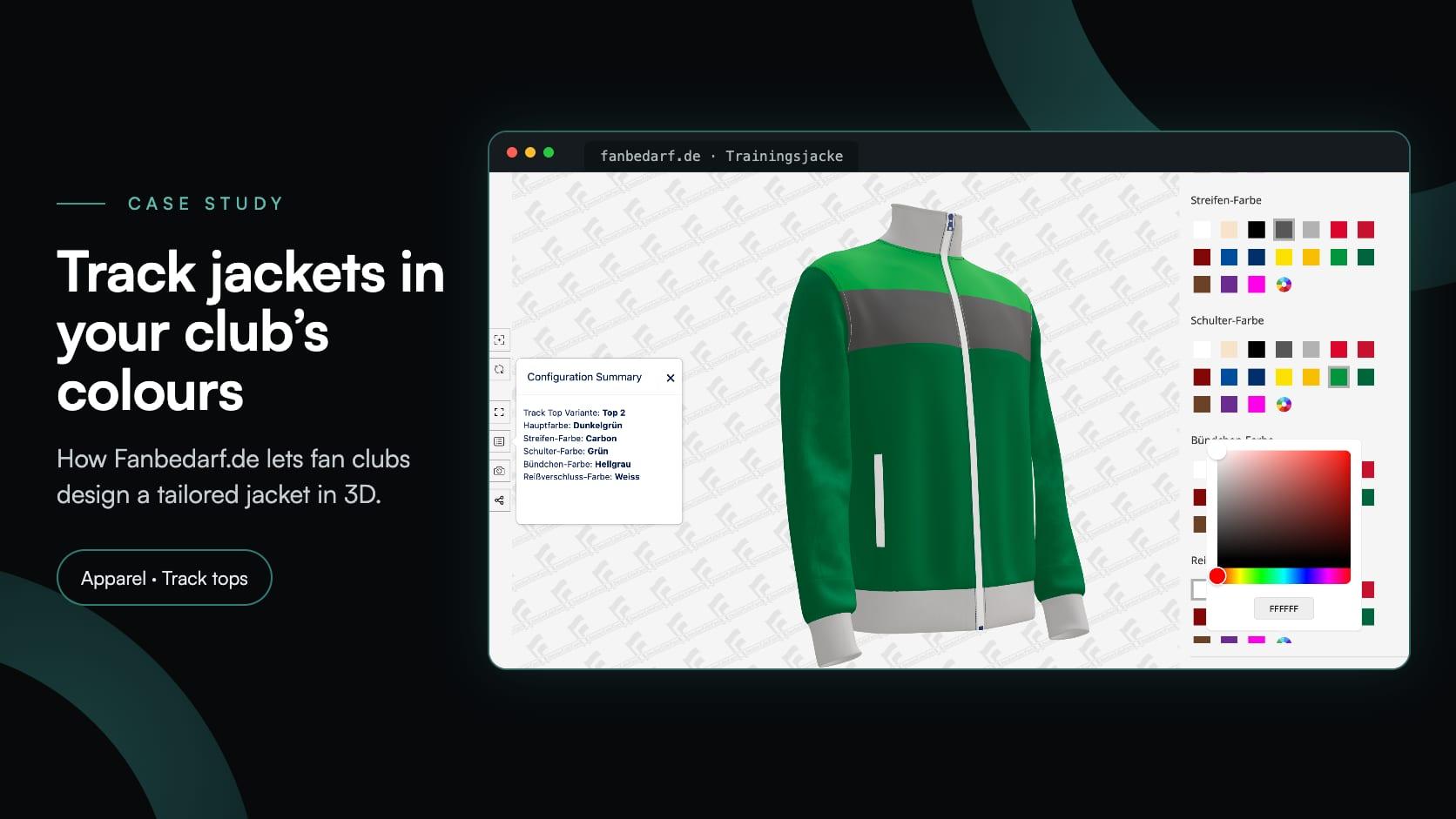
Fanbedarf.de, a club wear workshop in Nuremberg, added a 3D jacket configurator: four Track Top models, 17 fabric colours for every part of the jacket and a non-binding request.
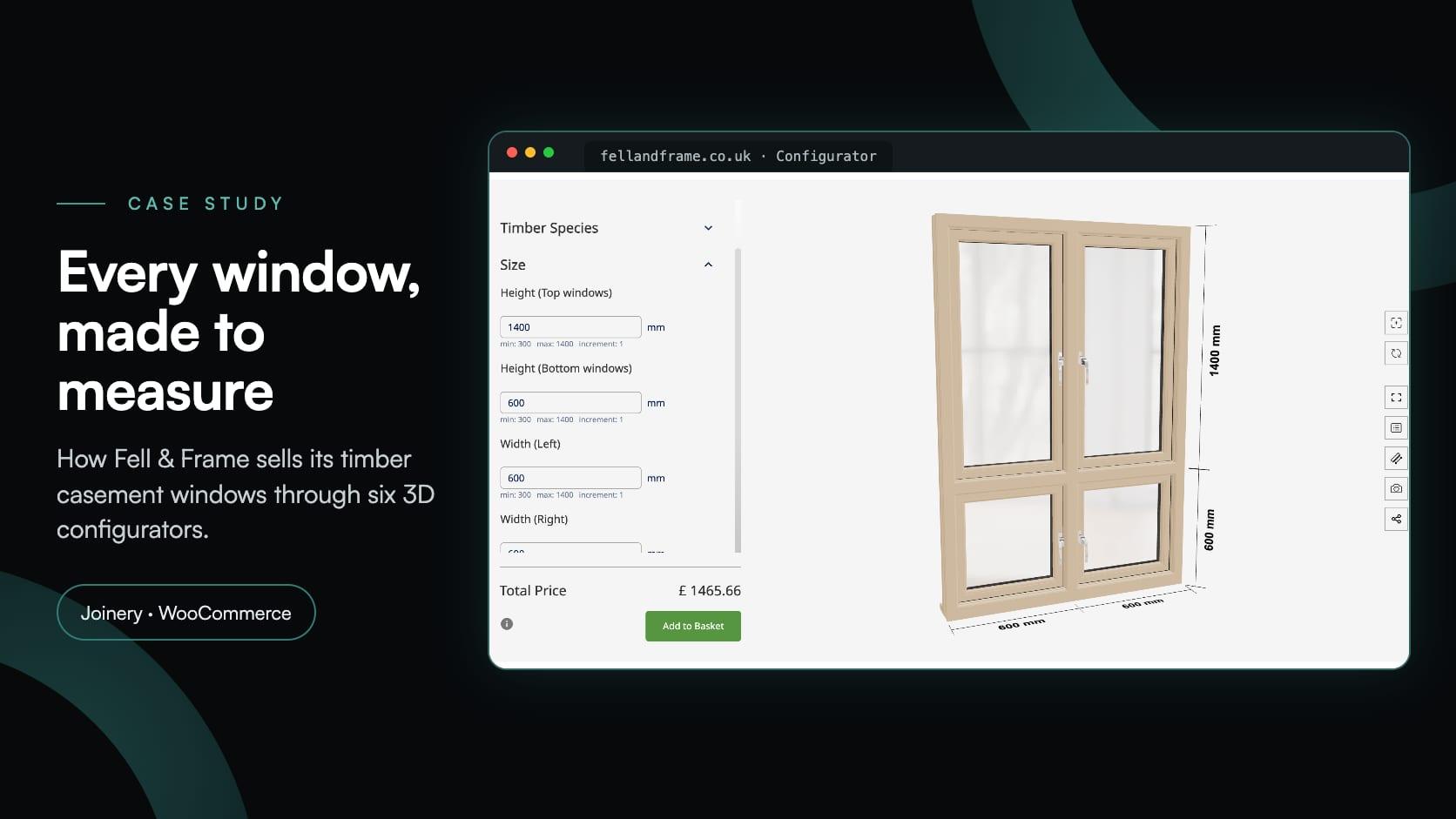
Fell & Frame, a Carlisle joinery, built its own timber window configurator in Simplio3D. Buyers size six casement types to the millimetre and add them to the WooCommerce basket.
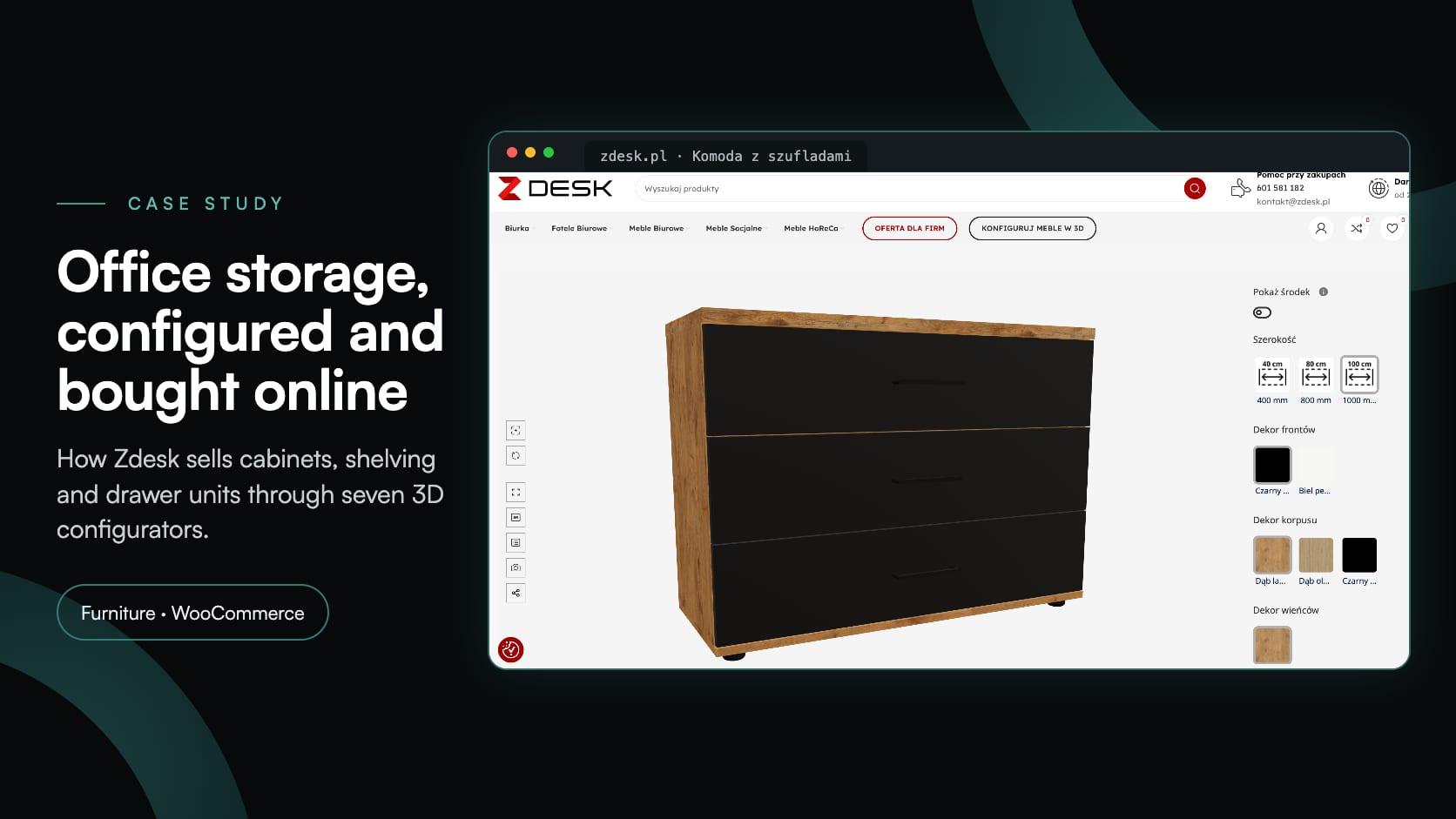
Zdesk, a Wrocław office furniture maker, put seven 3D configurators into its WooCommerce store with the Simplio3D plugin. Buyers set size, décor and fittings, see the price and add to cart.