Materials and finishes
Woods, veneers, laminates, fabrics and metals as PBR materials applied to the real geometry.
3D Furniture Configurator
Handles, legs, fabrics, finishes, drawers and dimensions — configured by the customer, rendered in real time, and priced as they go.
No credit card required
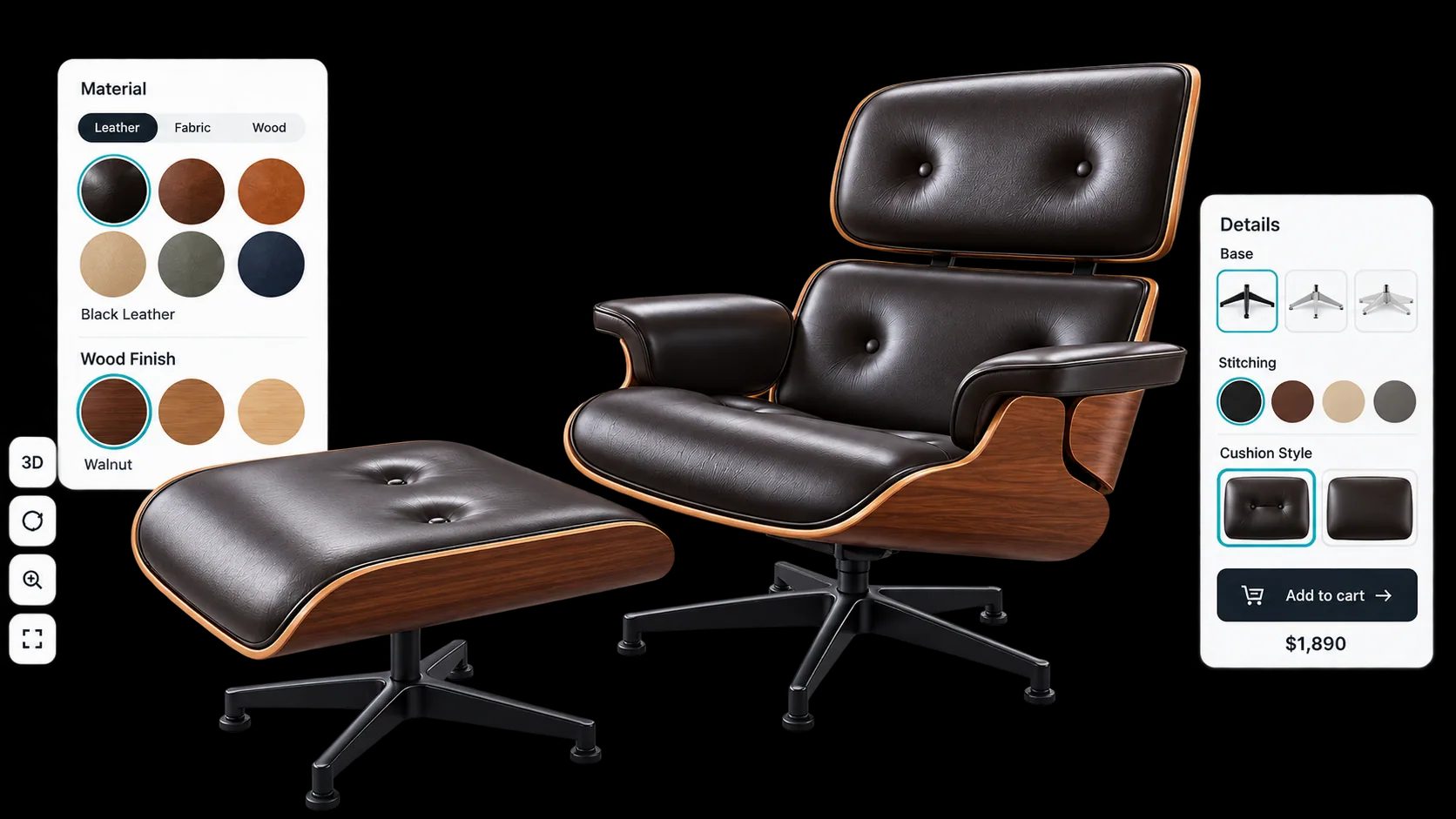
Woods, veneers, laminates, fabrics and metals as PBR materials applied to the real geometry.
Handles, legs, feet, drawers and doors swapped individually rather than sold as fixed variants.
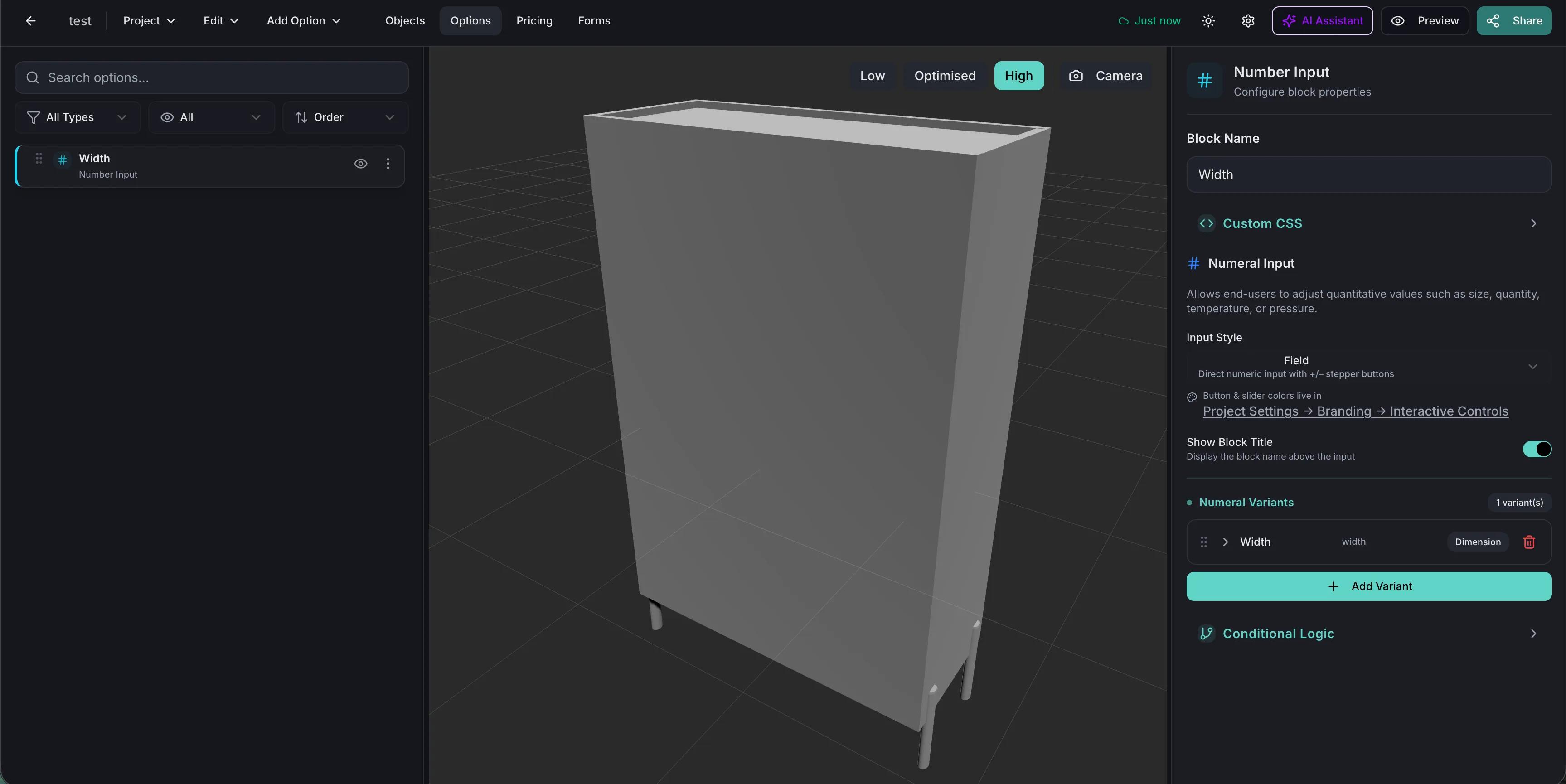
Width, depth and height entered directly for ranges made to size, with the price following.
Options restricted by earlier choices so the customer cannot specify something you do not build.
Base prices, price tables and formulas produce a total that matches the configuration, not a starting SKU.
True-scale placement through the phone camera, which is the fastest way to prevent a size-related return.
See how users score Simplio3D across the major software review platforms.

4.6/5

4.3/5

9.5/10
Most furniture sites model customisation as product variants, which collapses under its own weight somewhere around the third option. A cabinet in six finishes, four handle styles and two heights is forty-eight products to photograph, list and maintain. A configurator treats those as options against one model. Adding a finish next season is a material, not forty-eight new listings.

Some furniture sells straight from the product page; some needs a quote because of lead times, delivery or contract pricing. Simplio3D supports both from the same project. A configured item can be pushed into a WooCommerce or Shopify cart at the calculated price, or captured through a quote form that lands under Requests with the full specification attached.
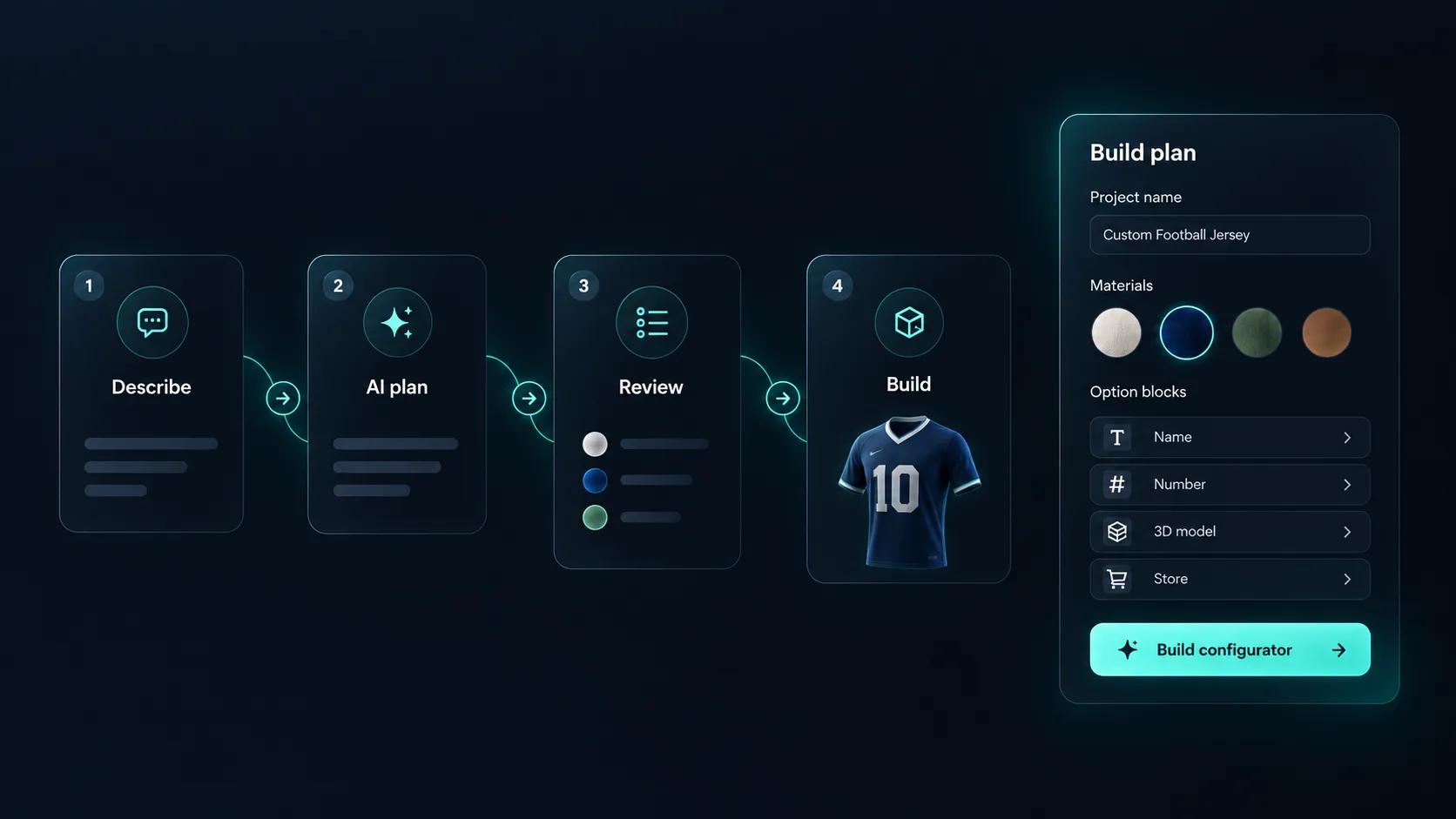
Setting up a furniture configurator means building every option, every rule that links them, and every price that depends on them. Simplio3D can generate a working configurator from a product description, which gives you a structure to refine rather than a blank project. Its AI assistant can then audit what you have built — reviewing option coverage and conditional logic instead of leaving you to click through every combination. If you run a large catalogue, the MCP server lets an assistant connect with a scoped token to evaluate logic and calculate prices directly, proposing changes before anything is applied.
The first piece takes the longest; the rest of the range reuses the materials.
Import the piece with carcass, doors, drawers, handles and legs as separate parts so each can be driven by an option.
Build the finish range once as PBR materials: veneers, laminates, paints, fabrics and metals. The library is shared across projects, so the next piece in the range reuses all of it.
Restrict handles, legs and finishes by carcass size and model, so the configurator only ever produces something your factory can build.
Price the piece from its dimensions where it is made to size, then add finishes, handles and internal fittings as priced options.
Publish and embed it on each product page, sending the configured item to your cart, or capture it as a quote where lead times require one.
















Yes. The material library is shared across projects, so a finish range built once applies to every piece in the collection.
Yes, within the limits you set. Dimension inputs take minimum, maximum and step values and can drive the price through a formula.
The REST API and @simplio3d/sdk TypeScript client let your systems read and write project data headlessly, and webhooks can fire when a quote is submitted.
PBR materials render grain, sheen and colour under the scene lighting, which is considerably closer to reality than a swatch image.
Yes. Model versioning replaces the 3D file while keeping the options and configuration built on top of it.
Either a configured item in your cart at the calculated price, or a quote request containing the full specification.
Chairs and sofas, with upholstery ranges, leg options and modular layouts.
Tops, bases, edge profiles and made-to-size dimensions with pricing that follows the surface area.
Own a 3D product configurator to drive sales and generate proposals directly from your website