Orbit, zoom and pan
Customers turn the product over, move in on a seam or a finish, and look at it from the angle that matters to them.
3D Product Viewer
Turn one 3D model into an interactive product experience — published once, embedded anywhere, and ready for augmented reality on the phone your customer already owns.
No credit card required
Customers turn the product over, move in on a seam or a finish, and look at it from the angle that matters to them.
Play an opening mechanism or a folding motion, and pin callouts to the parts worth explaining.
Place the product on a floor or a table at true scale through iOS AR Quick Look and Android Scene Viewer.
Import GLB, GLTF, FBX, OBJ, STL, DAE or a ZIP archive, then swap in a new model version without rebuilding the project.
A share link and an iframe snippet work on Shopify, WooCommerce, a custom storefront, a landing page or a native app.
Password-protect a share link, restrict which domains may embed it, or hand a client a QR code straight to the model.
See how users score Simplio3D across the major software review platforms.

4.6/5

4.3/5

9.5/10
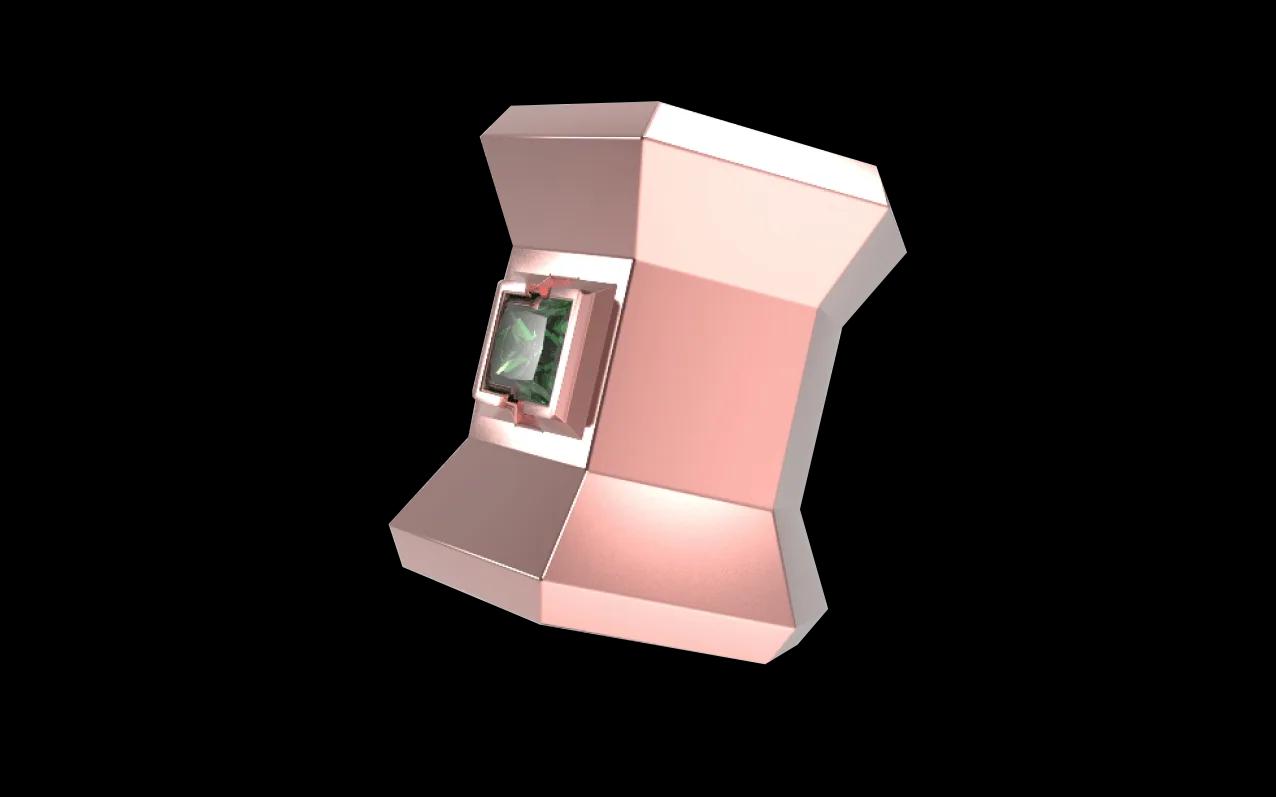
Turn on the share link and Simplio3D generates a unique URL plus a copy-paste iframe snippet. Drop it into a product page, a CMS block, a landing page or a mobile app — the same published project serves all of them. Wrap the iframe in a padding-bottom container and it scales to any breakpoint. Use the Allowed Embed Domains setting to decide exactly which sites are permitted to host it.
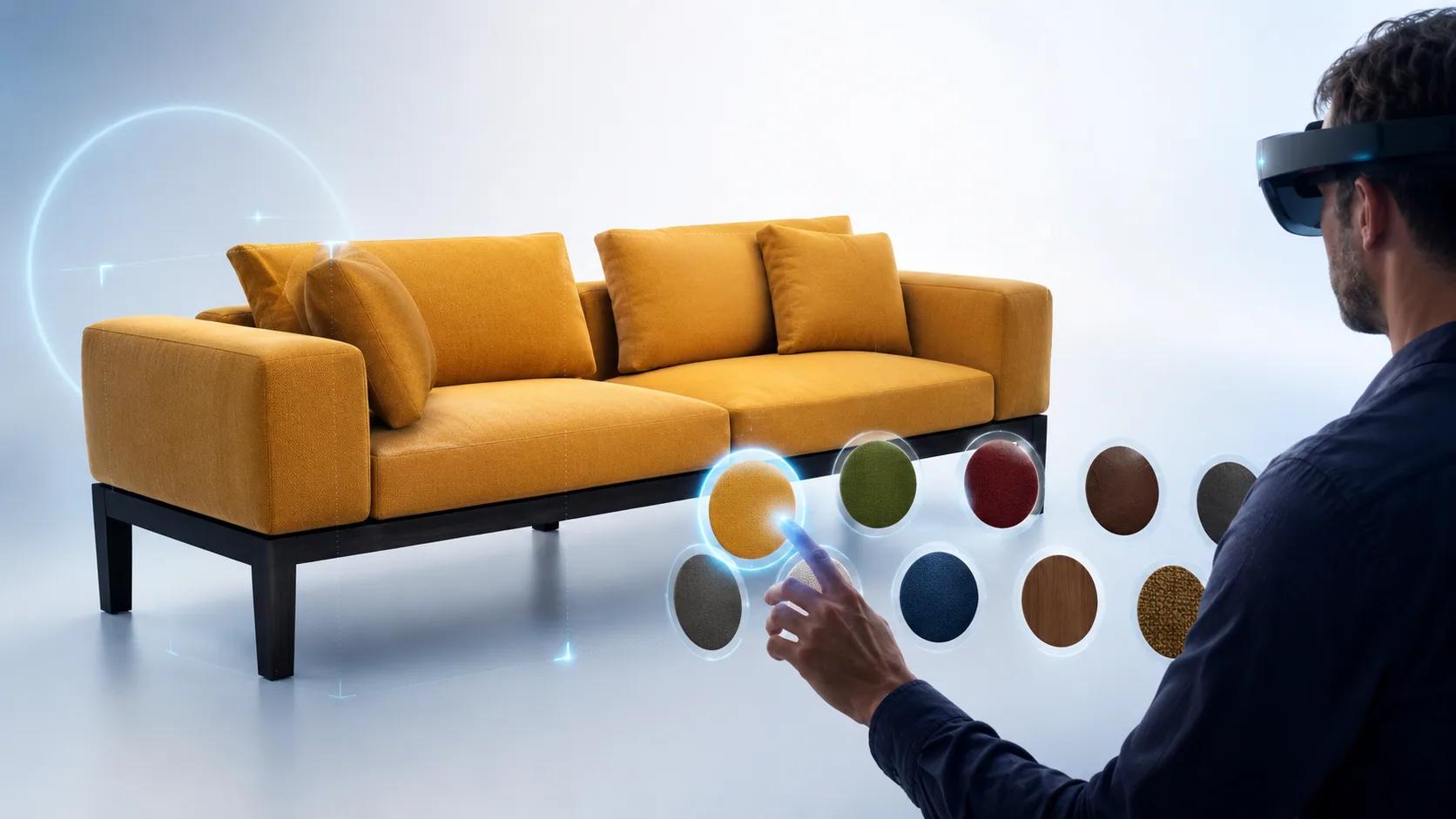
Augmented reality runs on the frameworks already built into your customer’s phone — AR Quick Look on iOS and Scene Viewer on Android — so there is no app to install. On desktop, Simplio3D bakes the current view into a GLB snapshot and a configured USDZ, then hands it to the phone through a QR code. Default mode places the product on a floor or table; wearable mode tracks the face, wrist or body for accessories.
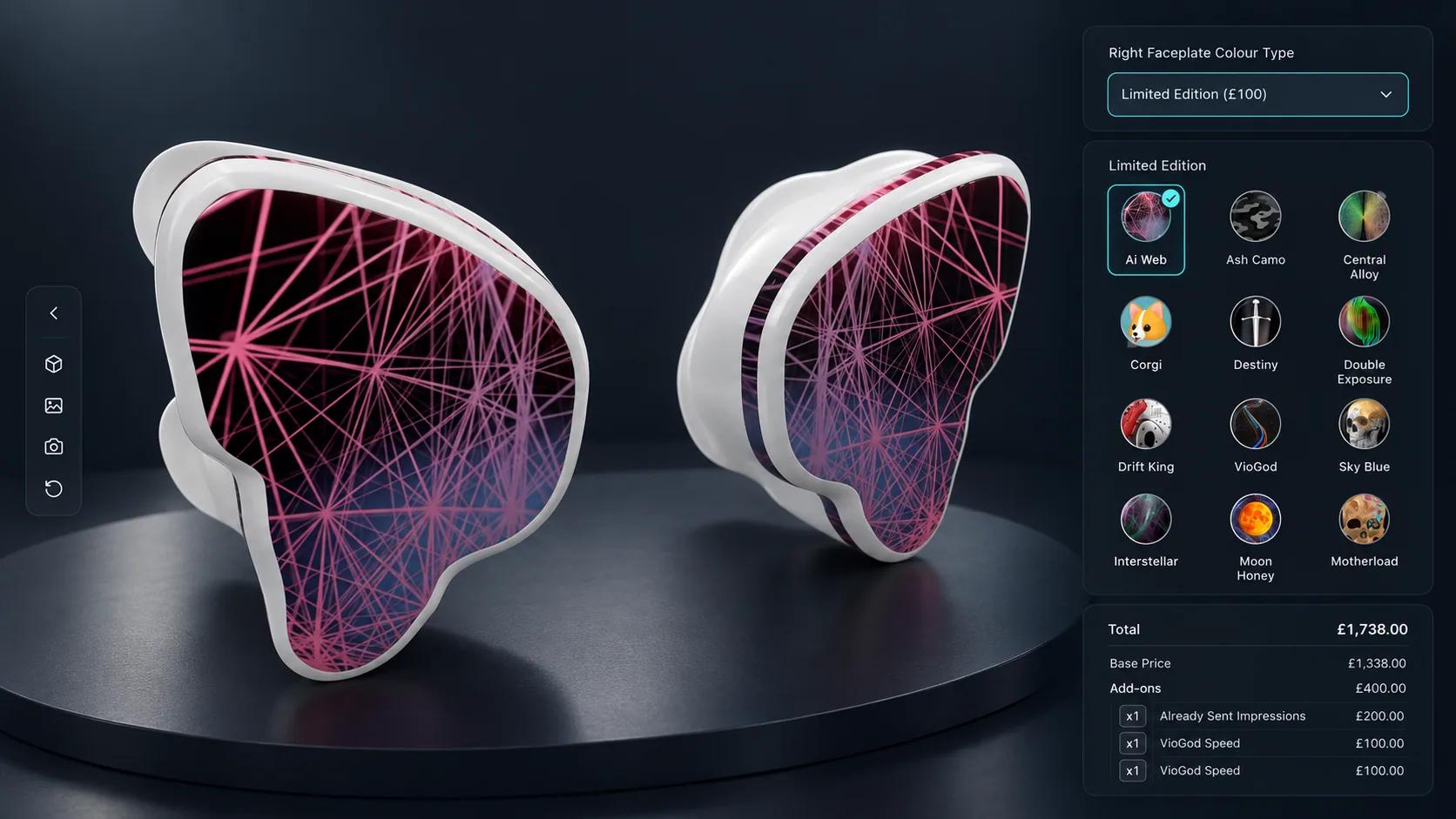
A viewer shows one finished product. The moment customers need to choose a material, a size or a component — and see a price move as they do — the project becomes a configurator. Simplio3D keeps both in the same platform, so you can start by publishing a viewer and move up to option blocks, conditional logic and CPQ pricing without changing tools.
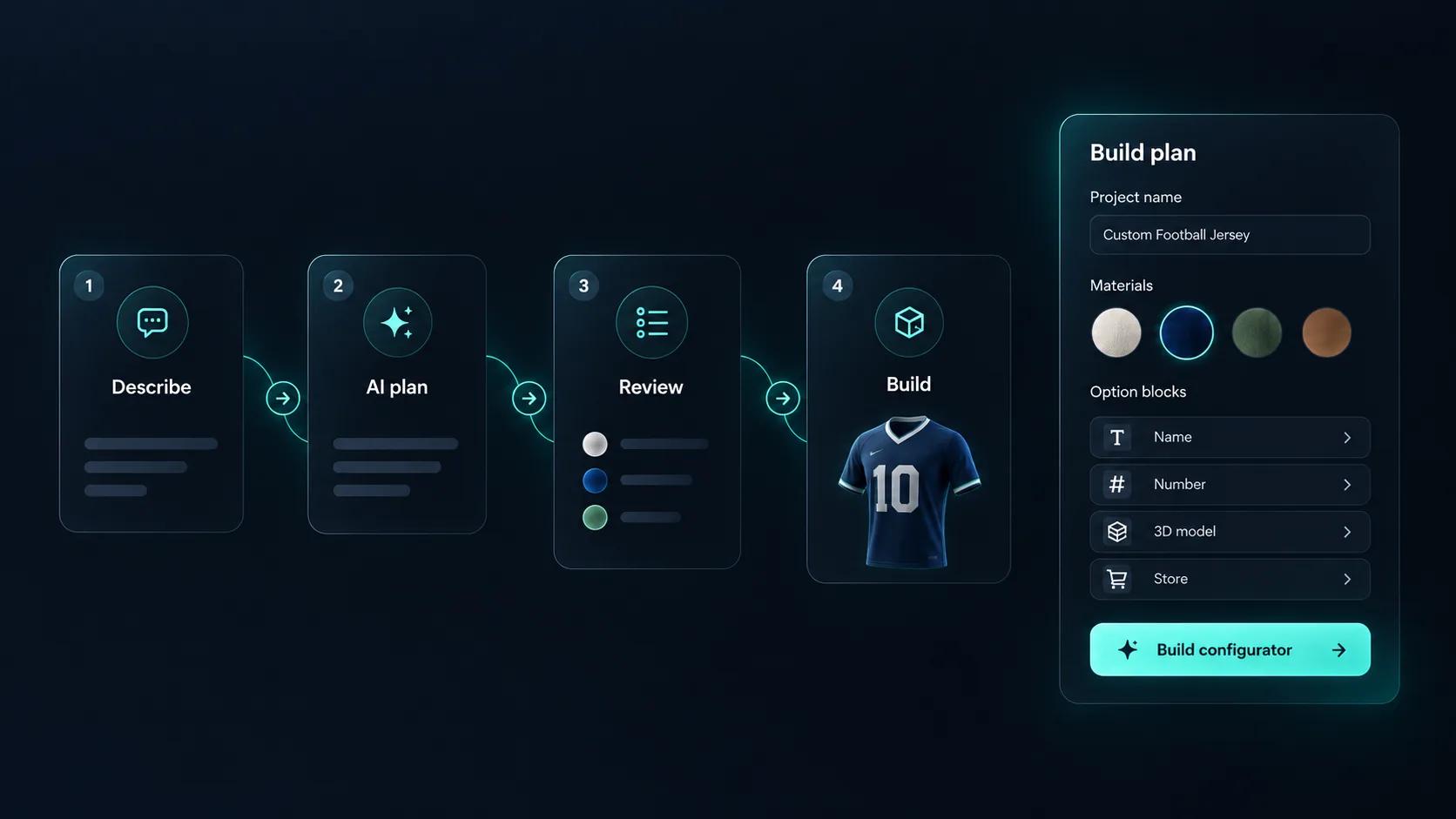
The @simplio3d/sdk TypeScript client and REST API let your own systems read and write project data headlessly: option blocks, pricing, quote submissions and webhooks. Simplio3D also ships an MCP server, so an assistant like Claude can connect with a scoped token and inspect a real project — audit a configurator, introspect a 3D model, evaluate conditional logic or calculate a price — under a controlled-write model that proposes changes before anything is applied.
Four steps from a model file to a live embed. No code, and no 3D background required.
Import GLB, GLTF, FBX, OBJ, STL, DAE or a ZIP archive and organise the scene hierarchy. Model versioning lets you replace the file later without losing the work built on top of it.
Build PBR materials from your texture maps, or pull ready-made recipes for metal, wood, fabric, glass and plastic from the material library.
Choose the Viewer project type, tune the display and branding settings, then enable AR in the Advanced tab and pick surface or wearable placement.
Enable the share link to get a public URL and an iframe snippet, then paste it into your storefront. Add a password or restrict embed domains if the model is not ready to be public.
All three are built in the same editor. The project type is fixed once a project is created, so it is worth choosing deliberately.
| Capability | Viewer | Configurator | Modular |
|---|---|---|---|
| Orbit, zoom, pan | Yes | Yes | Yes |
| Animations and annotations | Yes | Yes | Yes |
| Customer-facing options (colour, material, parts, dimensions) | No | Yes | Yes |
| Conditional logic | No | Yes | Yes |
| CPQ pricing and quote forms | No | Yes | Yes |
| Drag-and-drop assembly with snap points | No | No | Yes |
| Augmented reality | Yes | Yes | Yes |
| Share link and iframe embed | Yes | Yes | Yes |
| Available on | All plans | Starter and above | Enterprise (advanced modular system) |
















A 3D product viewer is an interactive window on your product page that replaces a static photo with the real 3D model. Customers can rotate it, zoom in on details, play animations and — on a phone — place it in their own space with augmented reality.
No. If you already have a model file, Simplio3D handles the rest in a visual editor: upload the file, apply materials, adjust the display settings and publish. The tutorials walk through each step, and no code is involved.
GLB, GLTF, FBX, OBJ, STL and DAE, plus ZIP archives that bundle a model with its textures. You can also replace a model with a new version later while keeping the configuration built around it.
AR uses the frameworks native to each device — AR Quick Look on iOS and Google Scene Viewer on Android — so nothing has to be installed. On desktop, a QR code hands the current view to the phone as a GLB snapshot and a configured USDZ. AR requires the project to have a share link enabled.
Anywhere you can paste an iframe: Shopify, WooCommerce, a custom storefront, a CMS page, a landing page, or a native iOS, Android, React Native or Flutter app. You can also restrict which domains are allowed to embed it.
Yes. An embedded project broadcasts browser events — simplio3d:option.changed, simplio3d:form.submitted and simplio3d:quote.submitted — that your page can listen for and forward to your analytics, with origin verification.
A viewer presents one finished product. A configurator lets shoppers change options — colours, materials, parts, dimensions — with conditional logic and live pricing behind them. Both are built in the same editor, and the configurator is included from the Starter plan. The advanced modular system is an Enterprise capability.
Yes. Simplio3D exposes an MCP server that lets an assistant such as Claude connect with a scoped token and inspect real projects — auditing a configurator, introspecting a model, evaluating conditional logic or calculating a price. Writes follow a propose, confirm and snapshot model rather than changing a project silently.
Own a 3D product configurator to drive sales and generate proposals directly from your website