Roof shape and pitch
Gable, hip, mono-pitch or flat, with the pitch adjusted and the geometry rebuilt to match.
3D Roof Configurator
Let customers pick a roof shape, covering and colour, see it rendered on the structure, and get a price without waiting for a survey.
No credit card required
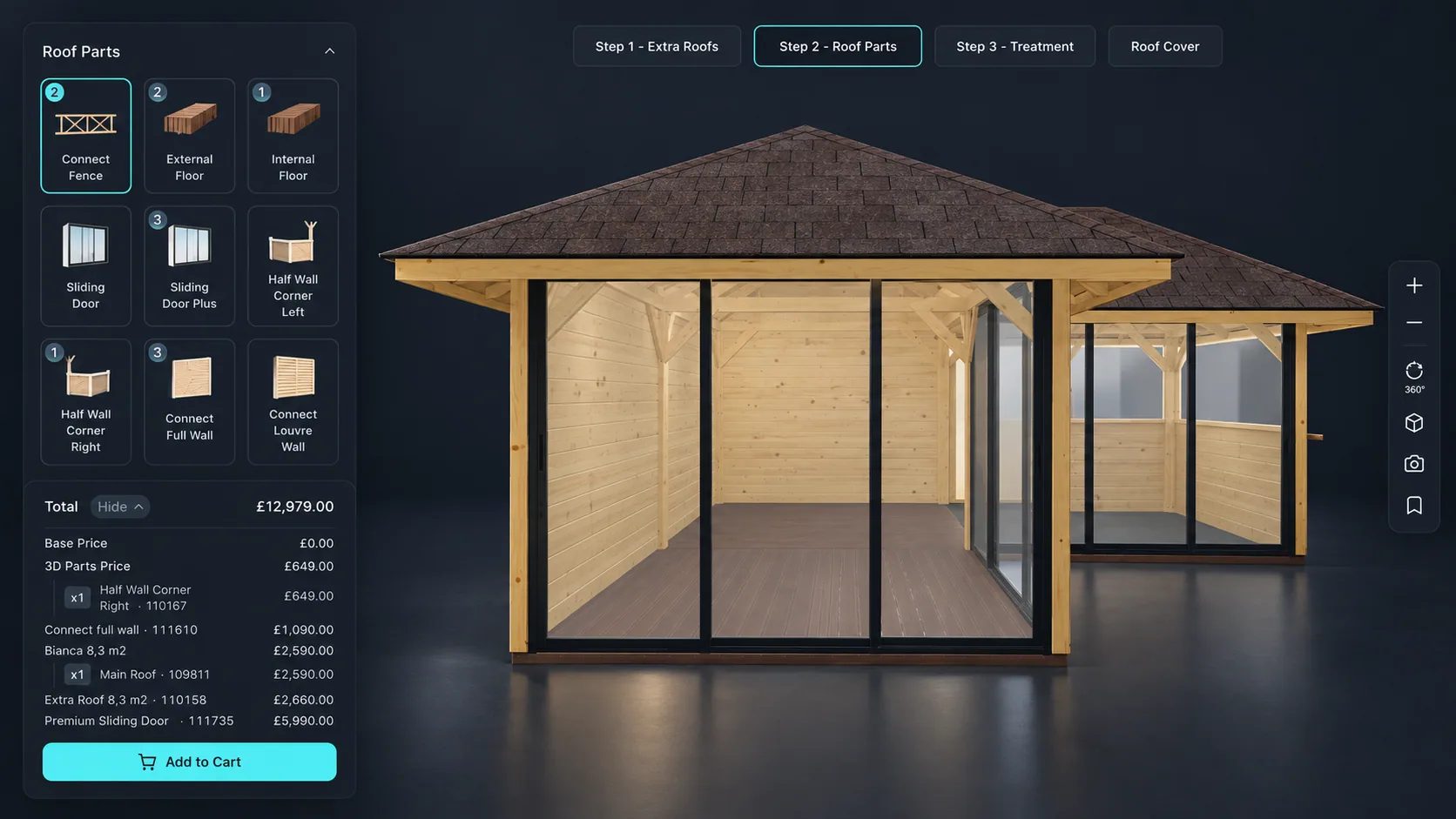
Gable, hip, mono-pitch or flat, with the pitch adjusted and the geometry rebuilt to match.
Tile, metal sheet, shingle or glass, applied as a real material rather than a colour swatch.
Finishes and colours shown on the roof in context, so a customer is not choosing from a small square.
Roof lights, glazed panels and openings added and positioned as options.
Span and length entered by the customer, with the price responding to the resulting area.
Rainwater goods, fascias and trims priced alongside the main structure rather than added later.
See how users score Simplio3D across the major software review platforms.

4.6/5

4.3/5

9.5/10
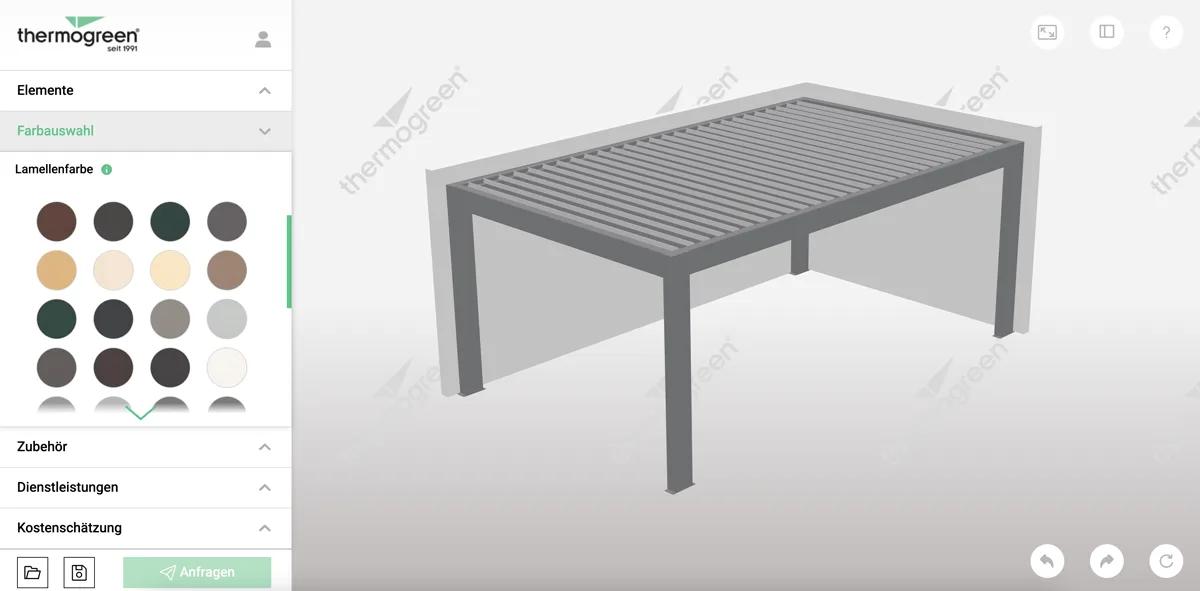
Covering material and colour are the decisions customers agonise over, and a sample tile on a counter tells them very little about a finished roof. Rendering the choice on the actual structure, in context and at any angle, settles the question quickly. That is worth more on a roofing product than almost any other building component.
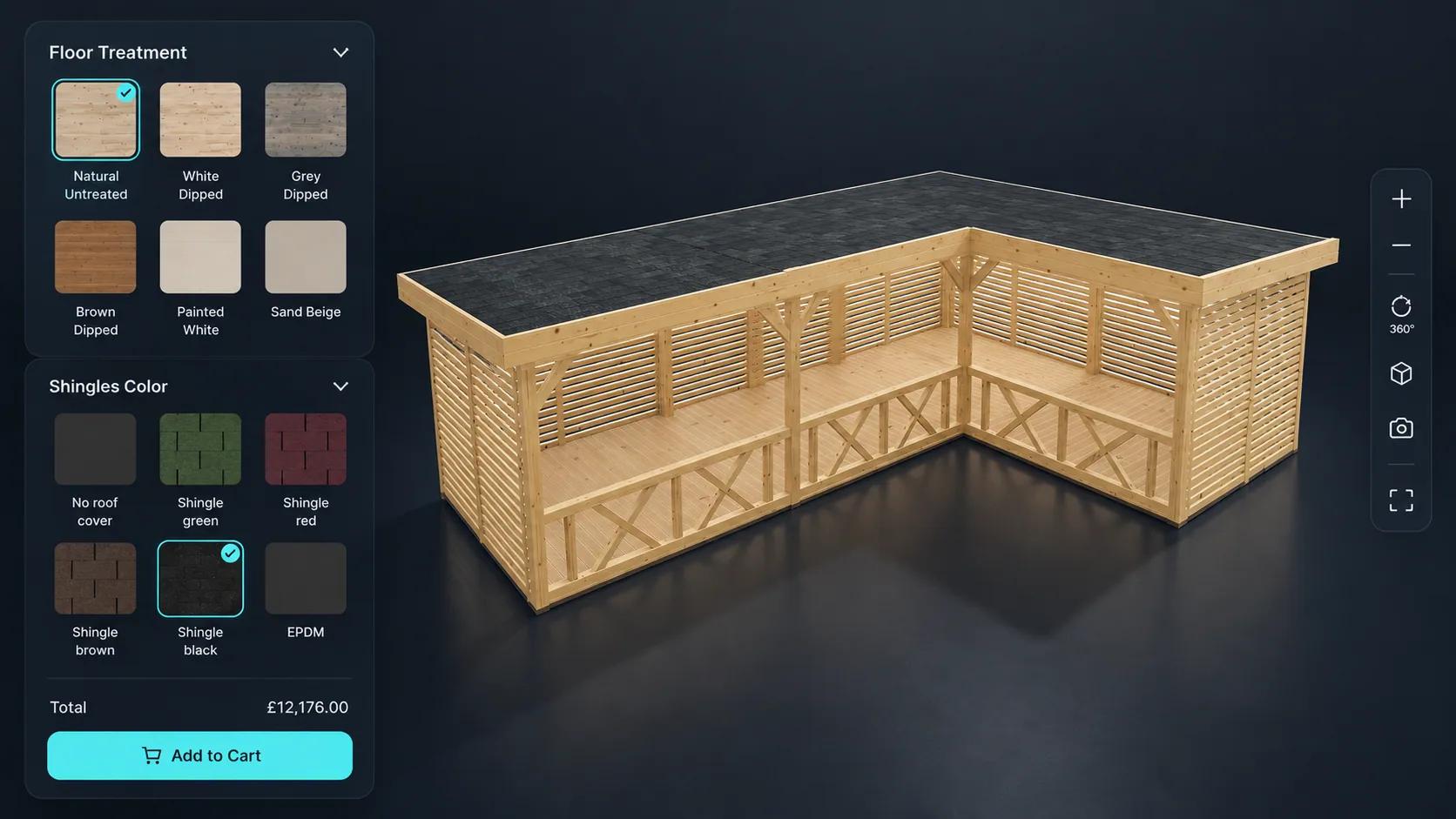
The same configurator pattern covers terrace roofs, canopies and glass structures, where the customer is choosing a span, a covering and a set of options against a fixed budget. Because pricing can key off area, a larger structure prices correctly without anyone rebuilding the quote by hand.
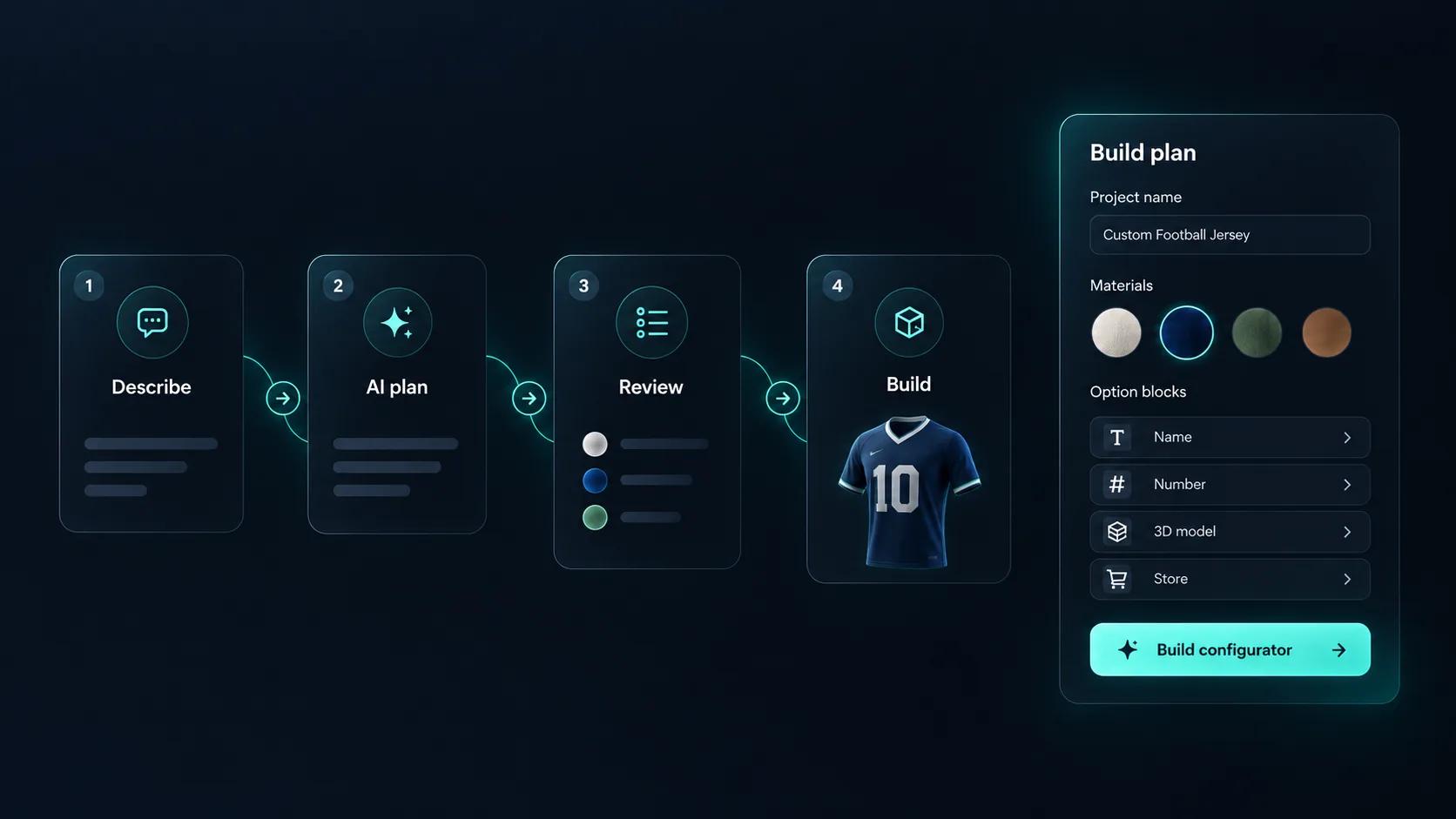
A roof configurator carries a lot of logic: options that only apply above a certain size, combinations that cannot be manufactured, prices that move with dimensions. Getting that right by hand is slow, and checking it is slower. Simplio3D can generate a working configurator from a product description to give you a starting point, and its AI assistant can audit an existing project — reviewing option coverage and conditional logic instead of leaving you to click every combination. For larger catalogues, the MCP server lets an assistant connect with a scoped token and evaluate logic or calculate prices directly, proposing changes rather than applying them silently.
Model, options, rules, price, embed.
Import the roof structure and separate the covering, frame, glazing and trim so each can be controlled independently.
Add a dropdown for roof shape, swatches for covering material and colour, dimension inputs for span and length, and toggles for roof lights and rainwater goods.
Limit coverings and roof lights by the roof shape and pitch selected, so a tile that cannot be laid at a given pitch is never offered.
Price by roof area with a formula, with the covering material as a rate and rainwater goods, glazing and trims as priced extras.
Publish and embed it alongside your roofing range, or hand the share link to installers quoting on site.
















Yes, if your model is built to allow it. Pitch can be exposed as a dimension input or a set of preset options, with the geometry and price responding.
Yes. Materials are PBR, so tile texture, metal sheen and glass all render as materials rather than flat colours.
It can. Pricing formulas can be driven by the configured dimensions, so a rate per square metre applies automatically as the customer resizes.
AR places the configured product at true scale through iOS AR Quick Look and Android Scene Viewer. It suits smaller structures such as canopies and terrace roofs better than a full house roof.
Not necessarily. A single project can offer several roof shapes as options, with conditional logic controlling which coverings and extras apply to each.
Through a quote form attached to the configurator, capturing the specification and the customer details together.
Roofs are often sold alongside other outdoor structures. The building configurator covers sheds, garages, carports and halls with the same pricing model.
Own a 3D product configurator to drive sales and generate proposals directly from your website