

Vissza az esettanulmányokhoz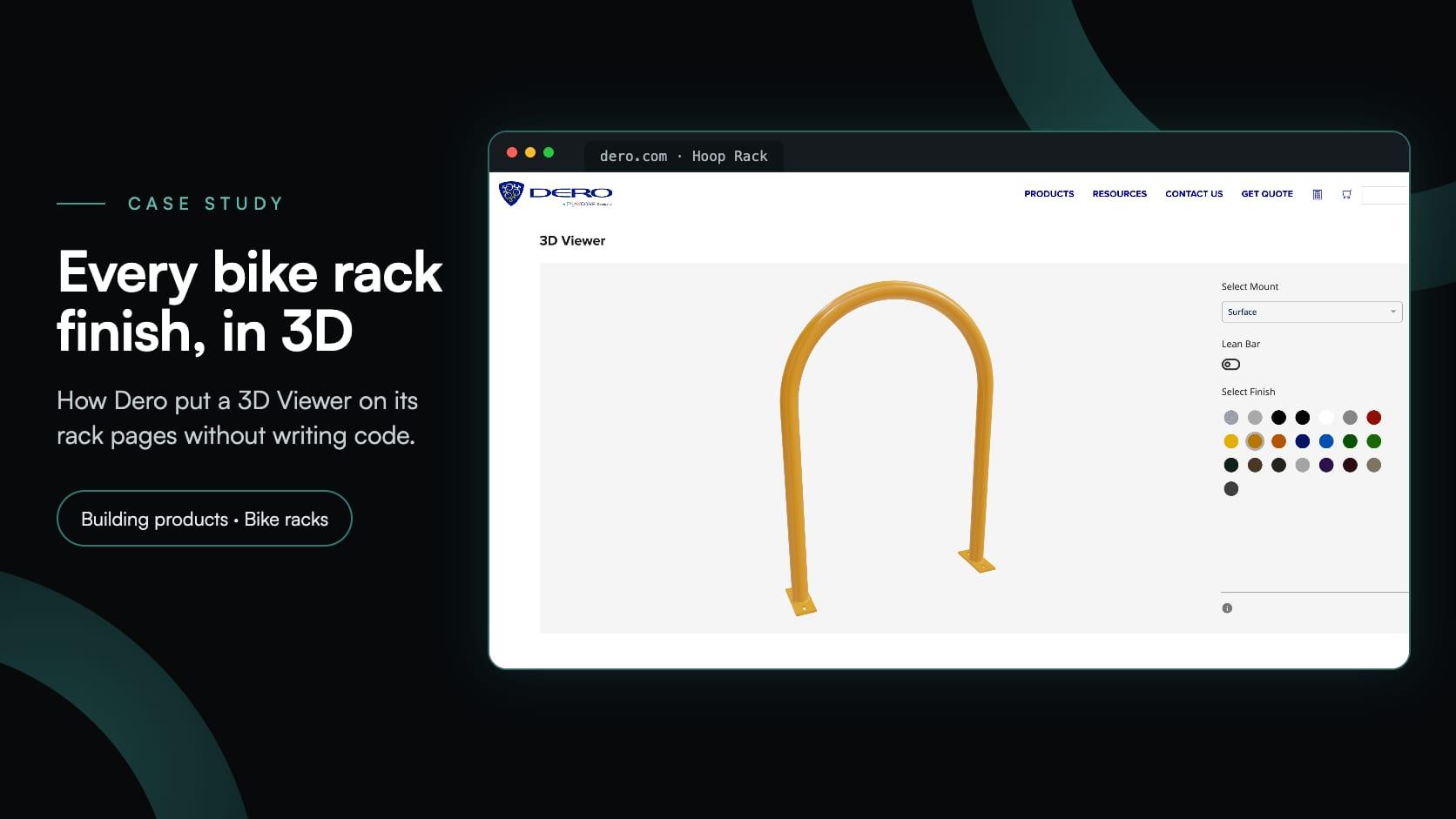
Building productsbuilding productsbike racks3d viewersite furnishings
Dero: a 3D bike rack configurator embedded without code
Dero·
Dero is a bike parking manufacturer in Minneapolis, Minnesota, and a PlayCore company. It makes commercial and custom bike racks, public bike repair stations, bike shelters, bike lockers, site furnishings and streetscape products, and has supported its customers since 1995, from homeowners buying a single rack to architects planning a bike room for hundreds of riders. Its product pages carry what specifiers look for: brochures, submittal sheets, installation guides, CAD, Revit and SketchUp files and CSI specifications.
Seven of those pages now also have a 3D bike rack configurator, built in Simplio3D and headed simply 3D Viewer. It is deliberately basic. A visitor picks how the rack is mounted, adds a lean bar where the rack offers one, and tries its finishes, and the rack changes in 3D. There is no price, cart or form, and putting it on dero.com took a pasted embed snippet rather than code.
| Item | Details |
|---|---|
| Client | Dero of Minneapolis, Minnesota, a PlayCore company: bike racks, custom racks, public bike repair, bike shelters, bike lockers, site furnishings and streetscapes, since 1995 |
| Website | dero.com, a WordPress site with Dero’s own store and quote list |
| Products | Seven commercial bike racks: Hoop Rack, Hoop Rack Heavy Duty, Downtown Rack, Arc Rack, Swerve Rack, Bike Hitch and Bike Bike Rack |
| What the 3D Viewer does | Shows the rack in 3D with the chosen mount, the lean bar on or off where the rack has one, and any of 22 finishes, with a summary of the choices |
| What it leaves out | Prices, a cart and a form. Buying and quotes stay with the options Dero’s product pages already had |
| Setup | One basic configurator per rack, embedded by pasting its snippet under a “3D Viewer” heading on the product page. No plugin, no shop integration, no code to write |
| Platform | The earlier version of Simplio3D |
Dero’s racks come galvanised, in stainless steel or in a range of powder-coat colours. A small swatch says little about how a colour looks on a whole rack.
Every one of these racks can be bolted down on base plates or set into the ground, and the two look different where the rack meets the floor.
Four of the seven racks take an optional lean bar, so their previews needed a way to add it and take it away again.
Each product page already had its own options to buy or get a quote. The 3D view only had to help people choose.
Seven racks needed the same choices in the same place, so a visitor who has used one 3D Viewer knows them all.
The viewers had to go onto existing WordPress product pages without a plugin, a developer or any change to the store.
On dero.com every rack has its own product page, with a description, documents and downloads, and Dero’s own options to buy or get a quote. Seven of them, from the Hoop Rack, which Dero calls the bike parking standard, to the Bike Bike Rack, shaped like a bicycle, now have a section headed 3D Viewer further down the page.
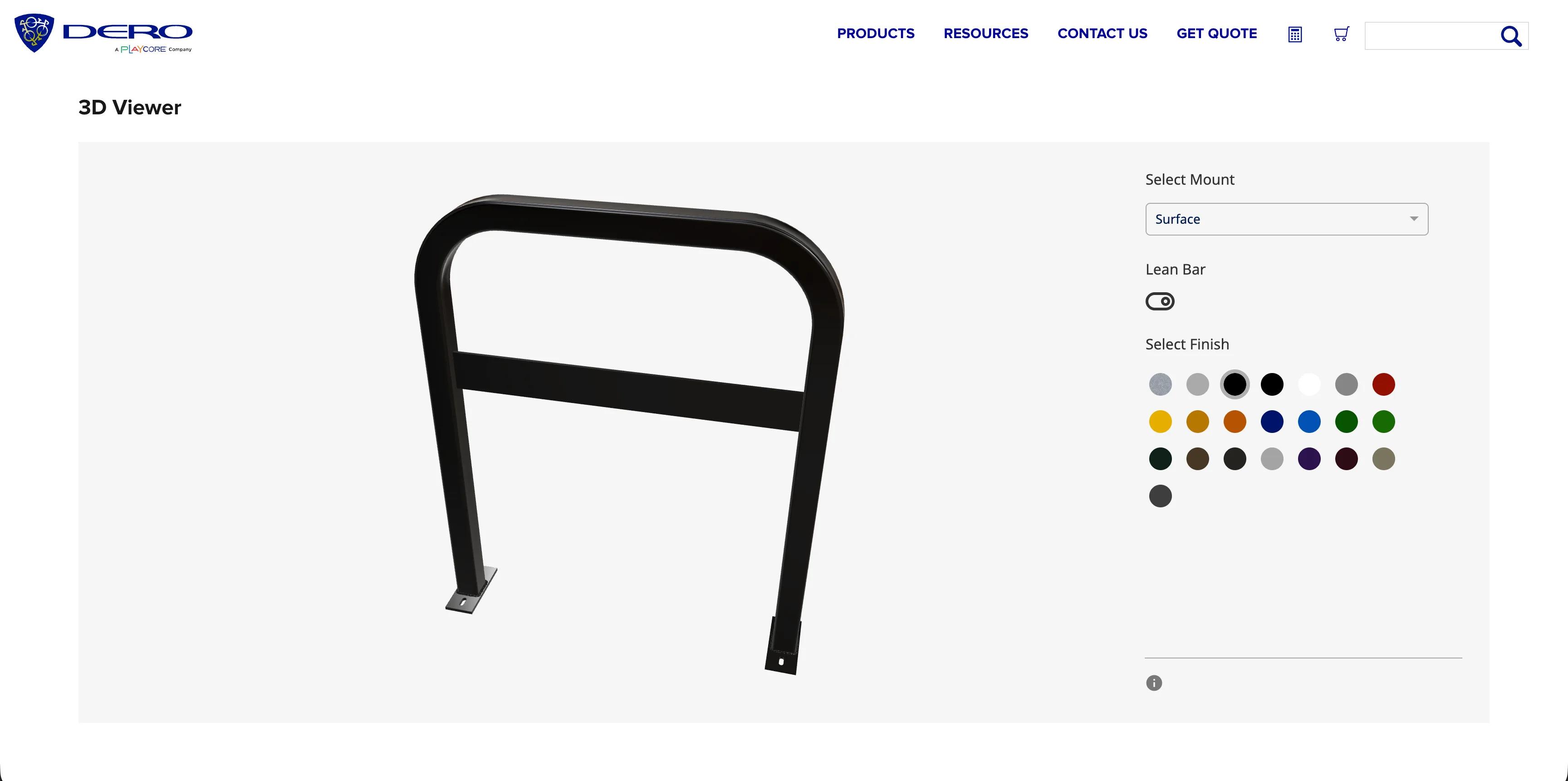
Each 3D Viewer is a basic configurator. The rack turns and zooms on a light grey background, and the panel beside it holds no more than three choices: the mount, the lean bar and the finish. Nothing is priced, nothing is added to a cart and nothing is sent. Its one job is to show the rack, which is why there was so little to set up.
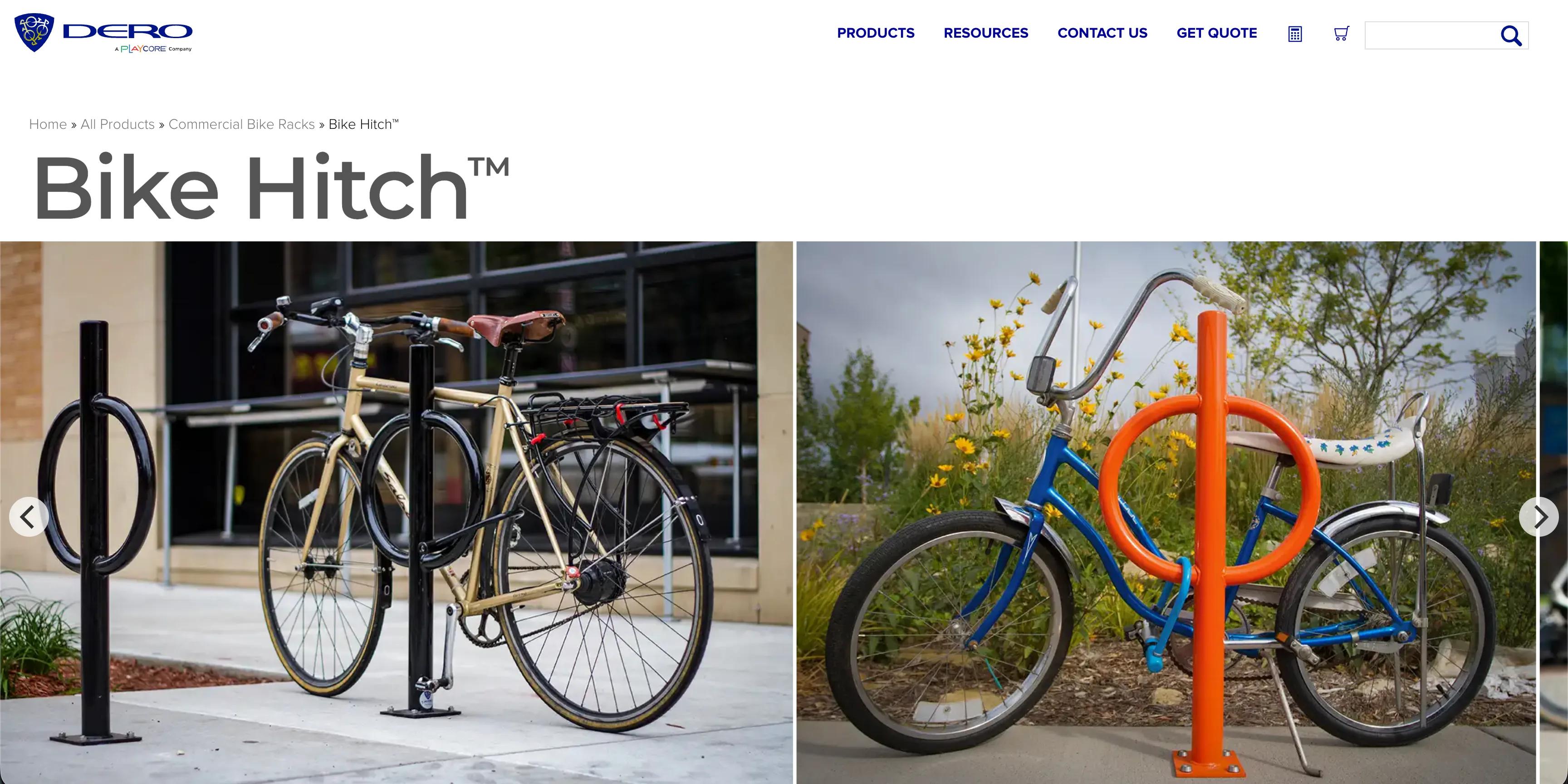
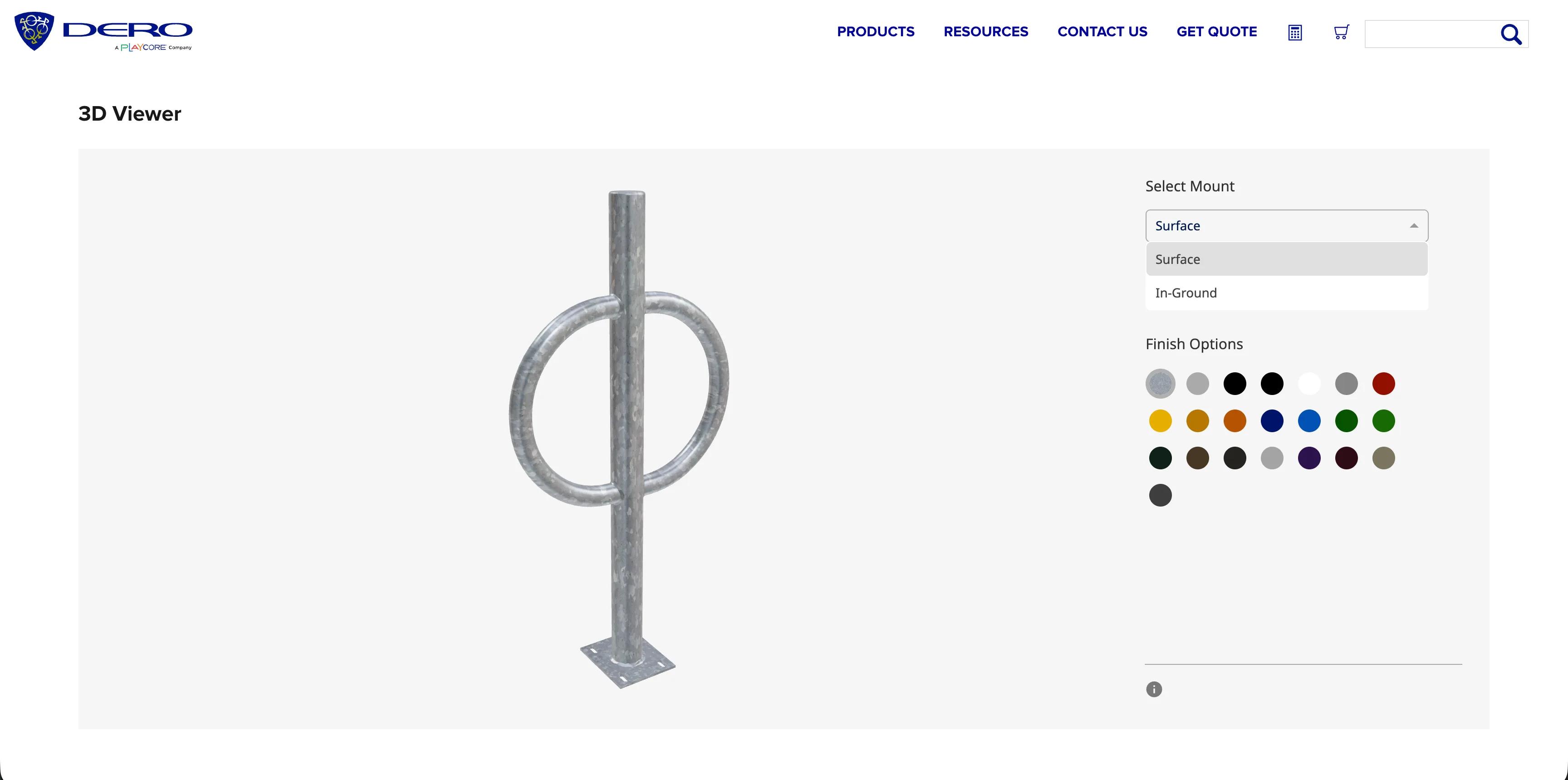
The three choices are the ones that change how a rack looks once it is installed:
A small (i) button under the panel opens the Configuration Summary, which lists the choices in words: on the Swerve Rack, for example, Select Mount: Surface and Select Finish: Wine Red. A visitor can take that straight to the buy or quote options on the same page.
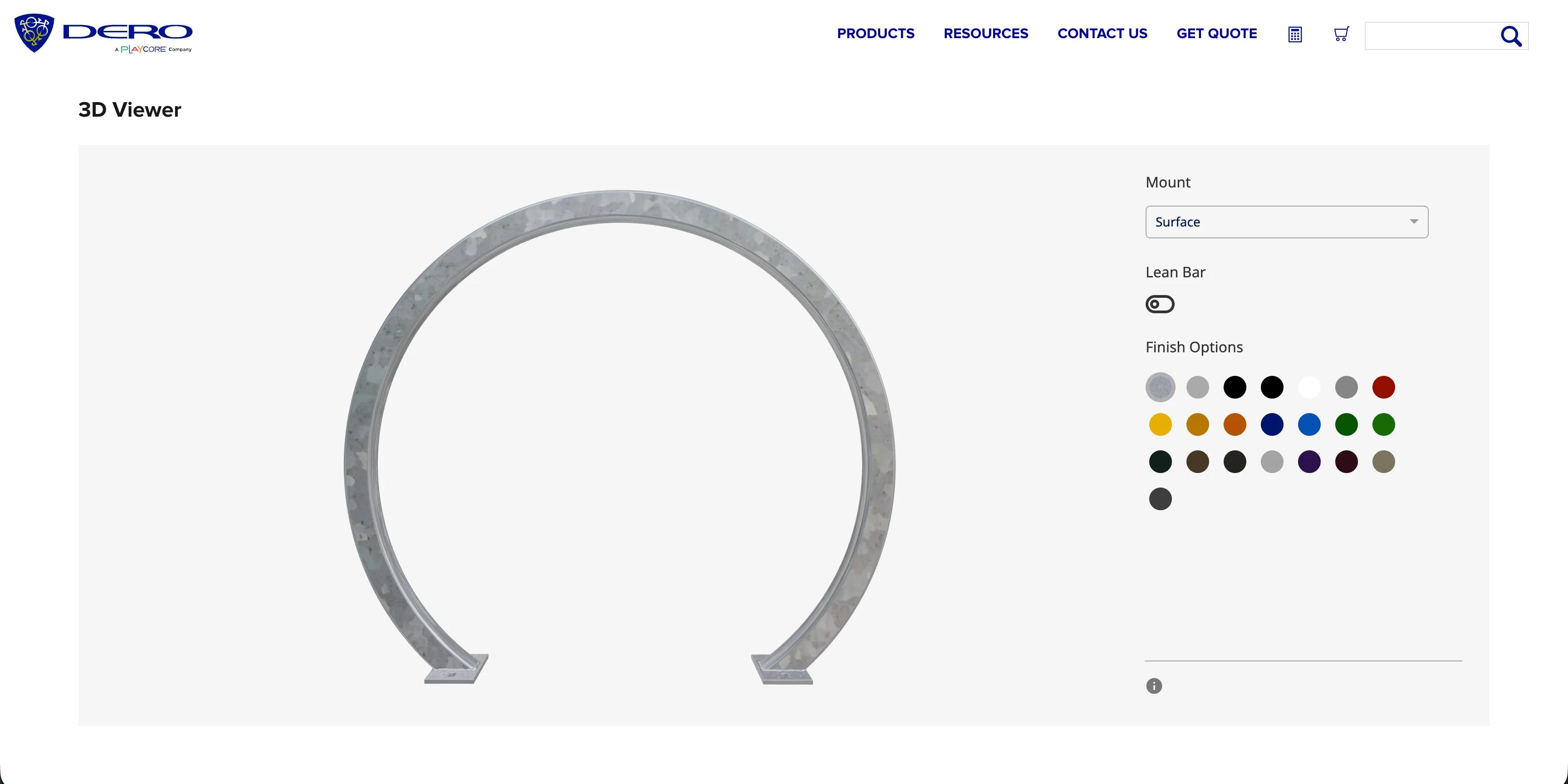
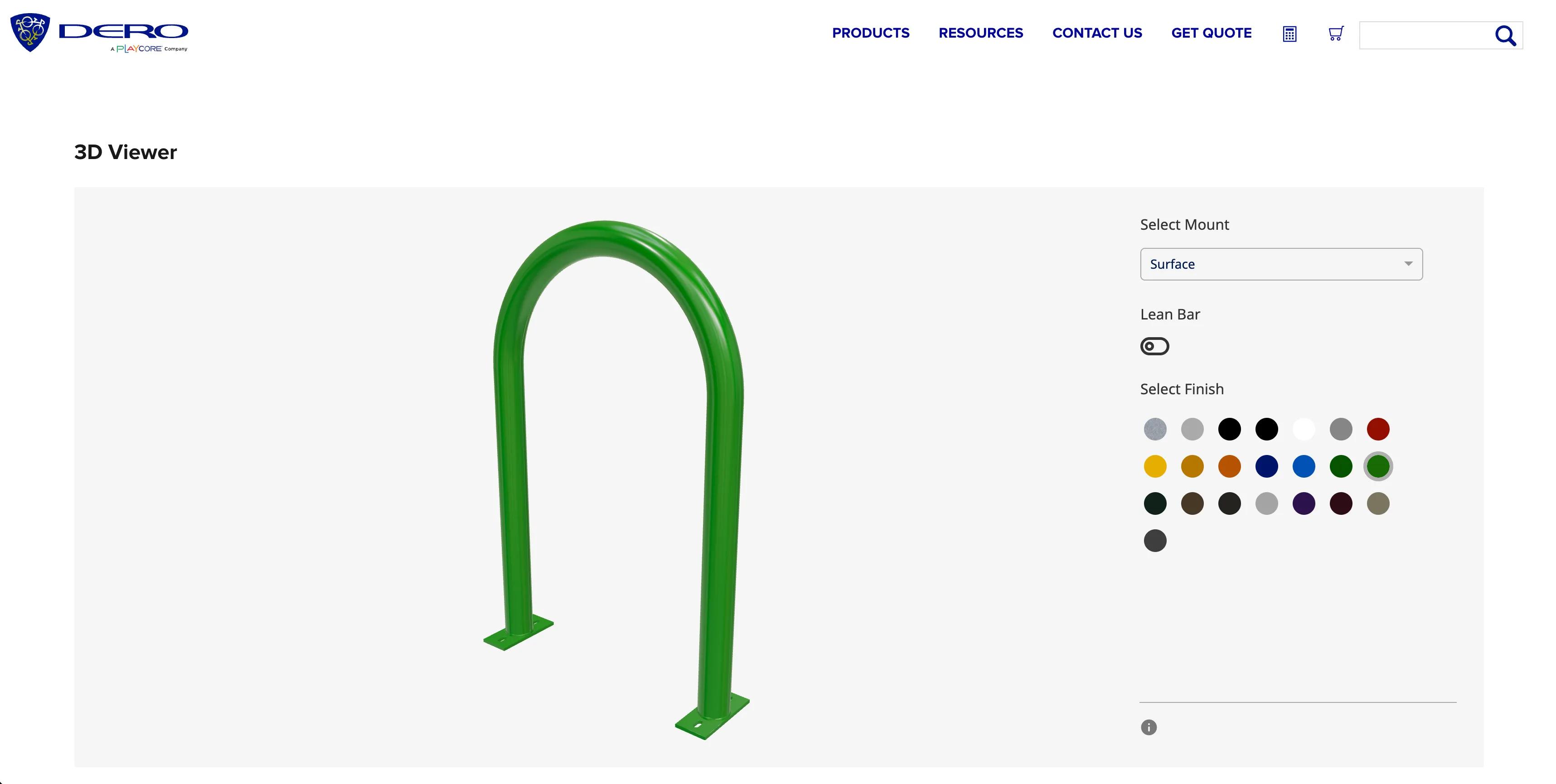
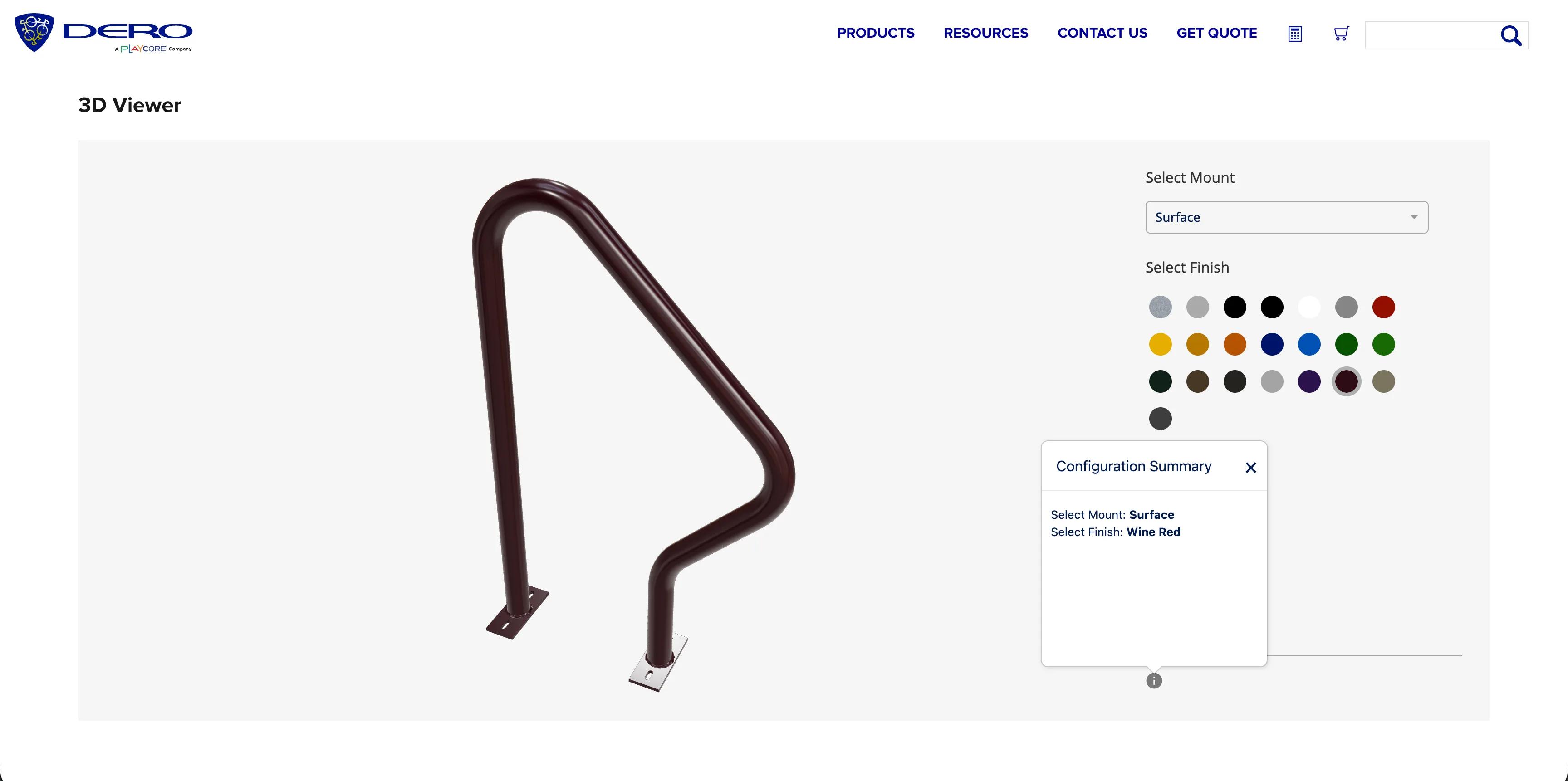
Seven racks, each with its own 3D Viewer on its product page.
| Rack | How Dero describes it | Choices in the 3D Viewer |
|---|---|---|
| Hoop Rack | The bike parking standard: thick pipe with a full-radius bend; parks two bikes | Mount, lean bar, 22 finishes |
| Hoop Rack Heavy Duty | A larger, thicker pipe than the standard Hoop Rack | Mount, lean bar, 22 finishes |
| Downtown Rack | Thick square tube and an extended width for full support; parks two bikes | Mount, lean bar, 22 finishes |
| Arc Rack | Square tubing with clean geometric lines; parks two bikes | Mount, lean bar, 22 finishes |
| Swerve Rack | Thick pipe in a shape that follows a bike’s frame; parks two bikes | Mount, 22 finishes |
| Bike Hitch | A post and ring with a full-radius bend and a slim silhouette; parks two bikes | Mount, 22 finishes |
| Bike Bike Rack | A rack shaped like a bike, described as a functional piece of street art; parks two to four bikes | Mount, 22 finishes |
Five steps, none of which needs code.
Add the rack’s model to a new project. Simplio3D takes GLB, GLTF, FBX, OBJ, STL and DAE files.
A dropdown with Surface and In-Ground, each showing the matching base on the model.
A switch that shows or hides the bar, on the racks that have one.
One swatch per finish: a texture for galvanised steel and a colour for each of the others.
Copy the configurator’s iframe snippet and paste it into the product page. Later changes made in Simplio3D appear on the page without editing it again.
Dero’s product pages already sell. Each one has Dero’s own options to buy or get a quote: finish, mount and, where it applies, the lean bar, then a quantity, Add to cart and Add to quote, with larger quantities going through the quote list. The 3D Viewer sits on the same page and leaves all of that alone.
It has no price, no cart and no form of its own, and it sends nothing anywhere. A visitor looks at the rack in the mount and finish they have in mind, then makes the same choices in Dero’s options. Keeping it that small is what made it quick to put live: there was no product to link, no price to keep in step and no form to route to anyone.
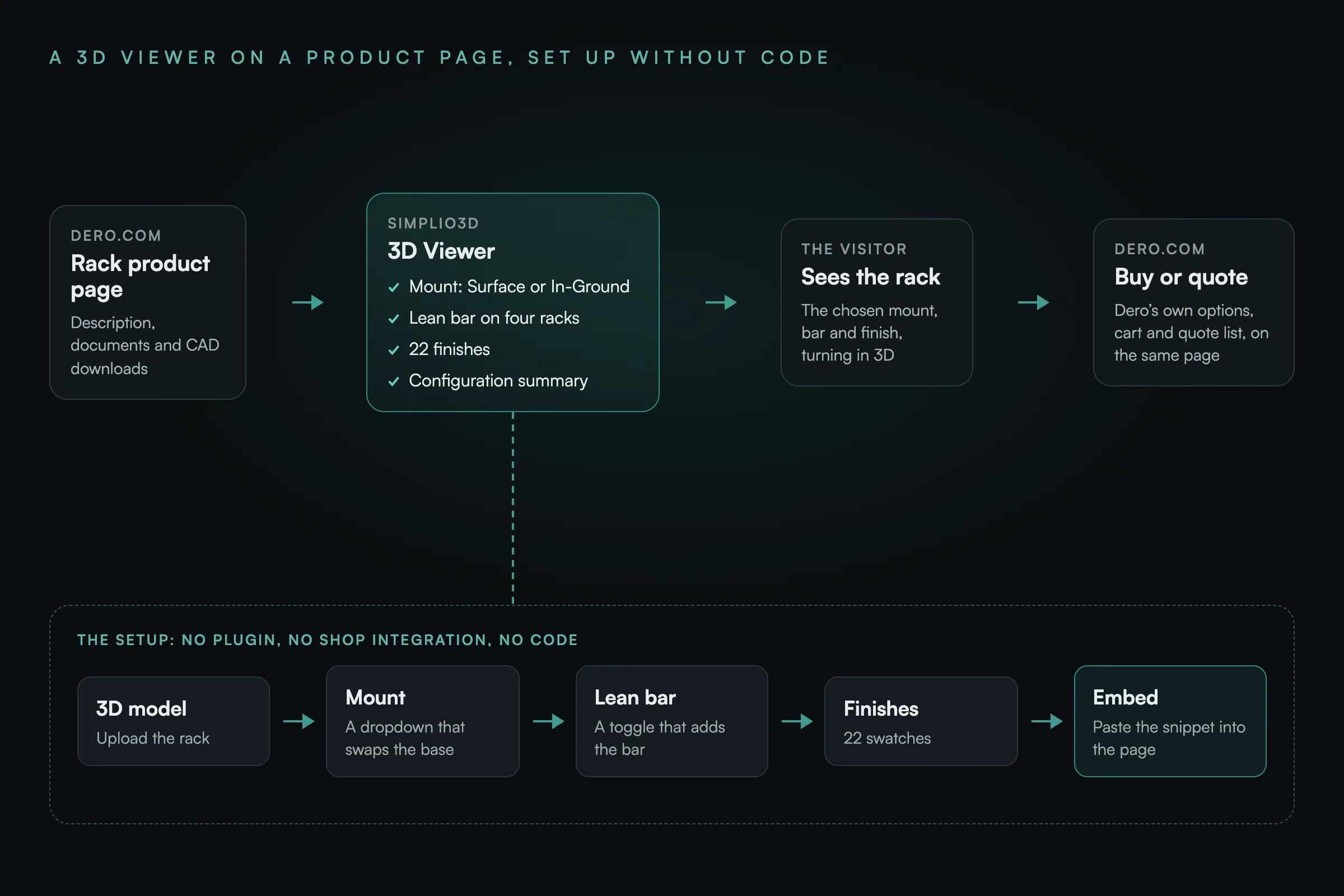
Every Simplio3D configurator has a share link and an iframe snippet to copy. On each Dero product page that snippet sits under the 3D Viewer heading, at full width. There is no plugin, no script and no connection to the store, so putting a viewer live meant pasting one snippet into one page.
Because the page holds only that snippet, the 3D Viewer itself is looked after in Simplio3D. A new finish or an updated model is changed there and shows on dero.com the next time the page loads, without anyone editing the product page. More on viewers like this: the 3D product viewer.
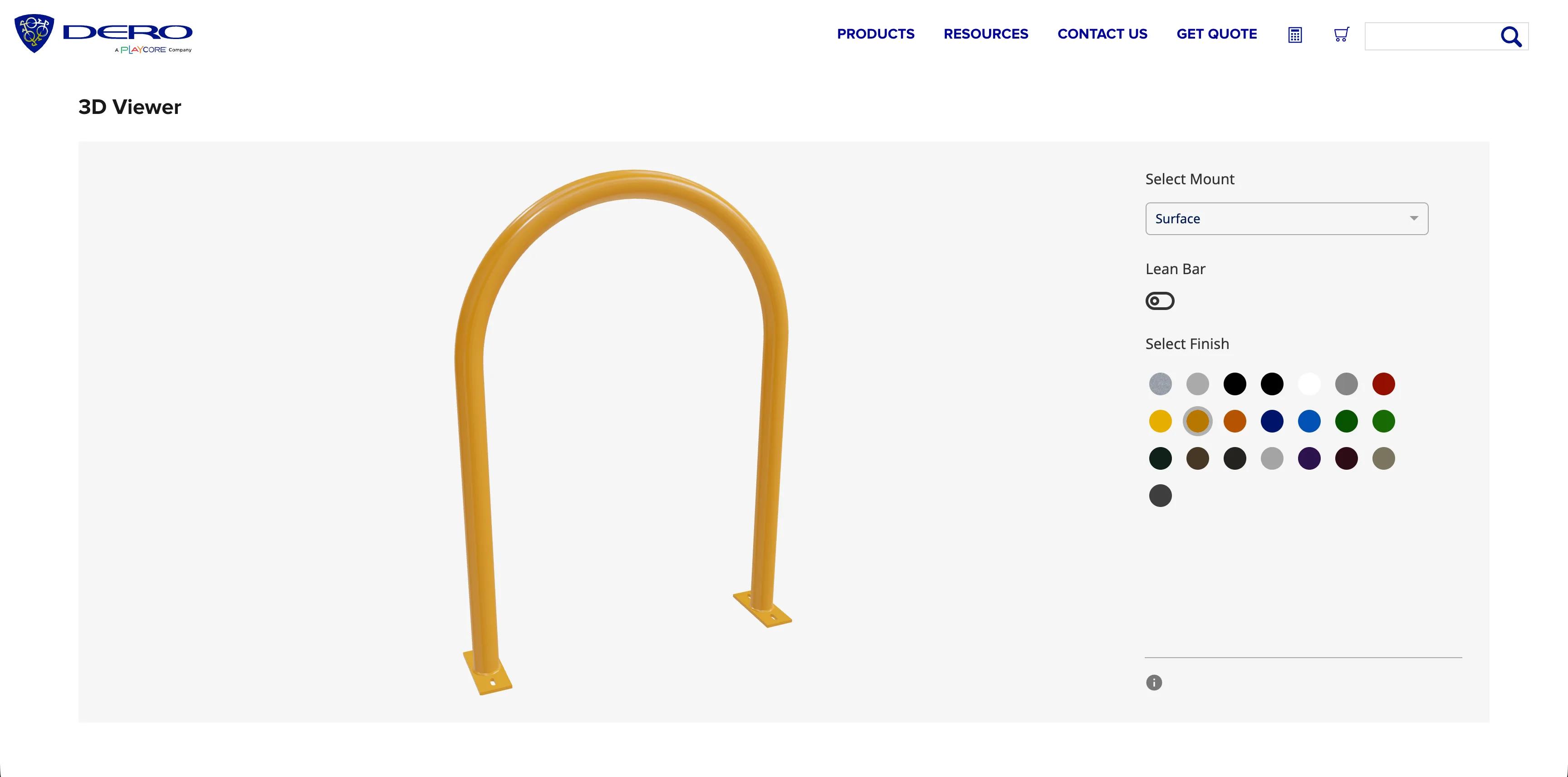
Visitors can try all 22 finishes on the rack they are looking at, with the mount and lean bar they need, before they buy or ask for a quote.
From the Hoop Rack to the Bike Bike Rack, each 3D Viewer works the same way, with the same three kinds of choice and the same finishes.
The product pages hold only an embed snippet. Changes happen in Simplio3D, and the store and quote list carry on as before.
Simplio3D made it easy to show our racks the way they will look once they are installed. Each 3D Viewer has the mount, the lean bar where a rack has one and our full range of finishes, and getting it onto a product page was just a matter of pasting the embed code. No developer, no plugin, and the pages stay simple to look after.
A tool that shows a bike rack in 3D and lets a buyer change its options, such as the mount, a lean bar or the finish, and see the result before ordering. Dero’s is deliberately basic: three kinds of choice and a 3D view, with no price or form.
Seven commercial racks: the Hoop Rack, Hoop Rack Heavy Duty, Downtown Rack, Arc Rack, Swerve Rack, Bike Hitch and Bike Bike Rack. Each viewer is on that rack’s product page on dero.com.
The mount (Surface or In-Ground), the lean bar on the four racks that offer one, and the finish, from 22 swatches that include galvanised steel, stainless steel and 20 colours. A summary lists the choices in words.
Dero’s product pages already have their own options to buy or get a quote. The 3D Viewer only helps visitors choose, which kept it simple to set up and keeps it easy to look after.
No. Each 3D Viewer is an iframe snippet copied from Simplio3D and pasted into the product page. There is no plugin and no connection to the store, and changes made in Simplio3D appear on the page without editing it.
Yes. A Simplio3D configurator can add conditional rules, pricing, a quote or contact form, or augmented reality when a product needs them. The next section describes what a project like this could add today.
None of this section is part of Dero’s 3D Viewers described above, which run on the earlier version of Simplio3D. For a maker of bike racks or site furnishings starting now:
simplio3d:option.changed, so a site that wants to can pre-select the same finish and mount in its own order form with a few lines of its own script.How Evergreen Shutters returns a generated 3D view of each shutter with every quote from its own quoting system.
How Fanbedarf.de put a 3D jacket configurator on its WordPress site with four models, fabric colours and a request form.
Show products in 3D on any website, with rotation, zoom, animations and annotations, for showcases and product pages.
Használjon saját 3D termékkonfigurátort az értékesítés ösztönzésére és árajánlatok közvetlen, webhelyéről történő készítésére
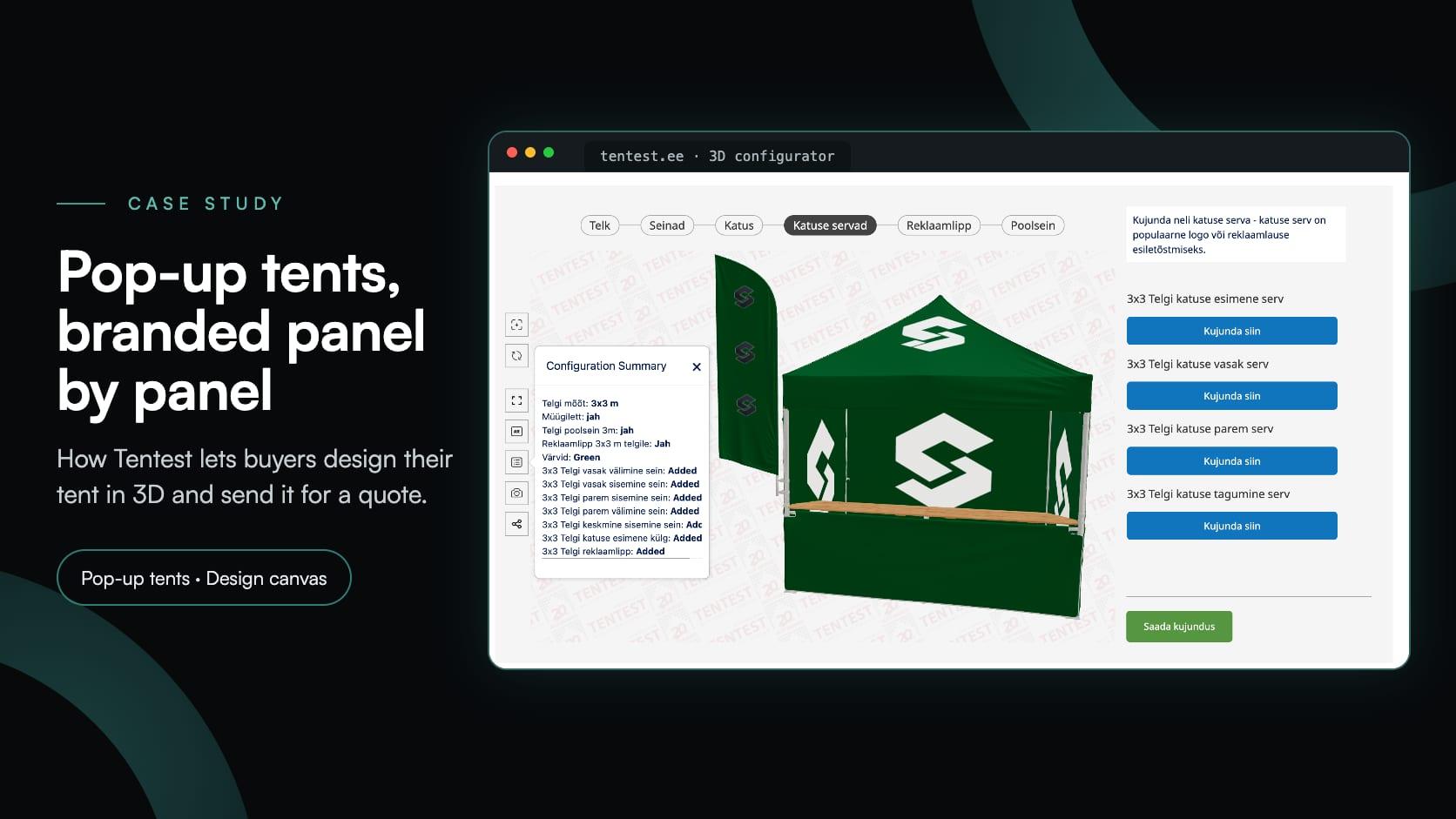
How Tentest built its own pop-up tent configurator: six sizes, a design canvas with logo upload on every panel, AR, and a quote request at the end.
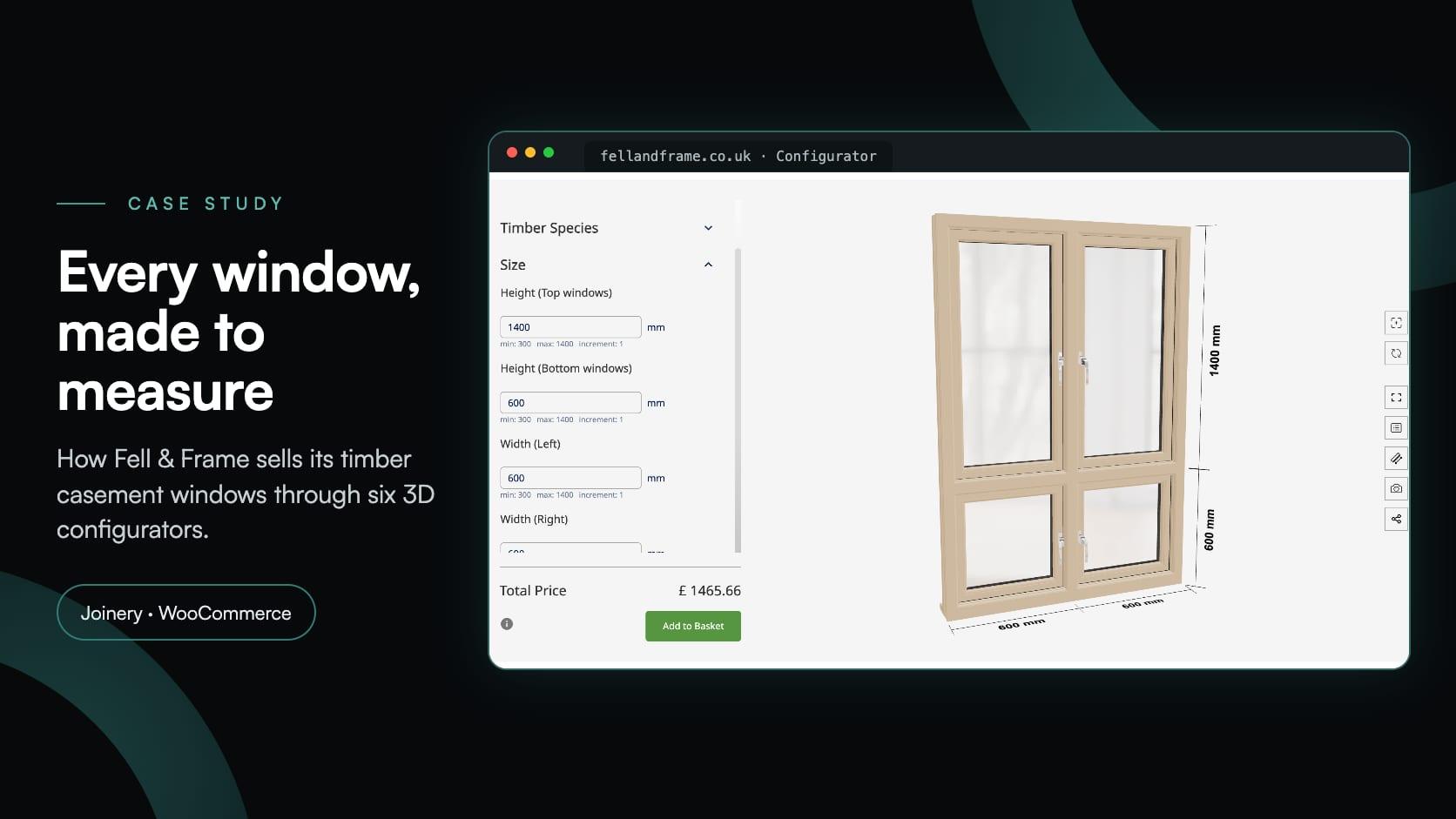
A Carlisle-i asztalosipari vállalkozás, a Fell & Frame saját faablak-konfigurátort készített a(z) Simplio3D rendszerben. A vásárlók hatféle bukó-nyíló ablaktípust milliméter pontossággal méretezhetnek, majd a(z) WooCommerce kosarába helyezhetnek.
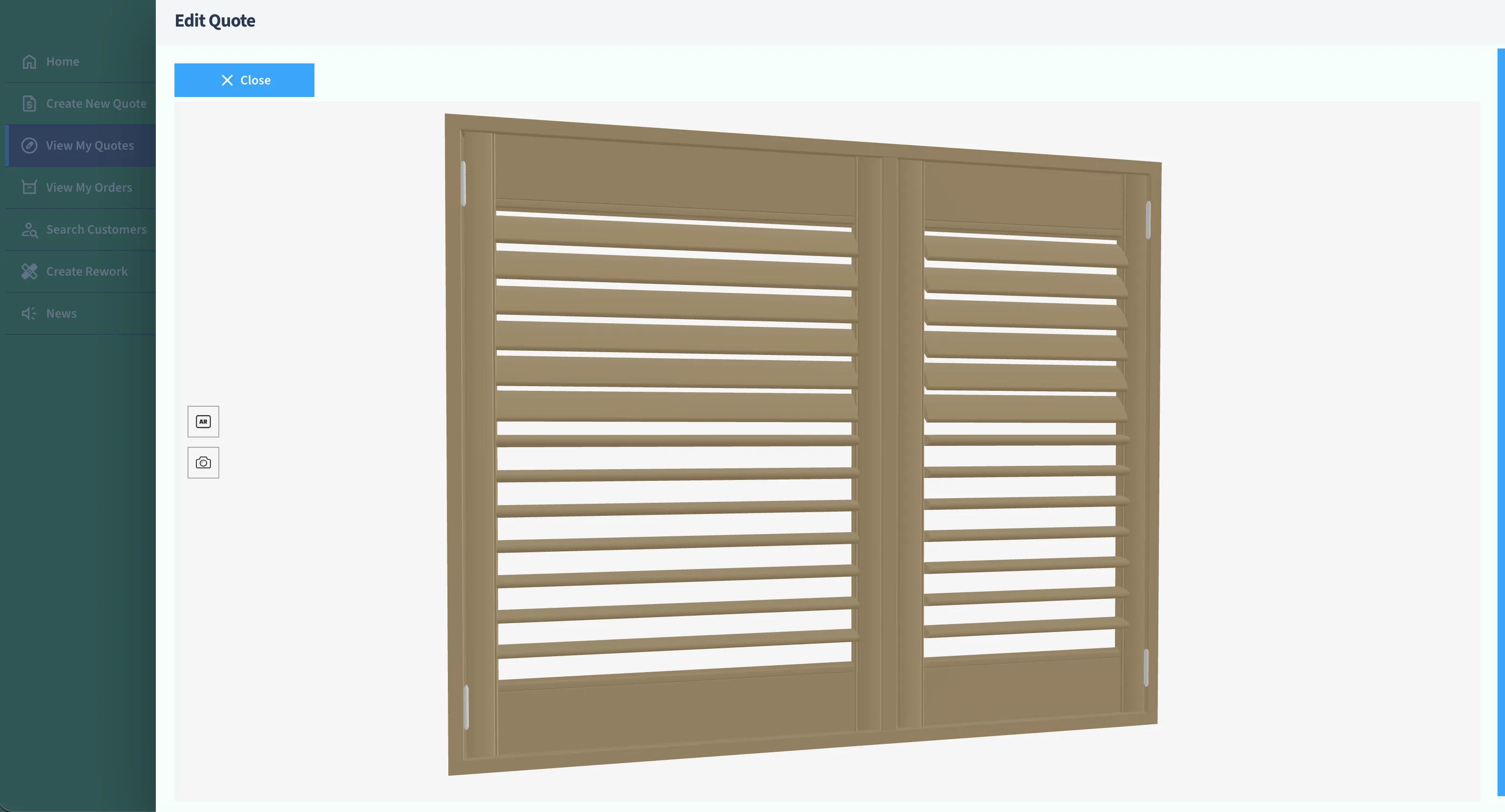
Az Evergreen Shutters Ltd-nek pontos látványtervekre volt szüksége több ezer zsalugáter-variációhoz a saját árajánlatkészítő platformján belül. Ahelyett, hogy 3D motort fejlesztettek volna, integrálták a(z) Simplio3D API megoldást, és minden árajánlathoz egy generált 3D nézetet adtak vissza.